After a recent update the Theme Manager no longer opens. I have tried several fixes does anyone have a similar issues or advice.
Thanks
Hello.
Same situation.
when called from CLI, mb-obthemes shows Error= 255.
That’s all I know…
It is the same, also mcc does not open, with ps -A | grep yad I get
ps -A | grep yad
  29833 pts/0    00:00:00 yad
  29834 pts/0    00:00:00 yad
  29835 pts/0    00:00:00 yad
  29836 pts/0    00:00:00 yad
  29837 pts/0    00:00:00 yad
  29838 pts/0    00:00:00 yad
  29839 pts/0    00:00:00 yad
  29840 pts/0    00:00:00 yad
  29841 pts/0    00:00:00 yad
  29842 pts/0    00:00:00 yad
  29843 pts/0    00:00:00 yad
  29844 pts/0    00:00:00 yad
  29845 pts/0    00:00:00 yad
but it doesn’t show the control panel, I can only kill yad with killall -9 yad
Thanks for the report. It looks like the issue concerns:
- Mabox Control Center
mcc - Welcome screen
mwelcome - and Theme Manager
mb‑obthemes
I’ll try to fix it as soon as possible.
FYI…
What happened: yad v15.0 was tagged July 1, 2026 (v1cont/yad on GitHub). Checking the current man page against older versions: --image-on-top is gone.
In yad ≤14.x the man page listed it right after --image=IMAGE.
Yad also now hard-fails on unrecognized options instead of silently ignoring them, as older versions did.
grep -n 'image-on-top' /usr/bin/mcc
623:    --width="720" --height="420" --image-on-top --text-justify=right --text="$MCC"  --no-buttons > $out &
641:    --width="720" --height="420" --image-on-top --text-justify=right --text="$MCC"  --no-buttons > $out &
796:    --width="720" --height="420" --image-on-top --text-justify=right --text="$MCC"  --no-buttons > $out &
grep -n 'image-on-top' /usr/bin/mwelcome
114:	--image=/usr/share/icons/mabox_trans_64.png  --image-on-top \
grep -n 'image-preview' /usr/bin/mb-obthemes
1064:            --width=$W --height=$H --center --image-preview \
Thanks @muzqs
mcc and mwelcome is fixed already.
The issue with the theme manager may be more difficult… but perhaps this is a good opportunity to abandon it and write (finish) a new one, better suited to the possibilities we have in Mabox thanks to Colorizer…
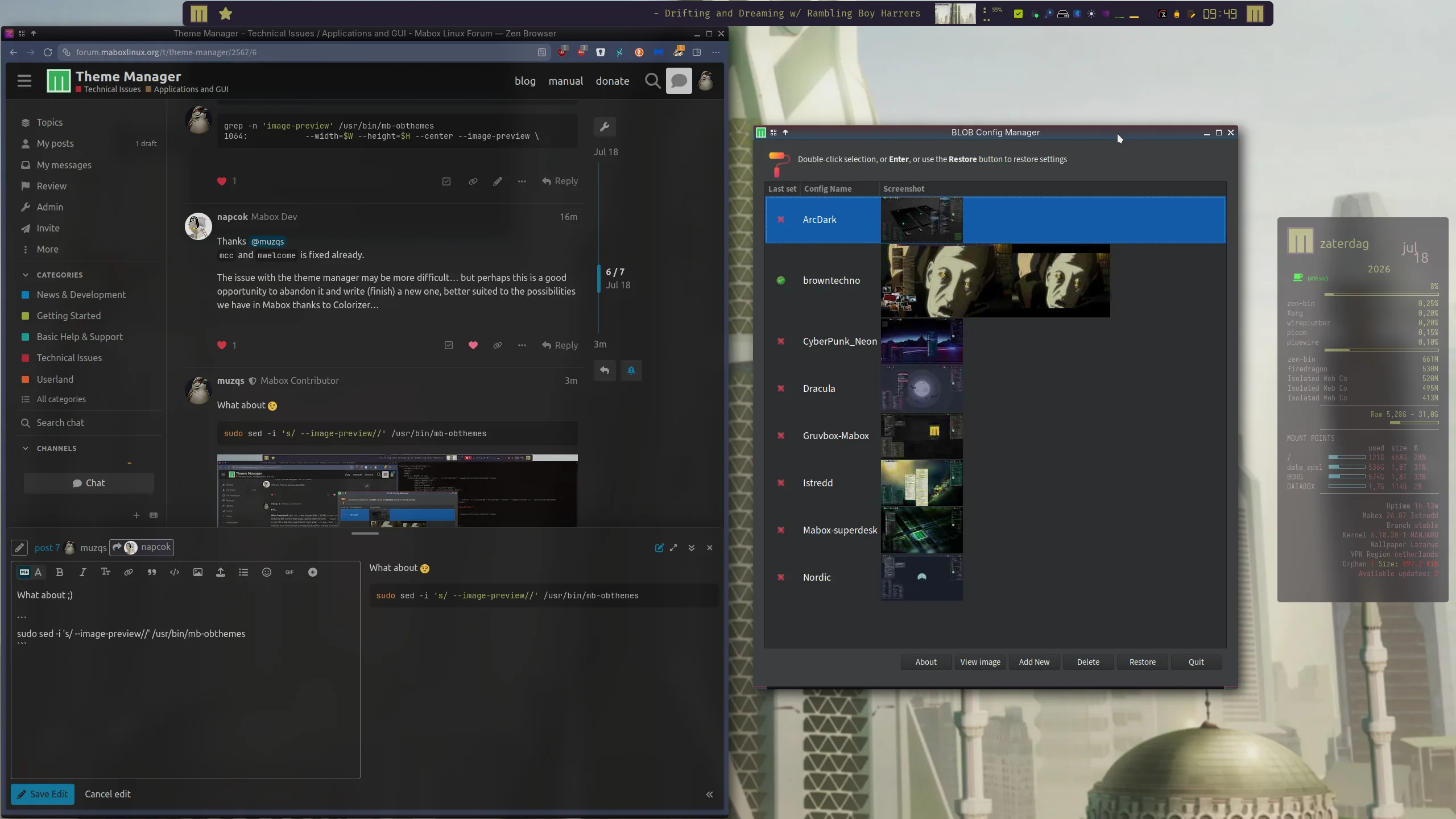
Interesting 
Thanks @muzqs, fixed with mabox-tools-20260718-2 

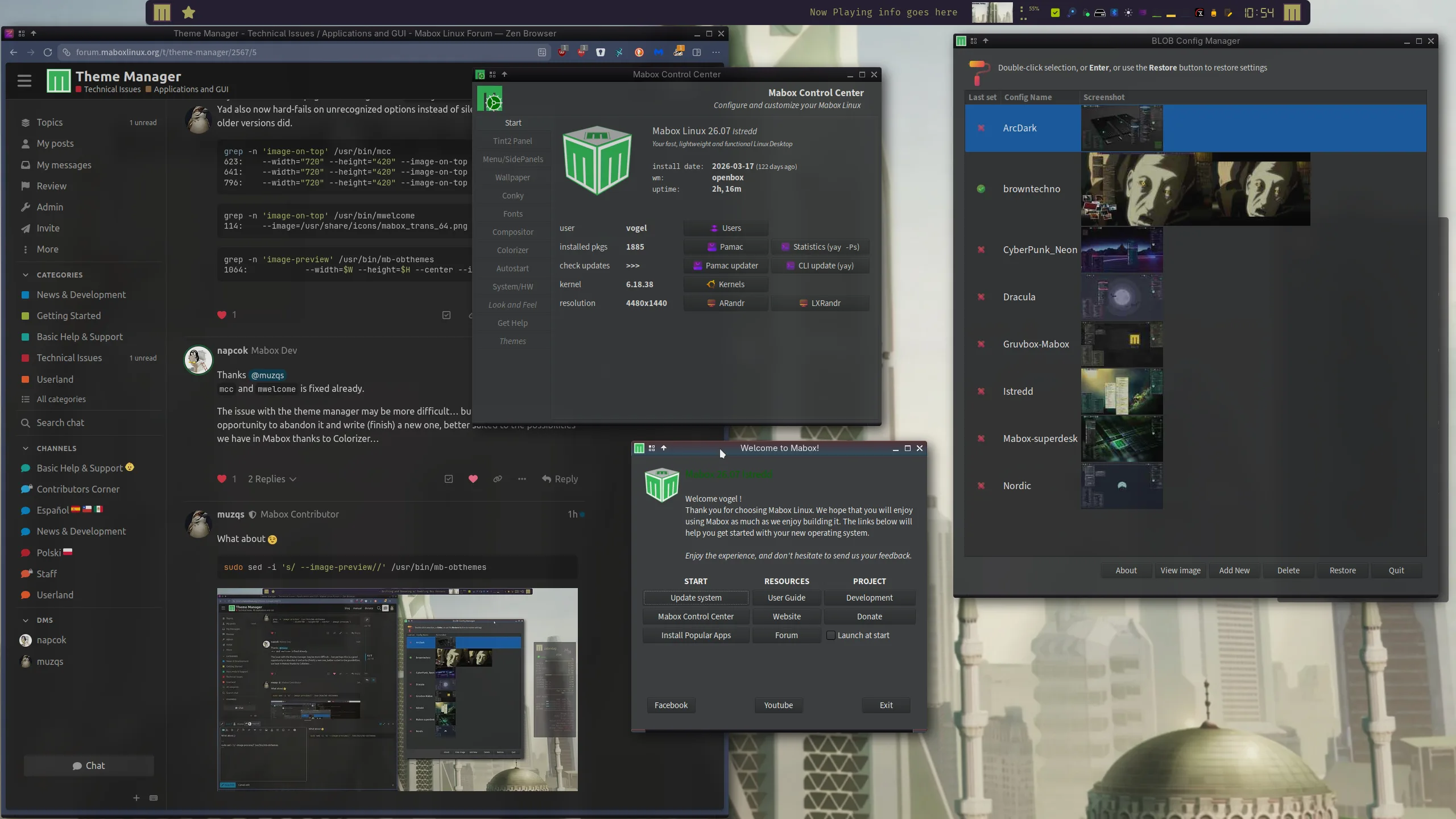
So this is a YAD issue?
Using the modified mb-obthemes script in which I embedded some debugging features, this is returned via the log.
[2026-07-18 15:45:09] [DEBUG] === mb-obthemes started ===
[2026-07-18 15:45:09] [DEBUG] User: donald | Home: /home/donald | LANG: en_US.UTF-8
[2026-07-18 15:45:09] [DEBUG] Config path: /home/donald/.config/blob
[2026-07-18 15:45:09] [DEBUG] Log file: /home/donald/.config/blob/mb-obthemes.log
[2026-07-18 15:45:09] [DEBUG] ========================================
[2026-07-18 15:45:09] [DEBUG] === countMonitors function ===
[2026-07-18 15:45:09] [DEBUG] === getScreenDims function ===
[2026-07-18 15:45:09] [DEBUG] === getSet function ===
[2026-07-18 15:45:09] [DEBUG] === restoreSettings function ===
[2026-07-18 15:45:09] [DEBUG] === ViewRestoreDialog function ===
[2026-07-18 15:45:09] [DEBUG] === getSet function ===
[2026-07-18 15:45:09] [DEBUG] Error= 255
I hate, nay, despise this age of vibe coding using Artificial Intelligence. I can guarantee that this is just one case.
@SauronsMouth
can you show
grep -n 'image-on-top' /usr/bin/mcc

grep -n 'image-on-top' /usr/bin/mwelcome

grep -n 'image-preview' /usr/bin/mb-obthemes

which mb-obthemes
All outputs should be empty exept from which.
⤛ donald ⤜⤛ 05:37 ⤜⤛ ~ ⤜grep -n 'image-on-top' /usr/bin/mcc

grep -n 'image-on-top' /usr/bin/mwelcome

grep -n 'image-preview' /usr/bin/mb-obthemes

which mb-obthemes
/home/donald/bin/mb-obthemes

⤛ donald ⤜⤛ 05:37 ⤜⤛ ~ ⤜
No output means you got the fix.
What happens when you use
/usr/bin/mb-obthemes
/usr/bin/mcc
/usr/bin/mwelcome
Everything works as expected.
However, my modified mb-obthemes is still broke and running yad (in a terminal) still displays NADA.
Recapitulee. The mabox scripts are working and your copy is not?
Correct.
Comparing the working script (/usr/bin/mb-obthemes) with my modified script ($HOME/bin/mb-obthemes) offers no clues as to why exactly my modified script is failing. I modified the original to save and restore my ‘polybar’ and ‘rofi’ configurations and the last time I used it, on the 2nd of July, it worked fine.
Maybe check the latest yad commits and man page — the recent update has quite a few changes and deprecations. The deprecated flags now throw errors, whereas before they were just silently ignored.
I suspect the --flagname you’re using has been deprecated.
Try
grep -n 'image-preview' ~/bin/mb-obthemes
My modified ‘mb-obthemes’ script changed nothing as far as flags go, it only added the save and restore functions for ‘polybar’ and ‘rofi.’
I’ll figure it out though and when I do I’ll report my findings.