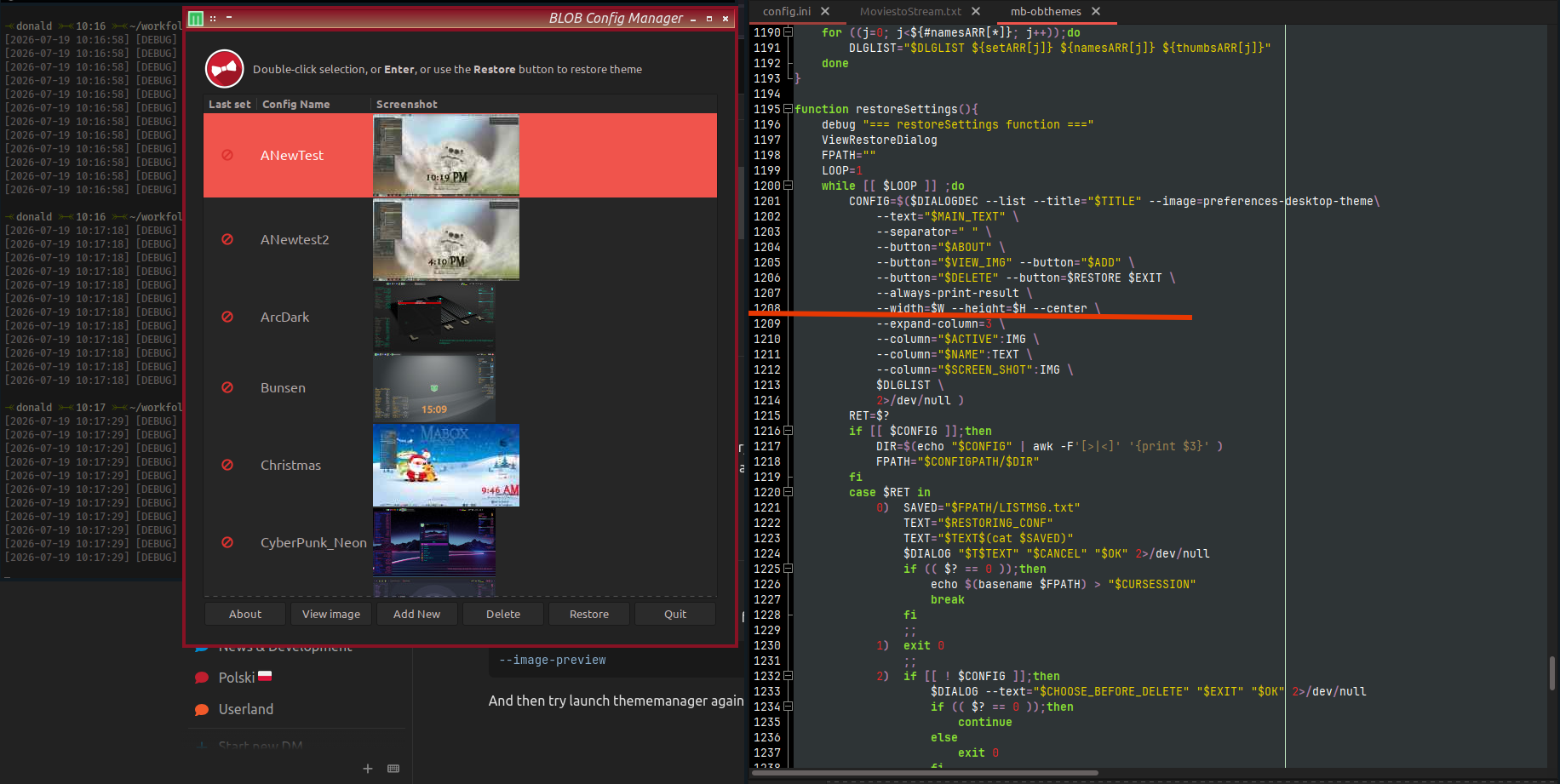
1208: --width=$W --height=$H --center --image-preview \
remove --image-preview
Not following.
I copy/pasted the command you said to try and what I pasted (1208: --width=$W --height=$H --center --image-preview \) was the terminal output.
in your ~/bin/mb-obthemes remove this from the code.
--image-preview
And then try launch thememanager again.
or do
sed -i 's/ --image-preview//' ~/bin/mb-obthemes
A big thank you to @muzqs without whose help I would have spent days (probably) looking for this.
With the last update everything seems to work well. 