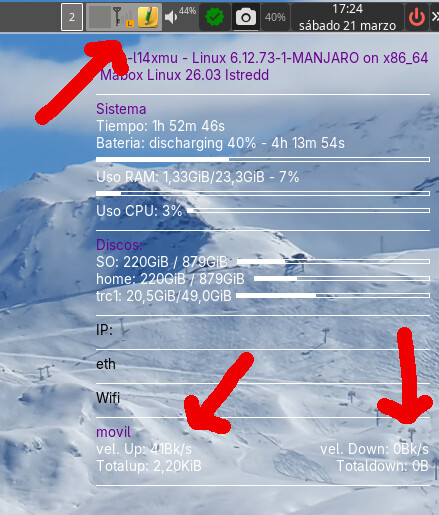
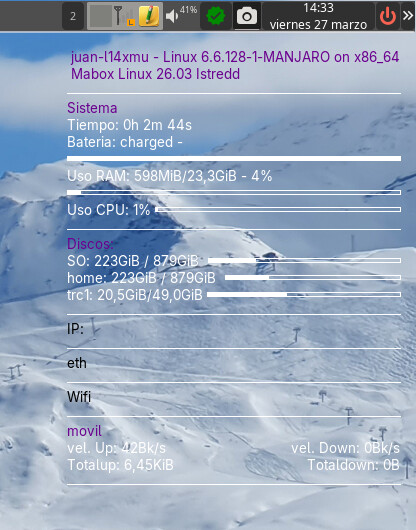
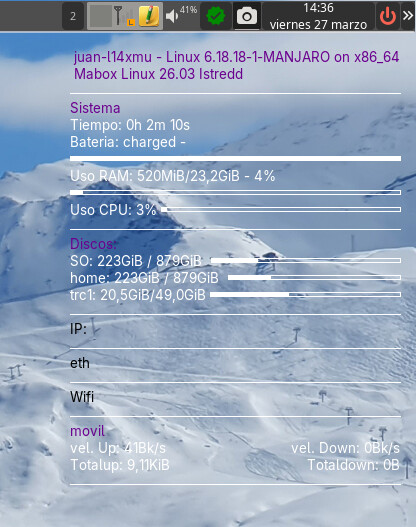
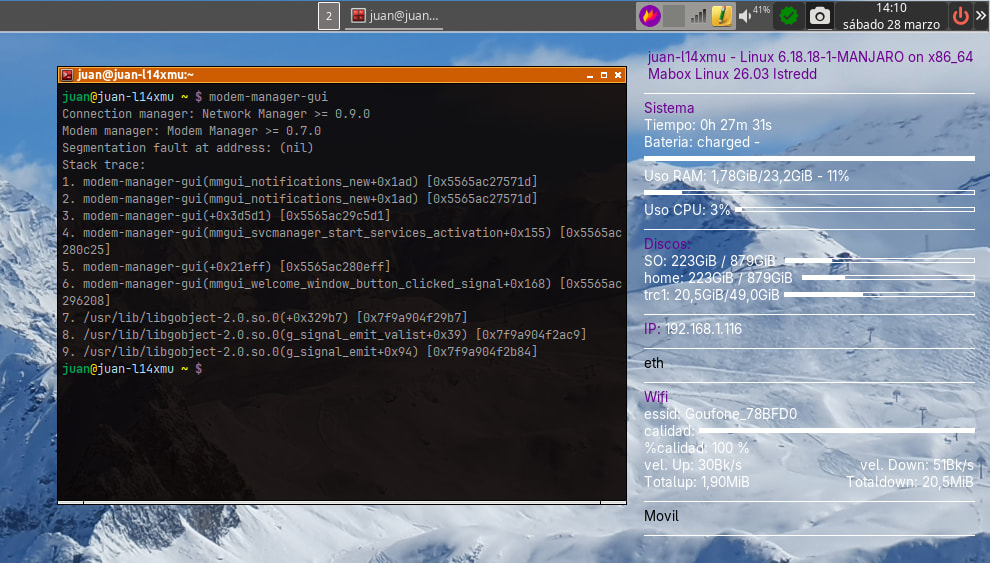
I have a SIM card in my laptop for broadband internet. It worked fine with the previous version of Mabox I had installed. But since updating to the latest version, 25.12 and now 26.03, it has stopped working.
I create a new broadband connection, select my country, select my mobile carrier, and it creates a new entry. When I select the entry, it connects as (Orange LTE) but with practically 0% coverage (sometimes 16%), and although it seems to be sending packets, it isn’t receiving any, so I can’t browse the internet at all.
How can I fix this?
Thanks
-
En el portatil tengo una sim para conectarme con banda ancha a la red. Con la anterior versión de Mabox que tenía instalada me funcionaba correctamente. Pero desde que he actualizado a la última versión 25.12 y ahora 26.03 ha dejado de funcionar.
Creo una nueva conexión de banda ancha, selecciono mi país, selecciono mi operador de telefonía y me crea una nueva entrada. Al seleccionar la entrada se conecta como (Orange LTE) pero practicamente con 0% de cobertura ( a veces 16%) y aunque parece que sí envia paquetes, no recibe en cambio ninguno, no pudiendo navegar en absoluto.
Cómo podría solucionarlo?
Gracias