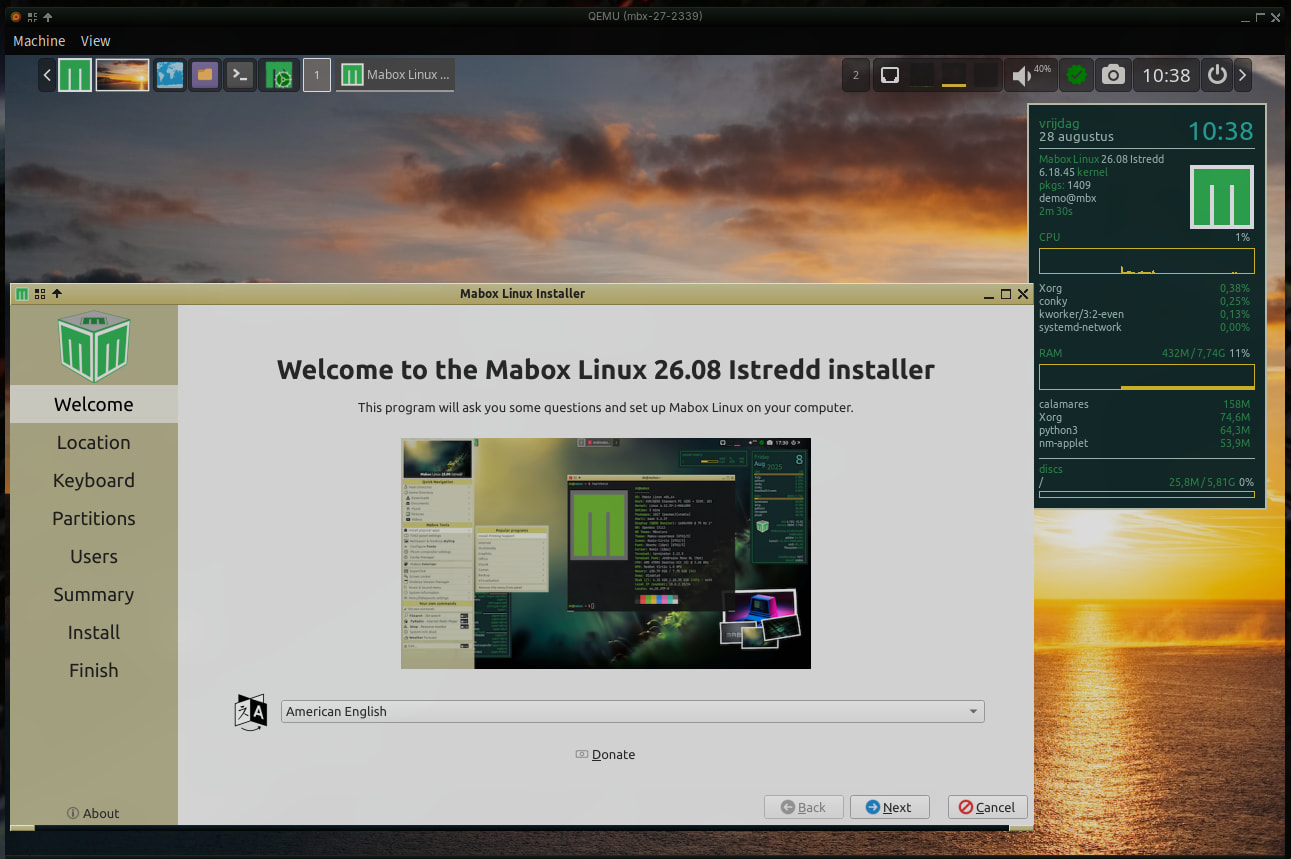
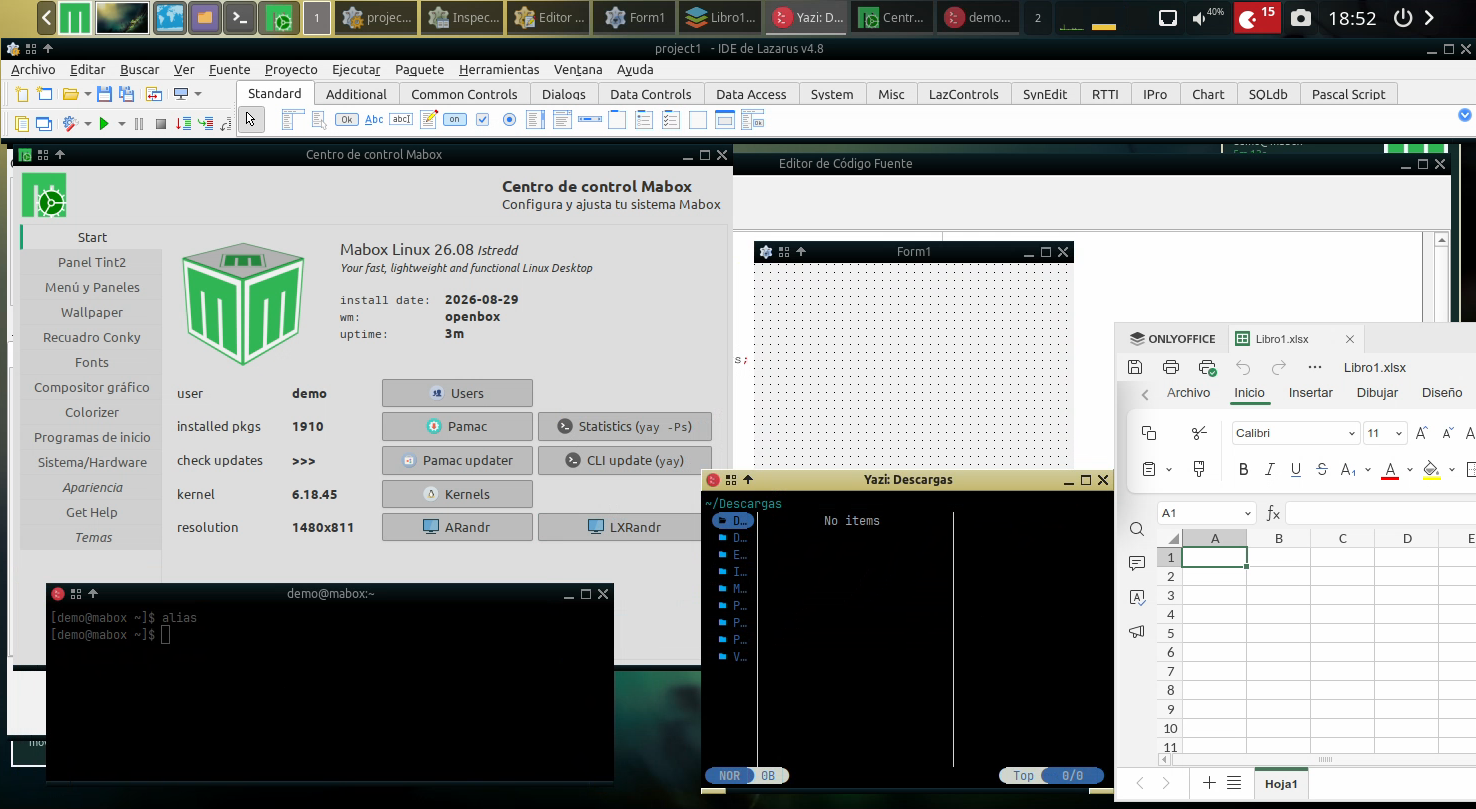
I’m pleased to introduce 2 new tools specially created for Mabox Linux.
Mabox-Snapshot and Mabox-Persistence-Usb
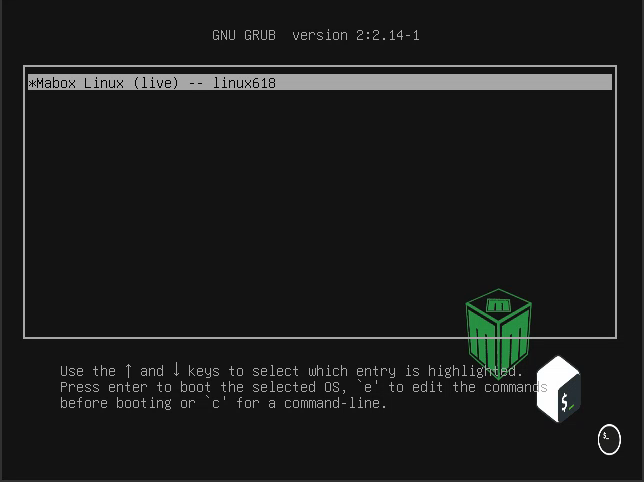
(preview grub 2 kernels)

- Both tools were developed and tested on my daily-driver Mabox Linux system.
- The persistence USB tool was also tested on an old laptop.
- Once again, I found that it is best to use a USB drive whose speed matches the fastest USB port available on your computer.
Create a bootable live/install ISO from a running Mabox Linux system
mabox-snapshot
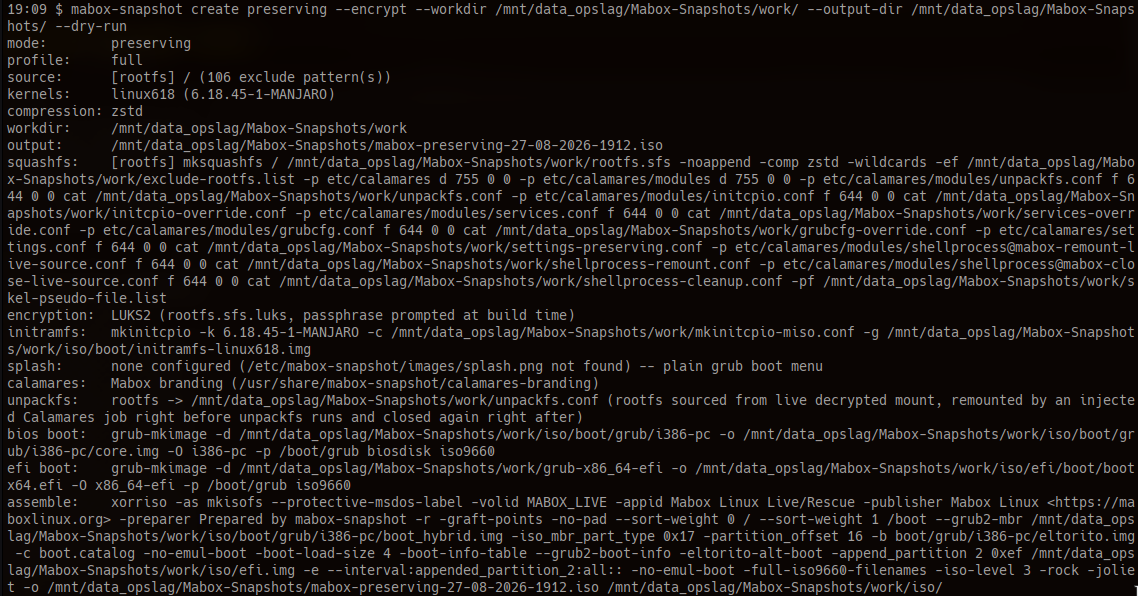
Workflow creating a snapshot
Create a
resetsystem ISO → save to share
This creates an ISO without preserving personal data or system changes:
mabox-snapshot create reset \ --workdir /path/to/work/dir \ --output-dir /path/to/output/dir \ --dry-run
Create a
preservingsystem ISO → Keep this one private
This creates an ISO that preserves your system and personal data.
It contains sensitive information, encrypt it:
mabox-snapshot create preserving \ --workdir /path/to/work/dir \ --output-dir /path/to/output/dir \ --encrypt \ --dry-run
The examples above use --dry-run, which displays the actions without making changes. Remove this option when you are ready to perform the operation.
Create a persistent Mabox Linux USB drive from the ISO
mabox-persistence-usb
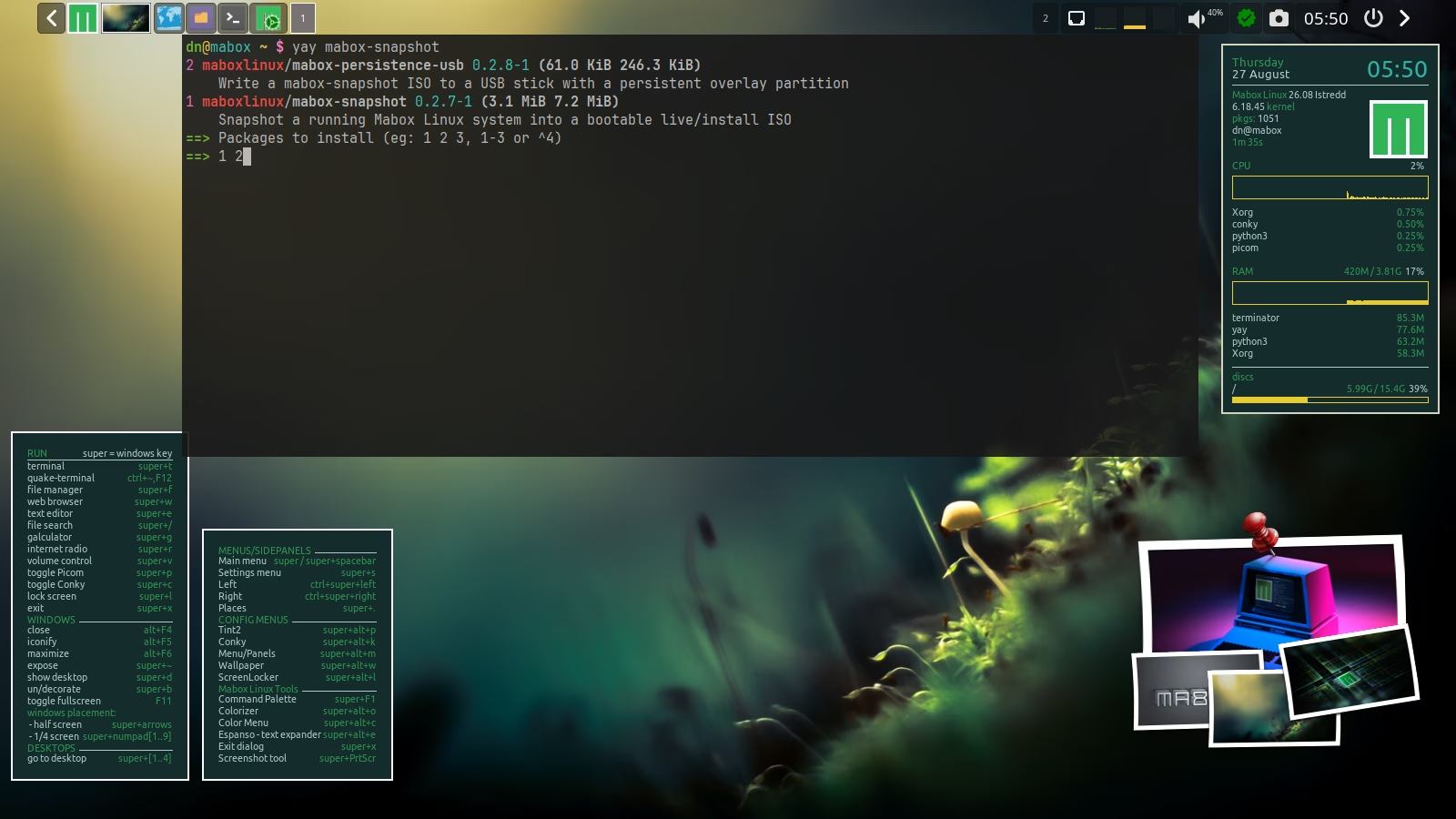
Workflow writing a persistence usb
The tool uses the entire USB drive to create a persistent Mabox Linux USB system from the ISO:
mabox-persistence-usb write /path/to/iso --dry-run
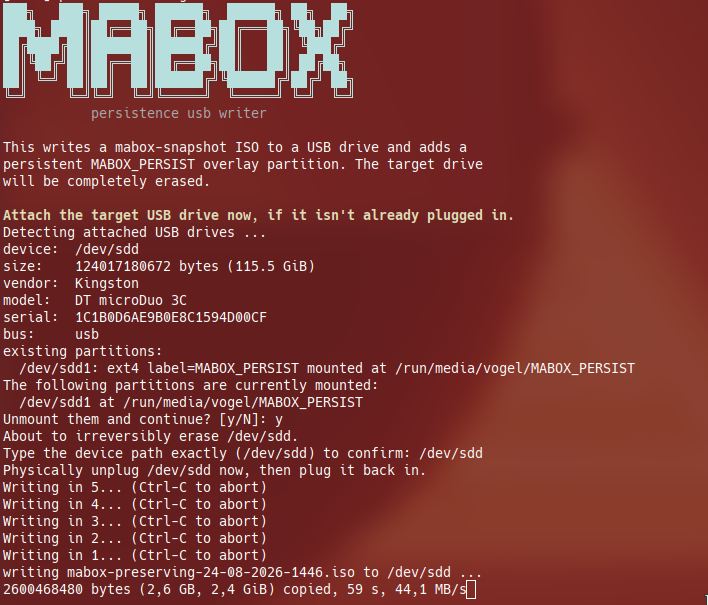
To help prevent accidentally selecting the wrong drive, the tool asks you to remove the USB drive and plug it in again. This allows it to verify that the correct device is being used. This behaviour can be flagged out.
This is the first release of both tools.
After testing, everything appears to be working as expected, but please let me know if you encounter any problems.
You can also create an issue on the relevant GitHub repository.Note: This tool was developed with AI assistance and reviewed by musqz.
It is an independent project and is not an official Mabox package.
TIP: Start building the command without sudo at first.
Because then you can use <TAB> key for bash auto-complete.
$ mabox-snapshot -h
$ mabox-persistence-usb <TAB> <TAB>
$ mabox-snapshot create --help
...
...
$ mabox-snapshot excludes <TAB>
add      backups  edit     folders  -h       --help   list     remove   reset    rules
MAN
$ man mabox-snapshot
$ man mabox-persistence-usb
For creating an ISO, I use another nvme drive as --workdir to be sure to have enough work space for building the ISO.
Hope you enjoy the tools.