Total success creating the ISO with v0.3.0 in the reinstalled VM. 
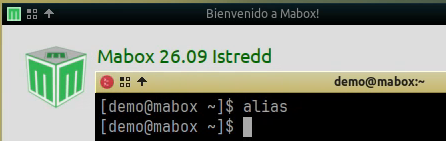
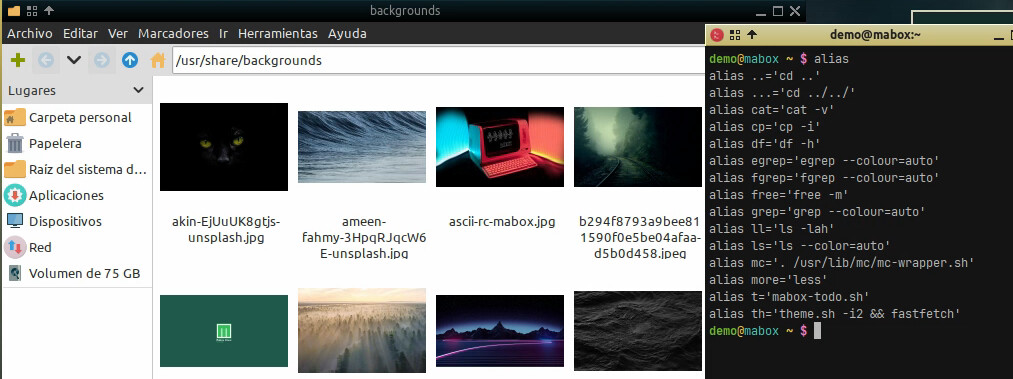
As you can see the original aliases are not there yet. For the next stage, some tips regarding memtest in the grub. 
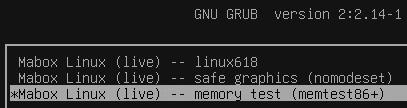
The memtest is ready … I just need to create a new release 
Soonish in the repo…
Update:
Mabox-snapshot v0.3.1.
Now with memtest.
pacman -Syu mabox-snapshot
Nice, it works. 
Launched and got it running. The EFI side worked fine too in another computer. 
So far the only remaining detail, as noted before, is the missing alias.
There is another strange behavior but not sure the root cause yet: Opening pcmanfm in the /usr/shared/backgrounds folder appears empty and any action as refreshing or going up a level ends up crashing the app with a core error. If you take a look from terminal the image files are there with the right permissions; this is the only folder with the problem. 
Hi @M0nst3r,
Thanks again for testing.
I thought it was a personal issue with pcmanfm, I have the same behaviour. I will have a look at it.
The alias was not clear to me. Will have a look at it too.
In the meanwhile when you set the background dir to thumb view pcmanfm won’t crash. This will also fix the issue. The issue is a typo: Viewmode thumbnails should be thumbnail
To be continued… 
Good catch! Thanks 
Fixing in progress …
Hi @M0nst3r,
Update: v0.3.2
would you mind testing the new release before publishing on mabox repo.
git clone https://github.com/musqz/mabox-snapshot.git
or git pull

cd packaging
makepkg -si

mabox-snapshot version
Thanks
I’m quite busy, but I’ll try to find a moment. The fix for thumbnails shouldn’t be needed anymore… today’s mabox‑tools should take care of it.
mabox-snapshot 0.3.2 pushed to repo.
Tested it briefly against today released iso. All fine.
Custom aliases from .bashrc saved
Thanks
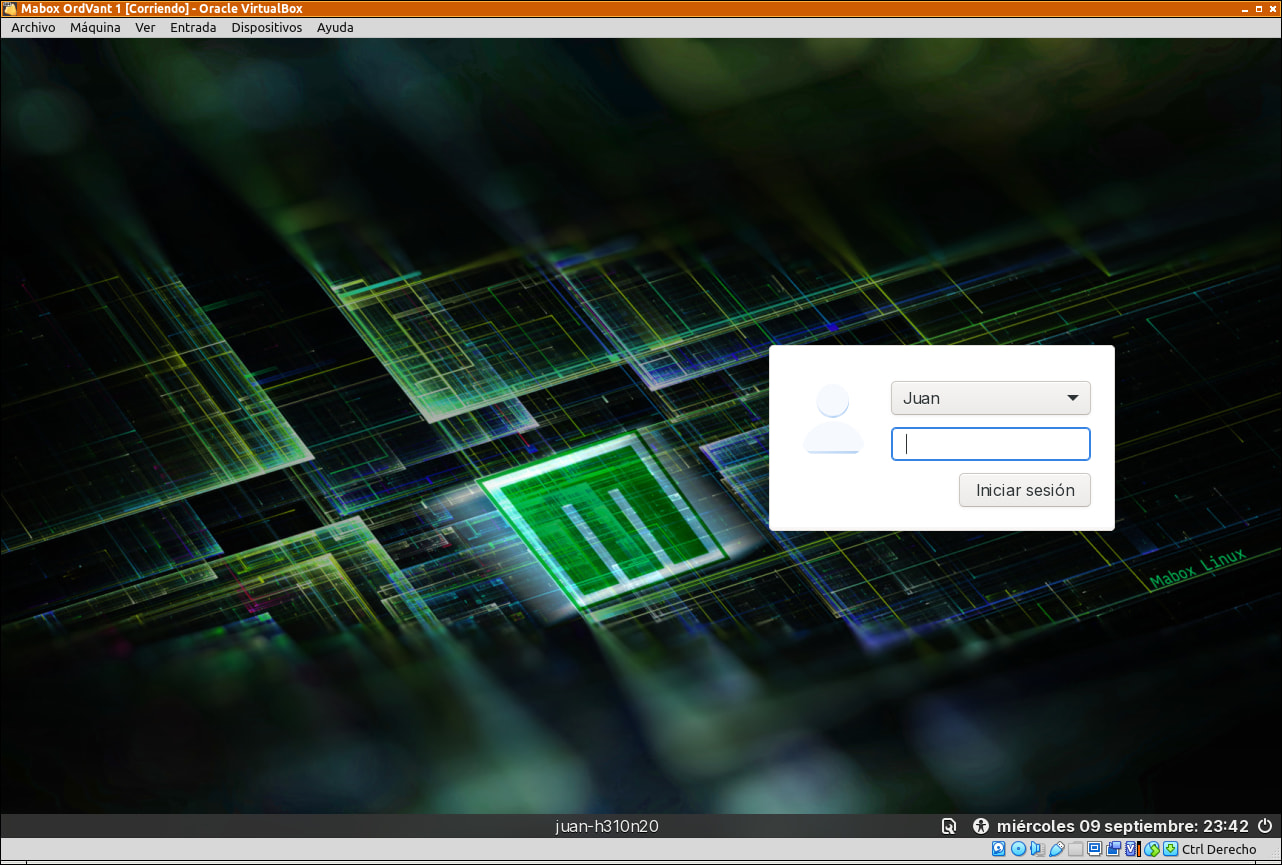
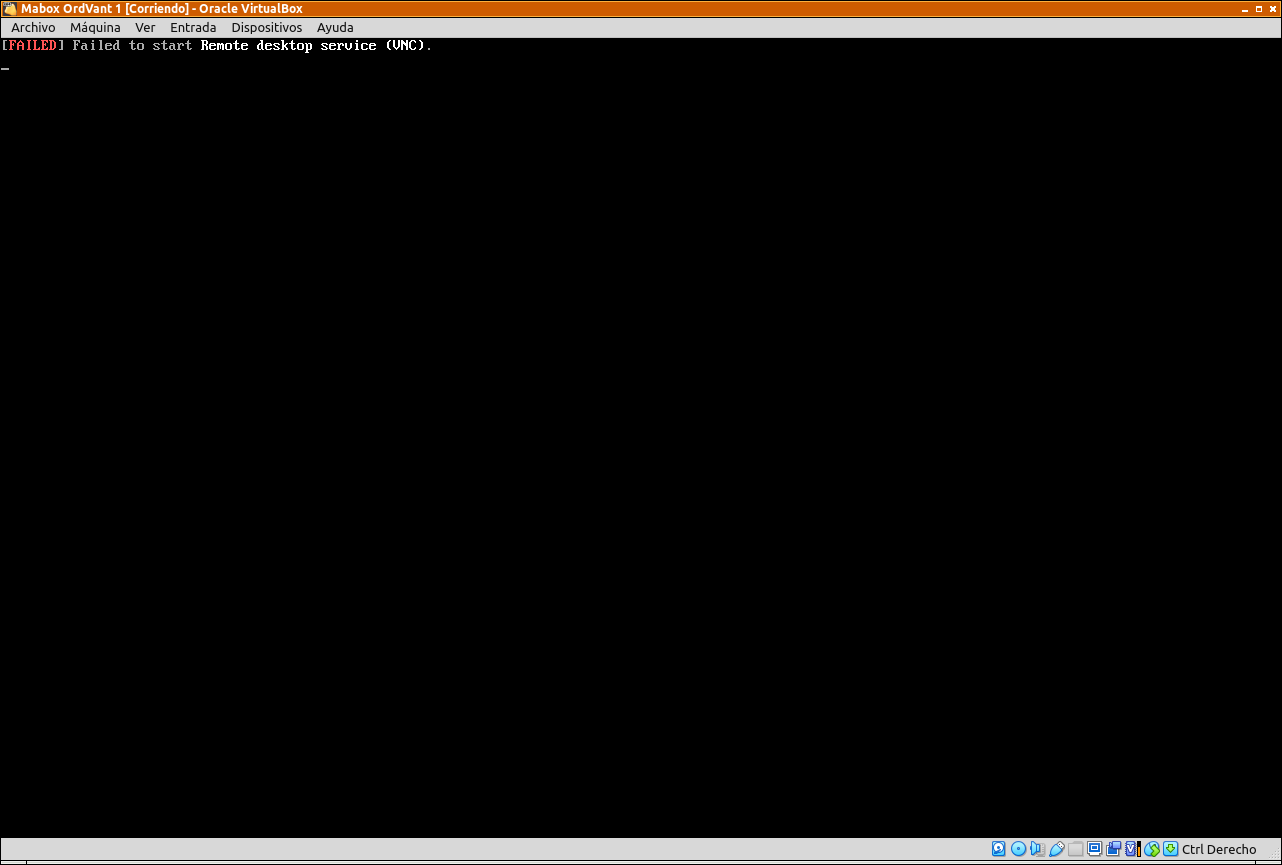
Hi, I’ve created my first snapshot, but when I run the ISO in VirtualBox to test it, an error appears after the login screen and it returns to the login screen.
I am attaching both screenshots and the command used to create it.
juan@juan-h310n20 /run/media/juan/DATOS/juan $ sudo mabox-snapshot create preserving --workdir /run/media/juan/f27b3aed-4453-4c63-a4a4-84bca175d10e --output-dir /run/media/juan/f27b3aed-4453-4c63-a4a4-84bca175d10e --encrypt
    juan@juan-h310n20 /run/media/juan/DATOS/juan $ mabox-snapshot doctor
    [ok]   /etc/os-release identifies as Mabox
    [ok]   mksquashfs found
    [ok]   xorriso found
    [ok]   grub-mkimage found
    [ok]   mkinitcpio found
    [ok]   mkfs.fat found
    [ok]   mcopy found
    [ok]   rsync found
    [ok]   openssl found
    [ok]   yay found (optional)
    [ok]   magick found (optional)
    [ok]   cryptsetup found (optional)
    [ok]   memtest86+ found (BIOS) -- live ISO will include a memory-test entry
    [ok]   calamares found -- ISOs will include the installer
    [ok]   Mabox Calamares branding present at /usr/share/mabox-snapshot/calamares-branding
    [info] 176.4 GiB free at /var/lib/mabox-snapshot
    [info] 2 kernel(s) detected: linux612, linux618
    juan@juan-h310n20 /run/media/juan/DATOS/juan $ mabox-snapshot version
    mabox-snapshot 0.3.2
The failure is in a VNC remote desktop service.
I don’t use virtualbox so I cannot check an iso myself. But with qemu the snapshots run fine for me.
I would look into VNC on your host while creating the snapshot. If you run something like a remote desktop service.
Suggestion: Stop the services while creating the snapshot.
Hello, I have stopped the VNC services and created a new snapshot. There are no errors now, but after logging in, the system loops back to the login screen.
I have tested using VirtualBox and a USB drive with Ventoy, obtaining the same results.
I need to run further tests.
At the login screen press ALT+F5 to get to a tty prompt. Login using your name and password. Examine the boot journal and look at the errors using this command:
journalctl -b -1 -p err
You may be able to find the answer.
Also, you could try issuing the ‘startx’ command from the tty prompt and see what happens.
@JuanD ,
Sorry to hear the iso is still failing at boot.
The feedback of the journal could help tracing the bugger.