Przy próbie zrzutu ekranu zaznaczanego obszaru cały monitor robi się niebieski i w zasadzie aby zaznaczyć interesujący mnie obszar muszę robić to na wyczucie. Nie wiem czy to u mnie tylko czy taka przypadłość tej funkcji. W scrot tego nie ma, działa wszystko normalnie. Wolałbym używać funkcji z paska.
Topic list, column headers with buttons are sortable.
Hi @wiini
This is a picom setting you need. It is strange you dont have it, because it is the default mabox setting.
Find ~/.config/picom/include/mabox-rules.conf
Add this to the file.
{
    # Mabox screenshot tool
    match = "class_g = 'slop'";
    opacity = 1;
    shadow = false;
    blur-background = false;
    corner-radius = 0;
},
This should solve the blue field when selecting.
Cześć @wiini
To jest ustawienie picom, którego potrzebujesz. To dziwne, że go nie masz, bo jest to domyślne ustawienie mabox.
Znajdź plik ~/.config/picom/include/mabox-rules.conf
Dodaj to do pliku…
And Welcome to the forum 
Also check if the picom.conf has
# See WINDOW RULES section in the man page for how these work.
@include "mabox-rules.conf";
This is easier, I forgot..
mb-reset picom
Dziękuję za przywitanie, ale na forum to ja jestem chyba od samego początku tego forum 
Rzecz w tym, że niebieski ekran robi się przy wyłączonym picom ( ogólnie prawie go nie używam tylko do cava czasami), przy włączonym picom działa normalnie.
Miałem ten wpis cały czas.

Haha yep did not look right at the top.. you are an old user not being awhile here..
I guess the selection tool needs a compositor to be transparent.
If that works for you. No special effect.
Set Picom to /dev/null
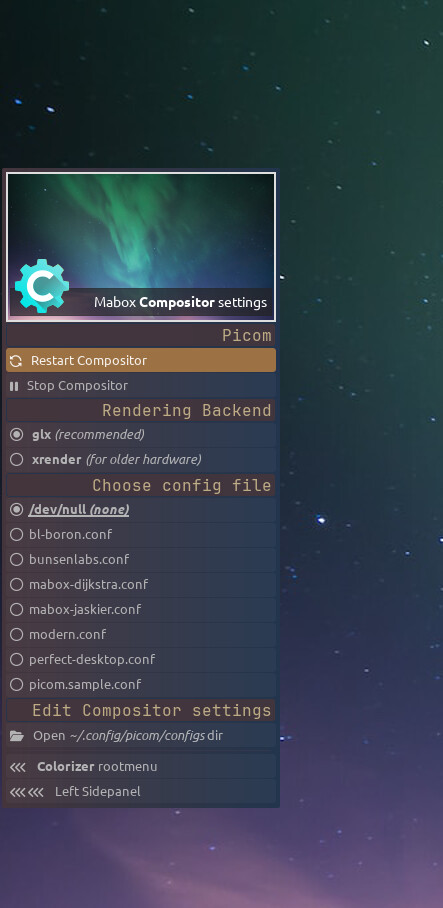
man picom
--config PATH
         Look  for  configuration  file  at  the  path. See CONFIGURATION FILES section below for where picom looks for a configuration file by default. Use
         /dev/null to avoid loading configuration file.
To be precise this is what is used for screenshots
1710:out+=(" <big></big> $NOW,\"\"\"maim -s -l -b 3 --color=0.3,0.4,0.6,0.4 ${IMG};viewnior ${IMG}\"\"\"")
1711:out+=(" <big></big> $SEC5,\"\"\"maim -s -l --delay=5 -b 3 --color=0.3,0.4,0.6,0.4 ${IMG};viewnior ${IMG}\"\"\"")
1712:out+=(" <big></big> $SEC10,\"\"\"maim -s -l --delay=10 -b 3 --color=0.3,0.4,0.6,0.4 ${IMG};viewnior ${IMG}\"\"\"")
1713:out+=(" <big></big> $SEC15,\"\"\"maim -s -l --delay=15 -b 3 --color=0.3,0.4,0.6,0.4 ${IMG};viewnior ${IMG}\"\"\"")
man maim
-c, --color=FLOAT,FLOAT,FLOAT,FLOAT
            Sets  the  selection  rectangle's color. Supports RGB or RGBA input. Depending on the system's window manager/OpenGL support, the opacity may be
            ignored.
Reading the man page, the opacity can be ignored depending on window manager/OpenGL support. Thats where Picom comes in I am afraid.
Another approuch.
There is also flameshot as an alternative for maim. This can be used without Picom.
ps: sorry the english is quicker for me 
What is the question?
Can I ask why you want to avoid picom /dev/null.
I am afraid you need picom enabled to use the mabox screenshot selection tool transparent.
There is nothing wrong in both video’s. The behaviour is expected.
Niebieski ekran gdzie nie widać obszaru, który się chce zaznaczyć to nie jest oczekiwane zachowanie. Przezroczyste okna terminala mi się nie podobają więc nie używam picom. Tak jak pisałem wcześniej używam go tylko jak chcę włączyć cava. Jeśli jednak jest potrzebny aby robić zrzut ekranu i widzieć co się zaznacza to będę go włączał na czas zrzutu ekranu lub będę używał scrot, który nie ma tego problemu.
Dziękuję za chęć pomocy.
Pozdrawiam.
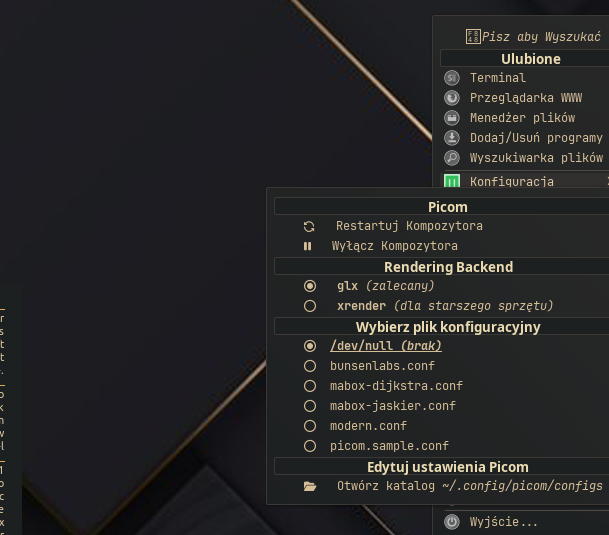
Pamiętaj, że do szybkiego włączenia/wyłączenia Picom jest zdefiniowany skrót W-p (super+p).
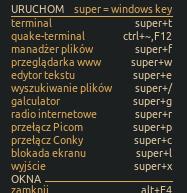
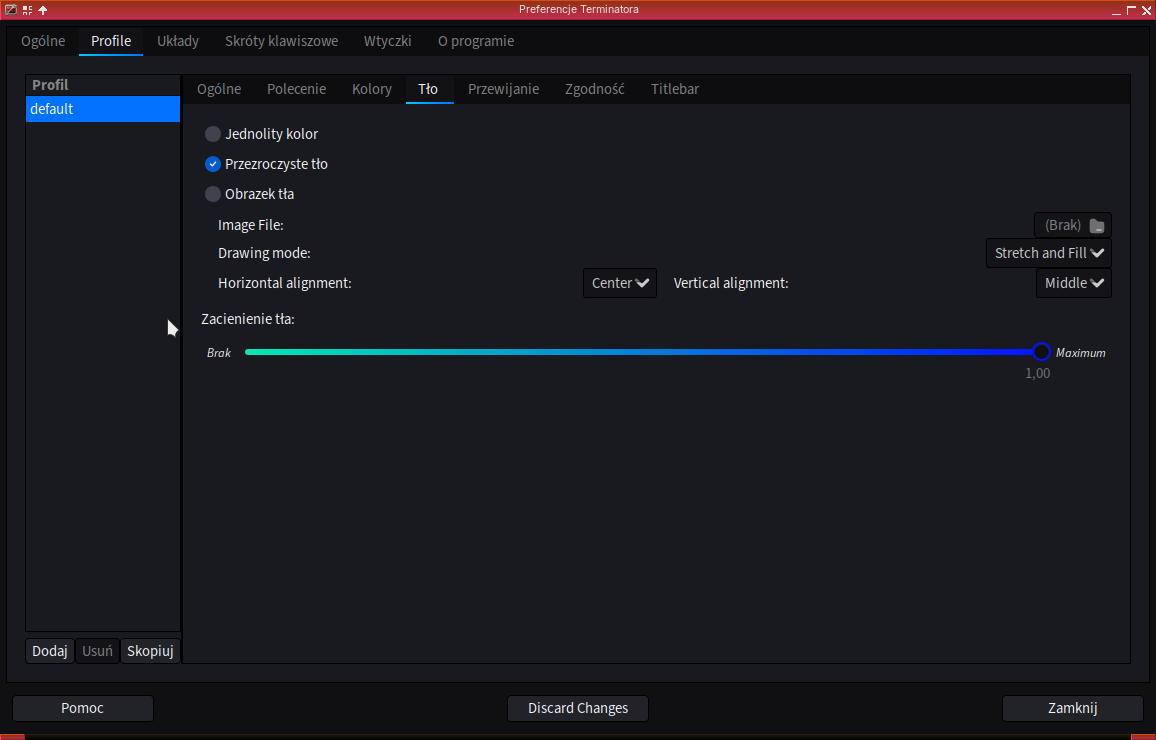
W sumie to rozwiązuje wszystko.
Dziękuję.