Hi,
I have two monitors, each with a resolution of 1920x1080.
I created a 3840x1080 image, which fits both monitors perfectly when I select it as my wallpaper.
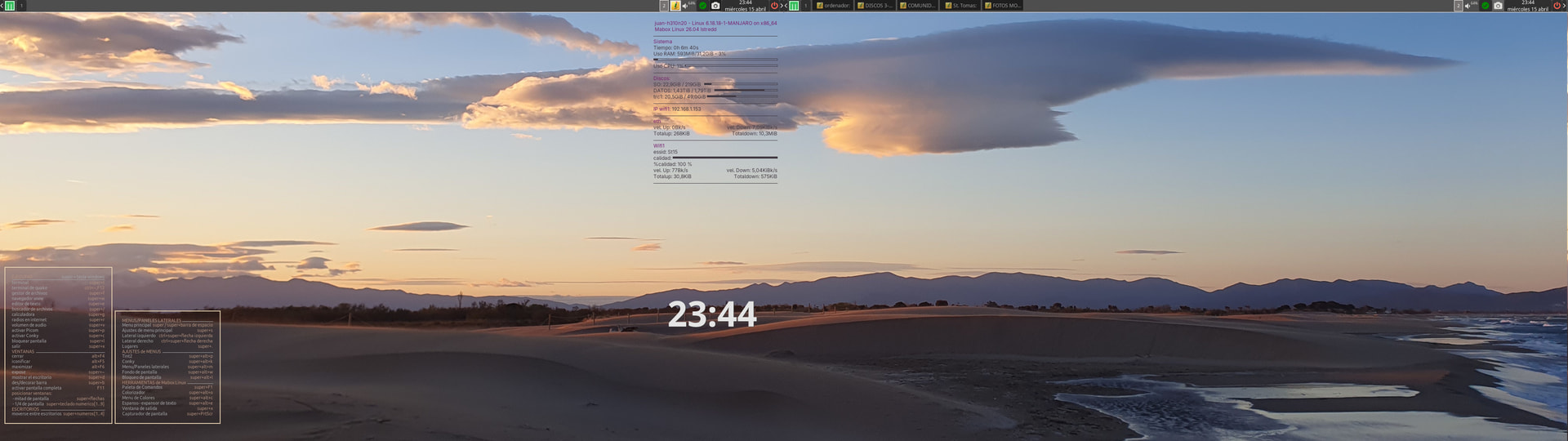
However, when I restart my computer, it doesn’t retain the scale as tiled; instead, the image appears scaled on each monitor.
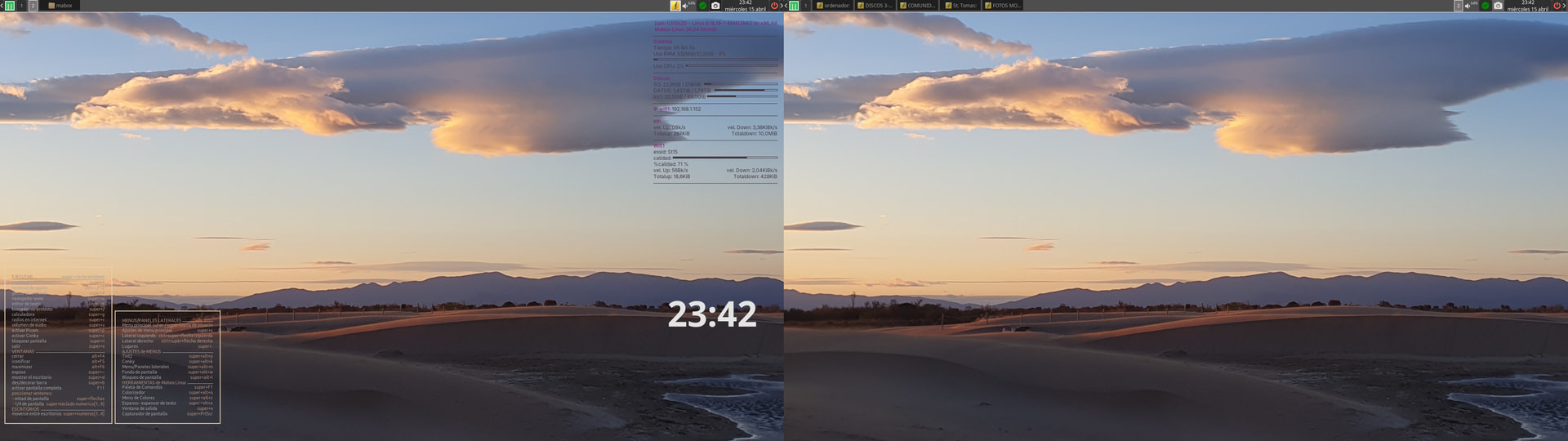
I’ve noticed that when I select the 3840x1080 image, the .fehbg file displays it perfectly as tiled:
#!/bin/sh
feh --no-fehbg --bg-tile '/home/juan/wallpapers/playa01.jpg'
but after restarting the computer the .fehbg file appears as scaled:
#!/bin/sh
feh --no-fehbg --bg-fill '/home/juan/wallpapers/playa01.jpg'
It worked fine for me in previous versions of Mabox.
How can I make it so that the settings are saved when I restart my computer?
Thanks!
