Good afternoon, I lost the tint2 bar the original one after an update and the volume icon on the bar did not work trying to fix the problem with questions on the internet AI now I have nothing… how do I recover both things the Tint2 bar and that the audio icon also works
You can use the mb-reset program to “install” the current configuration files for tint2, Conky, and several others. If you want to use the current tint2 configs, you can copy them to needed location with the command:
mb-reset tint2
More about mb-reset…
Hello, good afternoon this notified the terminal after mb-reset tint2. How to reinstall tint2? I created this mess trying to solve the audio button
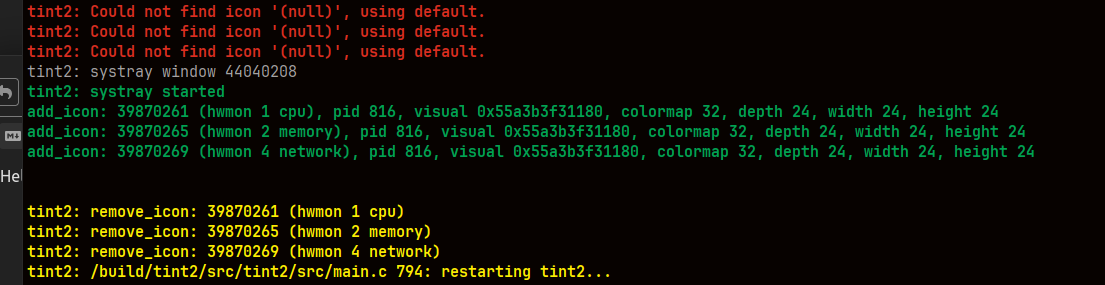
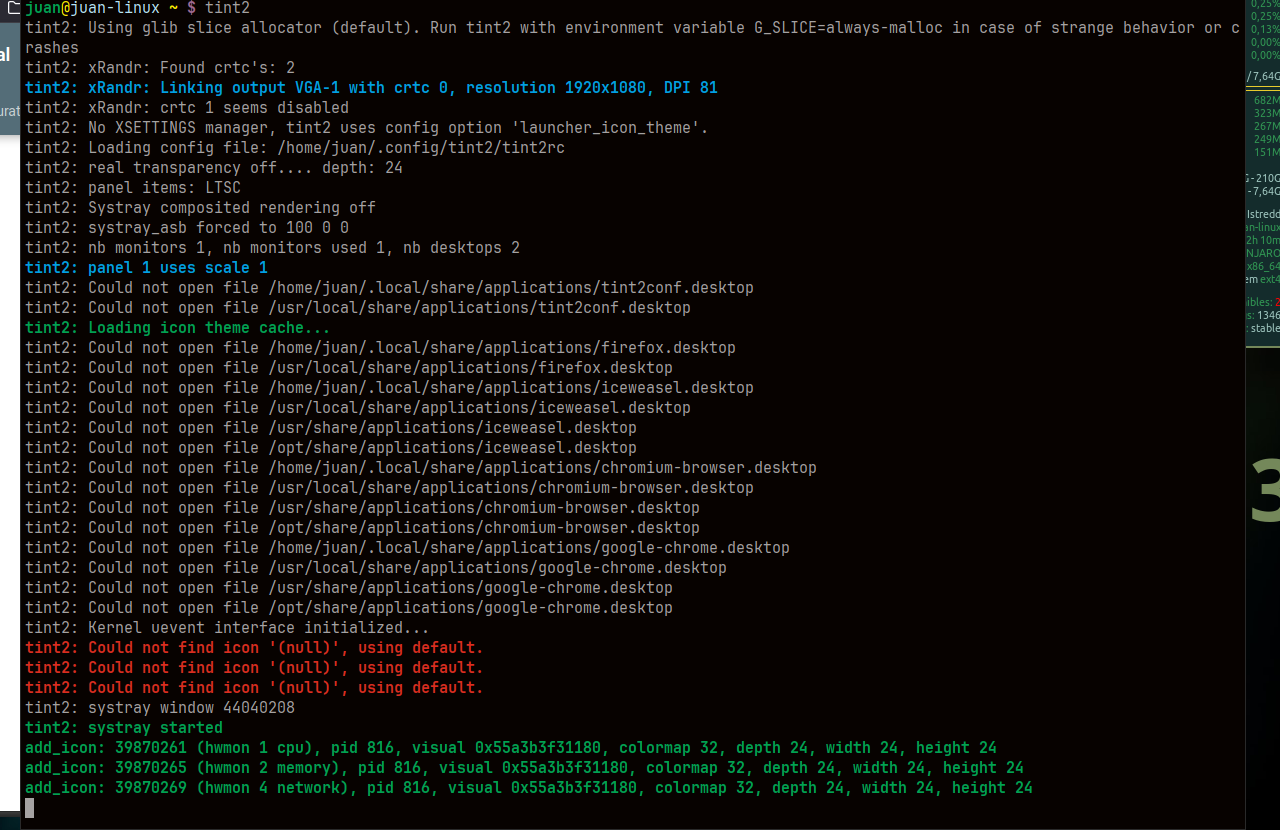
Tint2 in Mabox is started by special script, not by tint2 command. Just log out and log in to check if start script is still configured as it should.
If not, check your autostart script ~/.config/openbox/autostart if tint2 start script is still there.
Line should look like:
(sleep 1s && mb-tint2-session) &
Good afternoon, everything is back as it was before, except for the audio volume button that is still stuck and does not respond, and it is the reason for all the mess I made trying to solve it
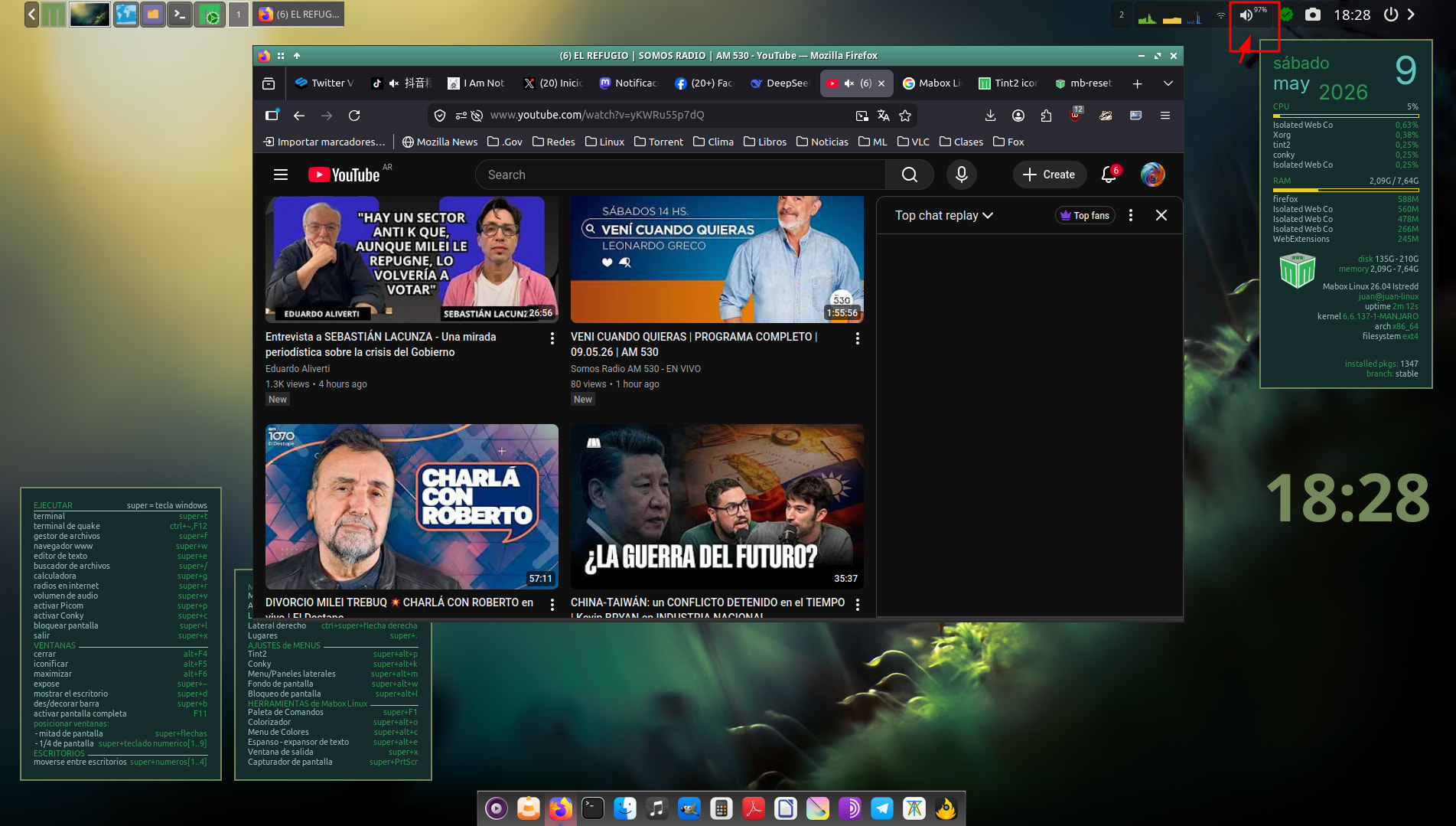
Please paste output of commands:
whereis volumettf
whereis pactl
whereis amixer
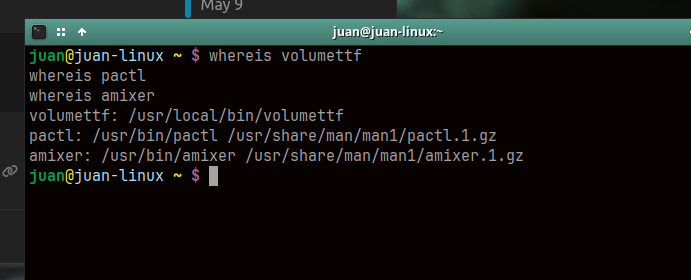
Everything looks fine… I’m running out of ideas…
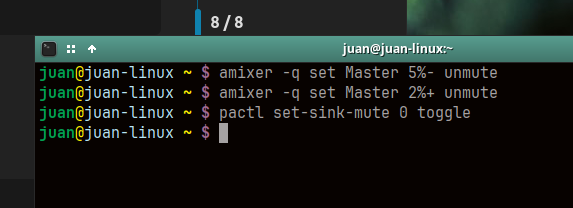
Maybe try executing the commands attached to the mouse events from the console.
# toggle mute (binded to left-click)
pactl set-sink-mute 0 toggle

# Volume up (mousewheel up event)
amixer -q set Master 2%+ unmute

# Volume down (mousewheel down event)
amixer -q set Master 5%- unmute
Are they print some useful information or warnings?
How old is your Mabox installation?
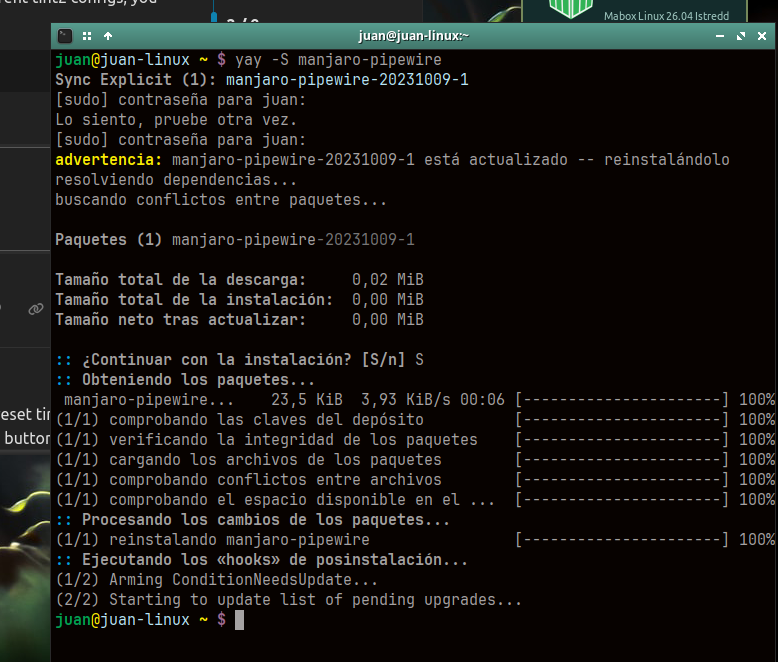
Are you using pipewire?
If not switch to pipewire by command:
yay -S manjaro-pipewire
It’s all there is, for now here I leave it, I’m going to wait a day or two to see what happens consulting the Arch forum, Sometimes they respond.
I don’t think AI or the guys from the Arch forum have anything to say on this topic 
Do I understand correctly that when you write: ‘the audio volume button that is still stuck and does not respond,’ you mean that the button doesn’t react to events such as a left‑click or scrolling the mouse wheel?
Hi @juancuyo ,
You didn’t give the behavior of these commands.
This is usefull info.
How to use the commands:
Just use one command each time. Not all the commands at once.
Play with them.
Using the commands the volume icon should react.
Like this command should mute the sound. pactl set-sink-mute 0 toggle
PS: It is helpfull if you paste the code instead of a screenshots.
To put the copied txt inside the message.
Use hotkey ctrl - e and paste the output.
So… mouse events works…
left-click - mute/unmute
middle-click - does nothing (action is not configured)
right-click - launch Audio menu
The question is what about mousewheelup /mousewheelup events.
How you trigger them?
Those actions are triggered by placing mouse above volume icon and roll mousewheel… (without clicking anything)…
Is the wheel on your mouse working properly?
Hello, good evening, I tried another mouse different from the one I use, and the wheel does not react either, it is as if it did not exist
Please check if those commands works:
amixer -q set Master 2%+ unmute
amixer -q set Master 5%- unmute
After running these commands, check whether the percentage volume value shown in the panel are changing - it may take a few seconds.
bonjour j’ espere ne pas etre hors sujet car je me sers de google traduction pour lire les posts. Changeant souvent de barre tint2 , l icone de volume ne charge pas , ou fonctionne pas, le probleme de tint2 c’est le bouton volume qui fait des siennes selon la barre (disparait, ne fonctionne pas, ) reglé avec [ yay -S pnmixer pavucontrol ] et la quelques soit la barre choisi, les modifications sa reste et sa fonctionne .
je réédite car blocage des vidéos mpv en ligne. demo disponible ici screenshots pnmixer-pavucontrol
Hi @kraynux and welcome to the forum 
Please do not mix languages in existing topics, use English if topic is already started in English.
If you like to post in French, let me know and I will create French category.
Here is translated post:
By default Mabox provides custom executor and script to control sound volume from tint2 panel.
Executor definition is:
# Executor 2
execp = new
execp_command = volumettf
execp_interval = 4
execp_has_icon = 0
execp_cache_icon = 0
execp_continuous = 0
execp_markup = 1
execp_monitor = all
execp_tooltip = L: Mute/unmute, MW: Volume, R: Radio Menu
execp_lclick_command = pactl set-sink-mute 0 toggle
execp_rclick_command = mb-volmenu ipc
execp_mclick_command =
execp_uwheel_command = amixer -q set Master 2%+ unmute
execp_dwheel_command = amixer -q set Master 5%- unmute
execp_font = Symbols Nerd Font 18
execp_font_color = #deddda 100
execp_padding = 6 2
execp_background_id = 7
execp_centered = 1
Another options for users who need to customize tint2 panel are:
volumeicon(preinstalled, needs to be activated in autostart)- or
pnmixer(needs to be installed, as you wrote).
pavucontrol is available by default.