Speaking of themes:
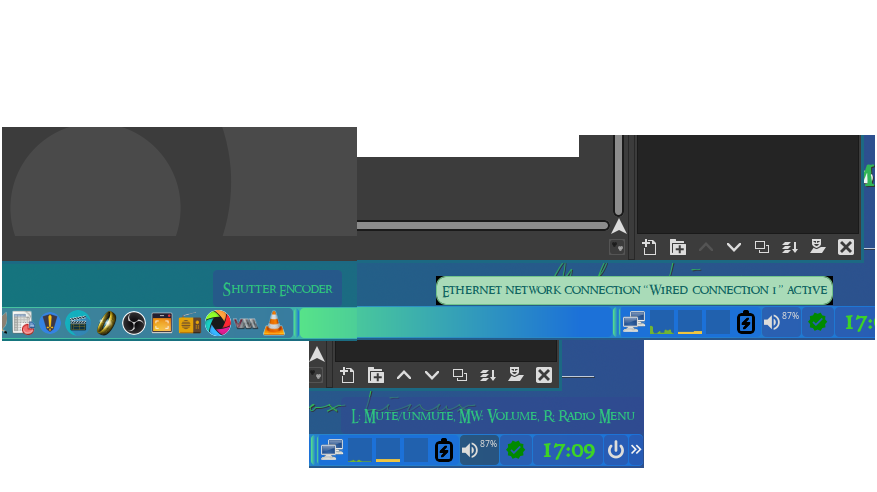
I was doing some theming based around the Wallpaper I created in GIMP and have encountered an issue.
As you can see the tooltips for the section of tint2 that houses the network status and more, the tool tip is different than the other tooltips. Is there a fast/easy way to make those tooltips conform to the others?
napcok
September 2, 2025, 10:50pm
2
Theming of tooltips from system tray are not handled by tint2. They are dependent on GTK theme or handled by applications they belong to itself.
Got you.
Just have to say however that I thank you for all you do. Mabox is tight and I love it.
Also that gives me a clue as to where to begin.
muzqs
September 3, 2025, 9:29am
4
Another way/approach to set radius for tooltip gtk theme.
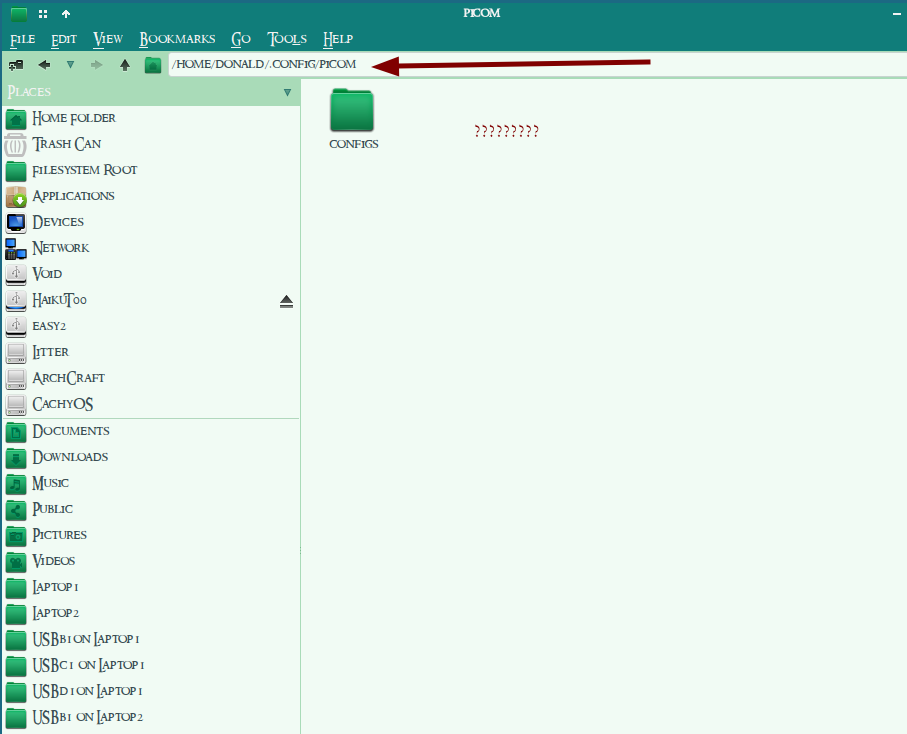
Picom config.
Edit ~/.config/picom/include/mabox-rules.conf.
Find this part and change corner-radius here.
{
    match = "window_type = 'tooltip'";
    shadow = false;
    corner-radius = 2;
    fade = false;
    opacity = 0.95;
    full-shadow = false;
},
This way you could keep the gtk theme you using, and set radius like tint2 radius value.
Cool beans. Thank you very much. Hopefully that saves me from wondering around aimlessly for the next few days.
Hmmmm
muzqs
September 4, 2025, 6:10am
6
Ok I see,
Not sure about 'corner-radius` with this config. Should be possible i think.
Or update to the latest Picom setup.
see post
Animation support has been added in the latest version of Picom (v12)
Followed those instruction provided in the link. Everything looks great. Now to track down those pesky tooltips. Thanks again.