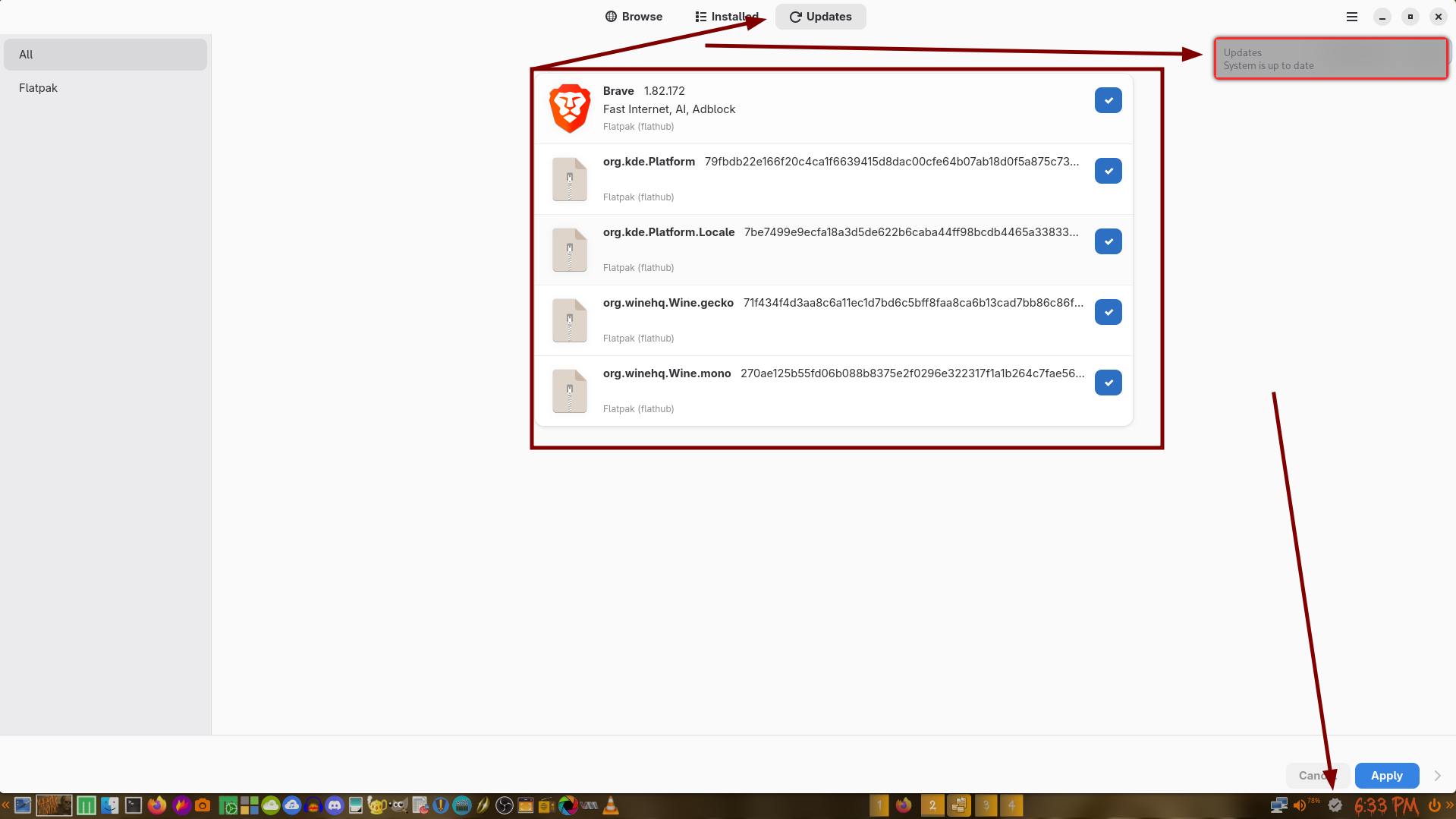
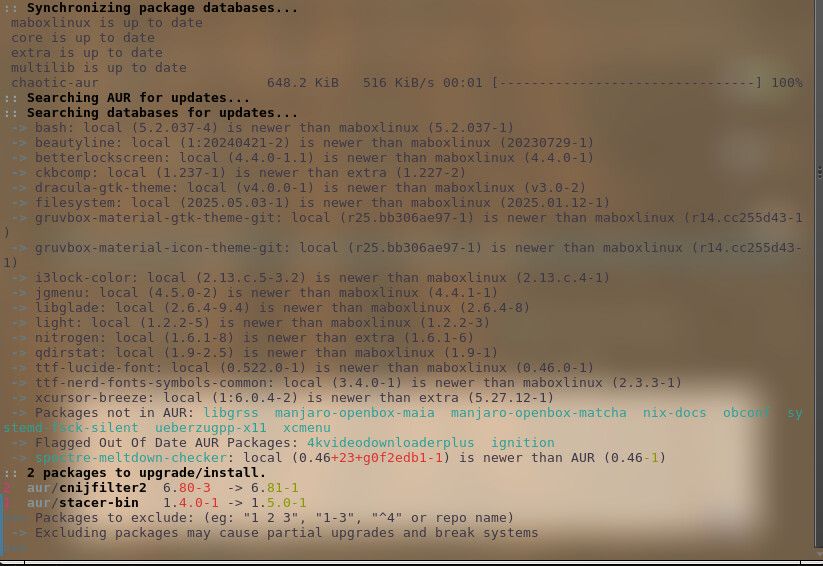
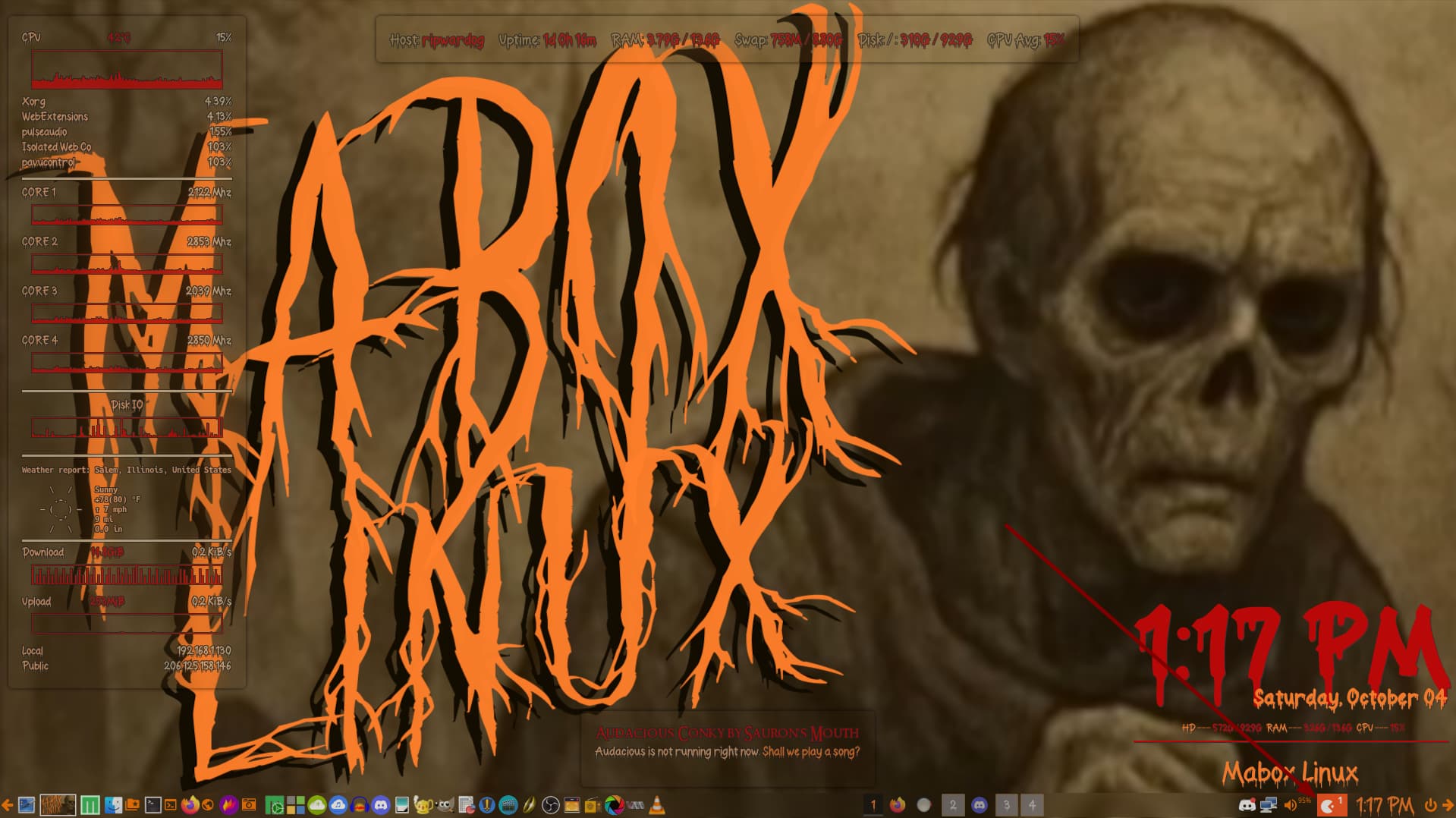
Until recently, I can’t speak as to when exactly, something changed. I no longer get update notifications on the task bar. As evidenced by the attached screen shot, clicking ‘check for update now displays ‘System is up to date’ in the notifications, yet checking via Pamac shows otherwise.. I have no clue what has transpired but I do know I would get notifications for Flatpaks via the icon in the taskbar.
I kind of like the way it used to work, where Pamac just handled all the work. The current method just isn’t working for me. I can’t even screen capture the ‘Upgrade’ options via the right click as no updates are ever detected via the icon mechanism in the system tray.
Mabox’s status icon/notifier checks for official updates - packages included in official repositories.
It doesn’t check for updates from any optional, third party sources.
No AUR. No flatpaks, snaps and others.
Some commands for managing unofficial, unsupported packages… if you decided to use them.
AUR
yay
command will update both official packages and Arch User Repository packages.
It is the same command as yay -Syu.
To check updates only from AUR use:
yay -Sua
flatpak
Never used them, but seems:
flatpak update
is a command to list available updates.
flatpak update -y
to install them.
I edited the title of the post to make it clear what the thread is about.
I’m getting ZERO update notifications. Pacman or otherwise. I used to get notified of ALL updates Flatpaks, AUR, or core/extra/maboxlinux, etc. Something has changed and NO MORE NOTIFICATIONS, even if I tell it to ‘check for updates.’
I know how to perform updates and I don’t have a problem doing them manually on a daily or weekly basis. It might, however, inconvenience a regular user. I’ll attempt to resolve this issue on my end and get back to you my results.
FYI, the mechanism is working perfectly on two other computers so I know it’s something I did local to this particular computer.
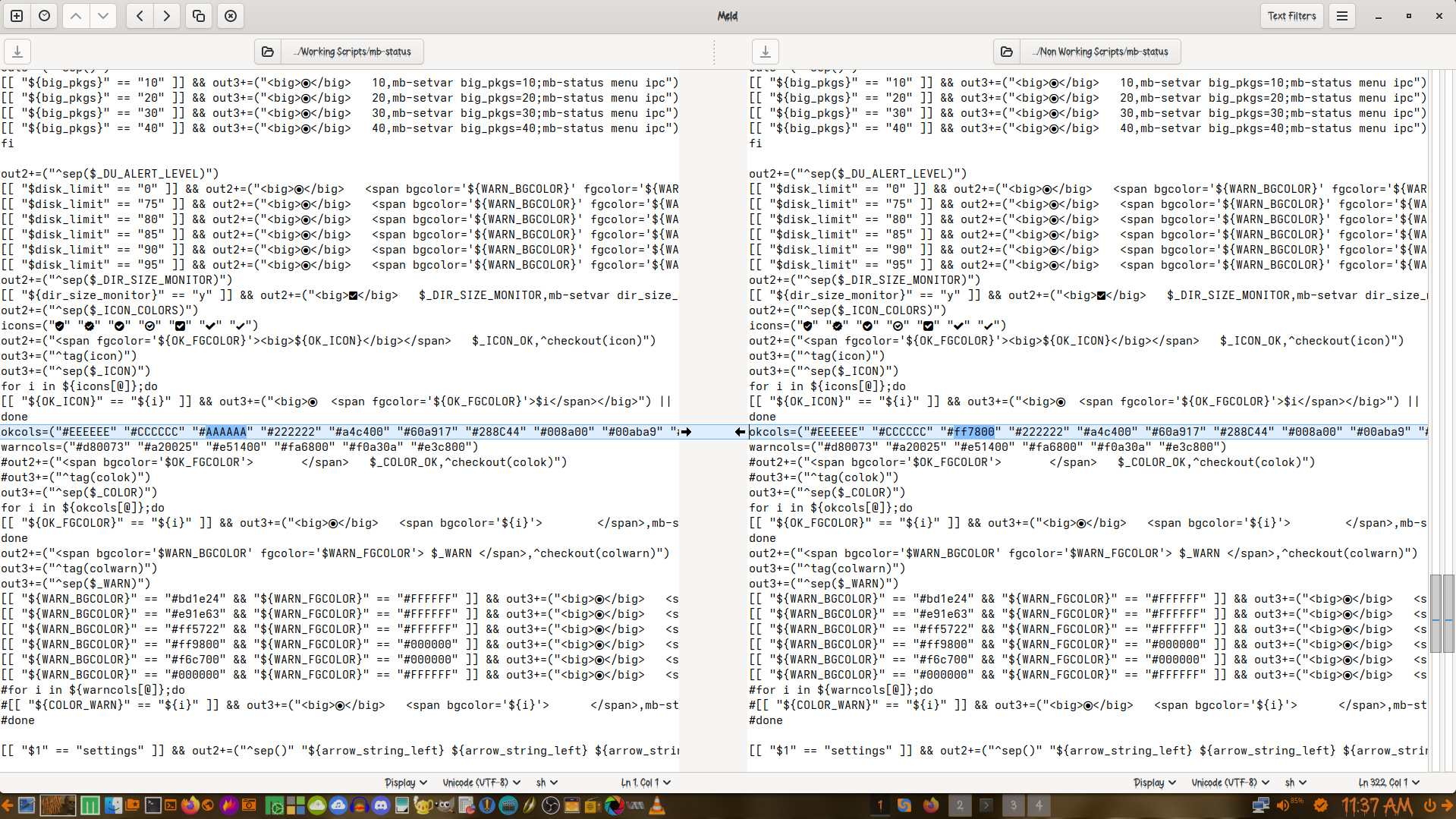
I’ll use MELD to compare mb-status script on this computer vs one of the working systems to determine (hopefully) what has gone awry.
Apparently the only difference with mb-status is where I manually changed a color option.
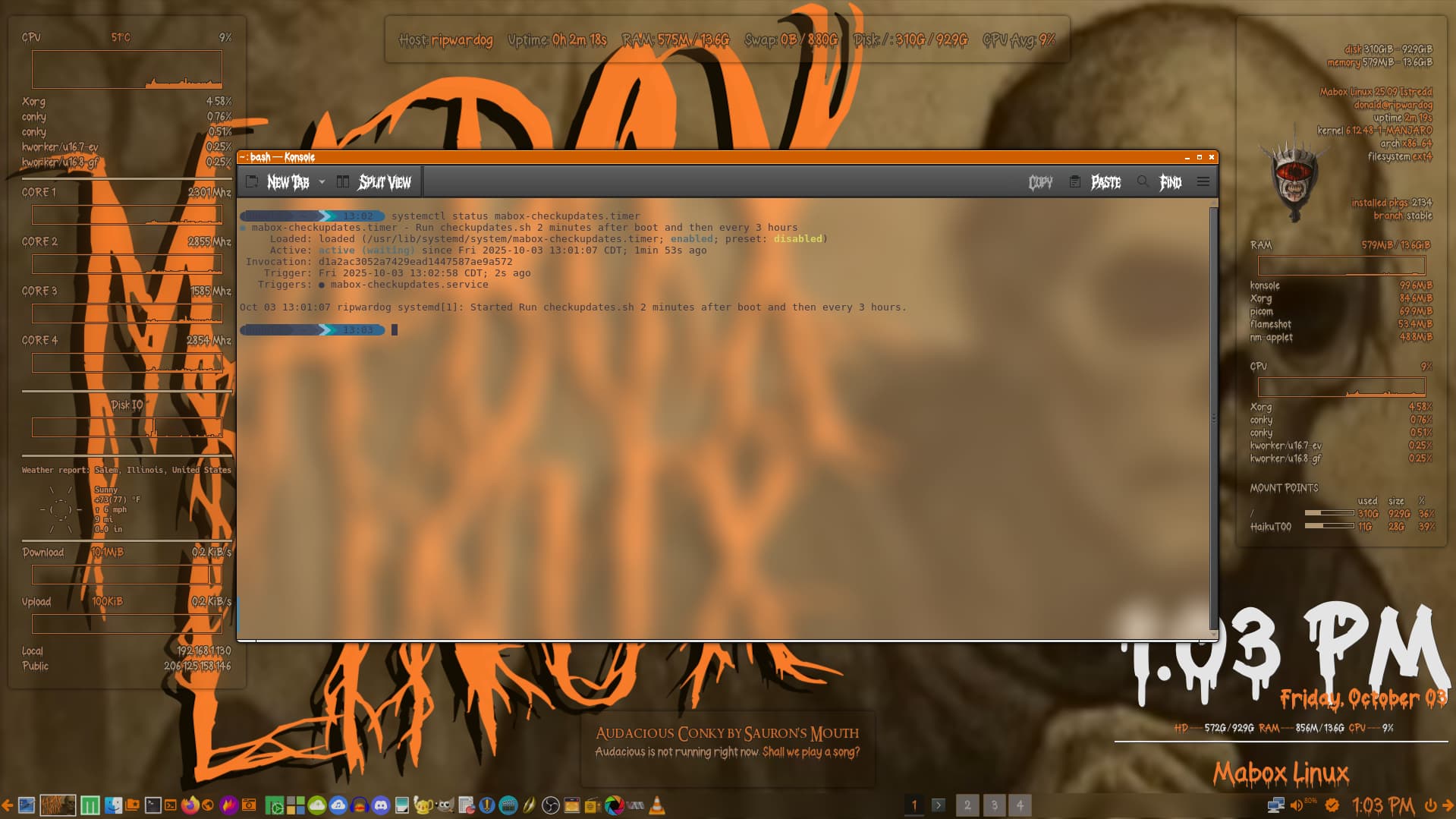
Also check status of mabox-checkupdates timer as it is needed for status icon to work.
systemctl status mabox-checkupdates.timer
napcok@mabox ~ $ systemctl status mabox-checkupdates.timer
● mabox-checkupdates.timer - Run checkupdates.sh 2 minutes after boot and then every 3 hours
     Loaded: loaded (/usr/lib/systemd/system/mabox-checkupdates.timer; enabled; preset: disabled)
     Active: active (waiting) since Fri 2025-10-03 18:48:01 CEST; 15min ago
 Invocation: 328df8d7c78a438182fe3077ef41bf0b
    Trigger: Fri 2025-10-03 21:50:07 CEST; 2h 46min left
   Triggers: ● mabox-checkupdates.service

Oct 03 18:48:01 mabox systemd[1]: Started Run checkupdates.sh 2 minutes after boot and then every 3 hours.
Yes, it should start after next boot. If you like to start it without need to reboot use:
systemctl enable --now mabox-checkupdates.timer
PS. You can copy text from the terminal and paste it here on the forum between lines with three thicks ```. Faster, much easier to read than screenshots.
Just a note that one of my systems exhibited this behavior and did not have the mabox-checkupdates.timer. Added, started, but it did not appear in the task bar. Reboot, still not there. Check, yes it is running, yes it checks for updates - but no notification.
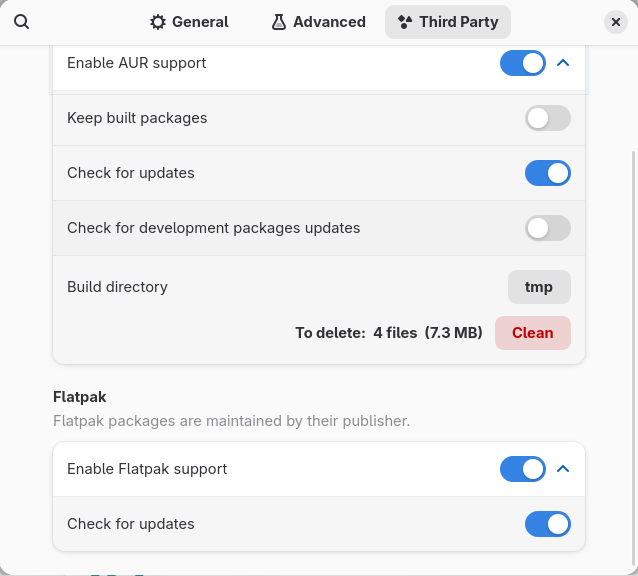
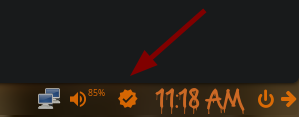
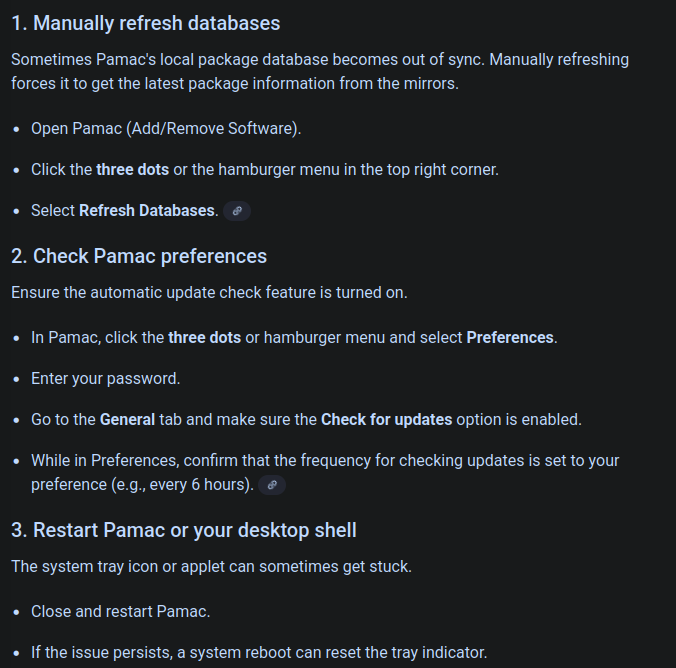
Looked in autostart, and Update Notifier was disabled, oops. Note stop/start/restarting mabox-checkupdates.timer will not force it to re-check; easiest to just reboot. If it STILL does not notify, check in Add/Remove Software, Preferences, and make sure Check for updates is set, and Hide tray icon when no update is not set. Mine was set. For some reason, as soon as that was un-set, the icon appeared!
Then I set it back to Hide tray icon when no update and the icon remained… something is glitchy there.