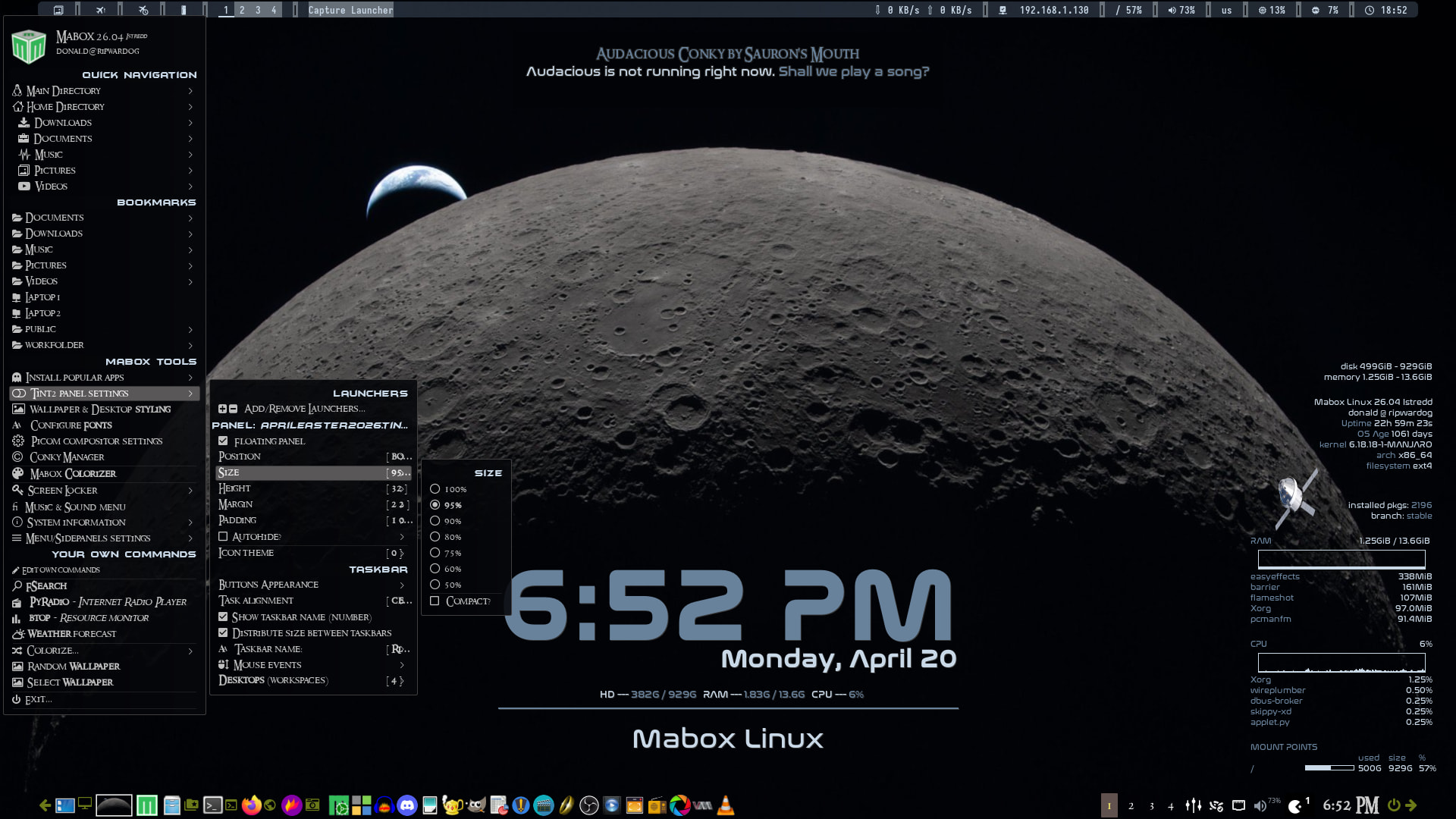
Opening the left hand menu then choosing tint2 panel settings sub menu and I noticed that there is no longer an option to ‘reload’ tint2. Is this normal? I seem to remember there being an option there to do just that before.
Opening a terminal and inputting ‘pkill -SIGUSR1 tint2’ works, but I’m sure there was a menu option previously.
Please try W-A-p keybind ( super + alt + p)
Full Panel config menu should be also available by right-click on Menu button (Mabox logo) in the panel.
by the way..
I’m just finishing quite a major overhaul of the main menu and side panels… hoping to finally clean up the mess that unfortunately built up in them over the years…