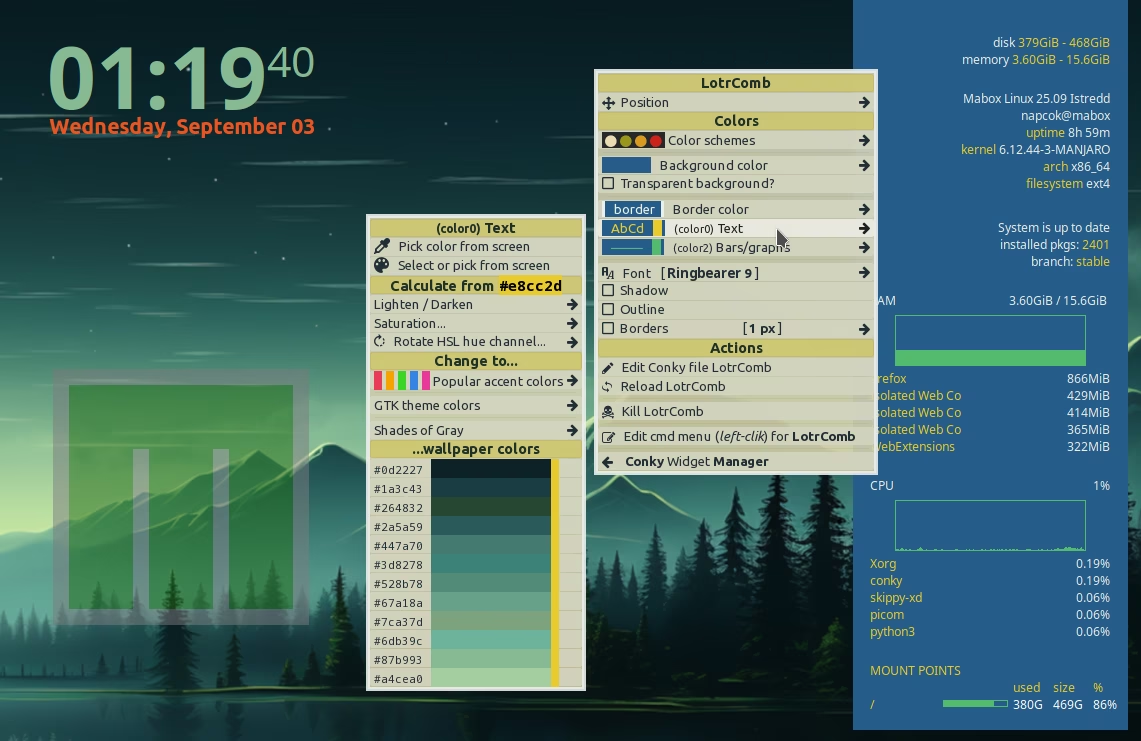
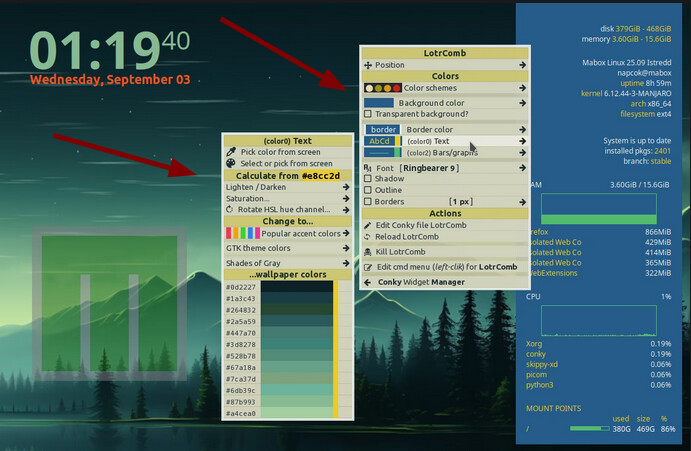
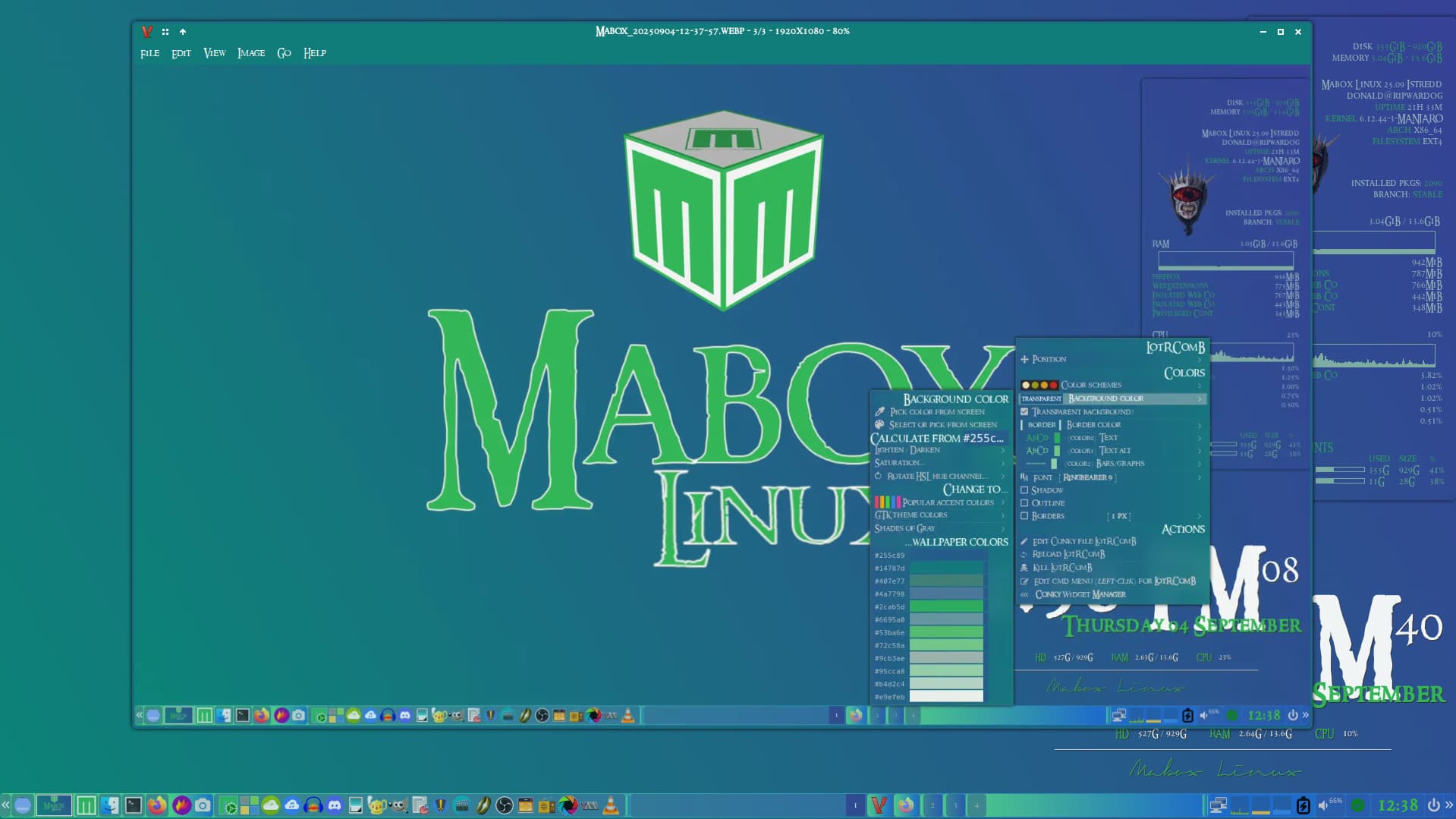
Not sure what was wrong, but I managed to have it work correctly by changing its position… from Conky Widget Manager, I also added color0 = '#e8cc2d', definition.
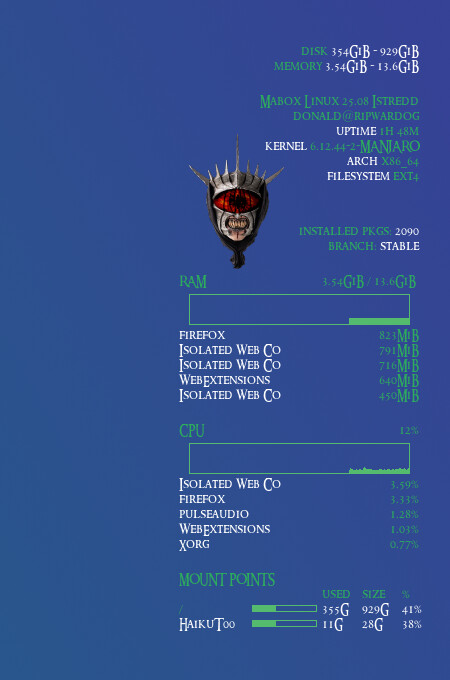
Image is not shown as I don’t have it on my disk. Also font looks different as I don’t have the one defined.
To be recognized as fully supported by Mabox Conky filename must end with _mbcolor.conkyrc
Try to replace it with this code:
LotrComb_mbcolor.conkyrc
conky.config = {
-- WINDOW
	own_window = true,
	own_window_type = 'desktop',
	own_window_transparent = false,
	own_window_hints = 'undecorated,below,skip_taskbar,skip_pager,sticky',
	own_window_colour = '#255c89',
	own_window_class = 'Conky',
	own_window_title = 'LotRComB Conky',

    alignment = 'top_right',
	gap_x = 30,
	gap_y = 60,
--  minimum_height = 64,
    minimum_width = 240,

-- FONTS
	use_xft = true,
	font = 'Ringbearer:size=9',
	xftalpha = 1,
	override_utf8_locale = true,

-- COLORS
	draw_shades = false,
	default_shade_color = '#000000',
	draw_outline = false,
	default_outline_color = '#222222',

	default_color = '#e9efeb',
	color0 = '#e8cc2d',
    color2 = '#53ba6e',

-- BORDERS
	draw_borders = false,
-- Stippled borders?
	stippled_borders = 0,
-- border margins
	border_inner_margin = 8,
	border_outer_margin = 8,
-- border width
	border_width = 1,

-- MISC
-- Boolean value, if true, Conky will be forked to background when started.
	background = true,

-- Adds spaces around certain objects to stop them from moving other things
-- around, this only helps if you are using a mono font
-- Options: right, left or none
	use_spacer = 'none',

-- Subtract (file system) buffers from used memory?
	no_buffers = true,

-- Imlib2 image cache size, in bytes. Default 4MiB Increase this value if you use
-- $image lots. Set to 0 to disable the image cache.
--imlib_cache_size = 0,

-- Use the Xdbe extension? (eliminates flicker)
-- It is highly recommended to use own window with this one
-- so double buffer won't be so big.
	double_buffer = true,
	update_interval = 1,
};

conky.text = [[
${image ~/.config/conky/images/MouthofSauron3.png -p 10,105 -s 95x135}
$alignr disk ${color0}${fs_used /} - ${fs_size /}
$alignr$color memory ${color0}$legacymem - $memmax
${voffset 5}
$alignr${color} Mabox Linux ${execi 10000 awk -F'=' '/DISTRIB_RELEASE=/ {printf $2" "} /CODENAME/ {print $2}' /etc/lsb-release}
$alignr${execi 10000 whoami}@${nodename}
${alignr}${color0}uptime ${color}${uptime_short}
${alignr}${color0}${alignr}kernel ${color}${kernel}
${alignr}${color0}${alignr}arch ${color}${machine}
${alignr}${color0}${alignr}filesystem ${color}${fs_type}
${voffset 10}
${alignr}${color}${execpi 1800 checkupdates.sh -s}${font}${color}
${alignr}${color} installed pkgs: ${color0}${execi 10000 pacman -Q | wc -l}
${alignr}${color} branch: ${color0}${execi 10000 pacman-mirrors -G}
${voffset 5}
${color}RAM${alignr 4}$legacymem / $memmax
$color2$alignc${memgraph 50,190 -t}${voffset -6}
$color0${top_mem name 1}$alignr$color${top_mem mem_res 1}
$color0${top_mem name 2}$alignr$color${top_mem mem_res 2}
$color0${top_mem name 3}$alignr$color${top_mem mem_res 3}
$color0${top_mem name 4}$alignr$color${top_mem mem_res 4}
$color0${top_mem name 5}$alignr$color${top_mem mem_res 5}
${voffset 5}
${color}CPU$alignr$cpu%
$color2$alignc${cpugraph 50,190 -l -t}${voffset -6}
$font$color0${top name 1}$alignr$color${top cpu 1}%
$color0${top name 2}$alignr$color${top cpu 2}%
$color0${top name 3}$alignr$color${top cpu 3}%
$color0${top name 4}$alignr$color${top cpu 4}%
$color0${top name 5}$alignr$color${top cpu 5}%
${voffset 5}
${execpi 3 conkymountpoints.sh}
]];
Also good idea is to always define:
color0, color1,color3 and maybe color3
Mabox convention is to use them like…
| Color |
used for |
| default_color |
border color |
| color0 |
normal text |
| color1 |
normal text alternative color |
| color2 |
bars/graphs color |
| color3 |
bigger text (optional) |
I’ll try to prepare an easy-to-use skeleton for Mabox’s Conky in the coming days.
But for now, I have to deal with the mess I made in the Theme Manager.
And I always have less time for Mabox development than I’d like