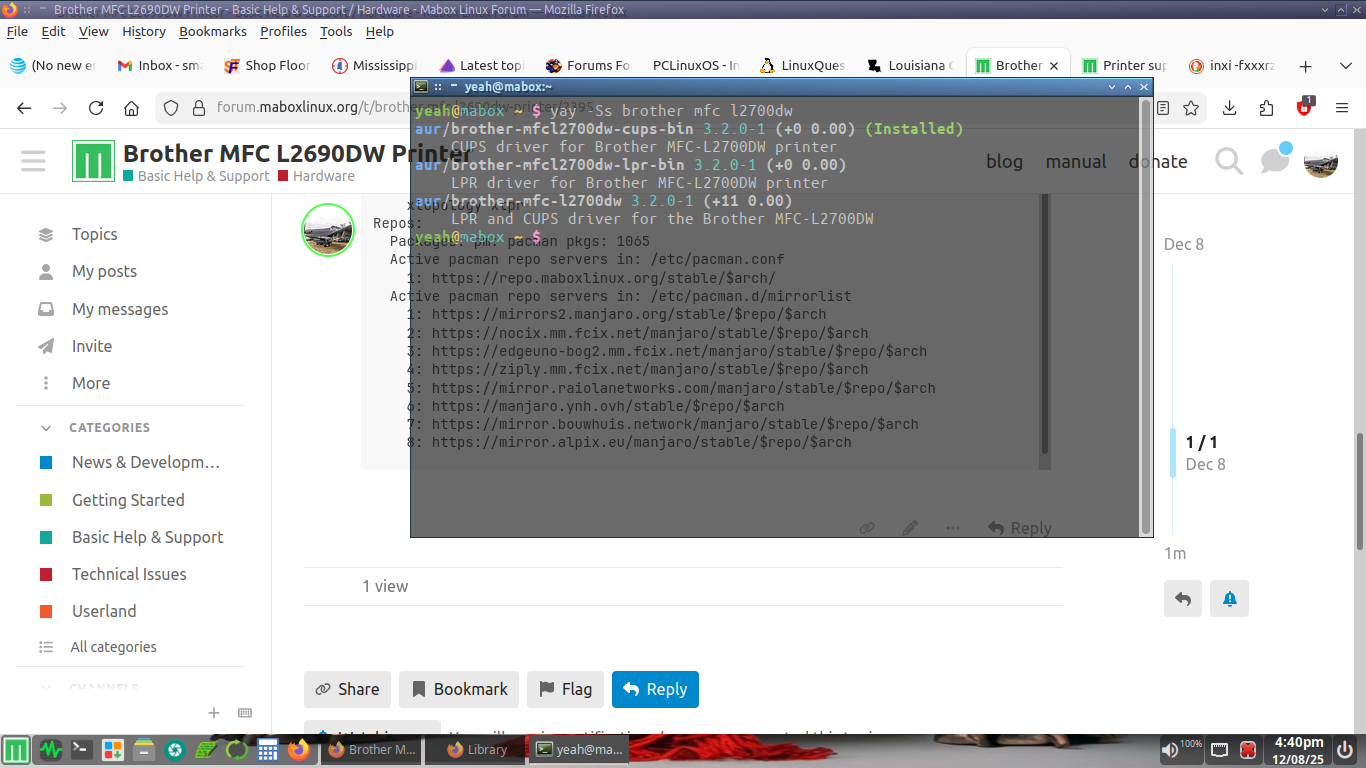
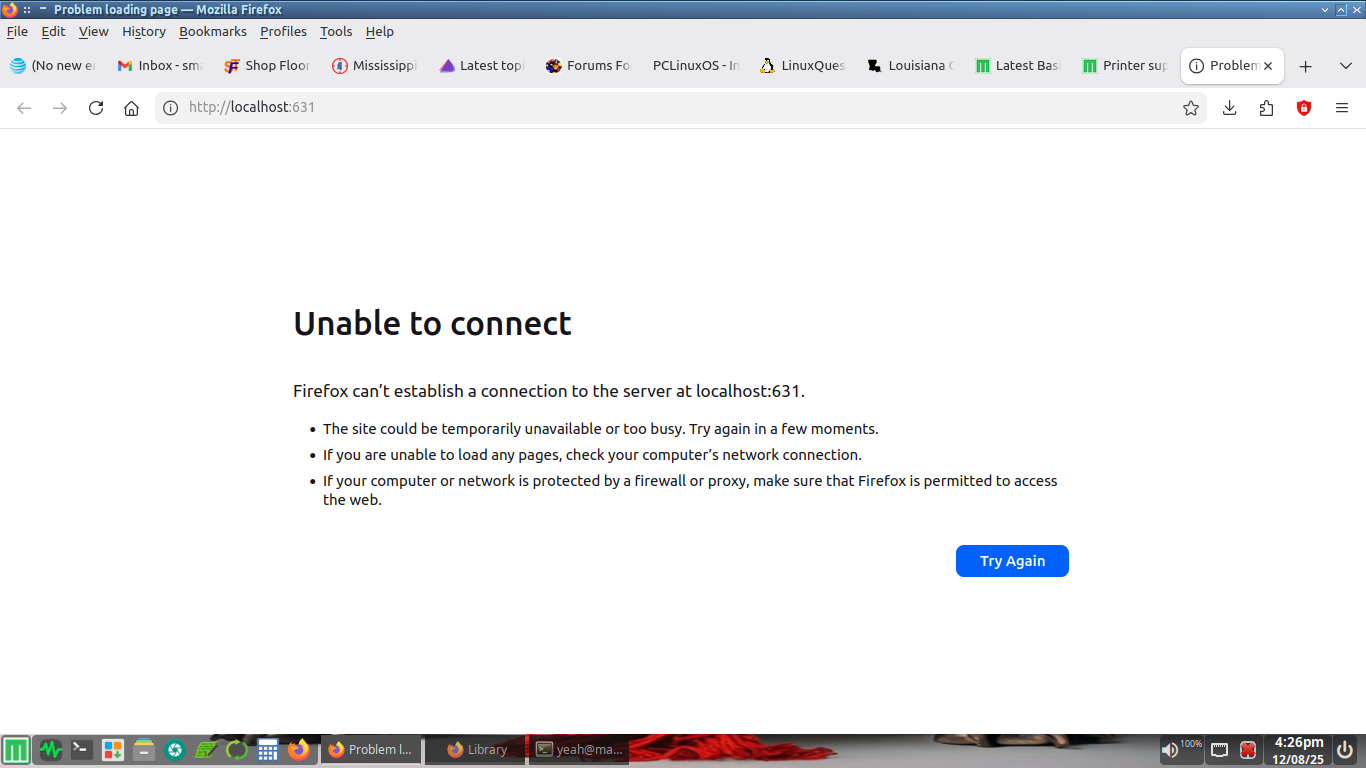
I am trying to install this printer to my install and so far have not been able to do so. I have tried the cups way and this is the page I get in my browser.
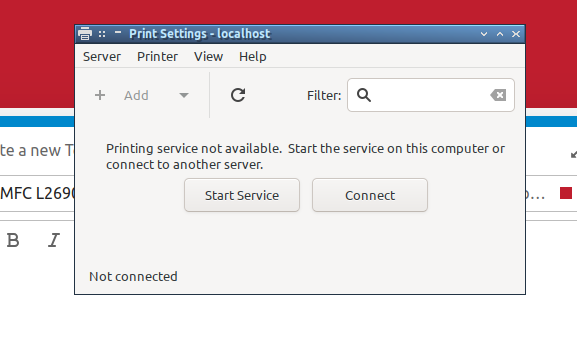
This is what system-config-printer shows.
Here is the inxi info on my system. Anyhelp greatly appreciated.
inxi -fxxxrz
CPU:
  Info: dual core model: Intel Core i5-2410M bits: 64 type: MT MCP
    smt: enabled arch: Sandy Bridge rev: 7 cache: L1: 128 KiB L2: 512 KiB
    L3: 3 MiB
  Speed (MHz): avg: 798 min/max: 800/2900 cores: 1: 798 2: 798 3: 798 4: 798
    bogomips: 18357
  Flags: acpi aes aperfmperf apic arat arch_perfmon avx bts clflush cmov
    constant_tsc cpuid cx16 cx8 de ds_cpl dtes64 dtherm dts epb est flush_l1d
    fpu fxsr ht ibpb ibrs ida lahf_lm lm mca mce md_clear mmx monitor msr
    mtrr nonstop_tsc nopl nx pae pat pbe pcid pclmulqdq pdcm pebs pge pln pni
    popcnt pse pse36 pti pts rdtscp sep ssbd sse sse2 sse4_1 sse4_2 ssse3
    stibp syscall tm tm2 tsc tsc_deadline_timer vme x2apic xsave xsaveopt
    xtopology xtpr
Repos:
  Packages: pm: pacman pkgs: 1065
  Active pacman repo servers in: /etc/pacman.conf
    1: https://repo.maboxlinux.org/stable/$arch/
  Active pacman repo servers in: /etc/pacman.d/mirrorlist
    1: https://mirrors2.manjaro.org/stable/$repo/$arch
    2: https://nocix.mm.fcix.net/manjaro/stable/$repo/$arch
    3: https://edgeuno-bog2.mm.fcix.net/manjaro/stable/$repo/$arch
    4: https://ziply.mm.fcix.net/manjaro/stable/$repo/$arch
    5: https://mirror.raiolanetworks.com/manjaro/stable/$repo/$arch
    6: https://manjaro.ynh.ovh/stable/$repo/$arch
    7: https://mirror.bouwhuis.network/manjaro/stable/$repo/$arch
    8: https://mirror.alpix.eu/manjaro/stable/$repo/$arch