[SOLVED] Borked update - FILENAME exists in filesystem

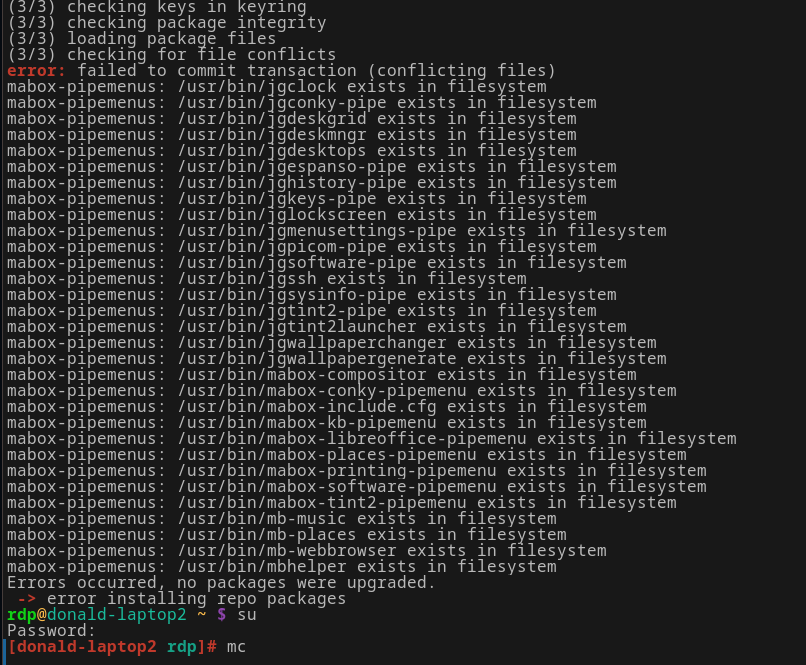
Doing a YAY update on one of my two laptops. They are just the standard installs. No extra apps installed on this particular laptop. This is what is happening.

How do I fix this? I don’t understand what happened to cause this. The other laptop did the exact same update with zero issues. No I did not use YAY as root.

Strange… looks like local package database lost information about the mabox-pipemenus package and its files.

Try to force to update this package by:

sudo pacman -S mabox-pipemenus --overwrite usr/bin/jg*,usr/bin/mabox*,usr/bin/mb*

More info:

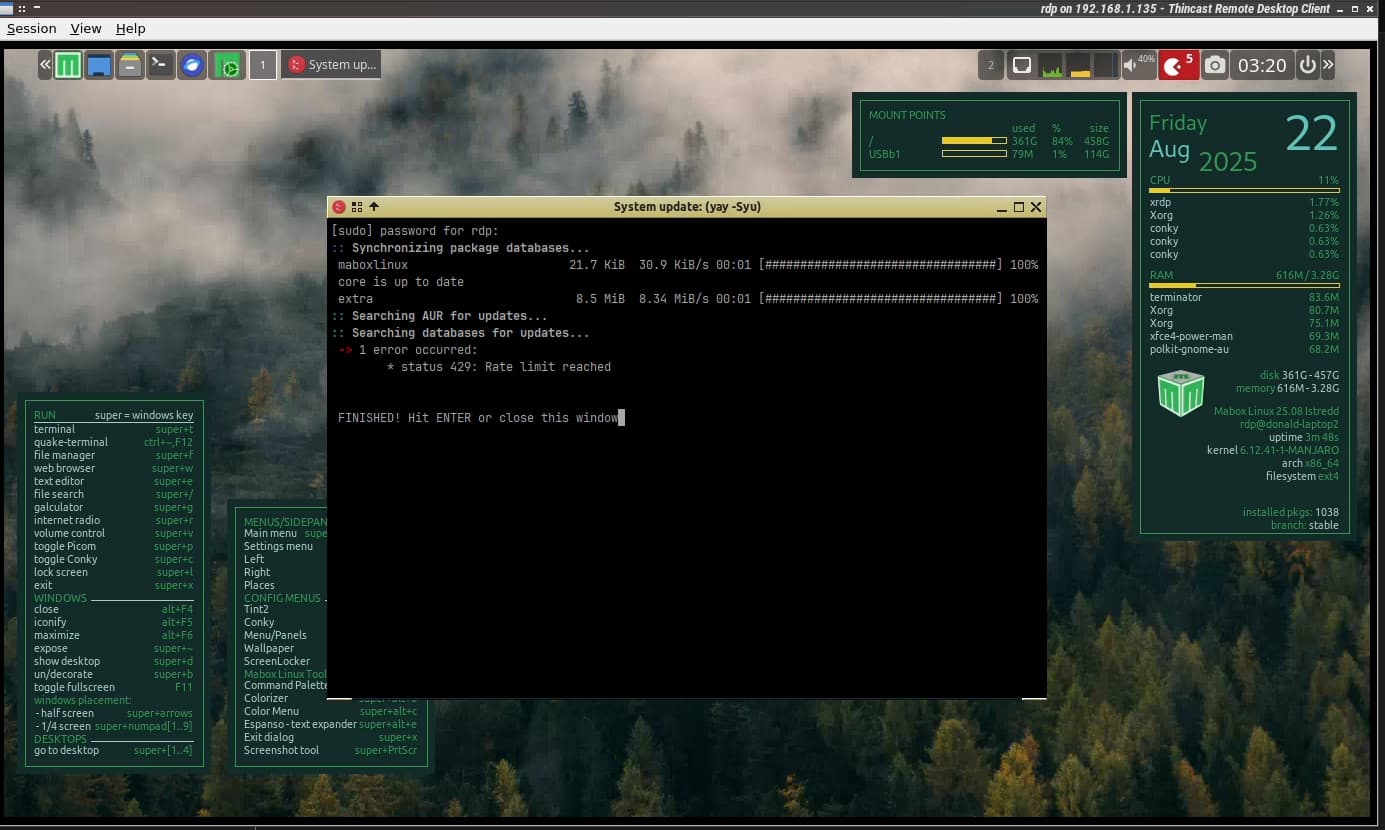
Weird. I did that and thinking I could go ahead and do a YAY update I now get this.

I have decided I’ll timeshift back to a previous known working state and proceed to update from there. Thanks for you help anyway Daniel. I’ll let you know how it goes once the system is restored and such.
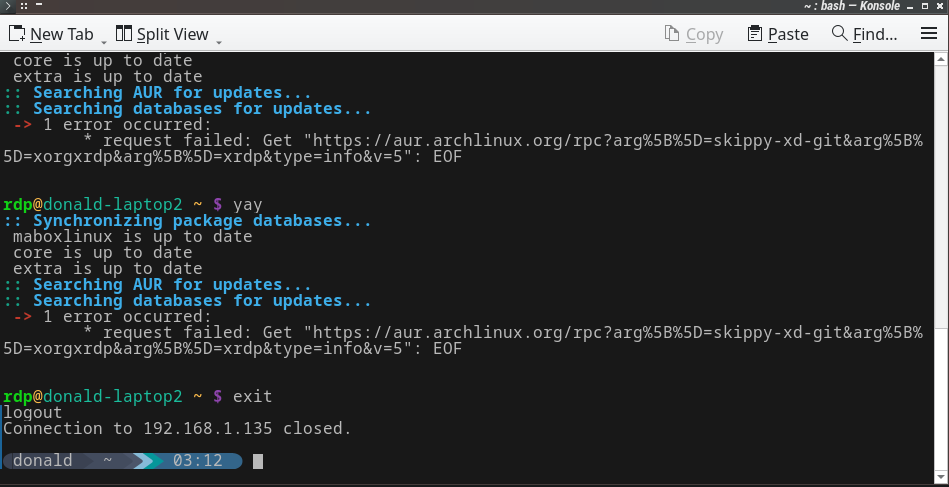
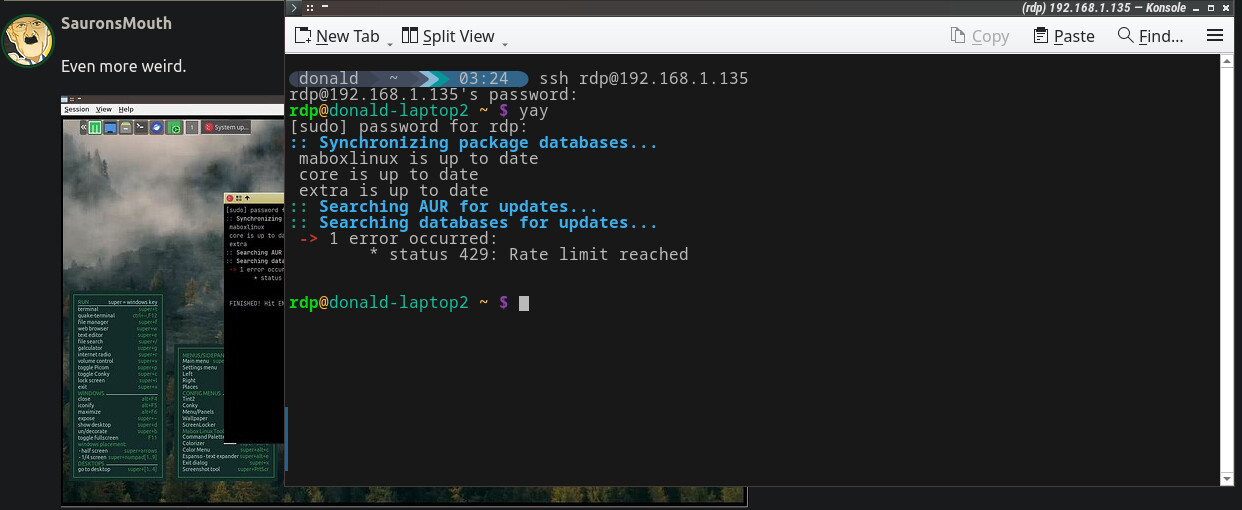
Even more weird.

Does it in terminal as well.

These messages are related to the AUR – there’s no need to panic or take hasty actions (timeshift).

Archlinux servers have been under attack in recent days and are often unavailable.

This doesn’t have any significant impact on Mabox; you may only experience temporary problems updating packages from the Arch User Repository (AUR).

Try to update with:

yay -N
1 Like

Got you. Thanks. I’ll just hold off updating until later today then.

If AUR is not available you can tell yay to not use it with:

yay -N
#or 
yay --repo

From man yay:

NEW OPTIONS
-N, --repo
Assume all targets are from the repositories. Additionally Actions such as sysupgrade will only act on repository packages.

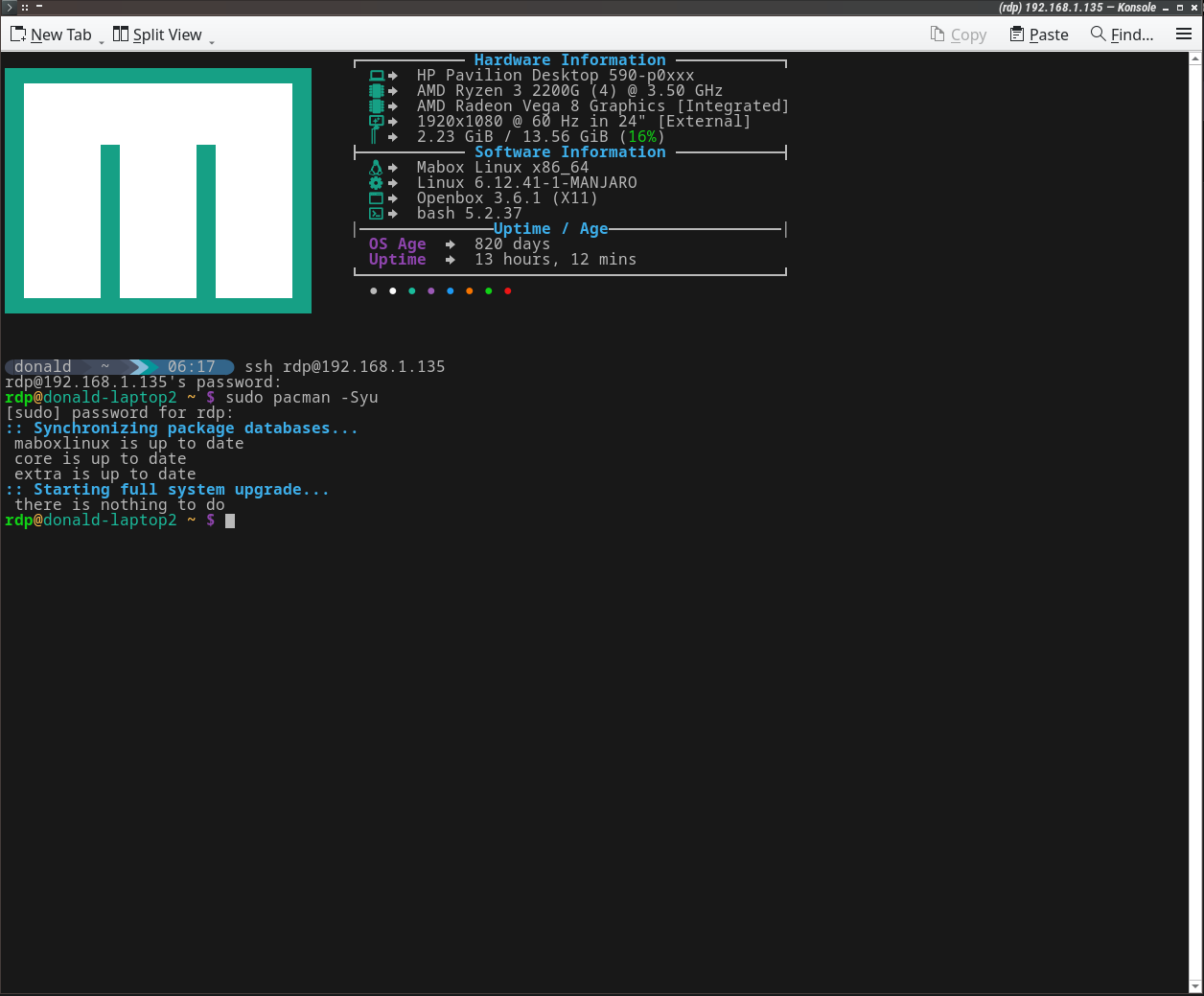
Or you can use pacman which does not care about AUR at all.

sudo pacman -Syu
1 Like

Huzzah!