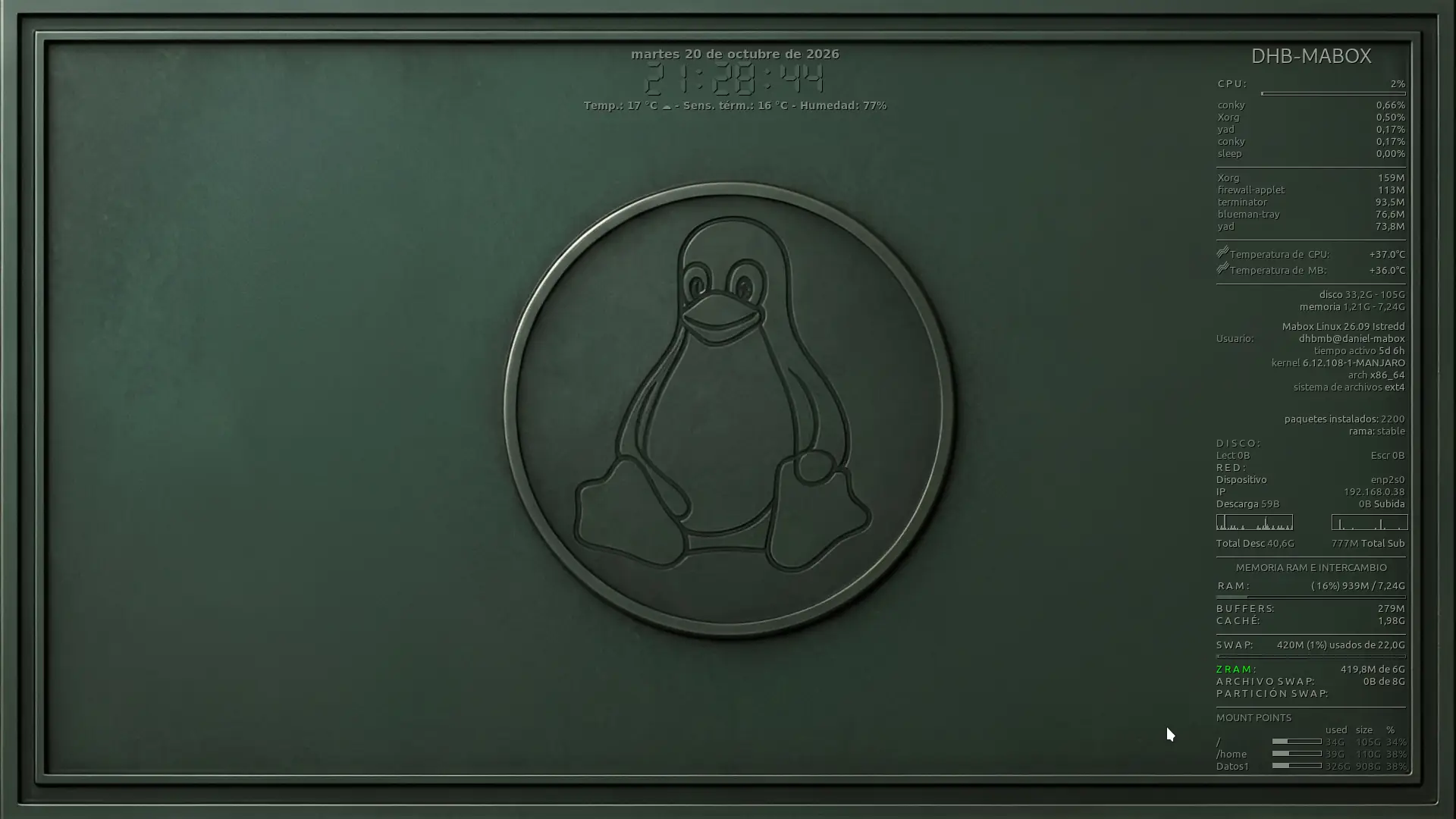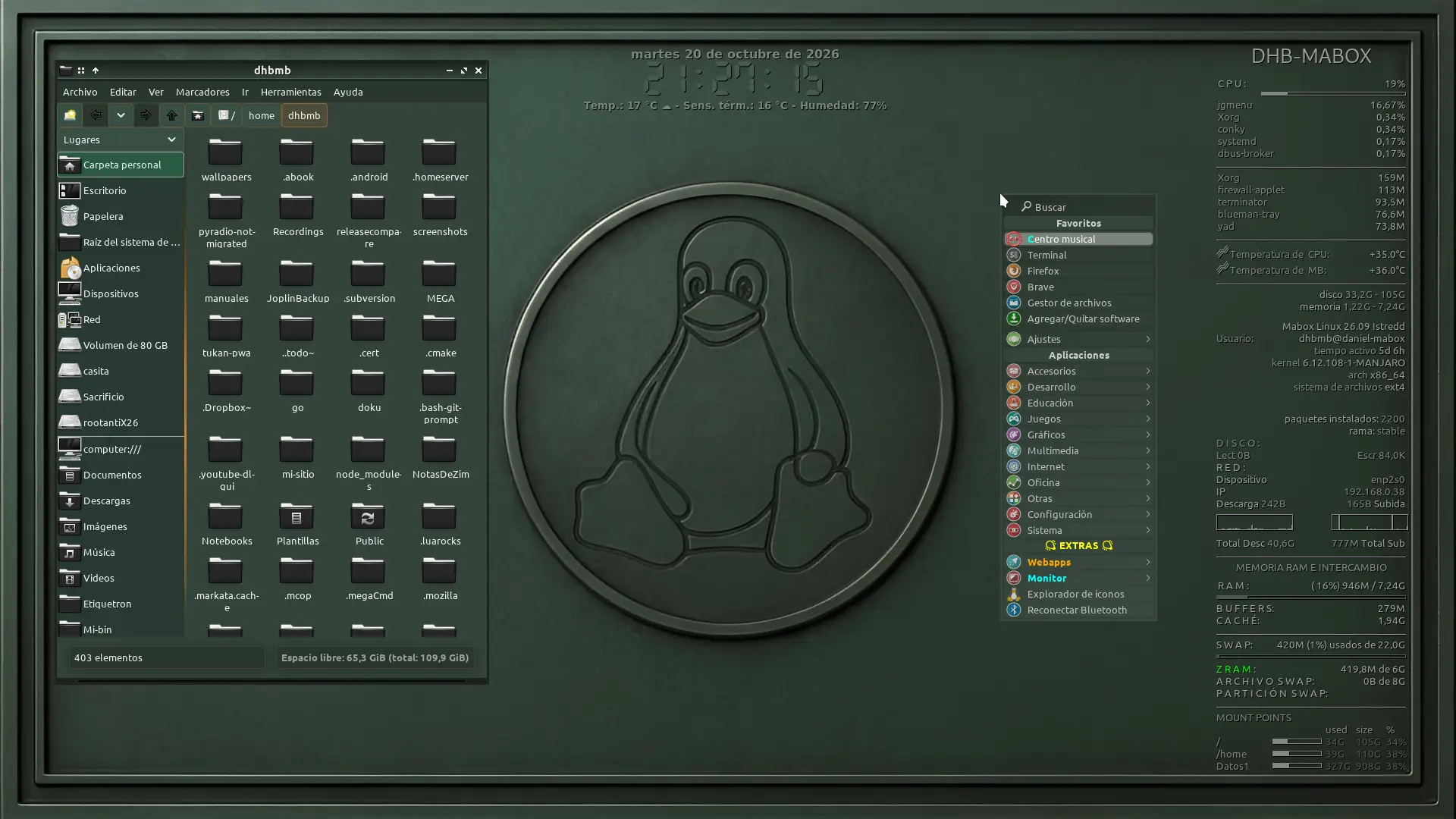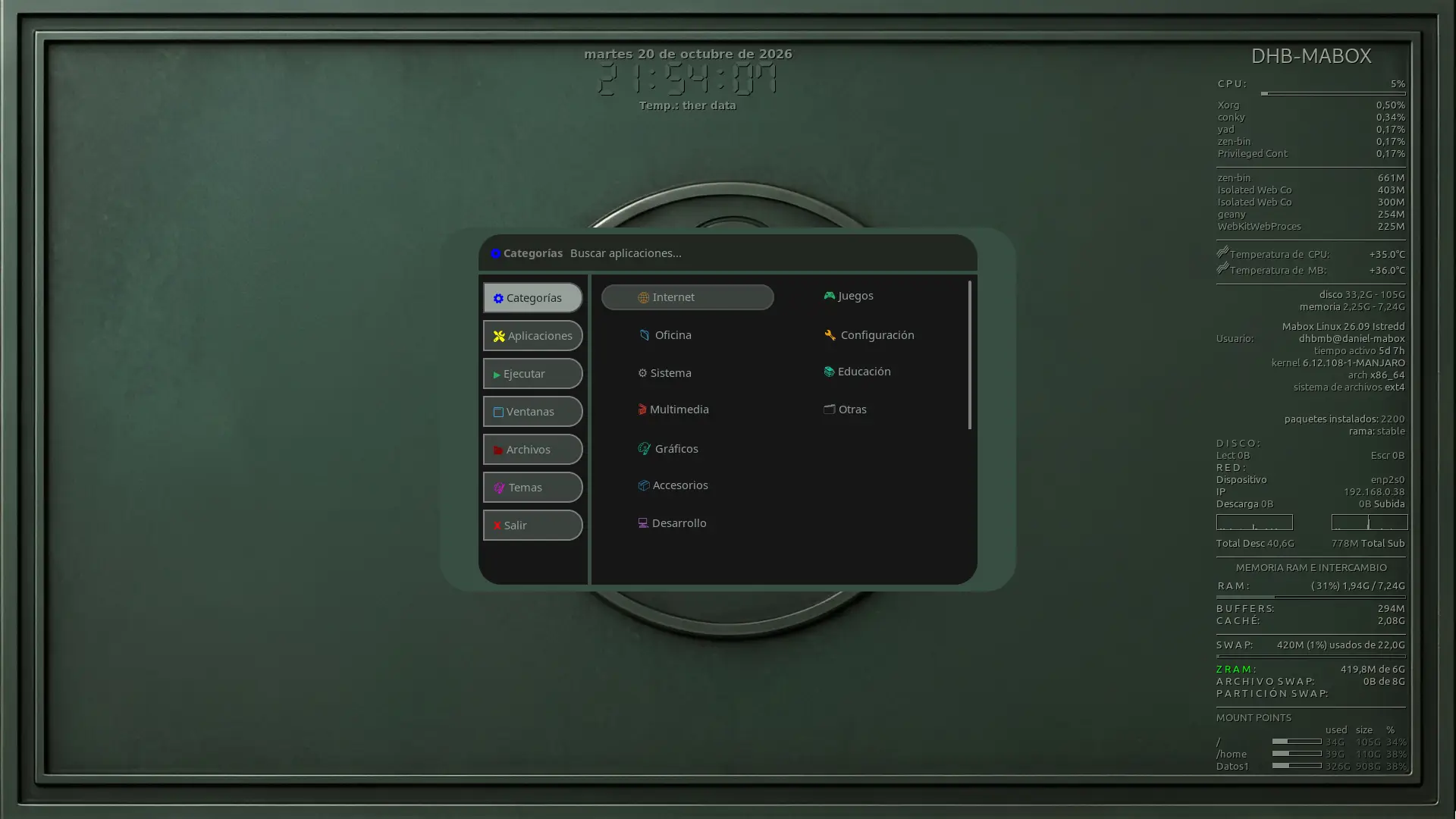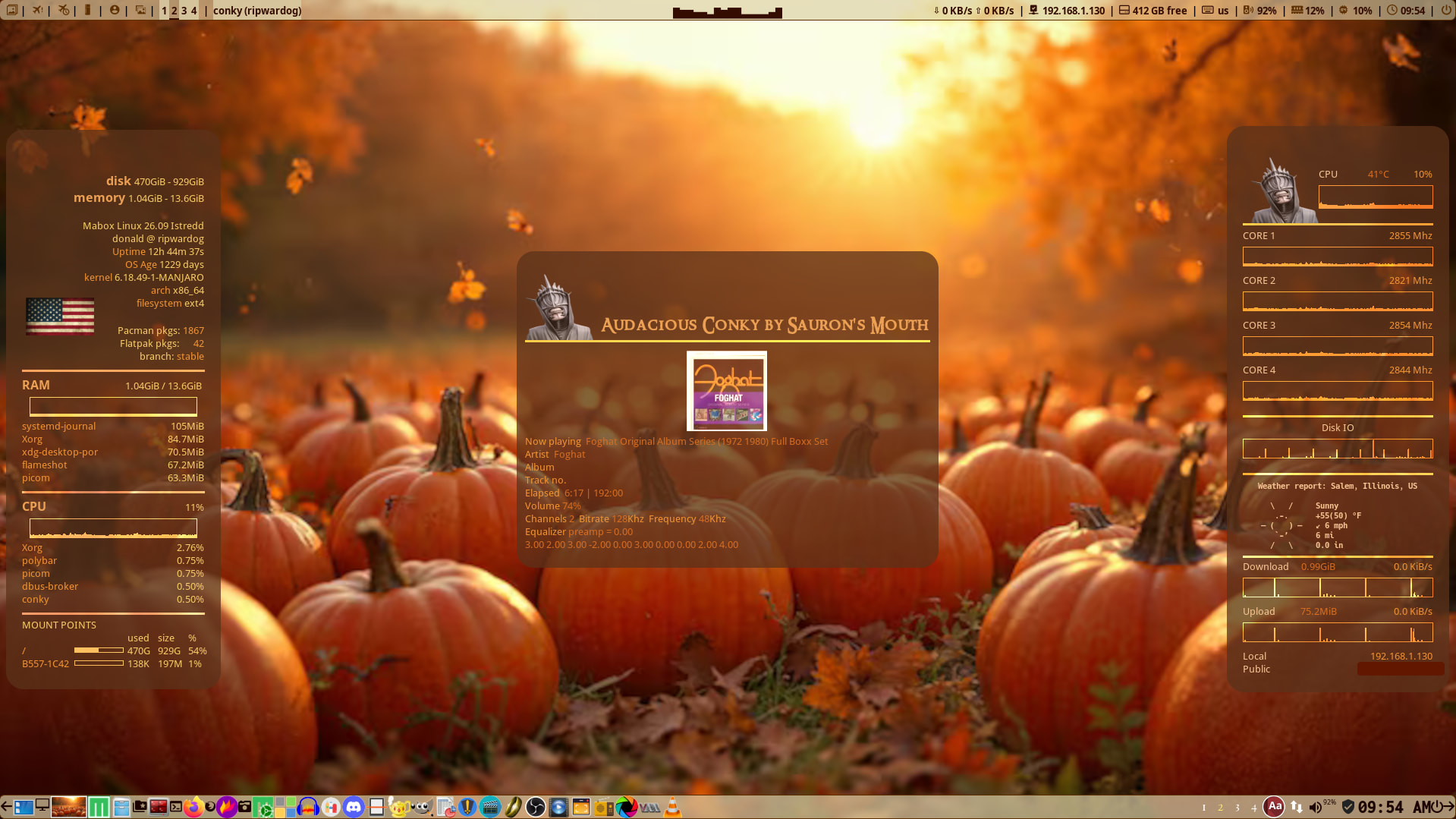
Okay I’m done fooling around with the conky and have finally achieved the look I was after.
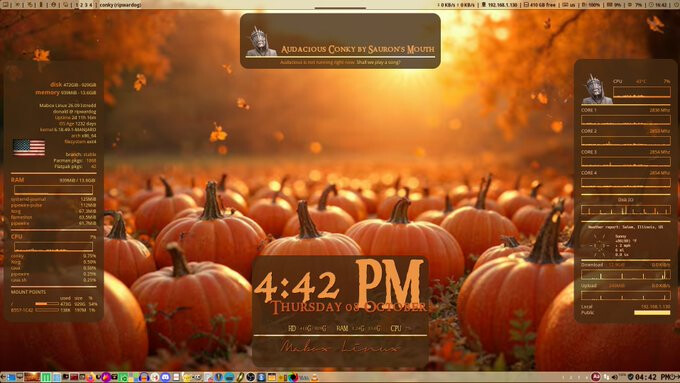
Wallpaper name? 
IDK I just did a search for October related images with Google, picked one and ‘right click’ ‘save image as’ and called it OctoberPumpkins.
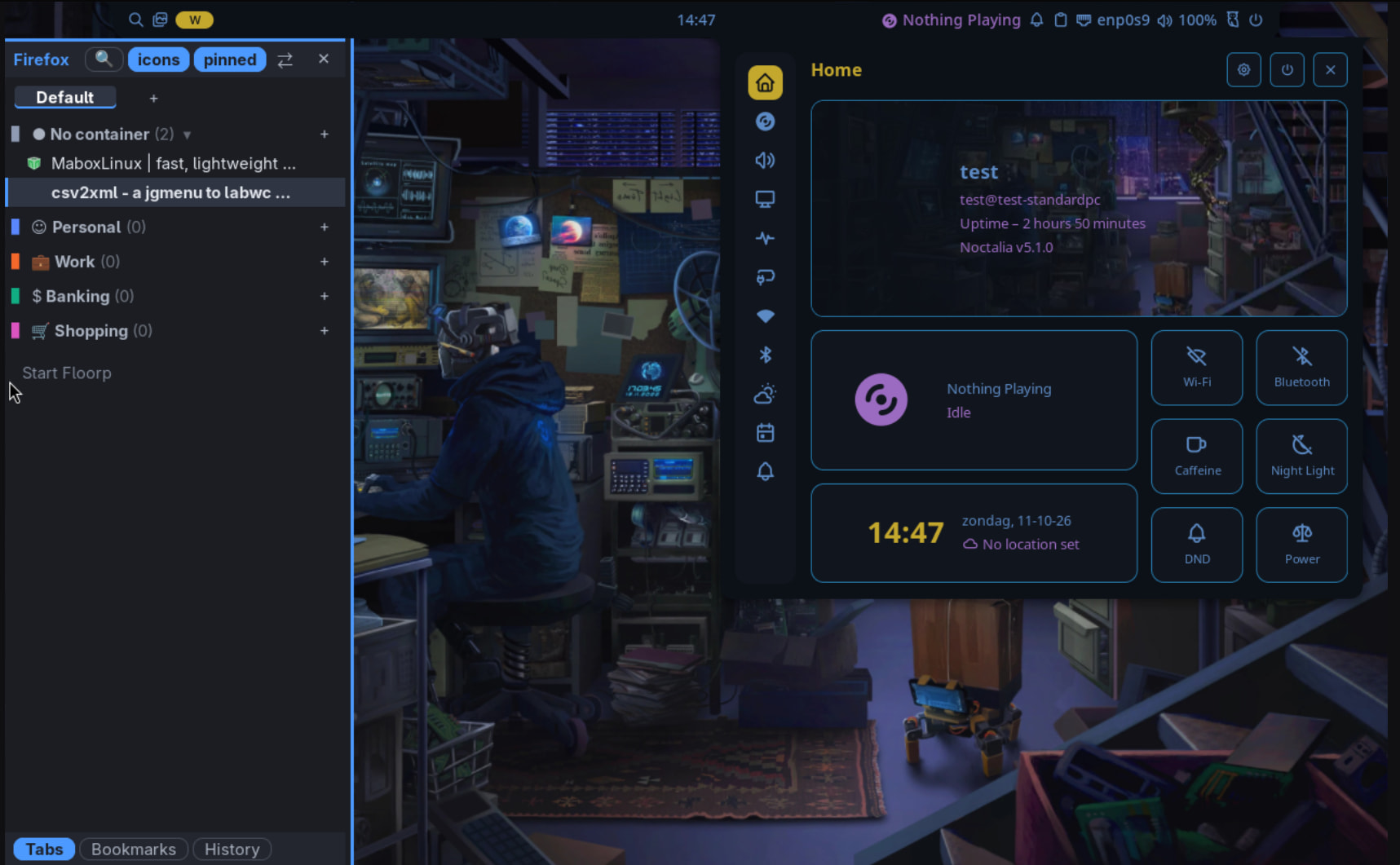
Working on skippy-wl .
Tagged as unstable yet. Though good enough for testing.
2 monitors – overview follows the pointer
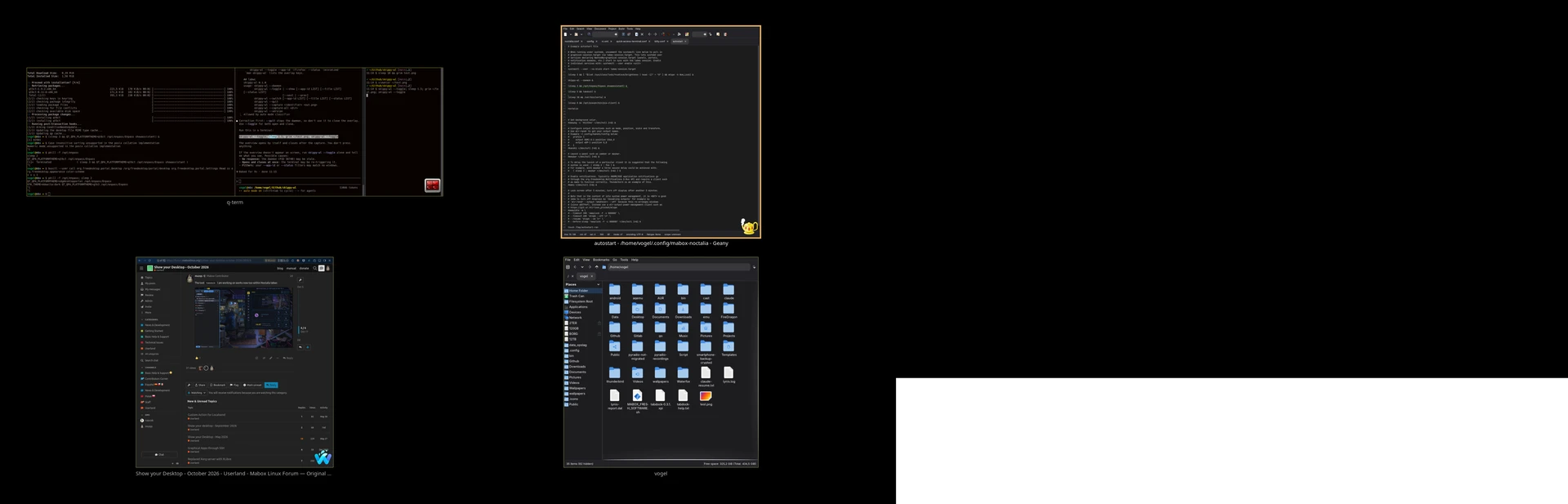
Adapted jumpapp to work on wayland.
yay -Syu jumpapp-ng
or manual installation
Labwc supports workspaces, including the ext-workspace protocol. What’s missing is a standard way for an external tool to see which window is on which workspace, and to get live thumbnails of windows on other workspaces, so a skippy-xd-style paging view isn’t practical yet.
Building up rc.xml
Soon I will create a Noctalia (labwc) experience topic. Need some time to play around a bit more.
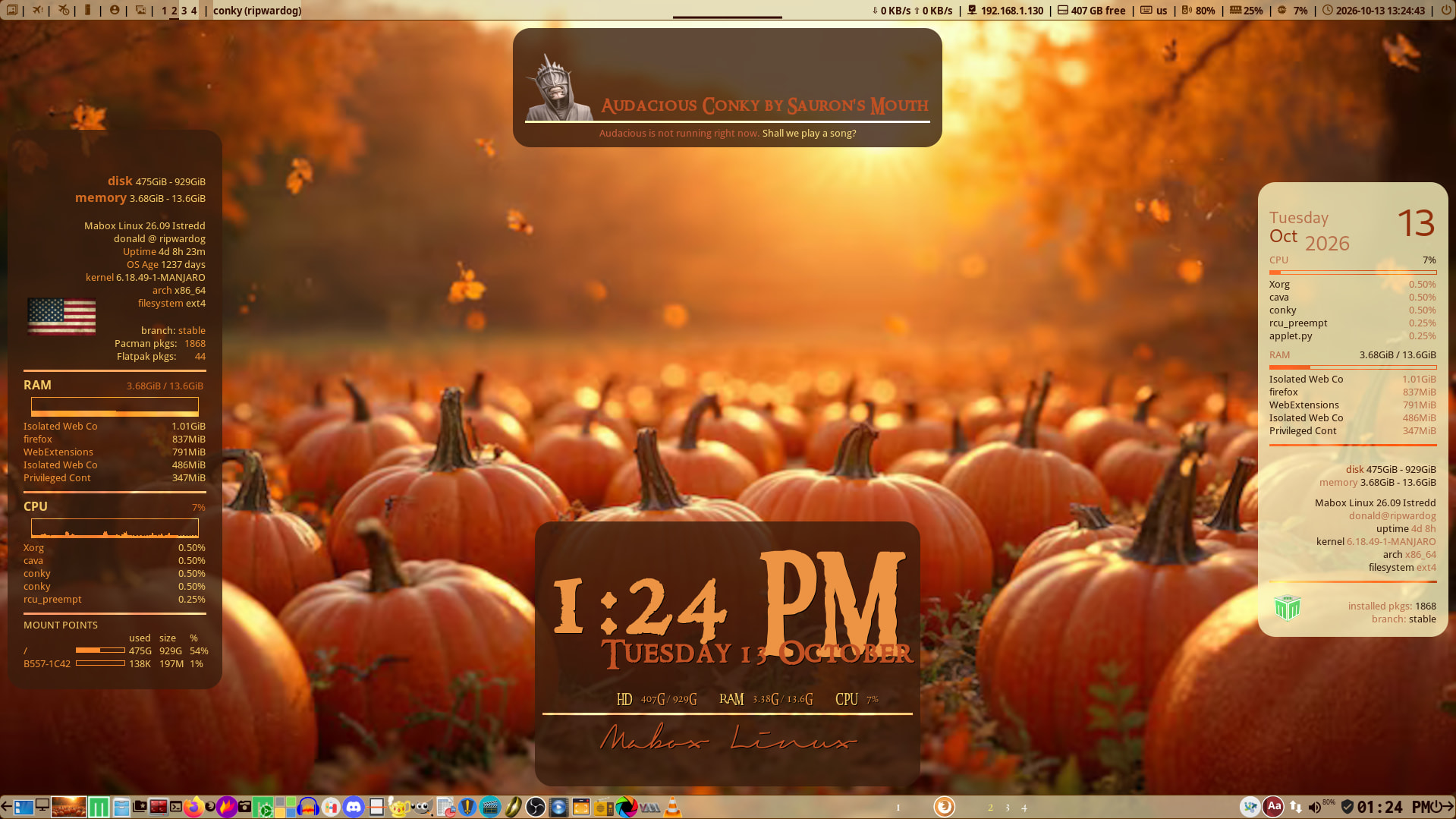
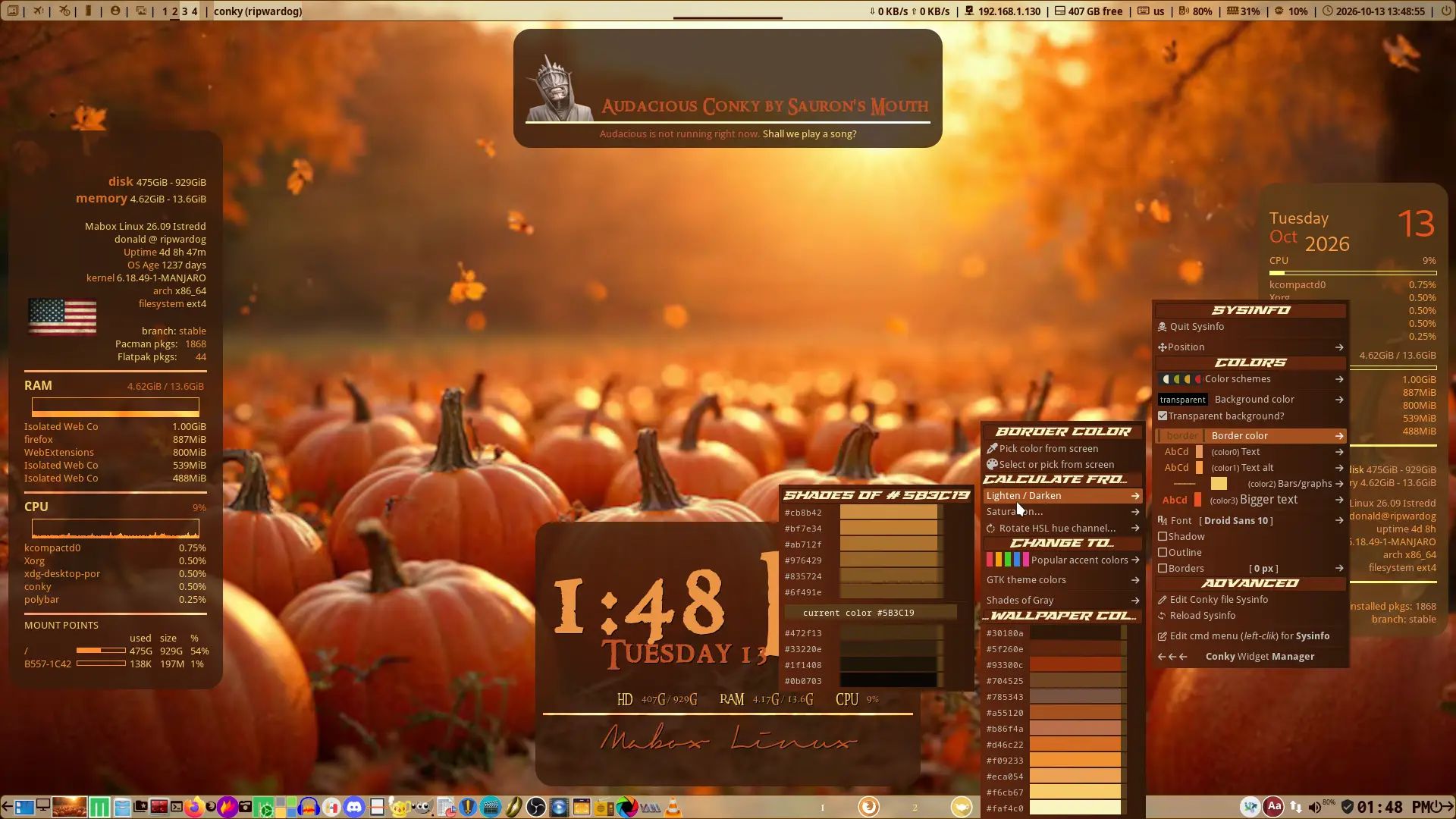
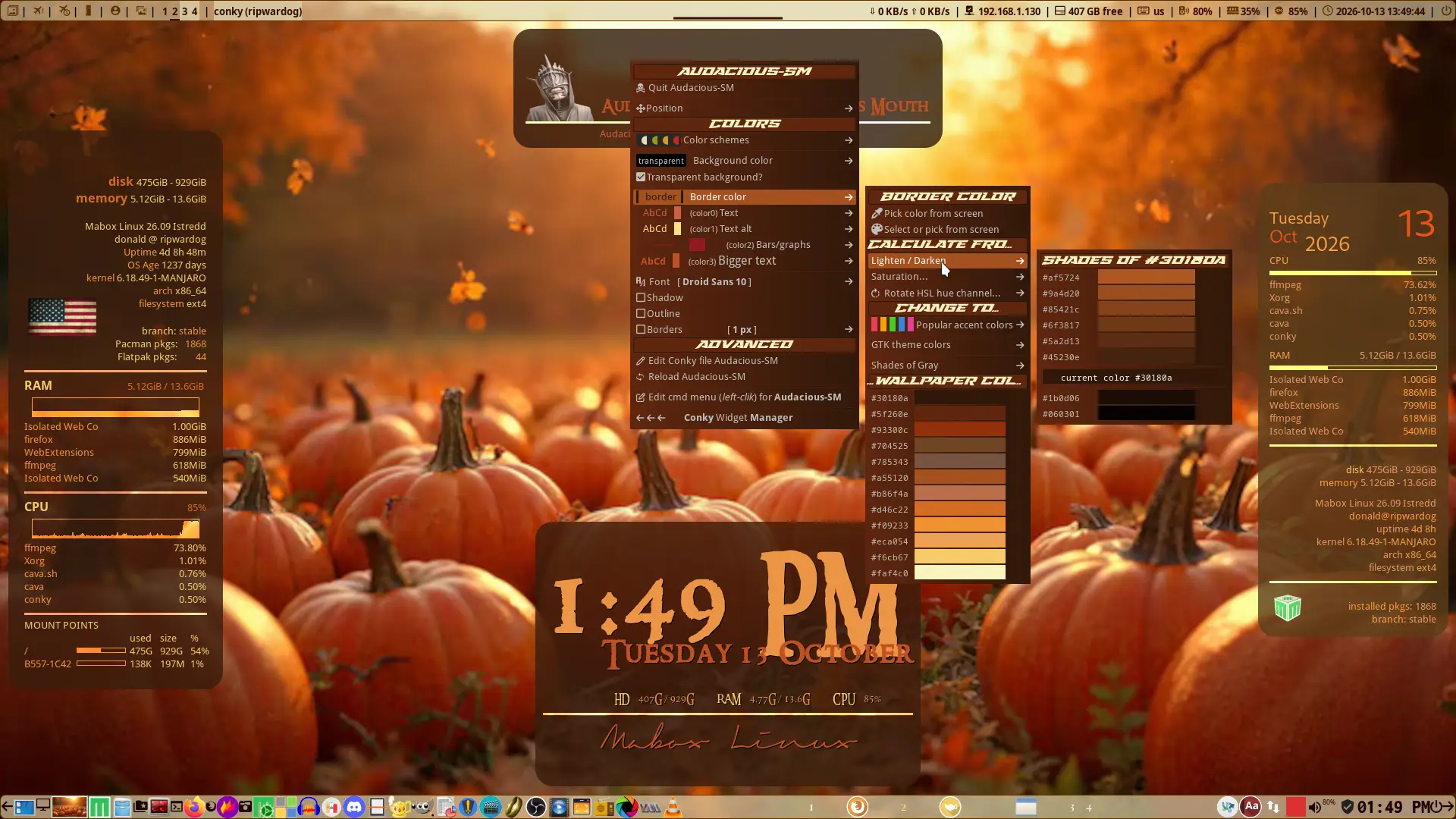
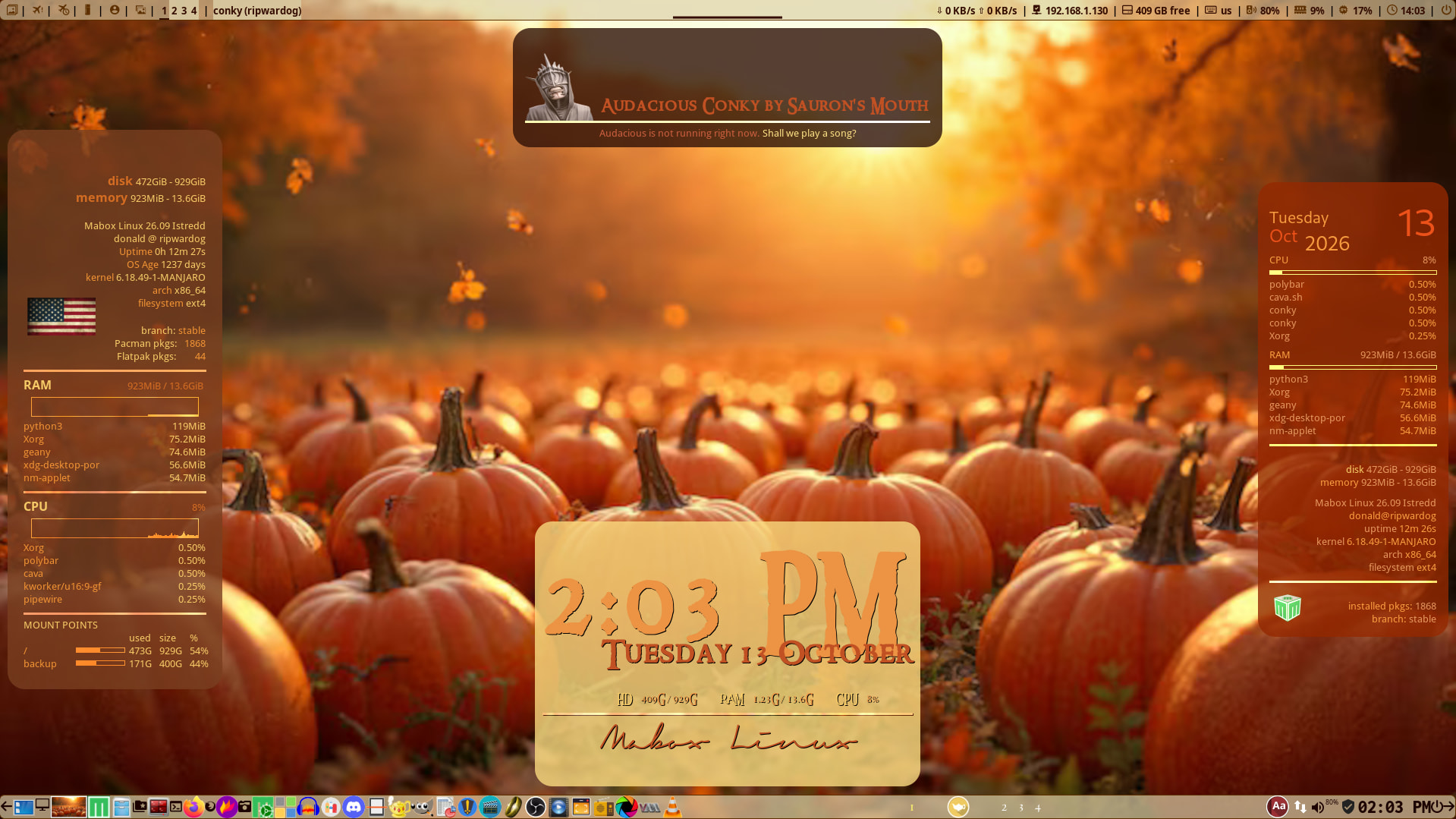
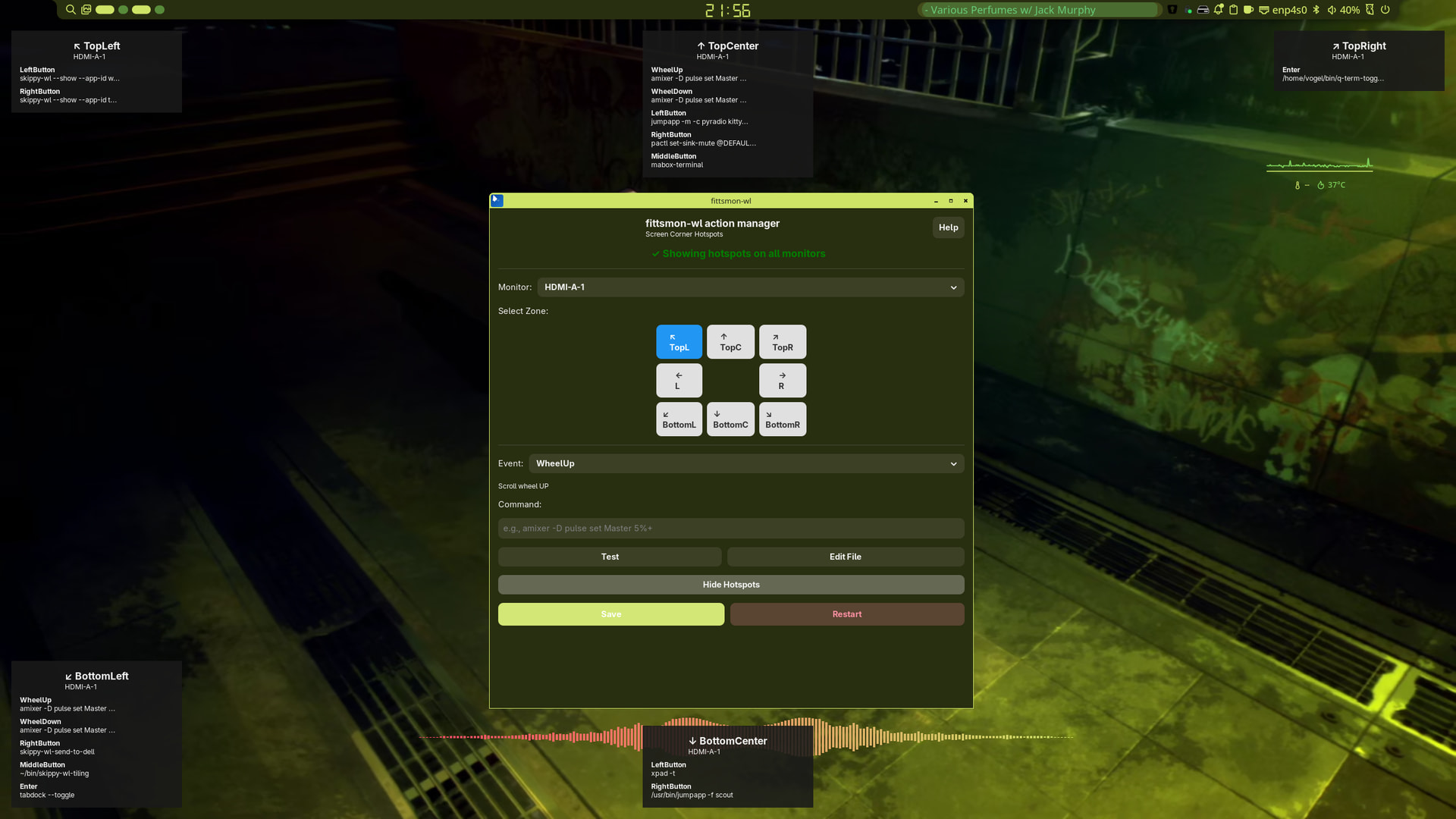
Nice work @SauronsMouth 
How did you edit the conkie radius.
It sounds you edited the conkies rc’s directly.
With picom this is really easy. More conkies at once if you want.
Make use of a @include conky.conf
A basic config
# Conky (normal conkies - not always transparent)
match = "class_g = 'Conky'";
blur-background = true;
corner-radius = 6;
opacity = 0.7;
dim = 0.2;
shadow = false;
You can also filter on name of the conky.
But maybe you are doing it this way already
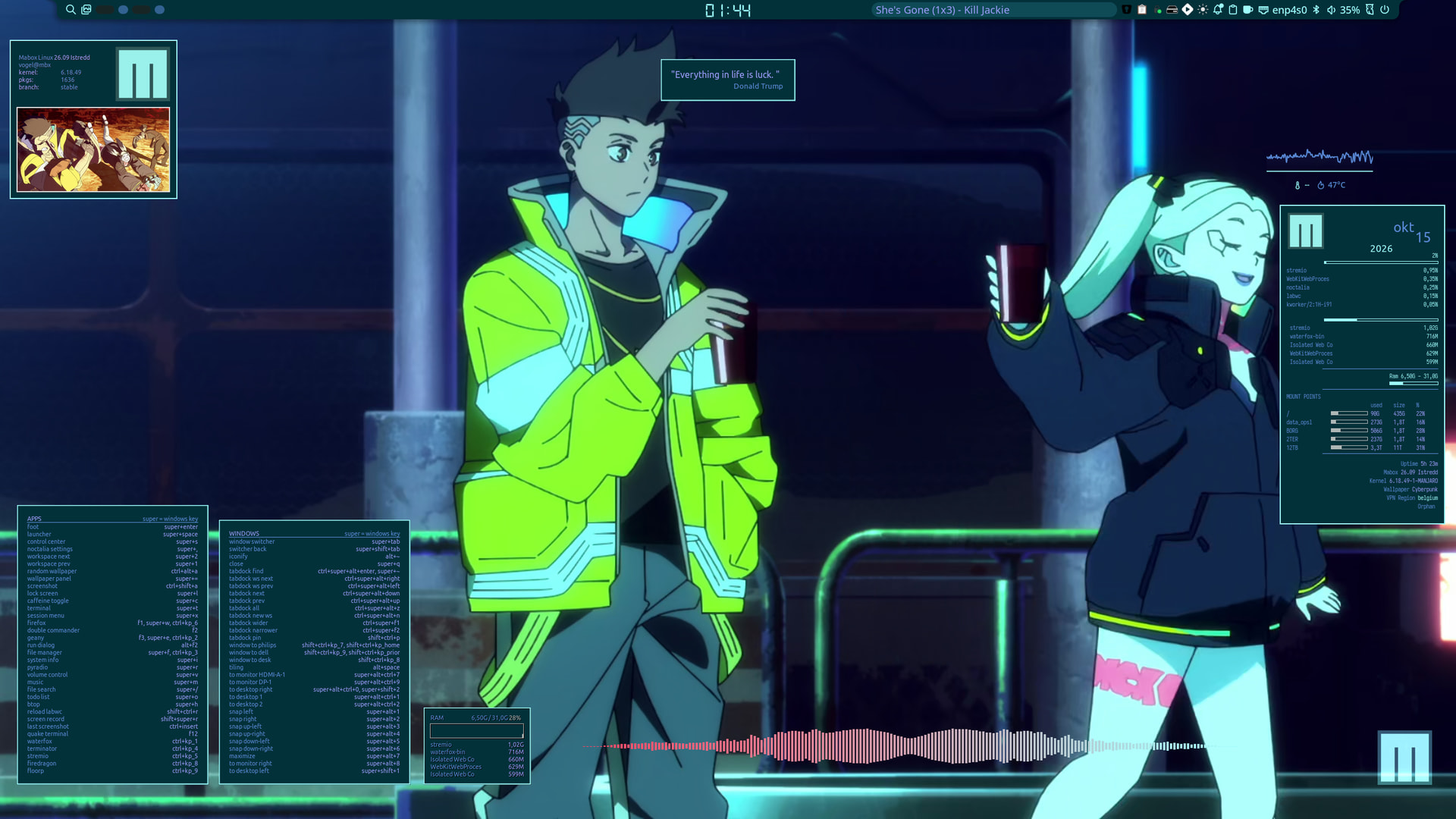
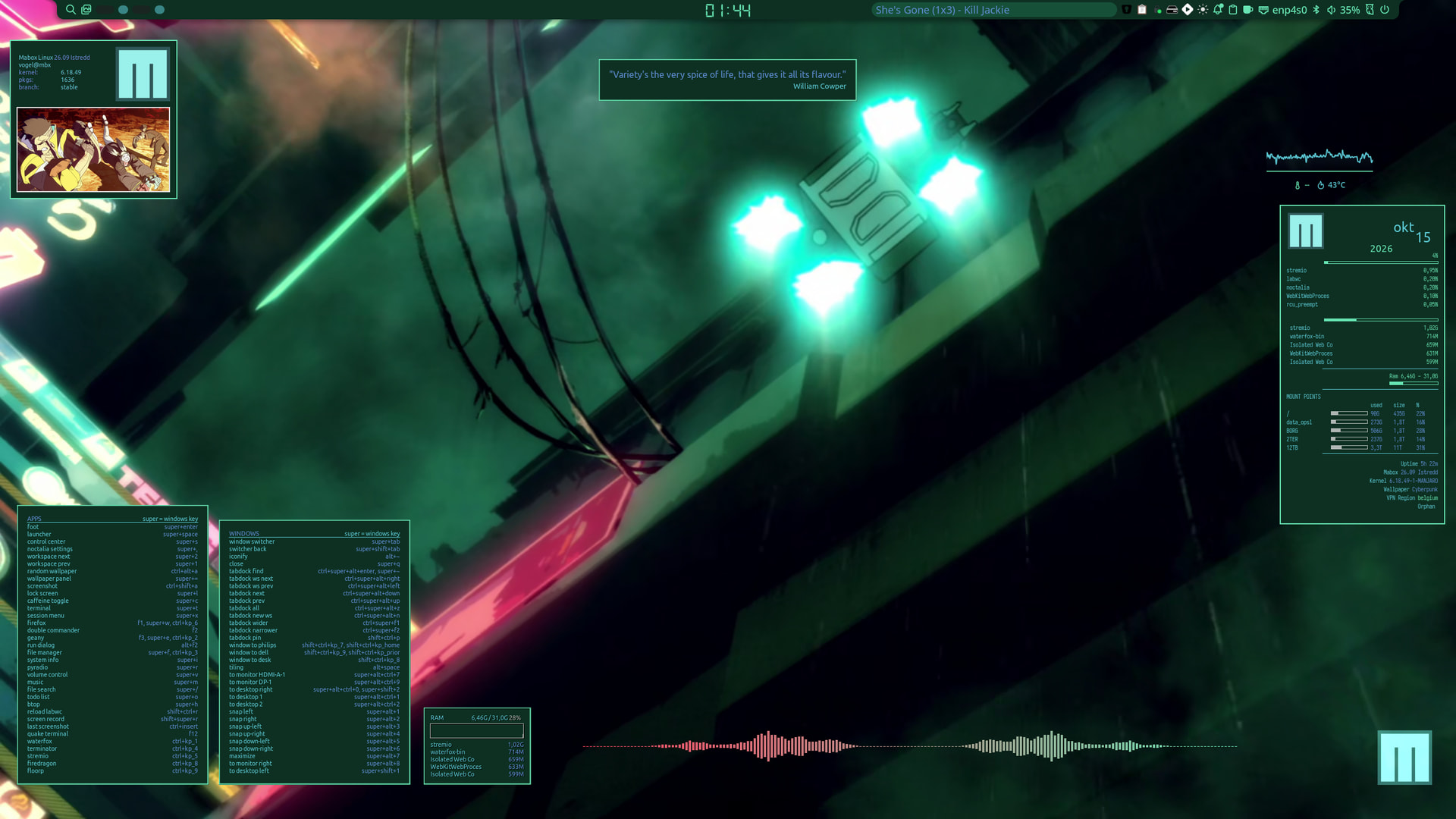
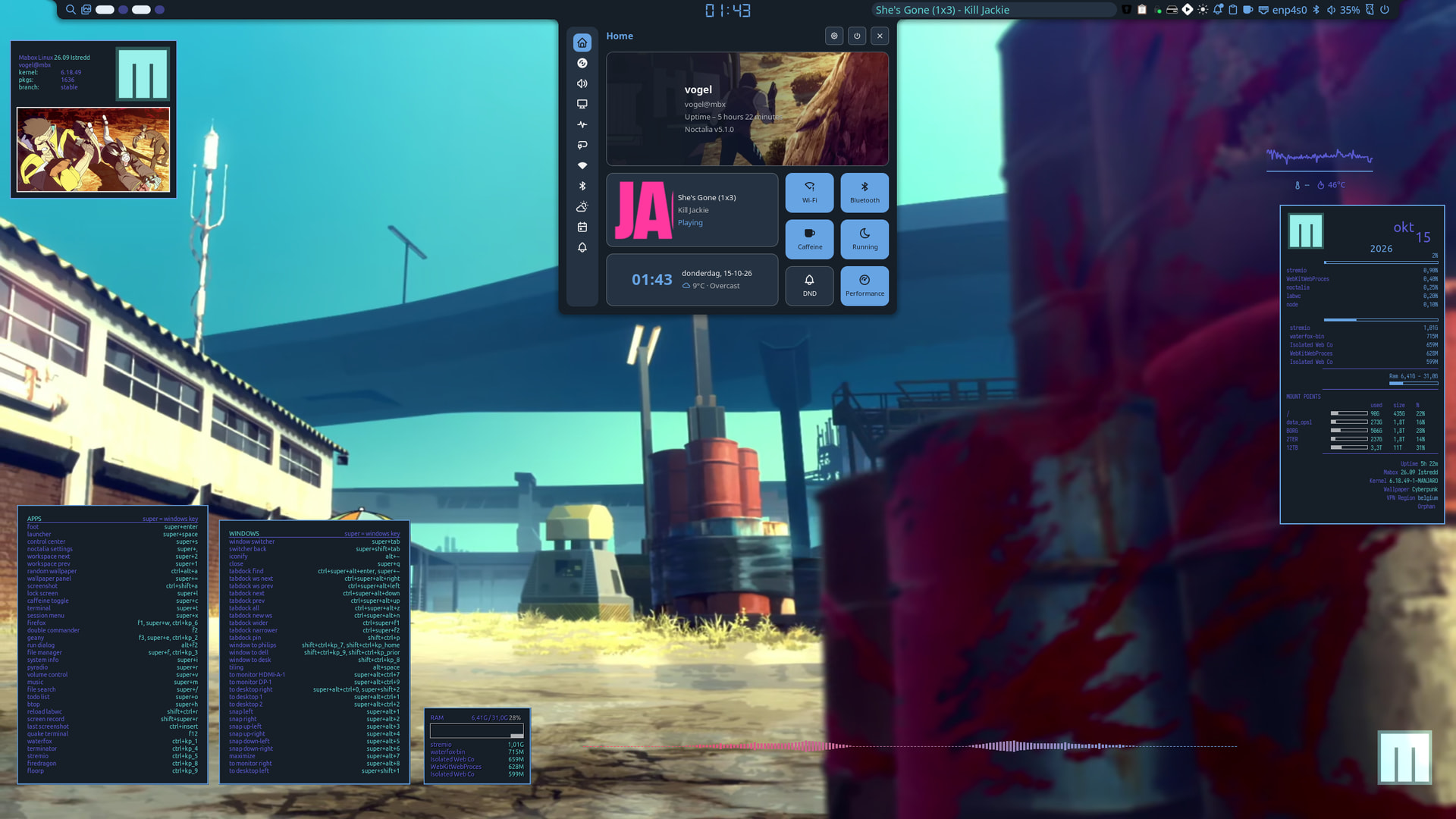
Actually I’ve been learning LUA and cairo graphics.