@SauronsMouth looks like you use tint2 config named Istredd.tint2rc - older version.
Try to right-click on the Clock… you should see a menu to configure the clock.
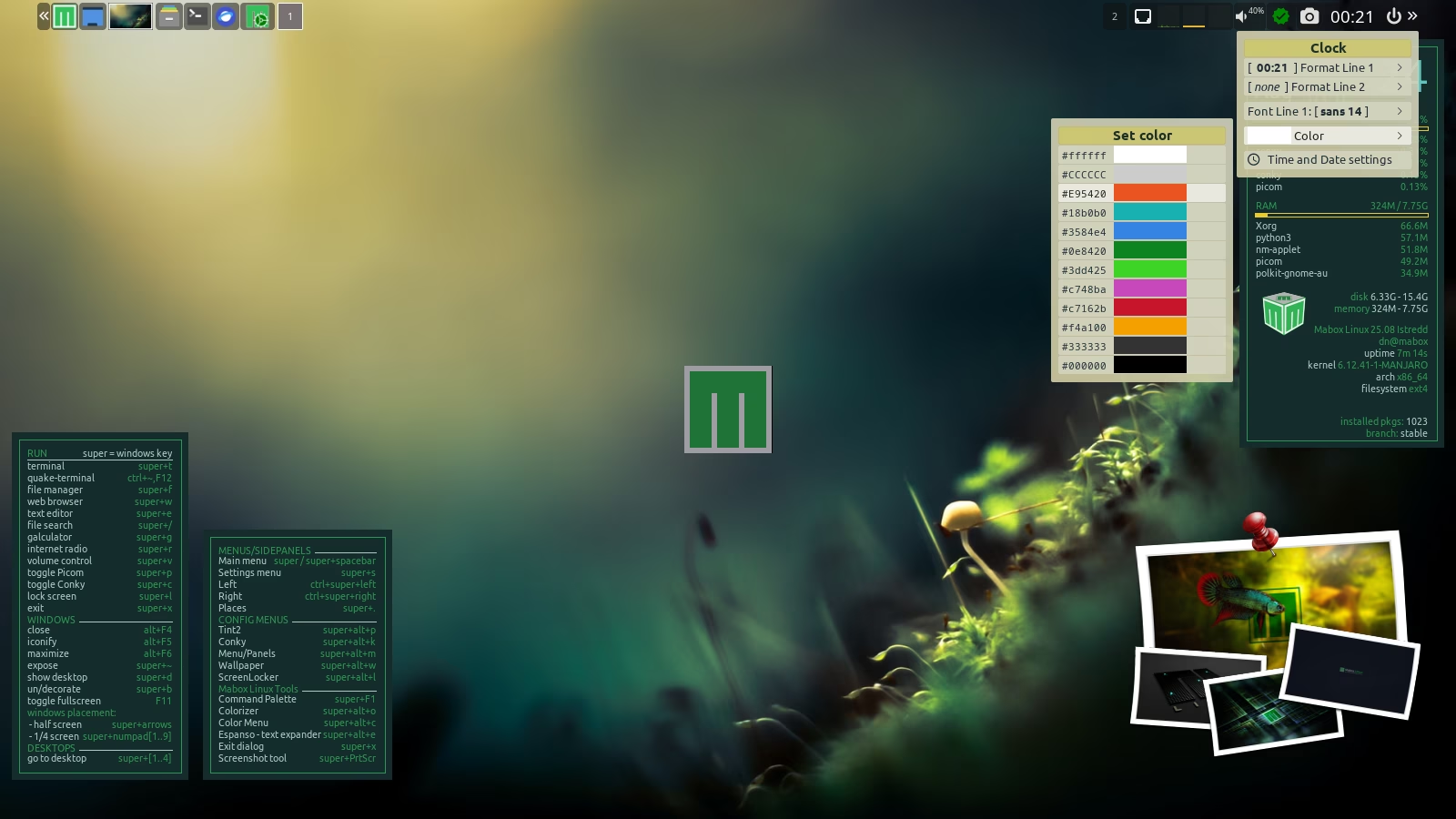
If the menu does not appear, then update your tint2 configs by command:
mb-reset tint2
In addition to the Clock configuration menu (right-click),
you’ll gain quick access to two other new features:
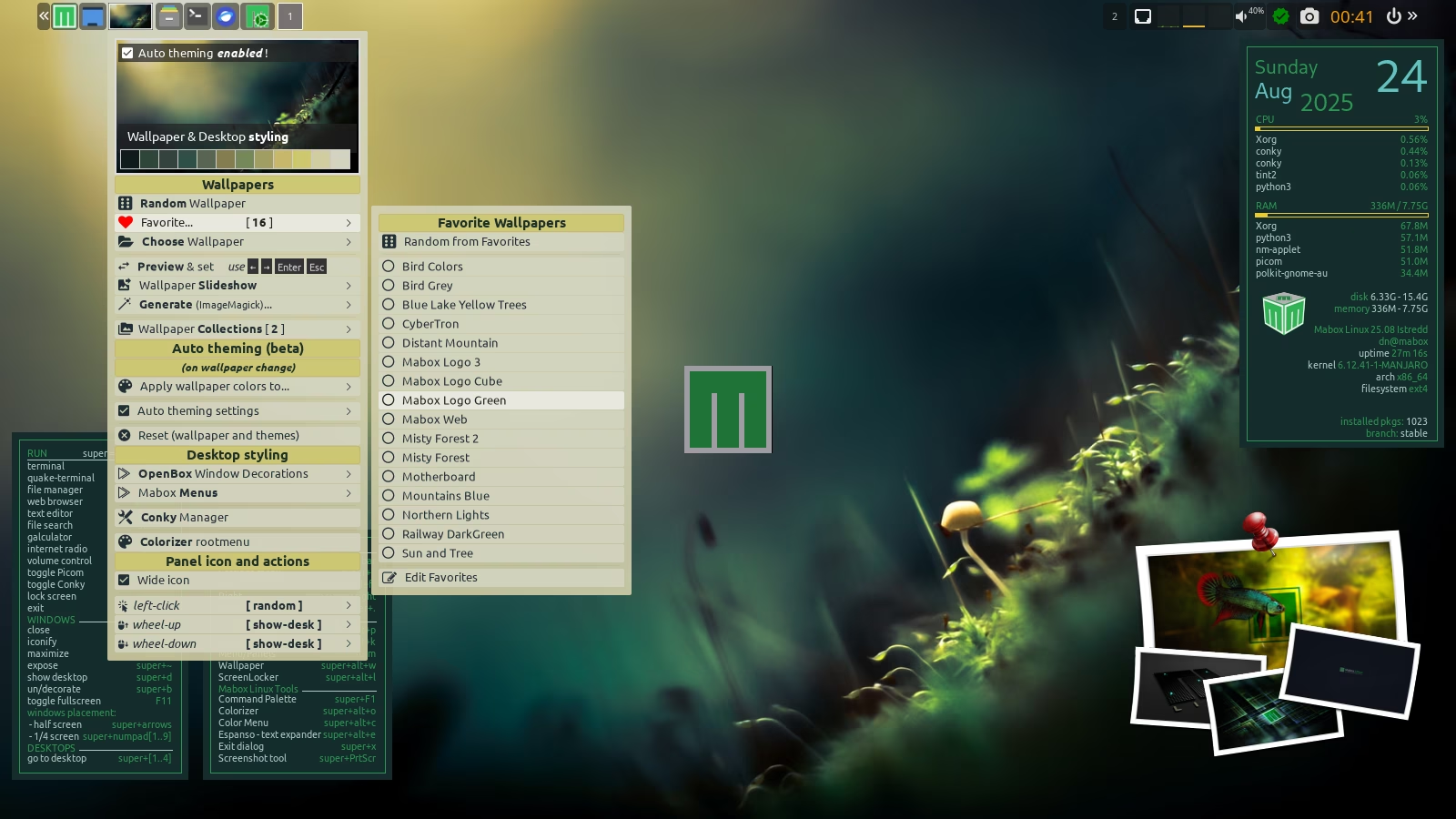
- Wallpaper thumbnail - right-click will show the Wallpaper & desktop styling menu
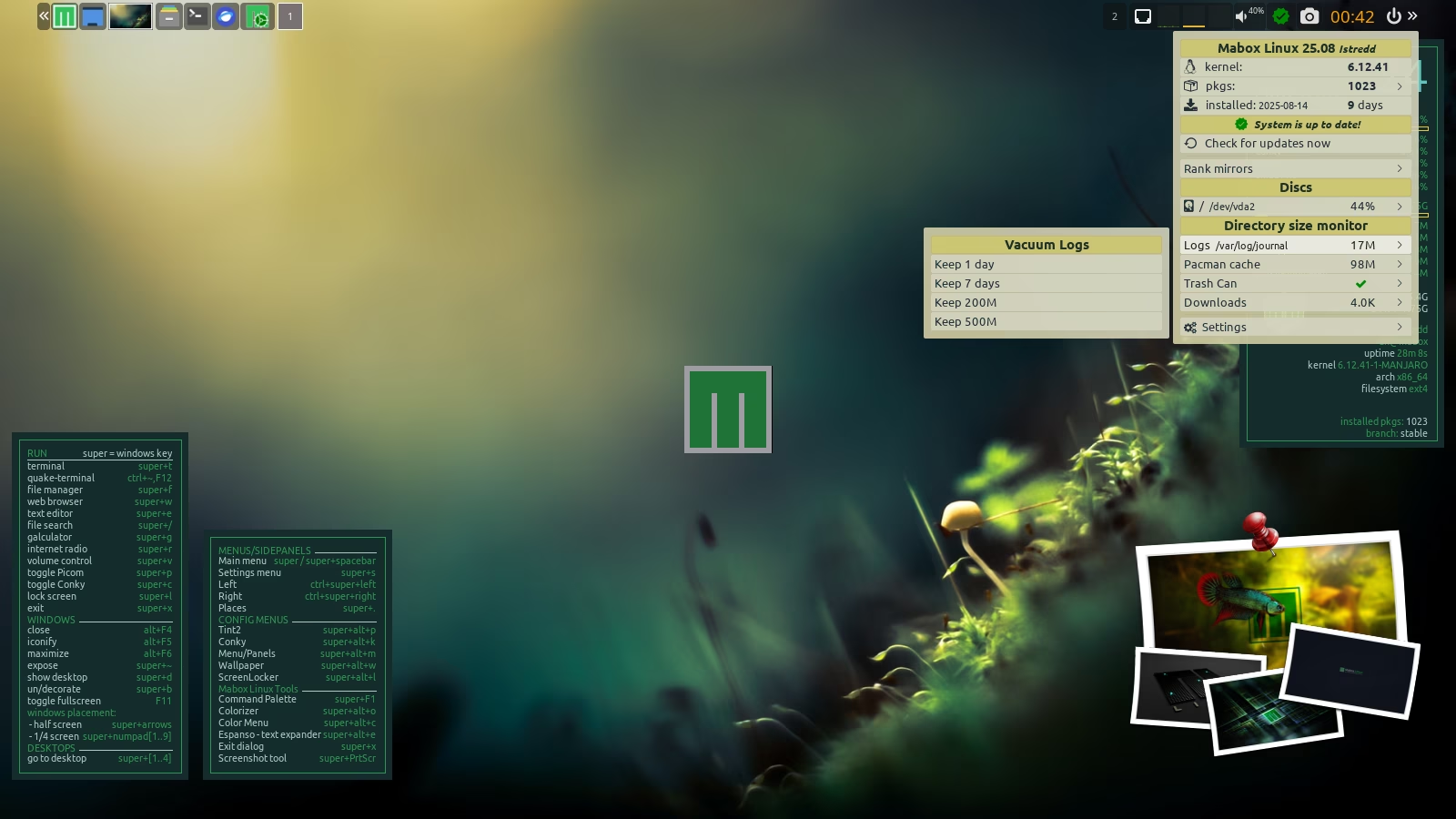
- Status/notification icon + cool and powerful menu near the clock