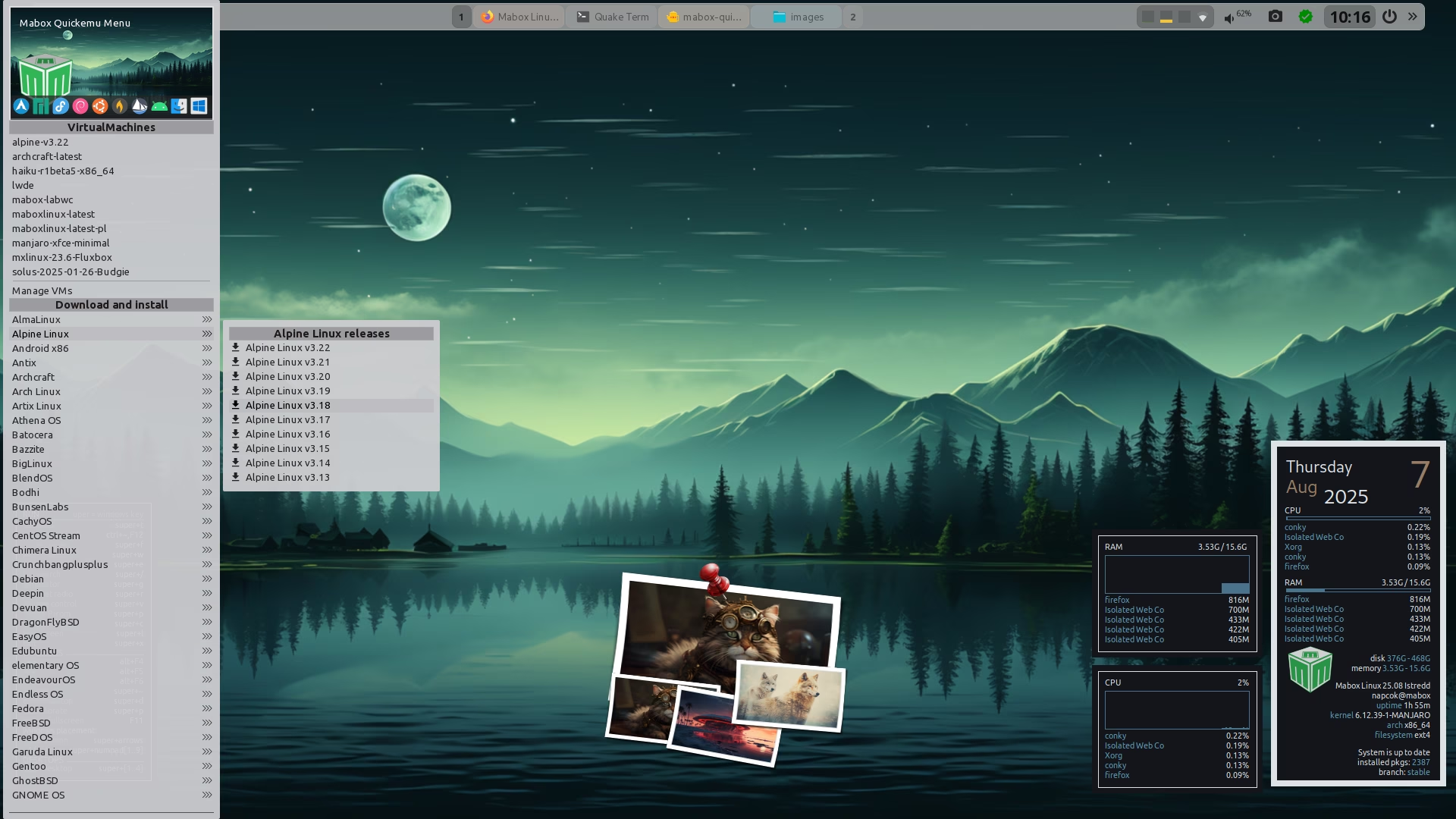
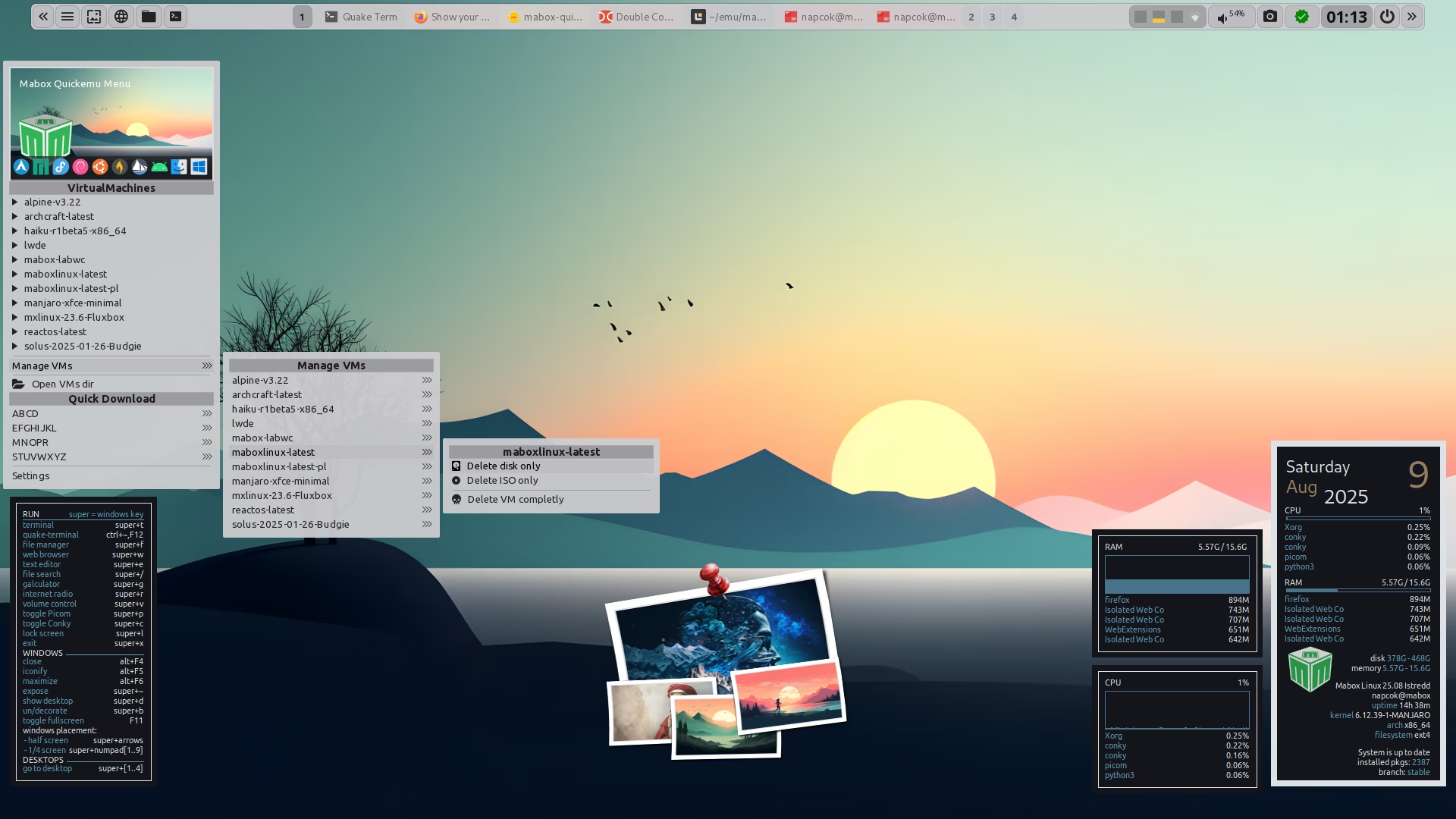
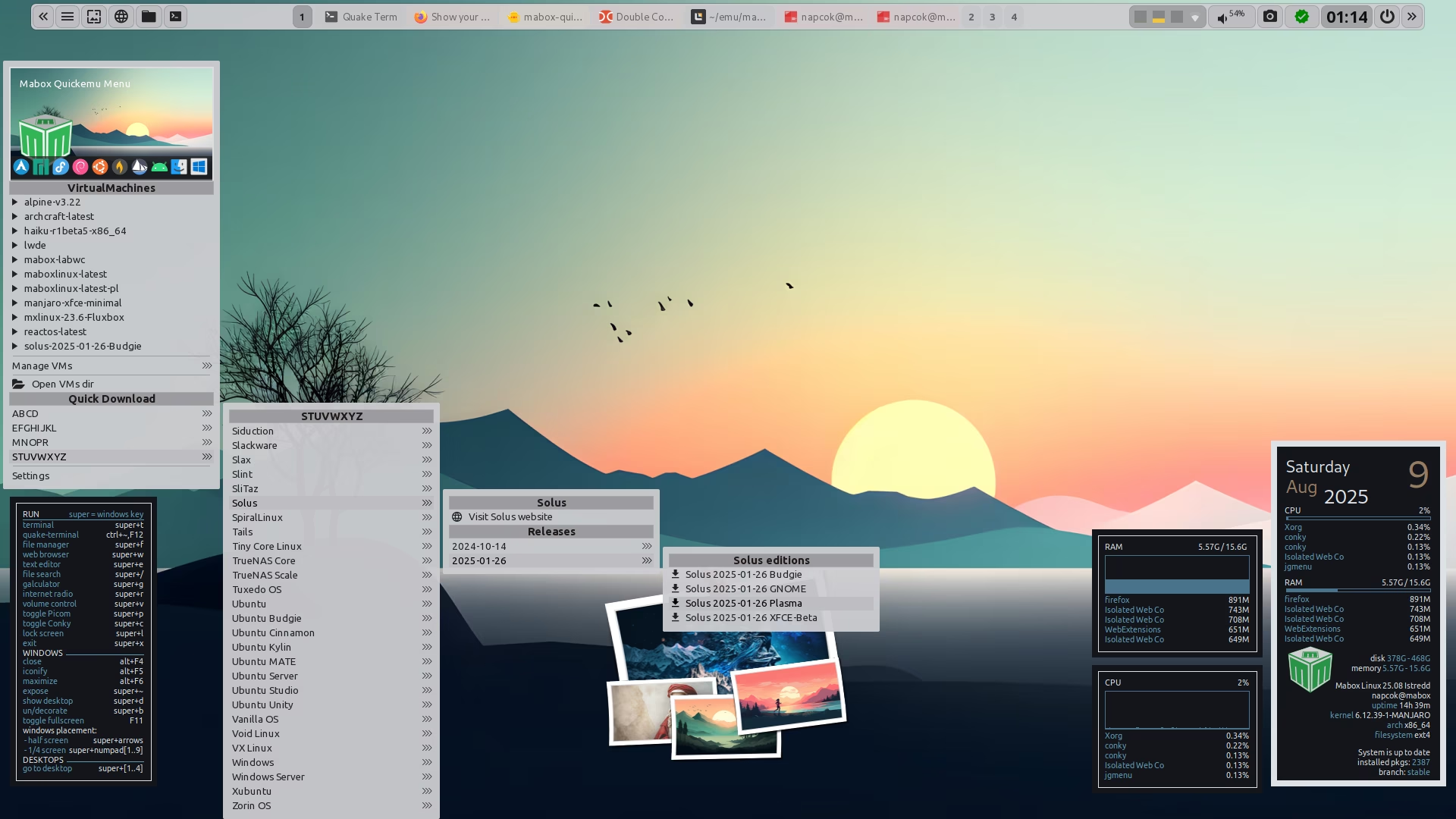
I’m still experimenting with bash and jgmenu…
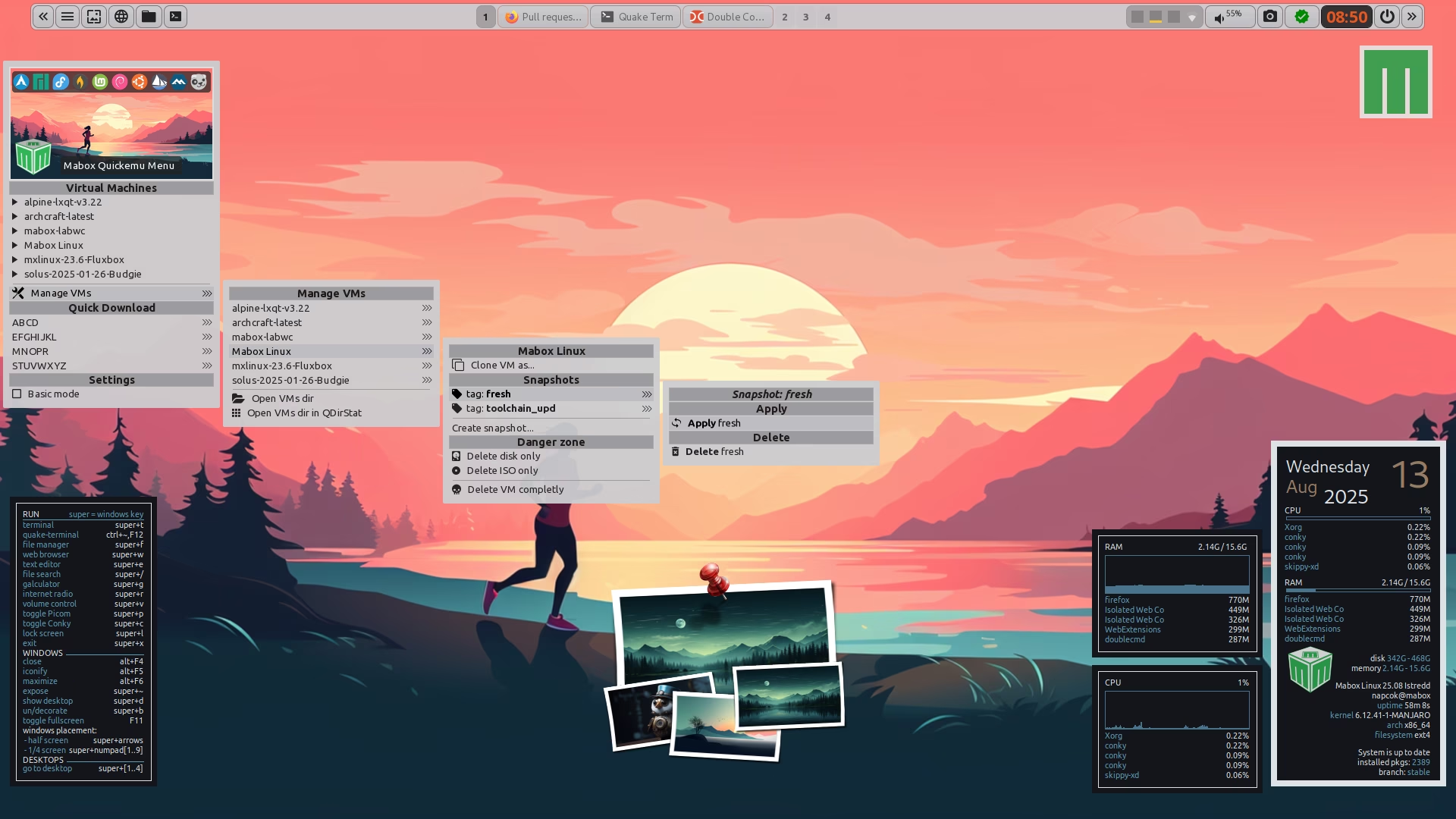
Perhaps I’ll be able to create a handy GUI for Quickemu (QEMU)
I’m still experimenting with bash and jgmenu…
Perhaps I’ll be able to create a handy GUI for Quickemu (QEMU)
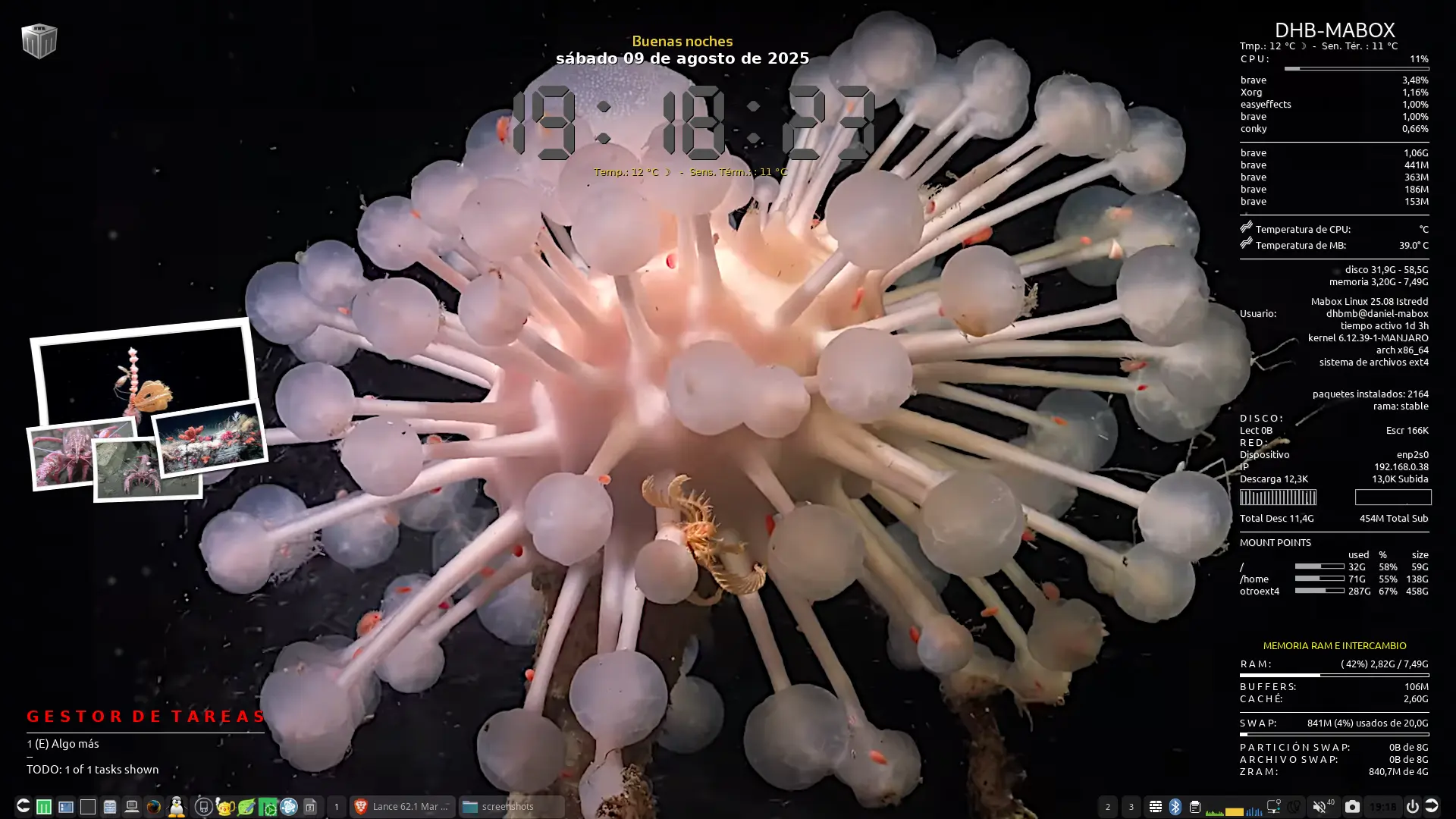
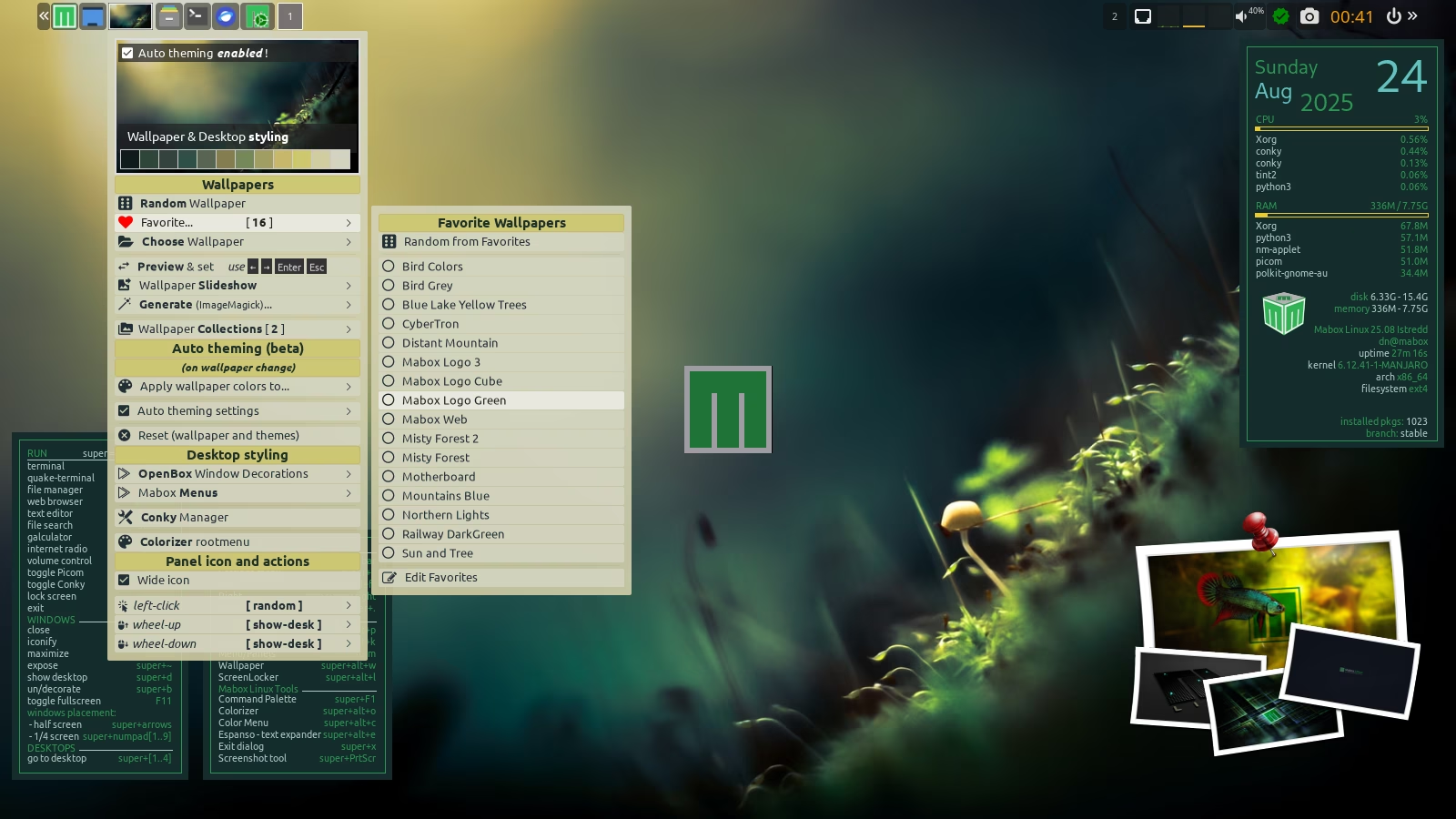
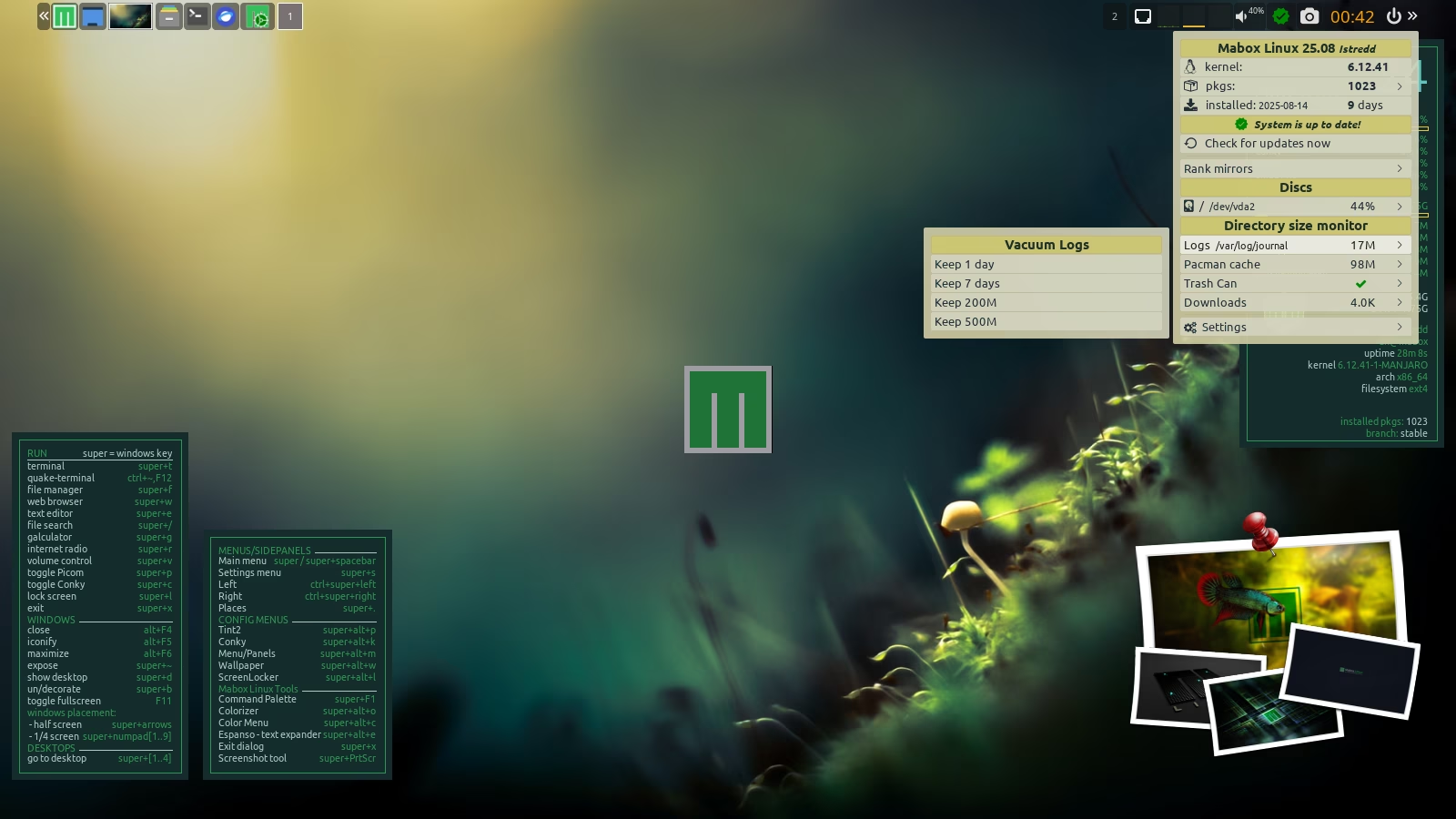
Background: Screenshot of the Mar del Plata Canyon, Shmidt Ocean Institute/CONICET (National Scientific and Technical Research Council, Argentina) scientific expedition. Also the Polaroid conky. Live stream on YouTube.
Fondo de pantalla: captura de pantalla de la expedición científica Mar Del Plata Canyon, Shmidt Ocean Institute / CONICET (Consejo Nacional de Investigaciones Científicas y Técnicas, Argentina), también el conky Polaroid. Transmisión en vivo en youtube.

Work on a user-friendly dynamic menu GUI for quickemu and quickget is progressing very well. The functionality is already complete. Still some testing and polishing to do, and then packaging and publishing to the repo.
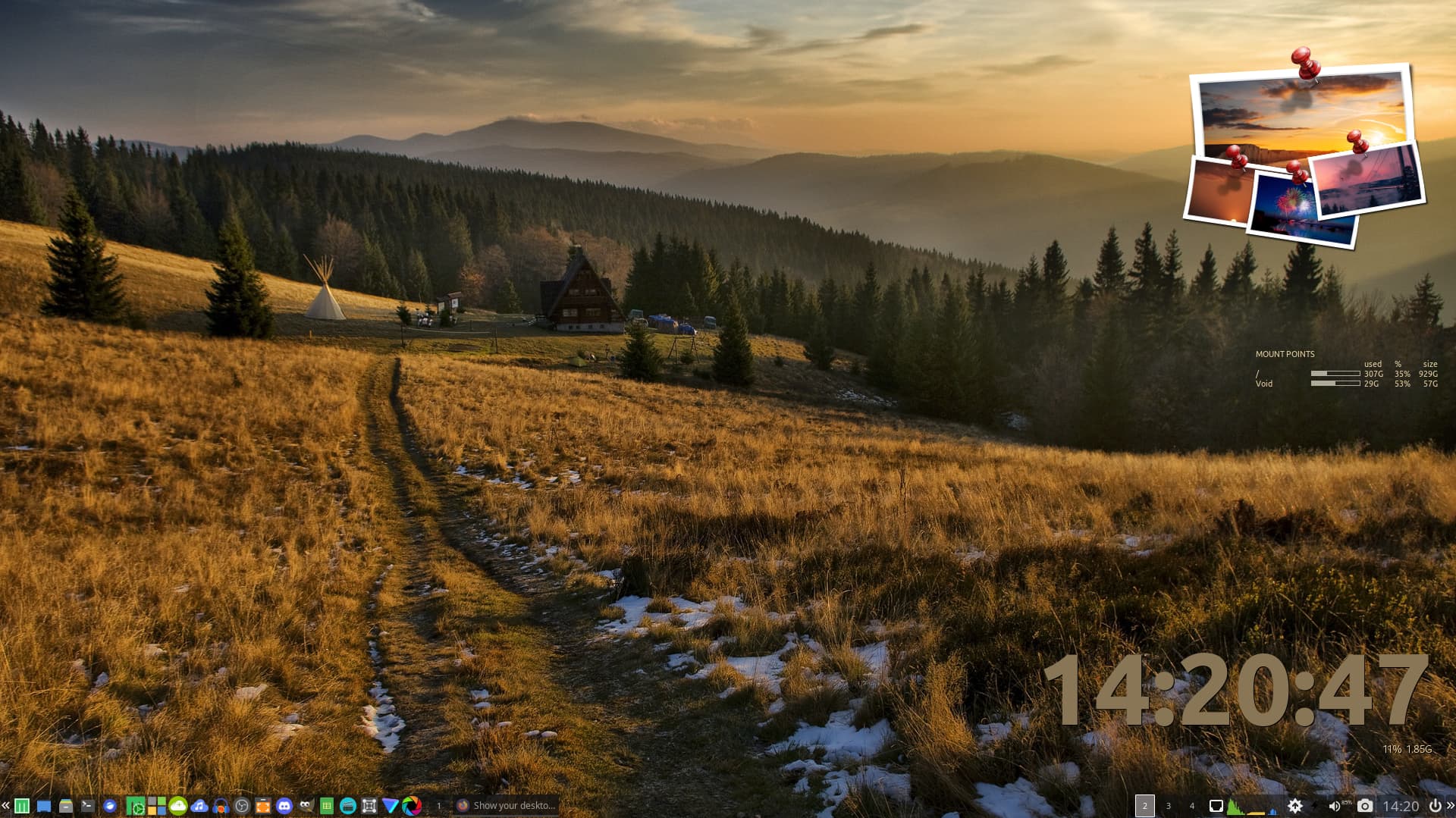
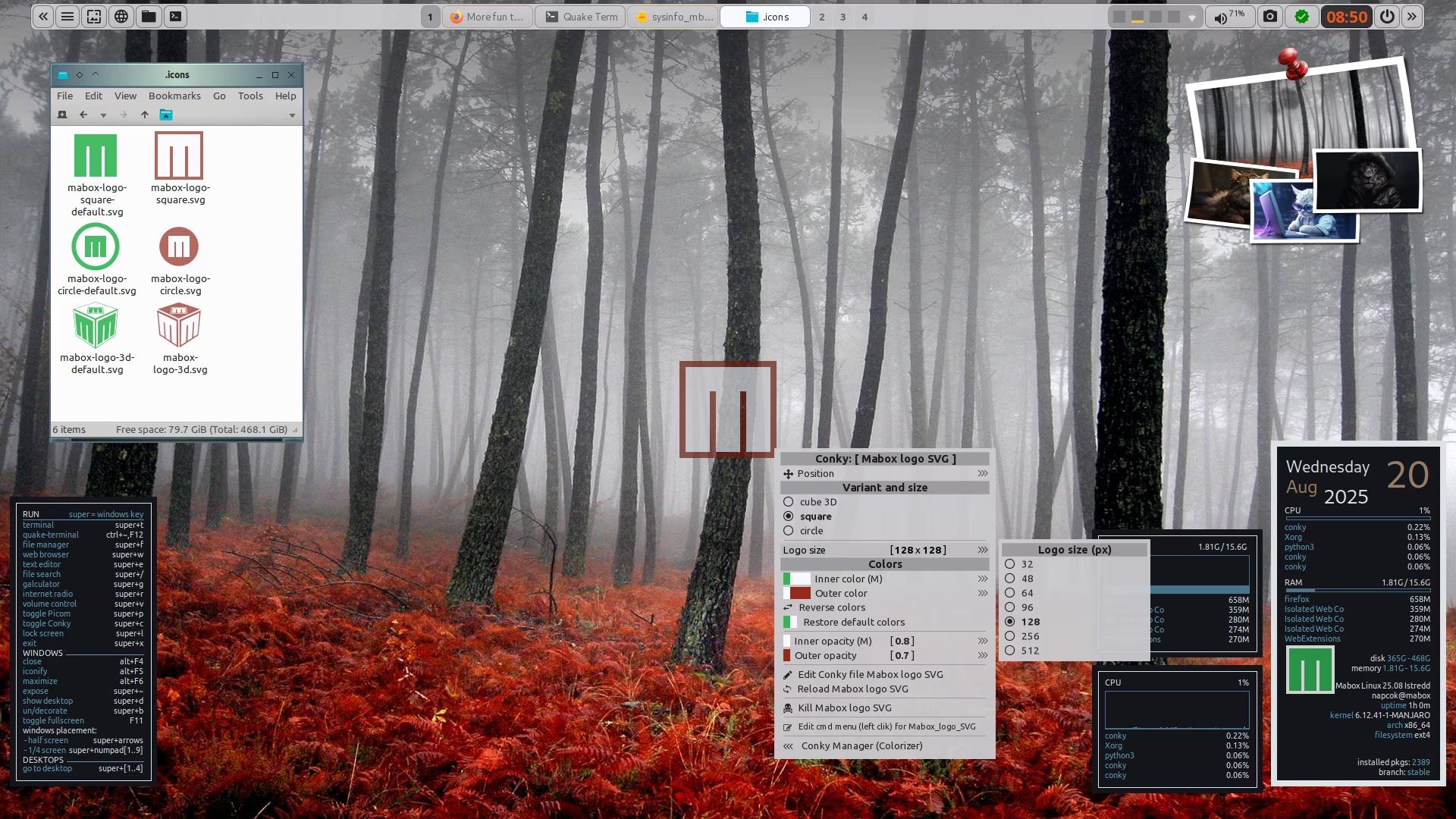
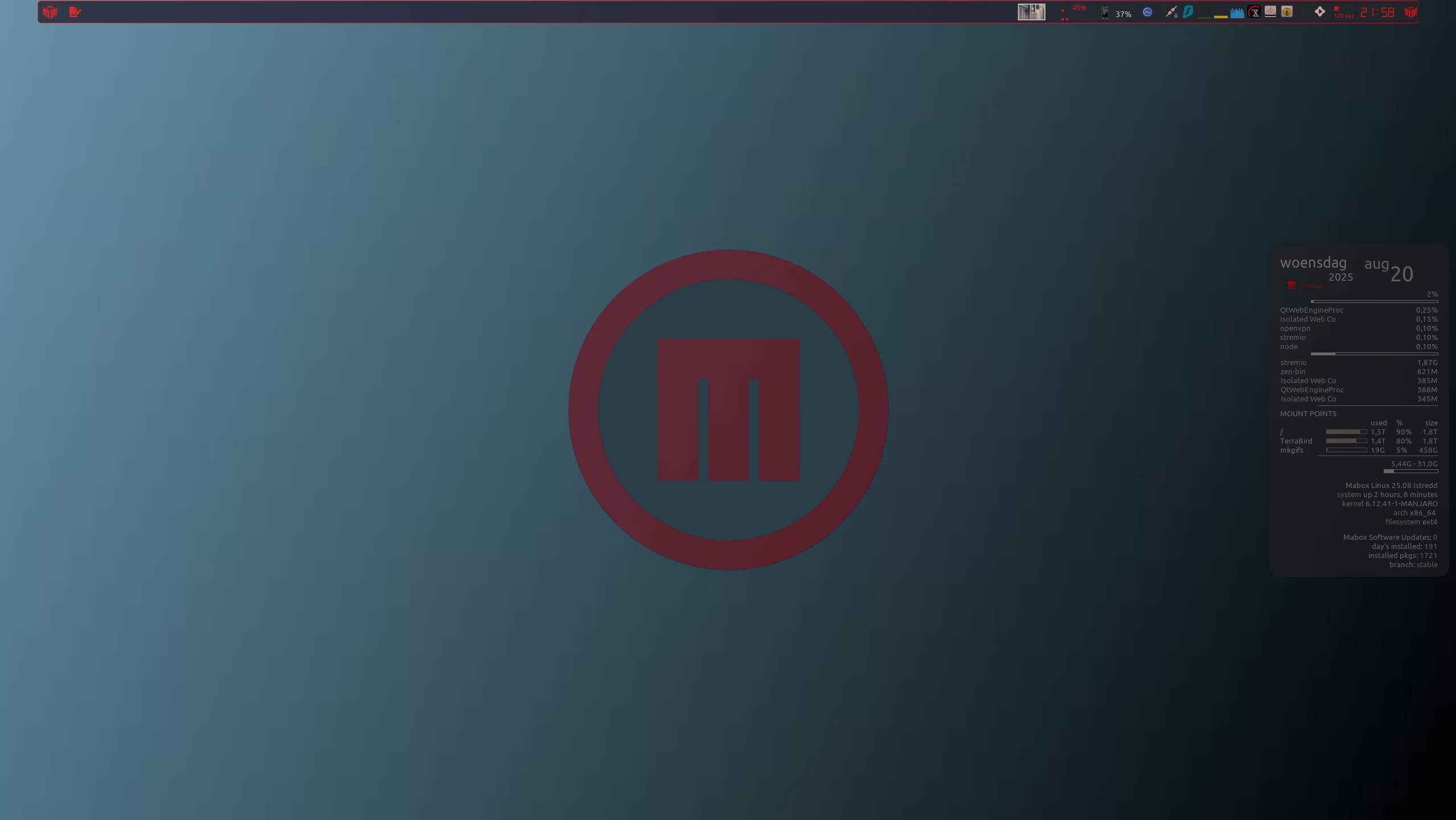
Easy to colorize Mabox Logo in SVG format almost ready to publish.
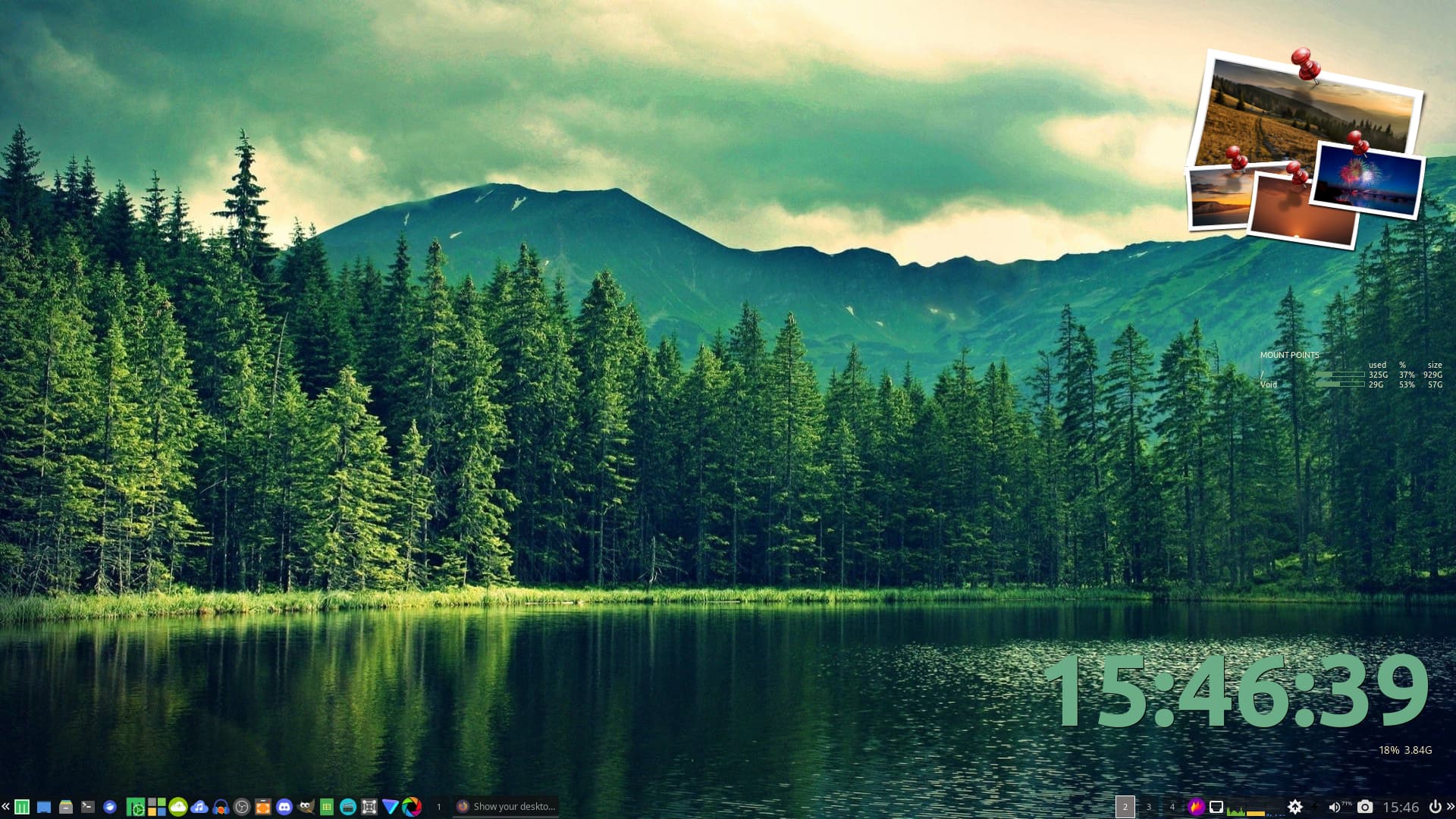
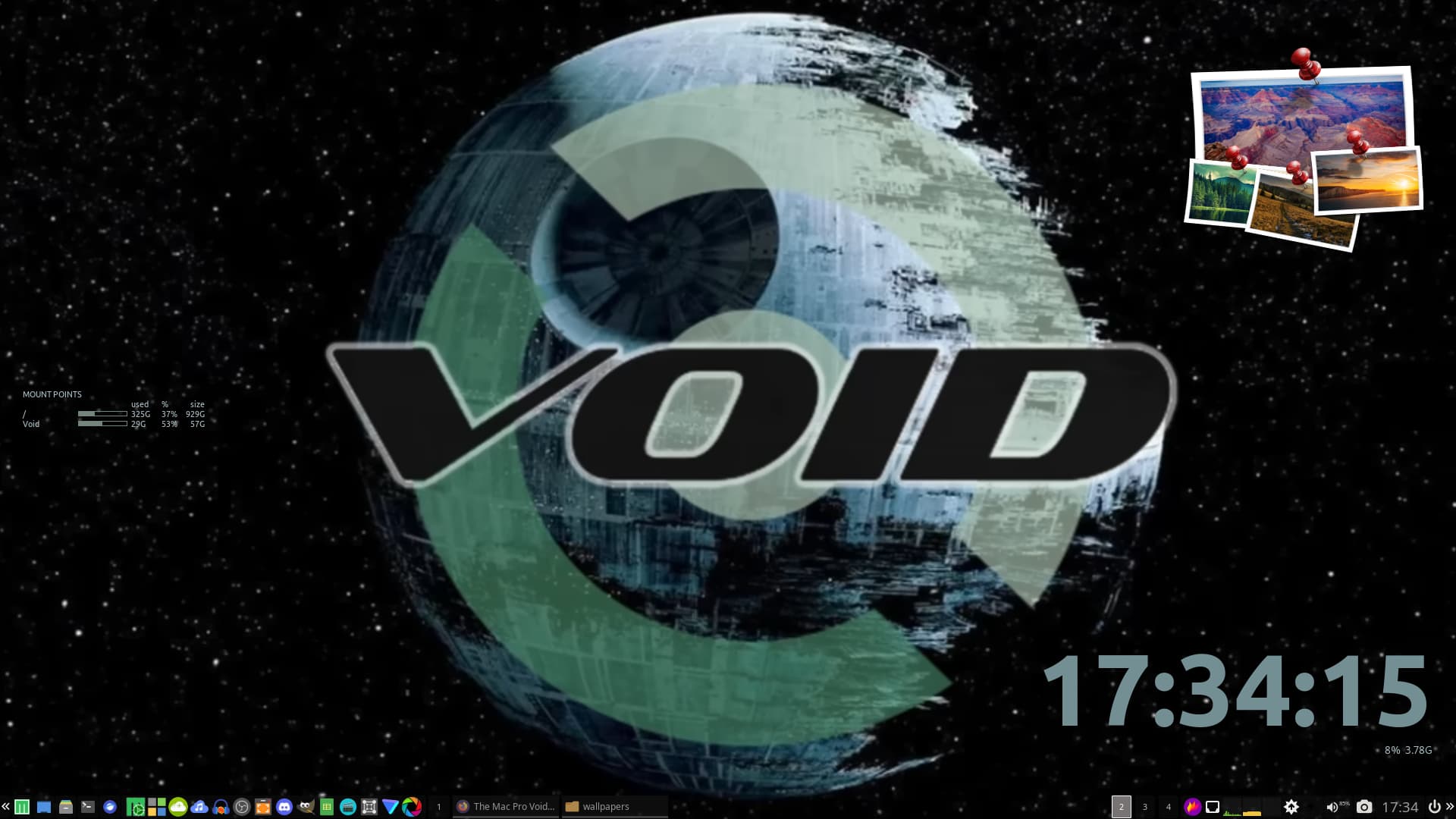
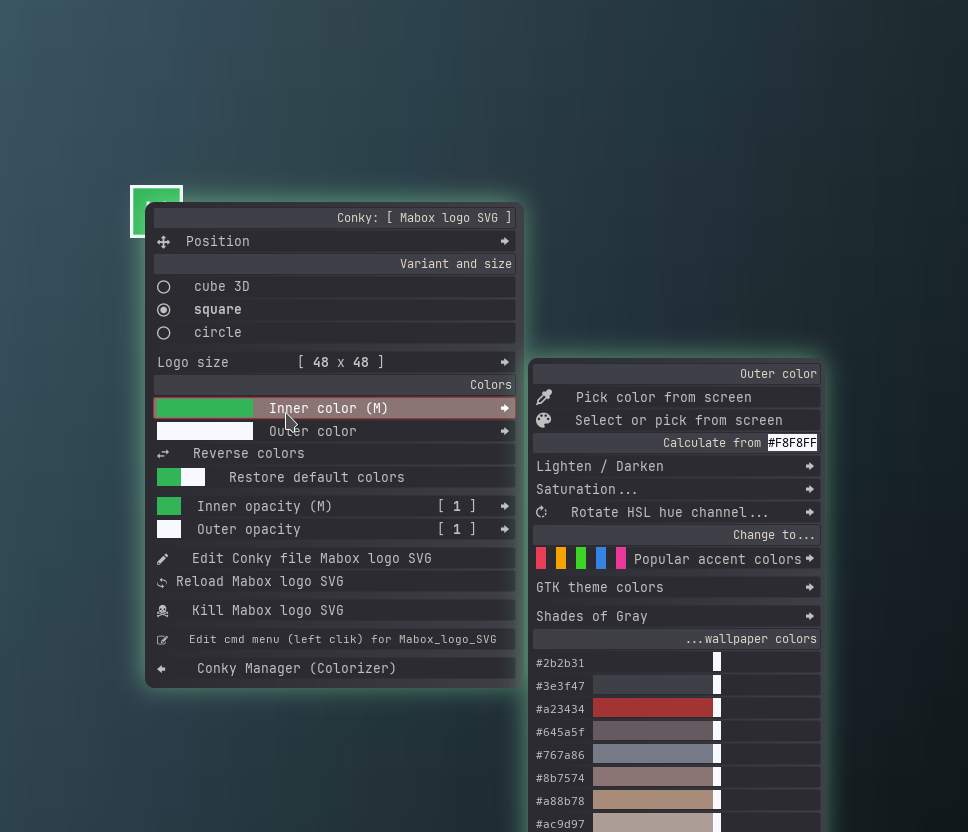
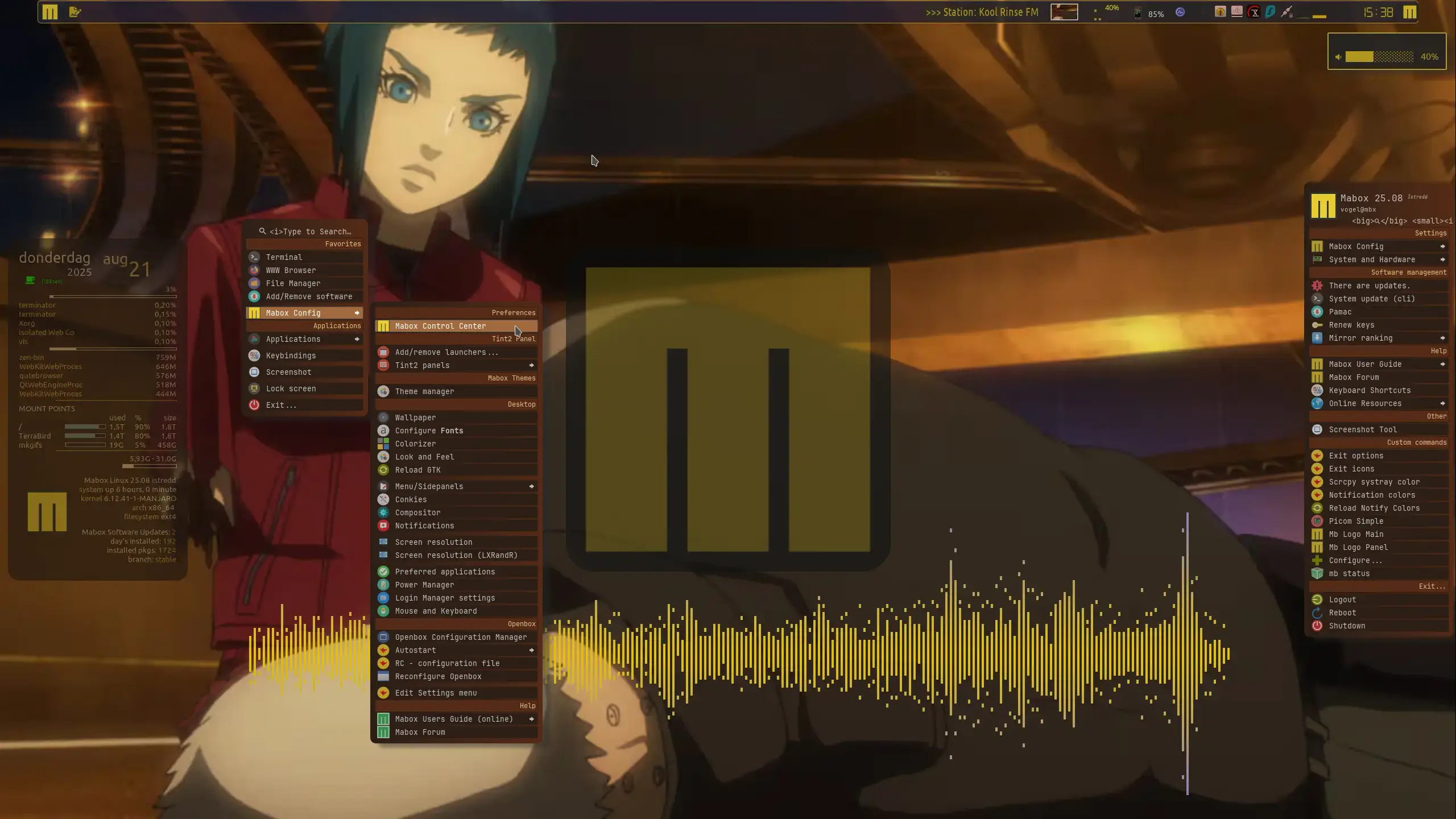
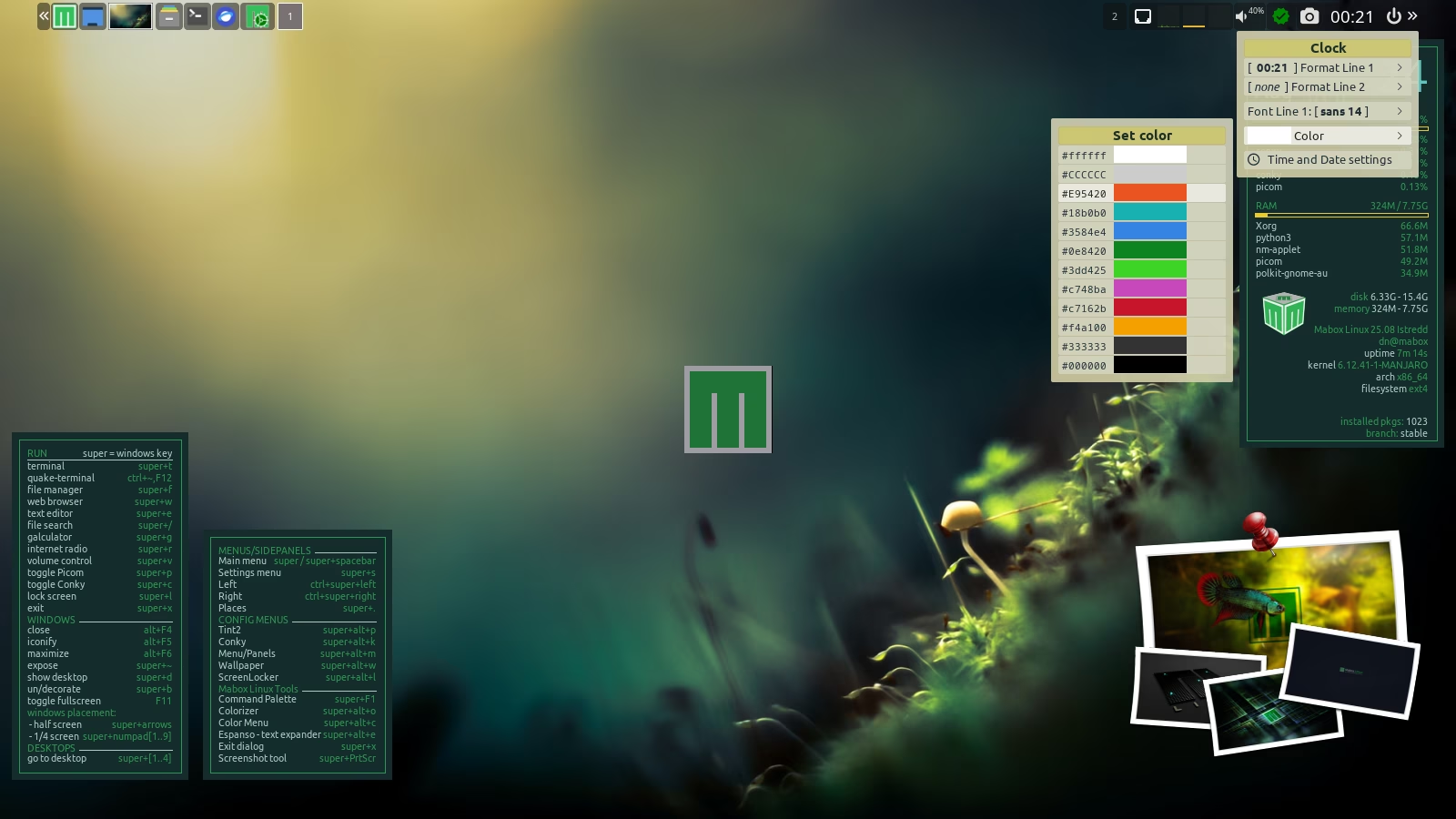
Three logo variants and Conky + menu to play with it 
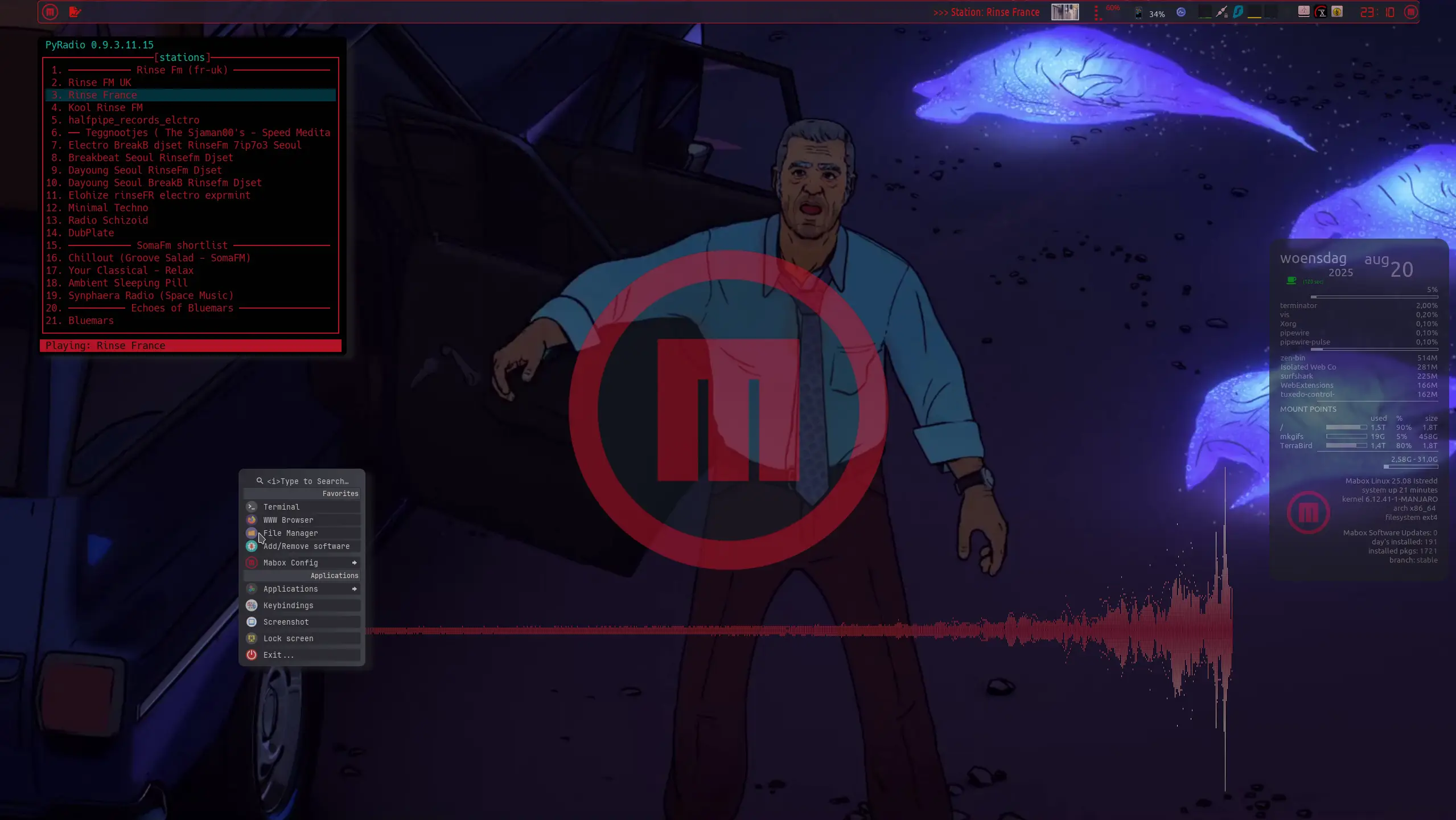
Transparency/Opacity support allows you to create some kind of watermark effect
Mabox Logo SVG is already available in the repo 
To install needed files just run:
yay #to update system

mabox-logo init
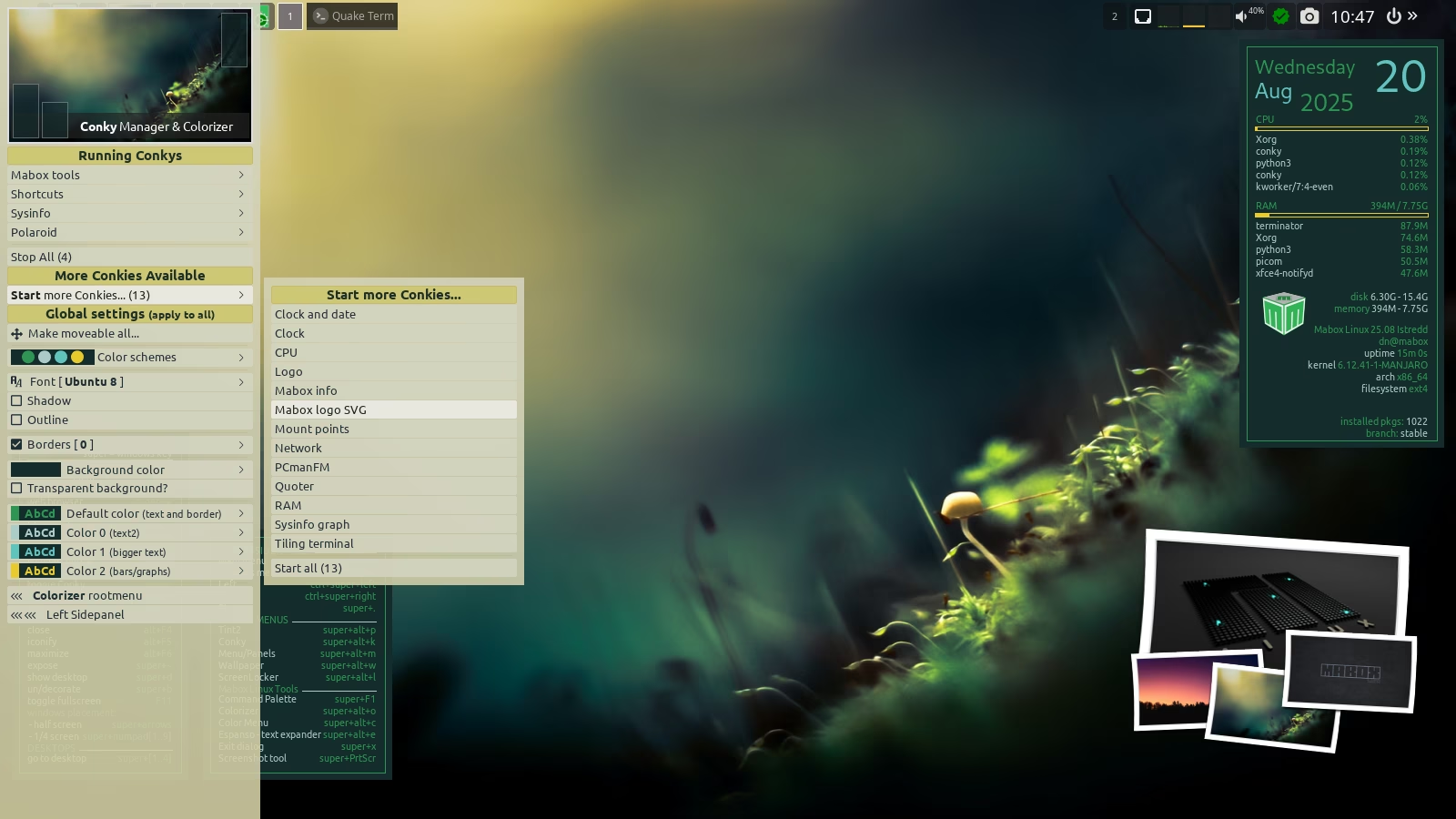
Then use Conky Manager ( super + leftclick on Conky or desktop) to start “Mabox logo SVG” conky.
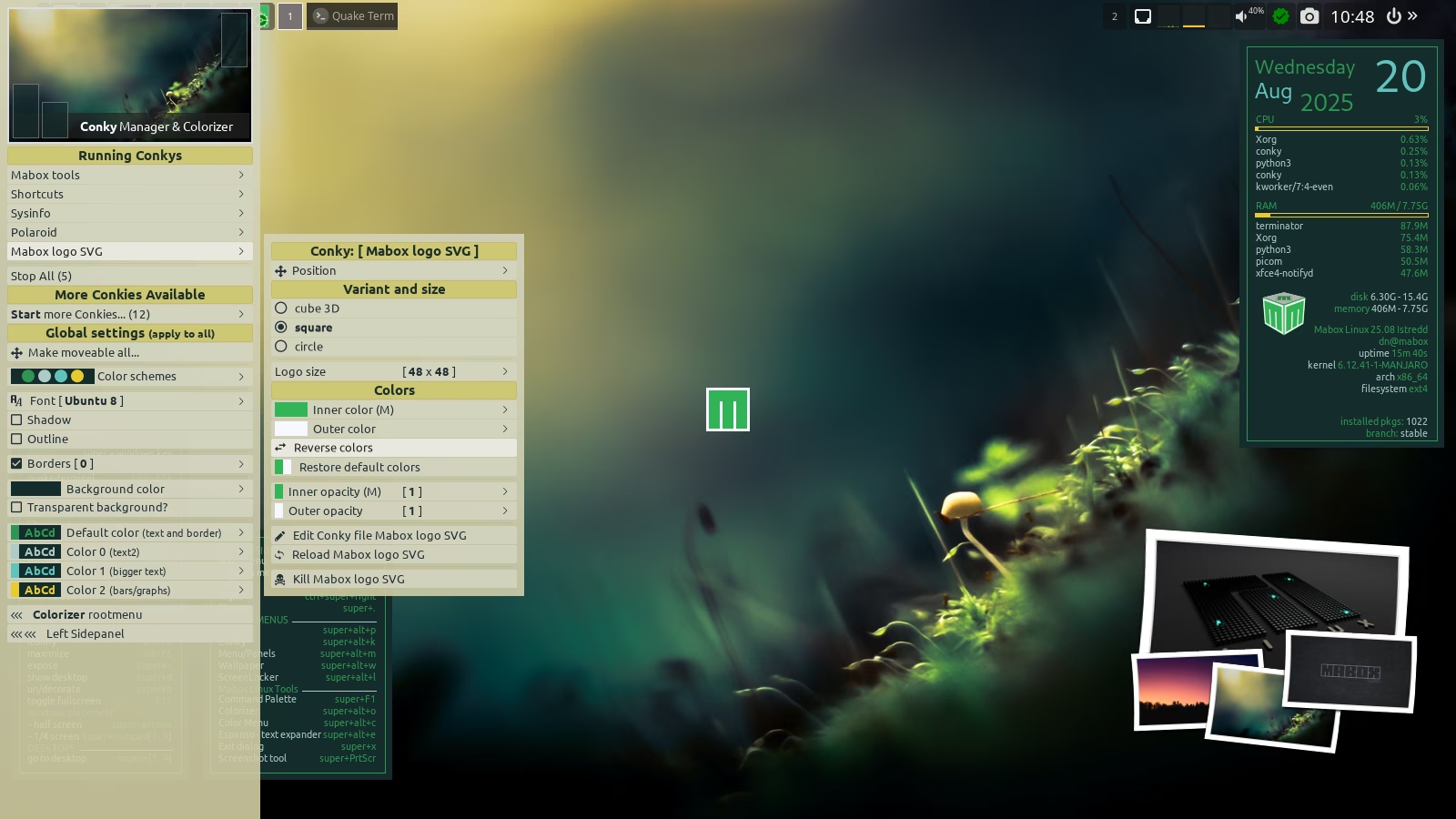
It will appear in the center of screen.
Use context menu ( right-click ) to play with it.
Remove old Conky logo:
rm ~/.config/conky/logo_mbcolor.conkyrc
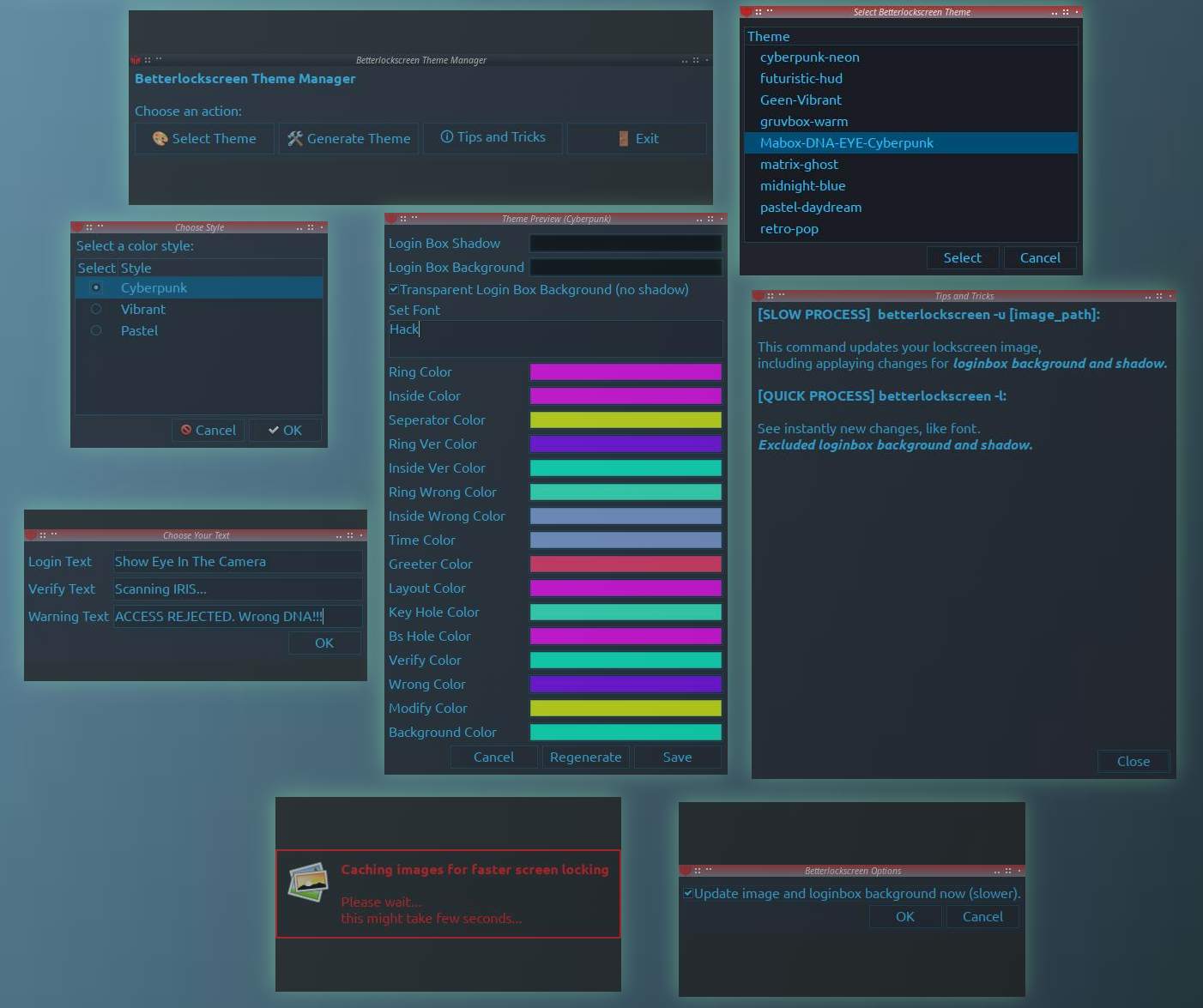
3 Styles
Create login text and Warning
Random color generation
Choose font
Transparent or filled box
Manual editing
Theme manager
Slow or quick view. (quick can be handy for coloring text of readability)
NICE…
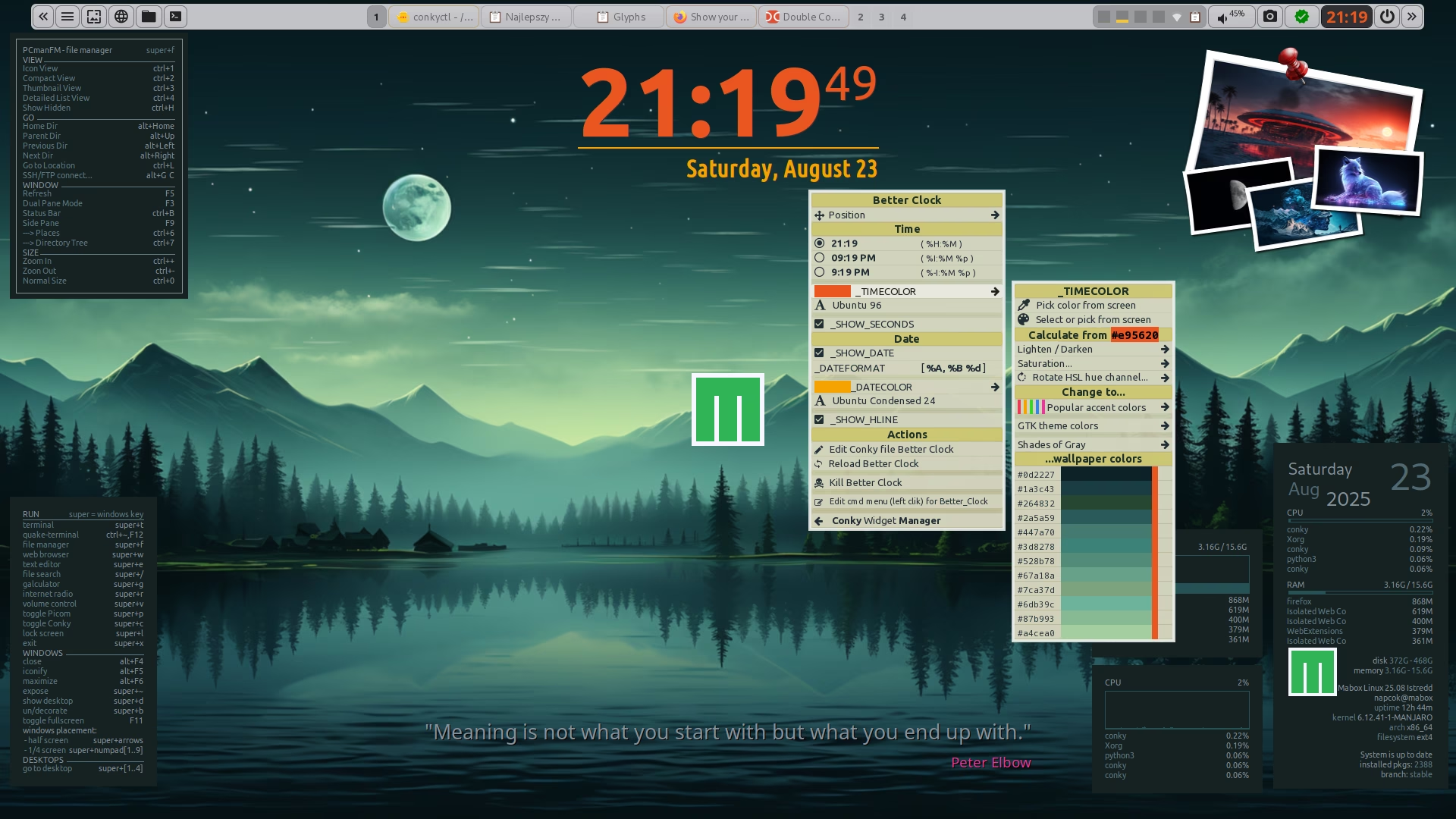
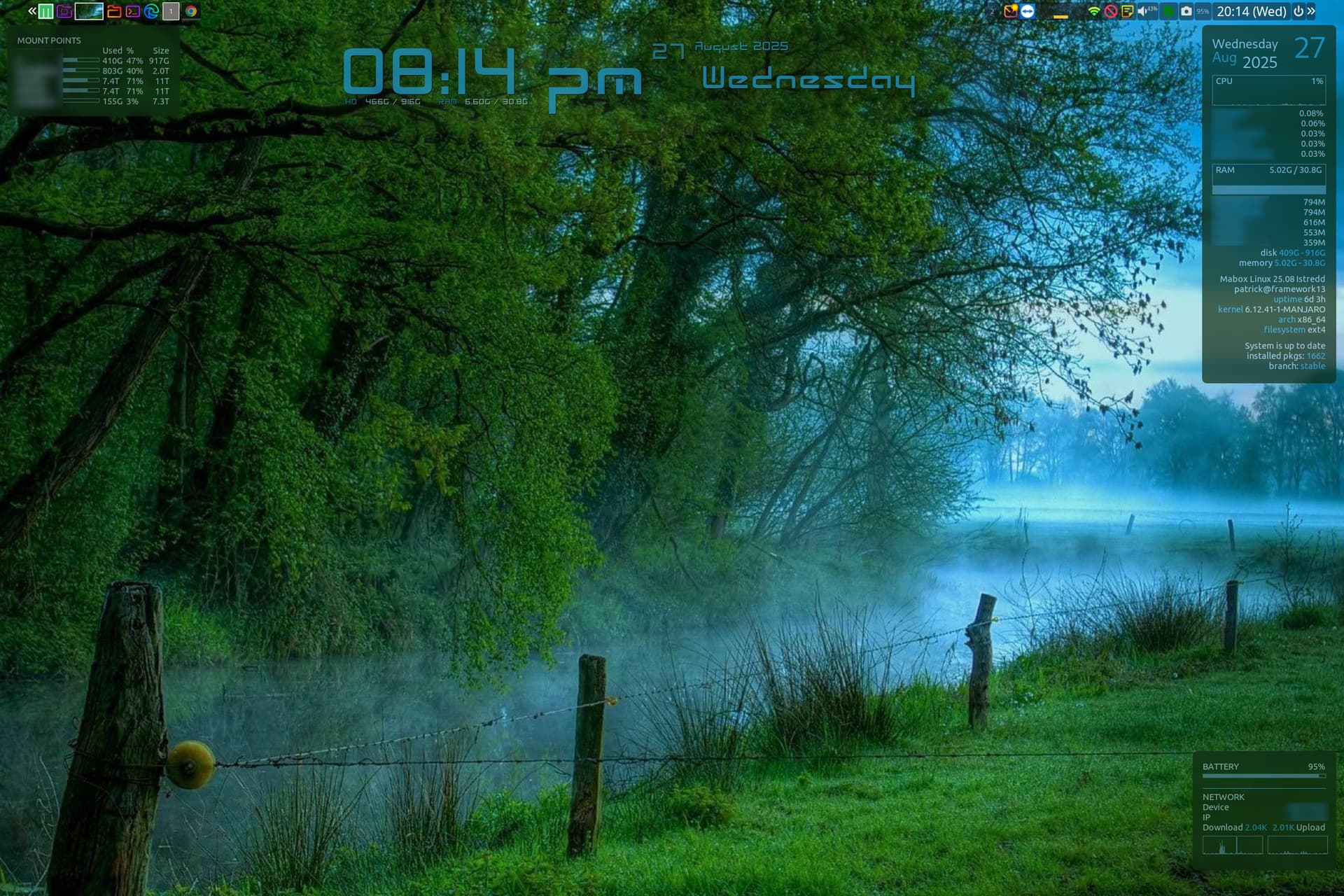
I am currently working on a new Conky - Better Clock - with easy to configure time and date formats. A possible replacement for the two older (and ugly) conkies: Clock and Date.
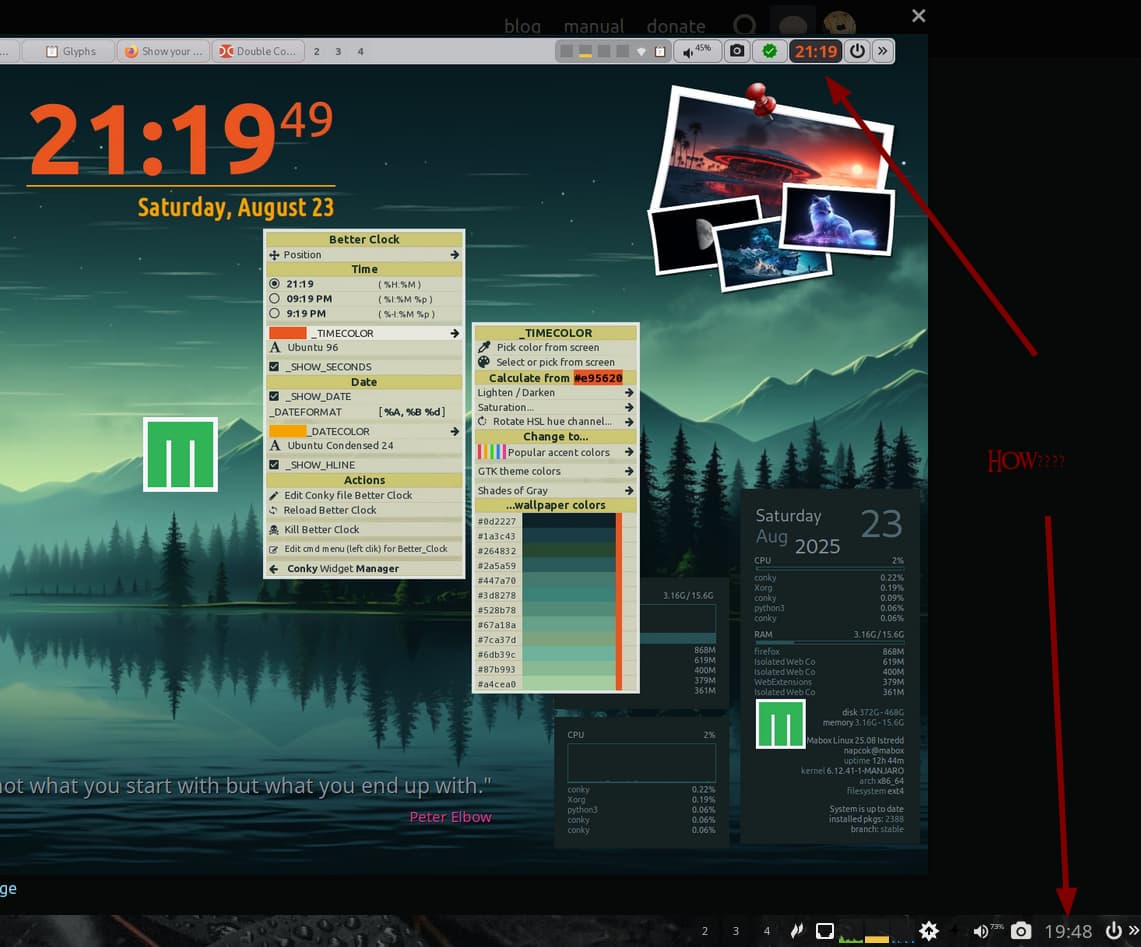
@SauronsMouth looks like you use tint2 config named Istredd.tint2rc - older version.
Try to right-click on the Clock… you should see a menu to configure the clock.
If the menu does not appear, then update your tint2 configs by command:
mb-reset tint2
In addition to the Clock configuration menu (right-click),
you’ll gain quick access to two other new features:
I figured it out. TY Daniel.
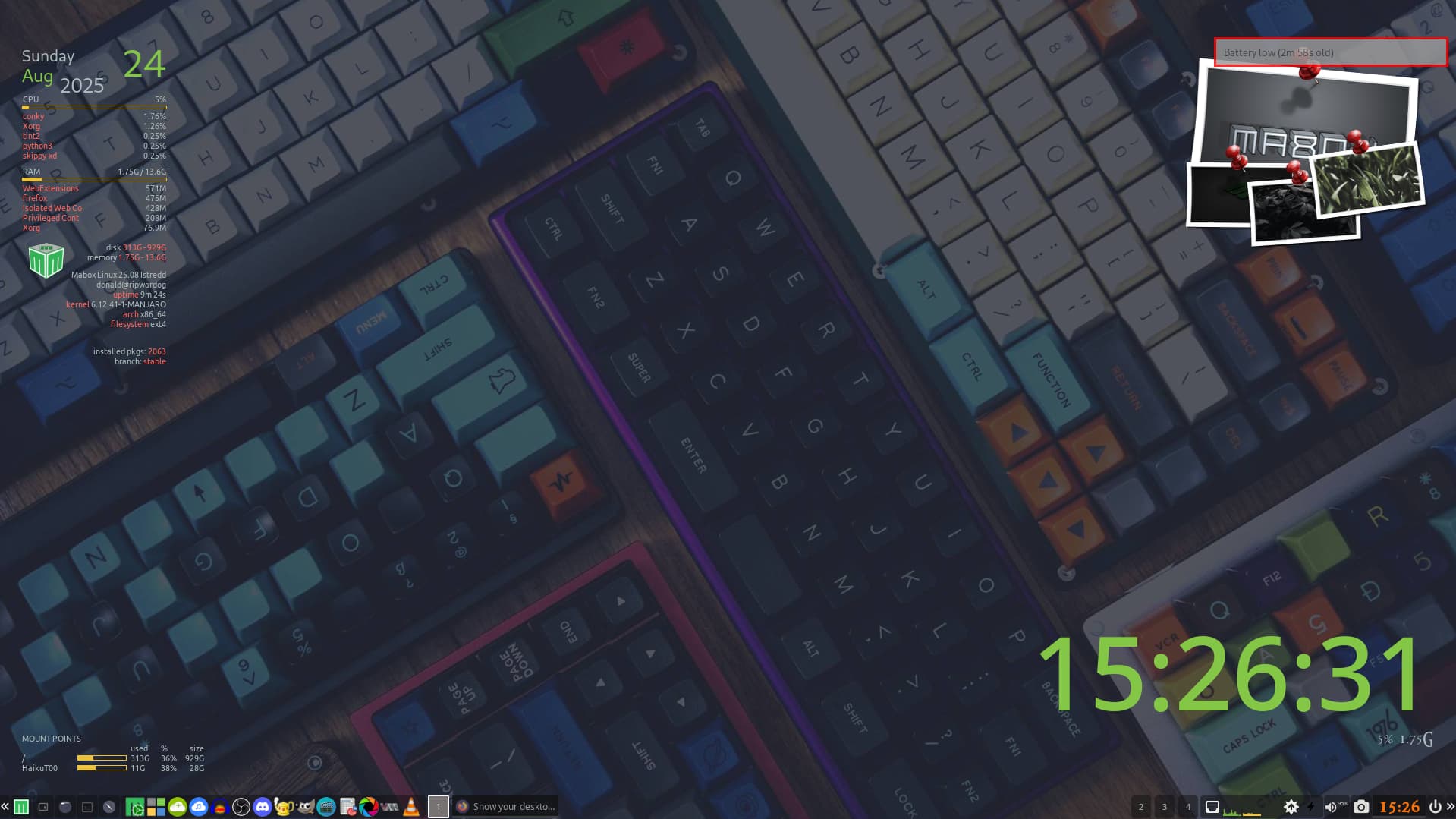
One thing I’m wondering though. Why do I get a notification about a battery on my desktop computer?
I’m not sure, but take a look at your tint config file - seems you still use old one. Search for battery… might be something there.
This system has been through the ringer. I have Manjaro stuff where Mabox stuff should be. As I have said before, I have gone out of my way to break this Distro before (to no avail I might add.) I’m happy with what I currently have, I just need to look deeper into the internals. I only started using Timeshift as NOW I am completely worried I might break something. LOL
Mabox is in fact Manjaro… with relatively small amount of additions made by me. You should be fine as long as you don’t remove the maboxlinux repo from pacman.conf.