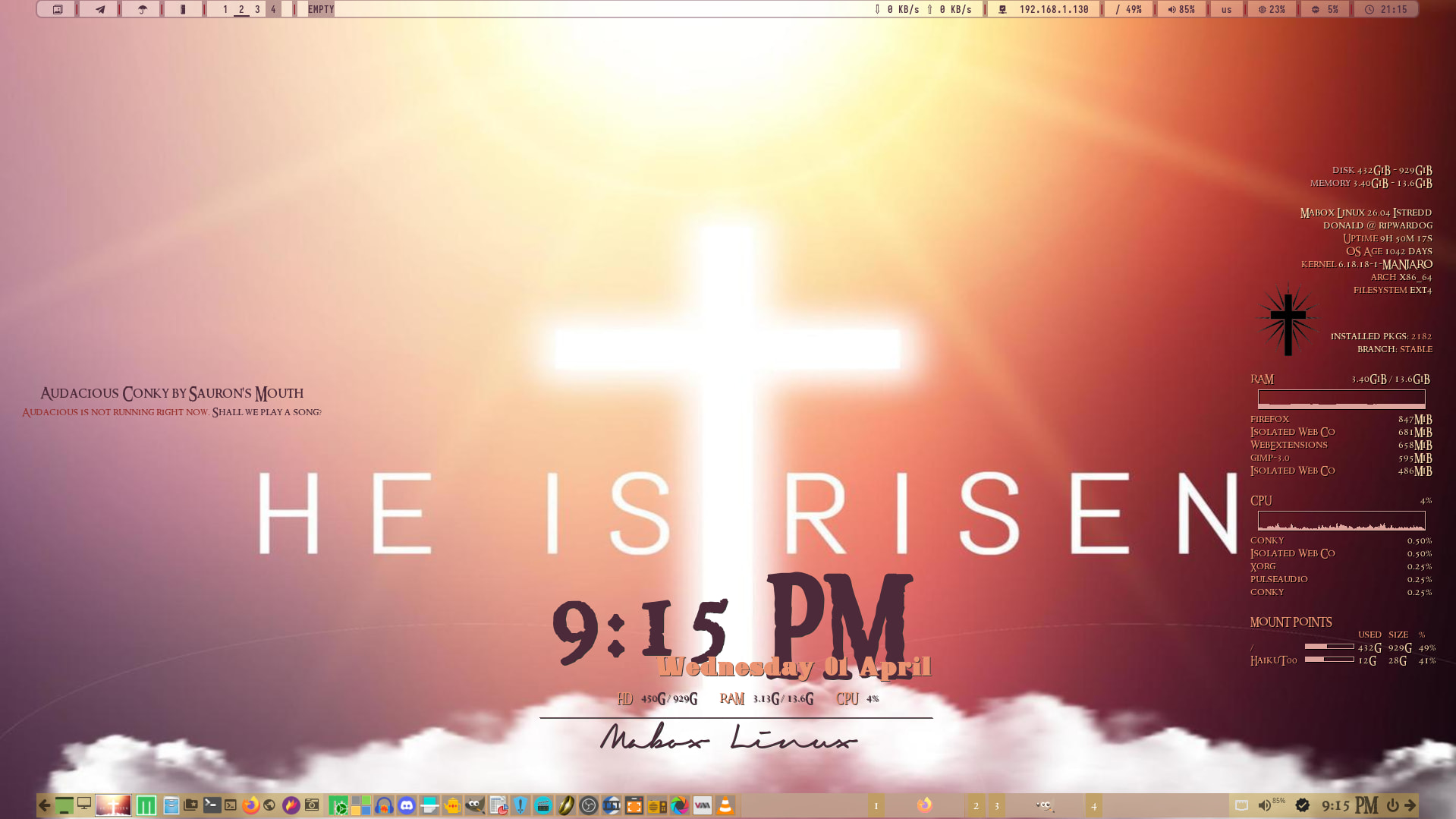
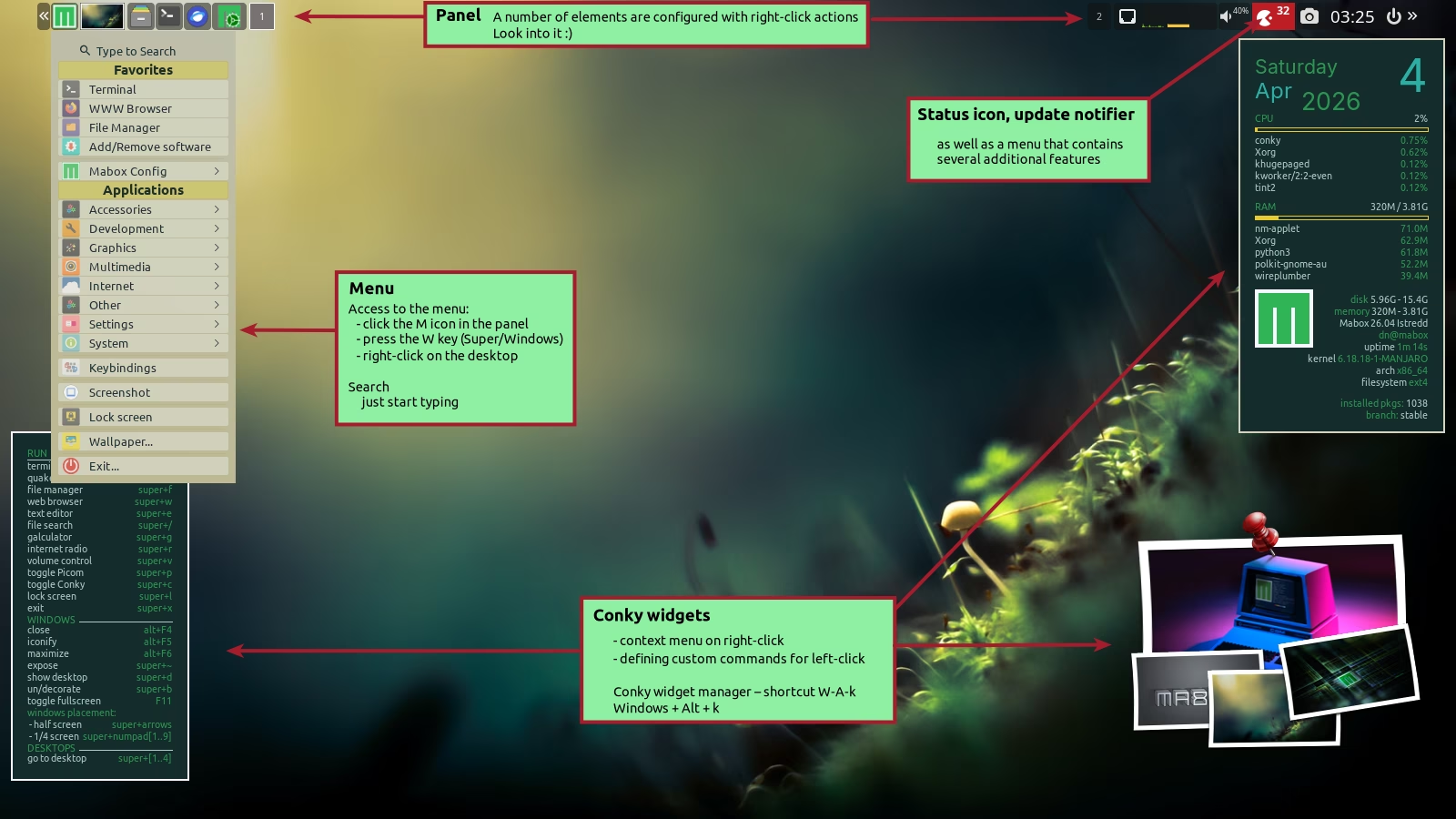
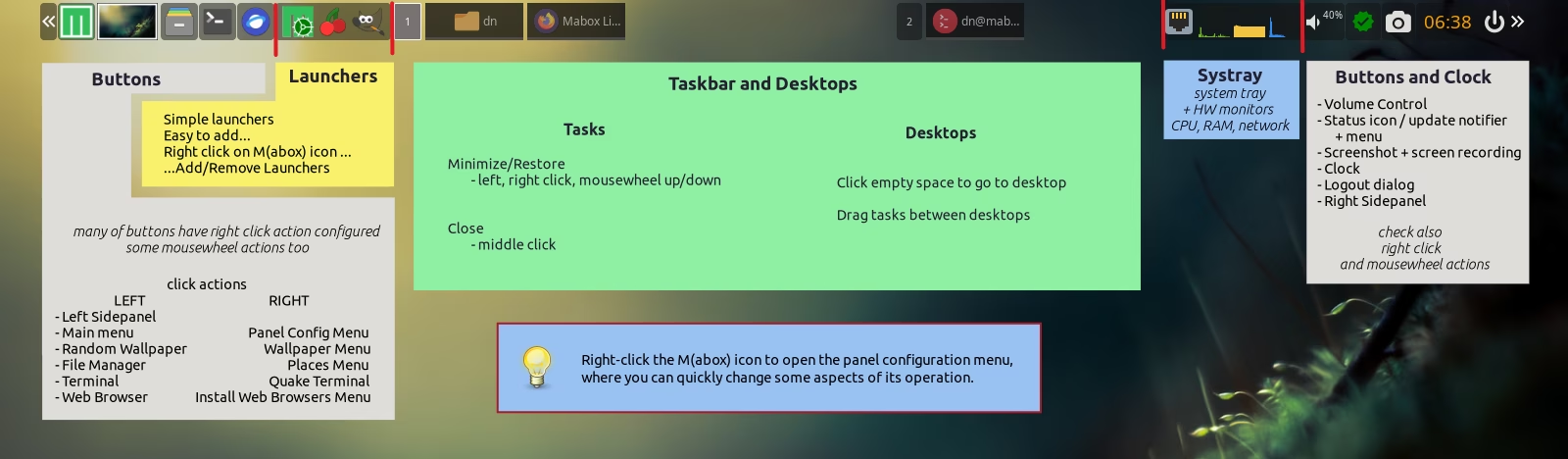
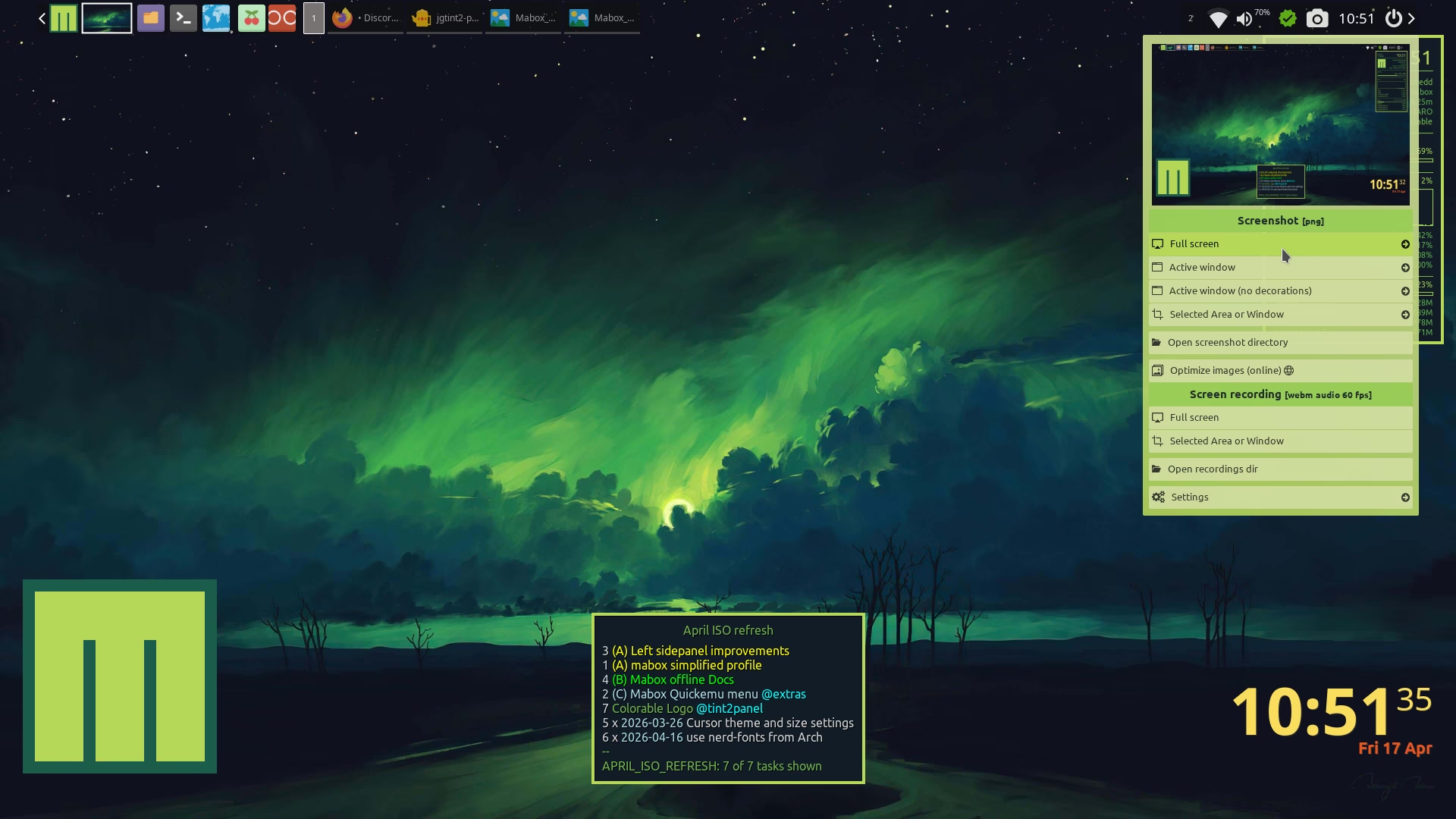
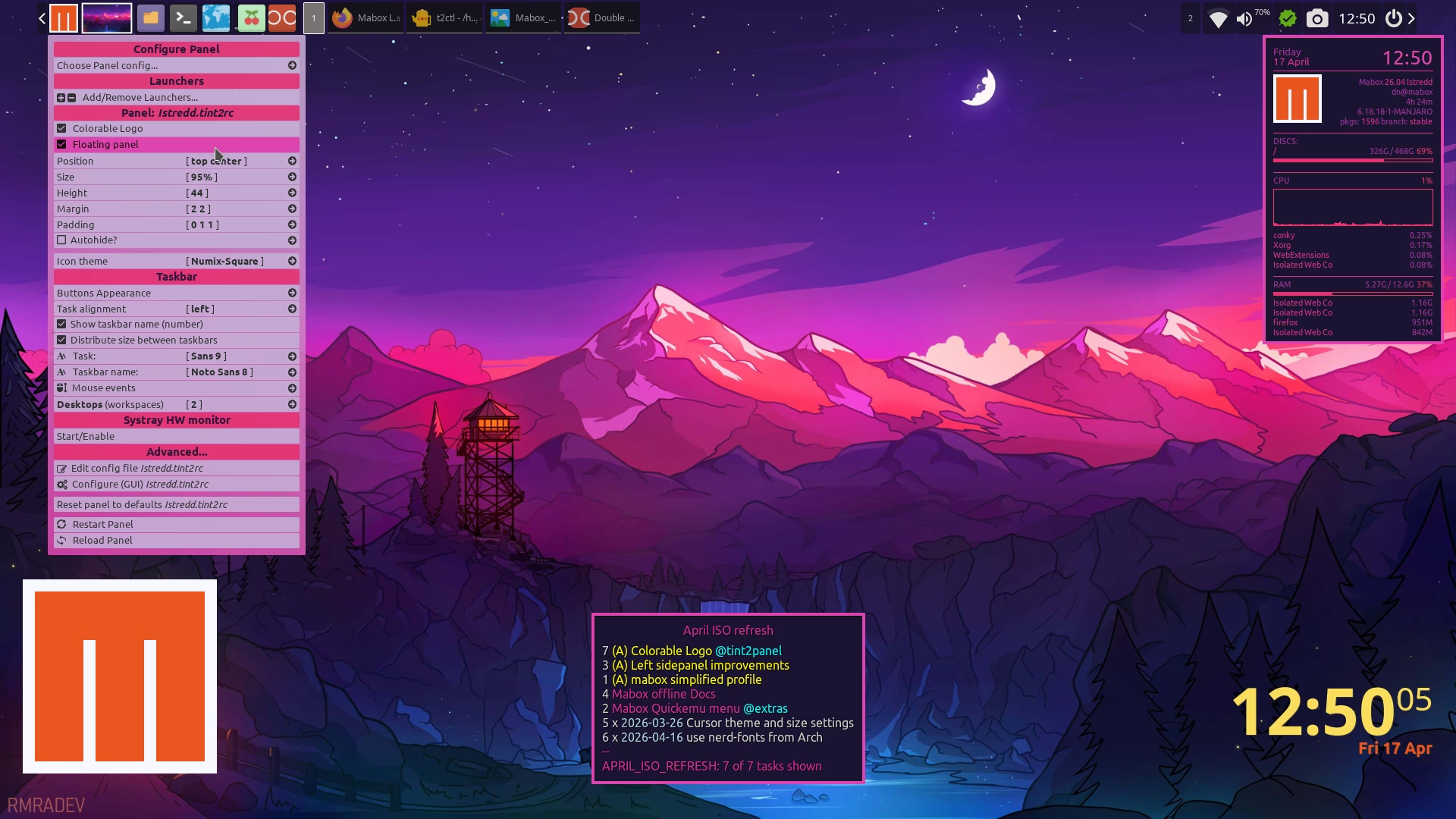
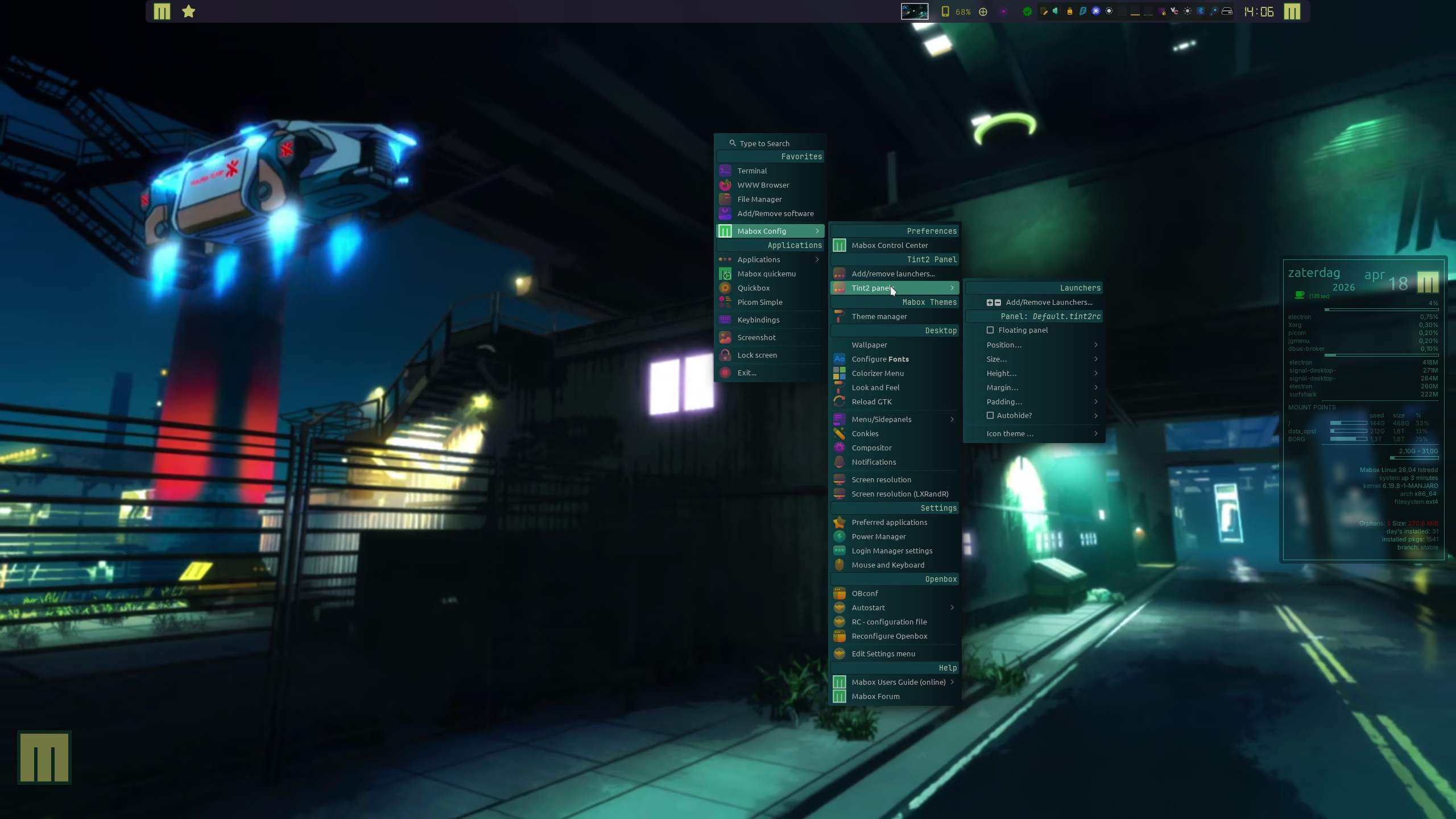
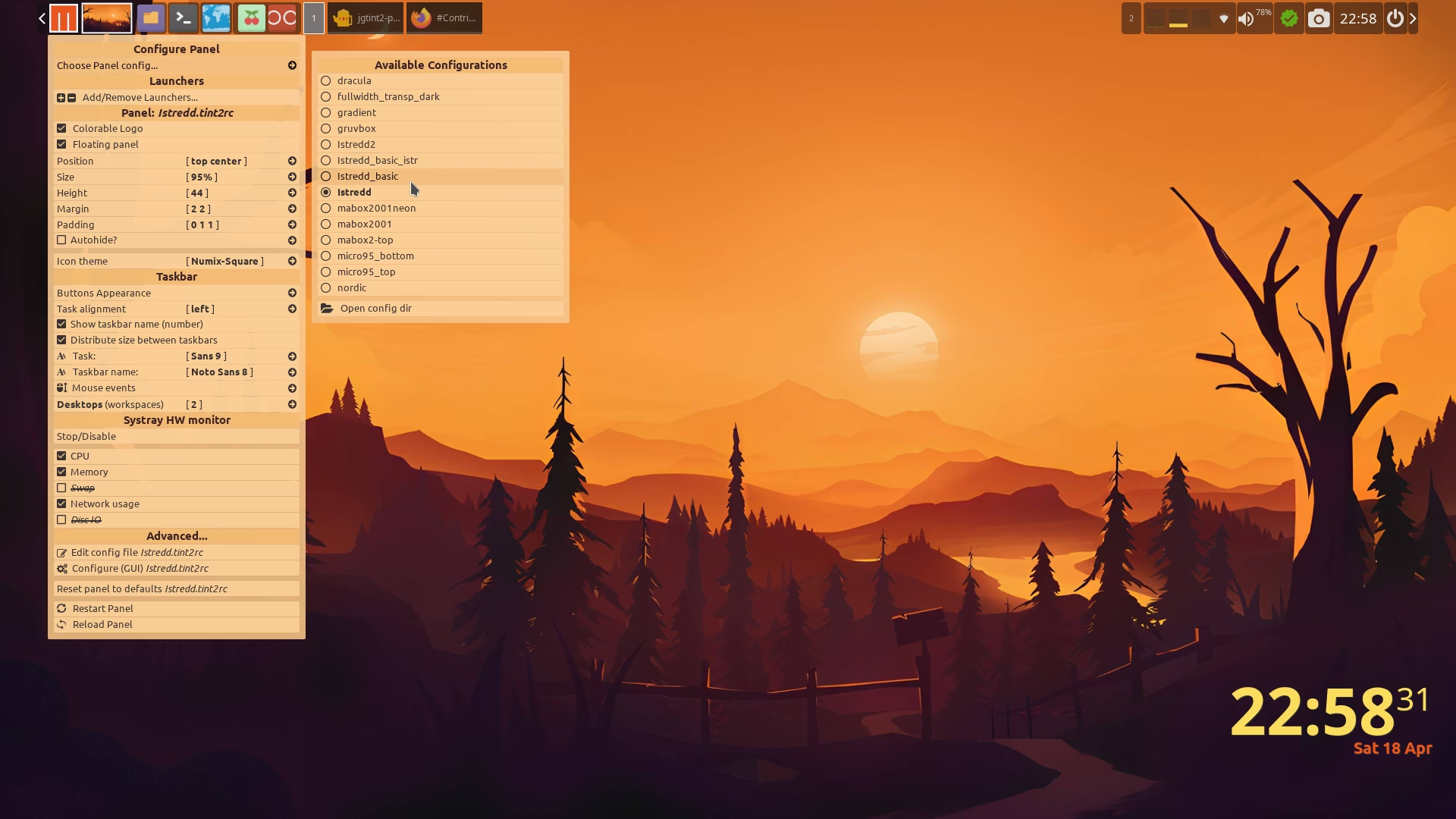
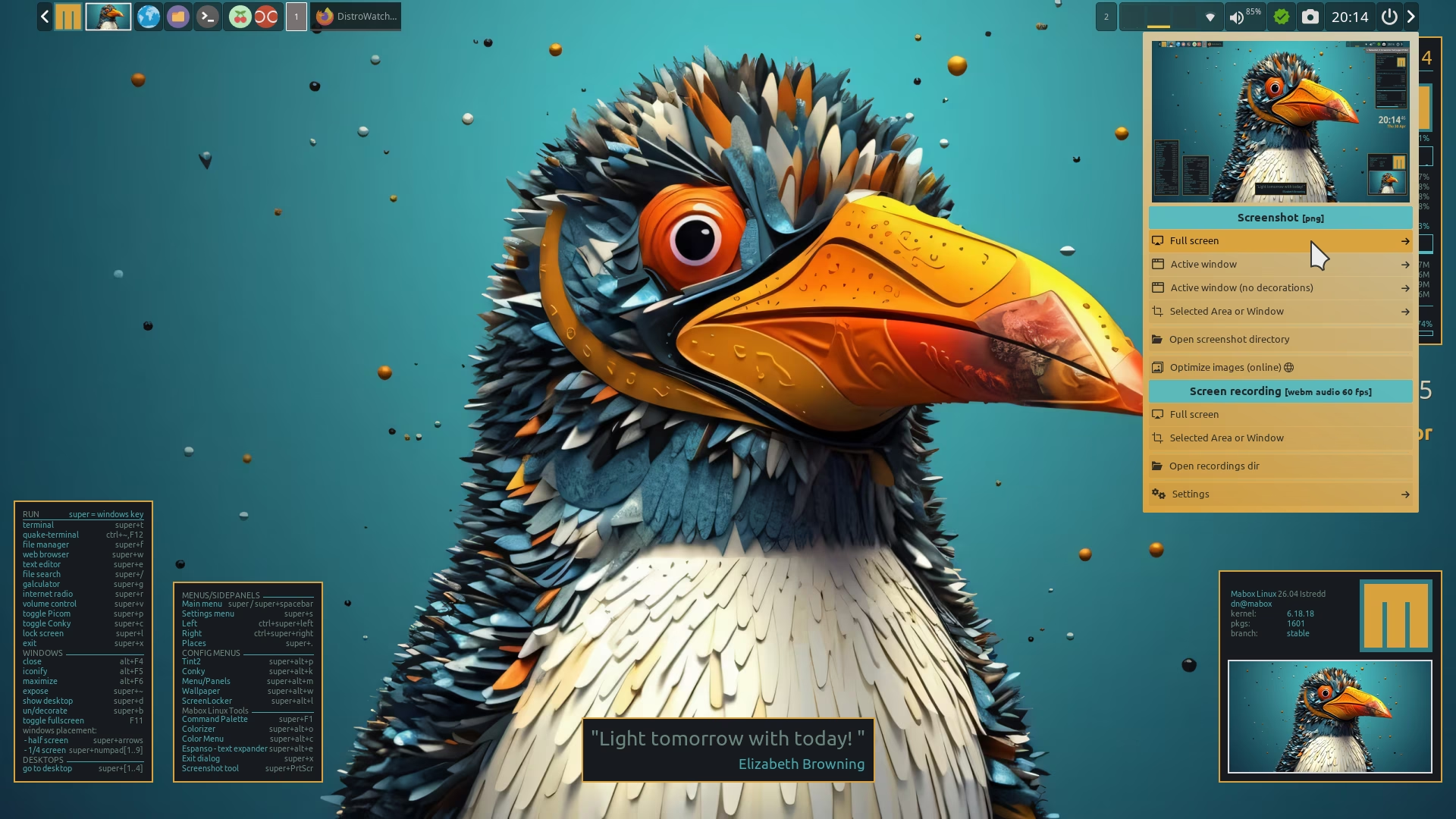
Probably not very interesting for seasoned Mabox users, but I made quite a lot of new screenshots while updating the Mabox User Guide 
I am a bit strange 
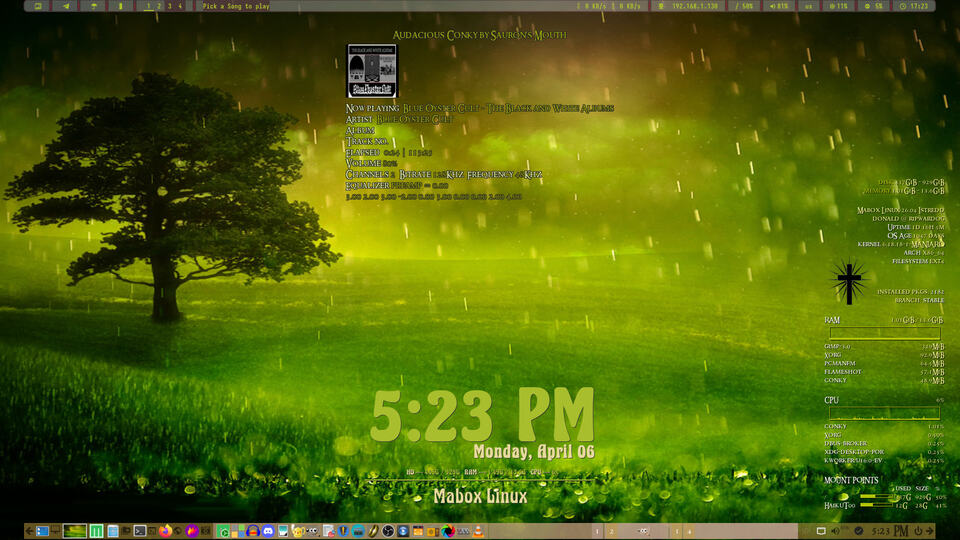
The empty space on my panel is for Title songs from pyradio and mpv-radio
Indeed … Never used it. Using hotkeys, skippy, jumpapp…
I guess the taskbar has mouse click tint2 panel settings.
W-A-p is fine for me…
Yes, the setup using jumpapp or a similar launch/show/hide mechanism is great. It could be even 100% better if you were able to assign those actions to a single key — like F12 for the terminal.
I’m trying to do it on my system, but I’m running out of free keys… For now I’m testing this setup:
F12 - quake‑term
F1 - jumpapp -m firefox
F2 - jumpapp -m -c doublecmd doublecmd
F3 - jumpapp -m geany
For jumpapp… I really like -m option, it makes apps behave like quake terminal… three actions depending on current state: launch, hide, show.
Unfortunately, the F1, F2, and F3 keys are useful for other things.
A keyboard with four extra keys is an idea for the future.
A great article with lots of ideas and reflections on this topic:
This is another approuch , for me this works to save some hotkey’s.
I am still finding out the right balans between hotkey/mouse events.
mouse events
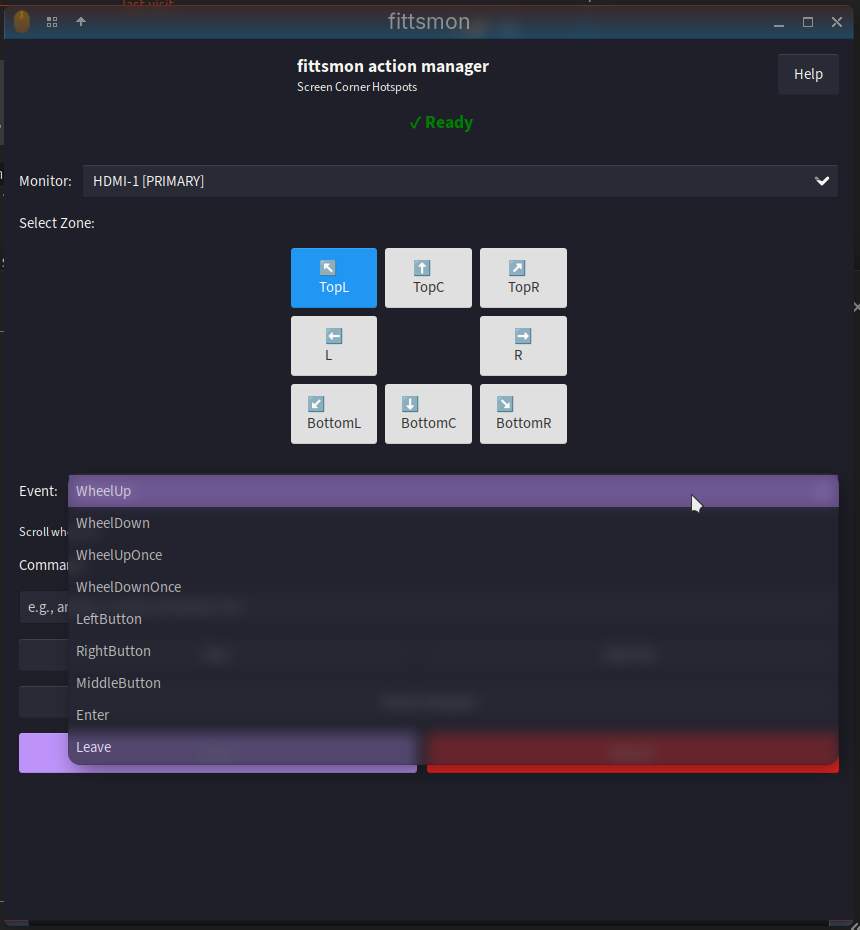
Looks like a powerful tool for fans of extreme customization of X11 window managers For me personally… it offers a bit too much. If it’s easy to install, it will definitely find its fans.
I think something this powerful deserves its own website.
In the past I showed some previews, on show your desktop.
I can make a page for it. I tested it good enough to say it is stable.
Fittsmon I forked from fittstool, but then with multi-monitor support.
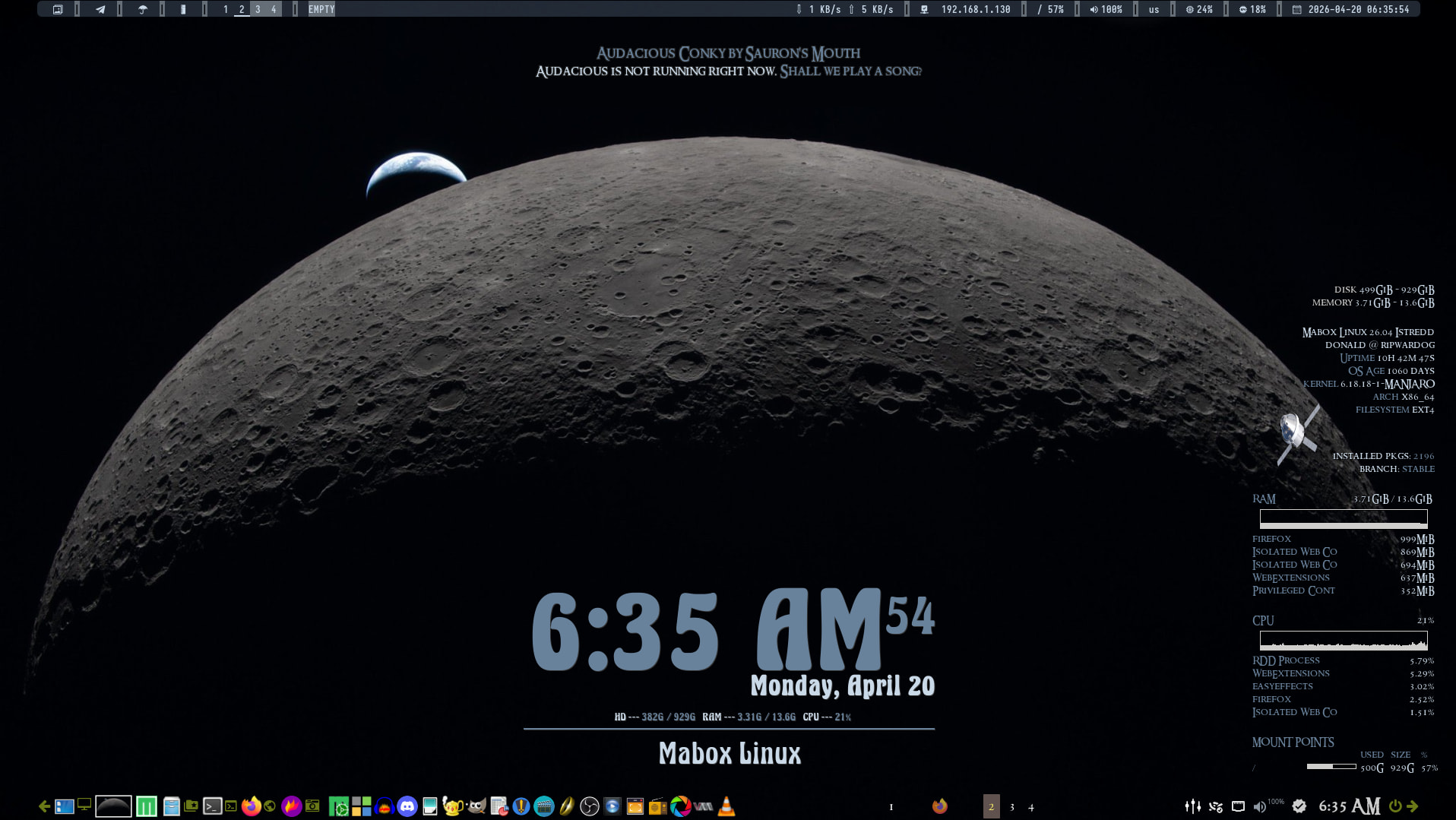
A lot of interesting improvements will appear in the Mabox April ISO Release.
You will start to receive them as updates… soon
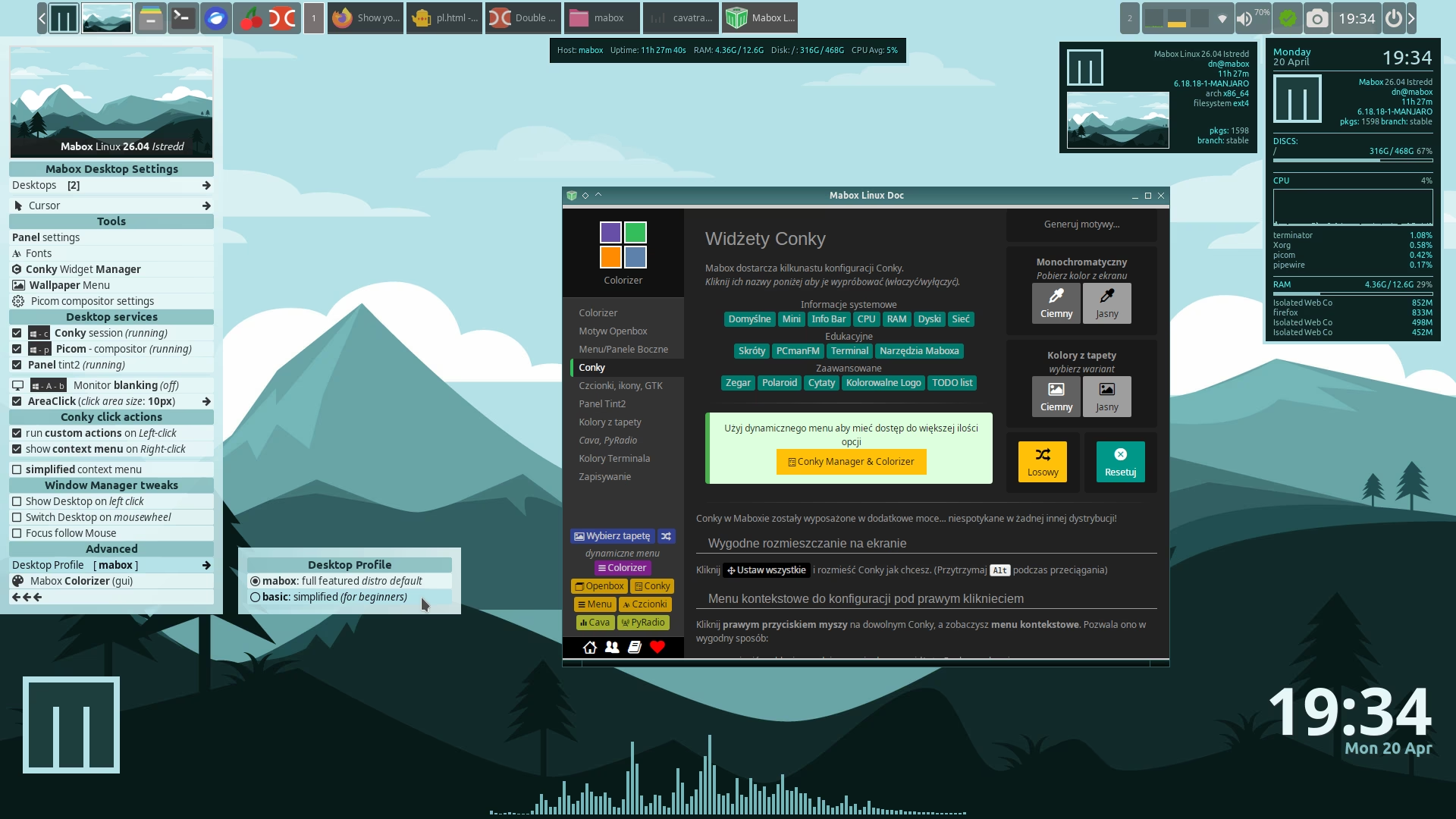
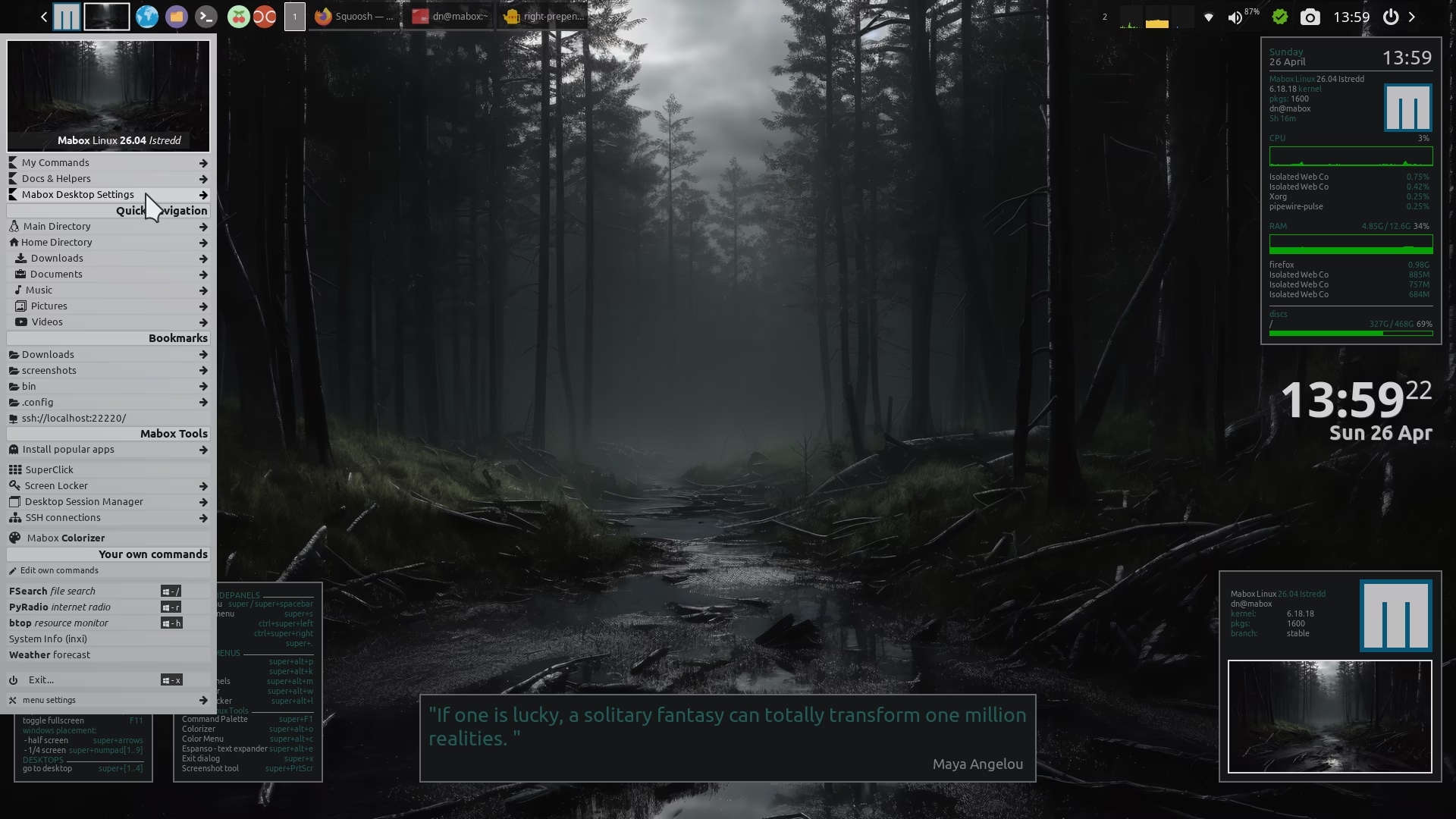
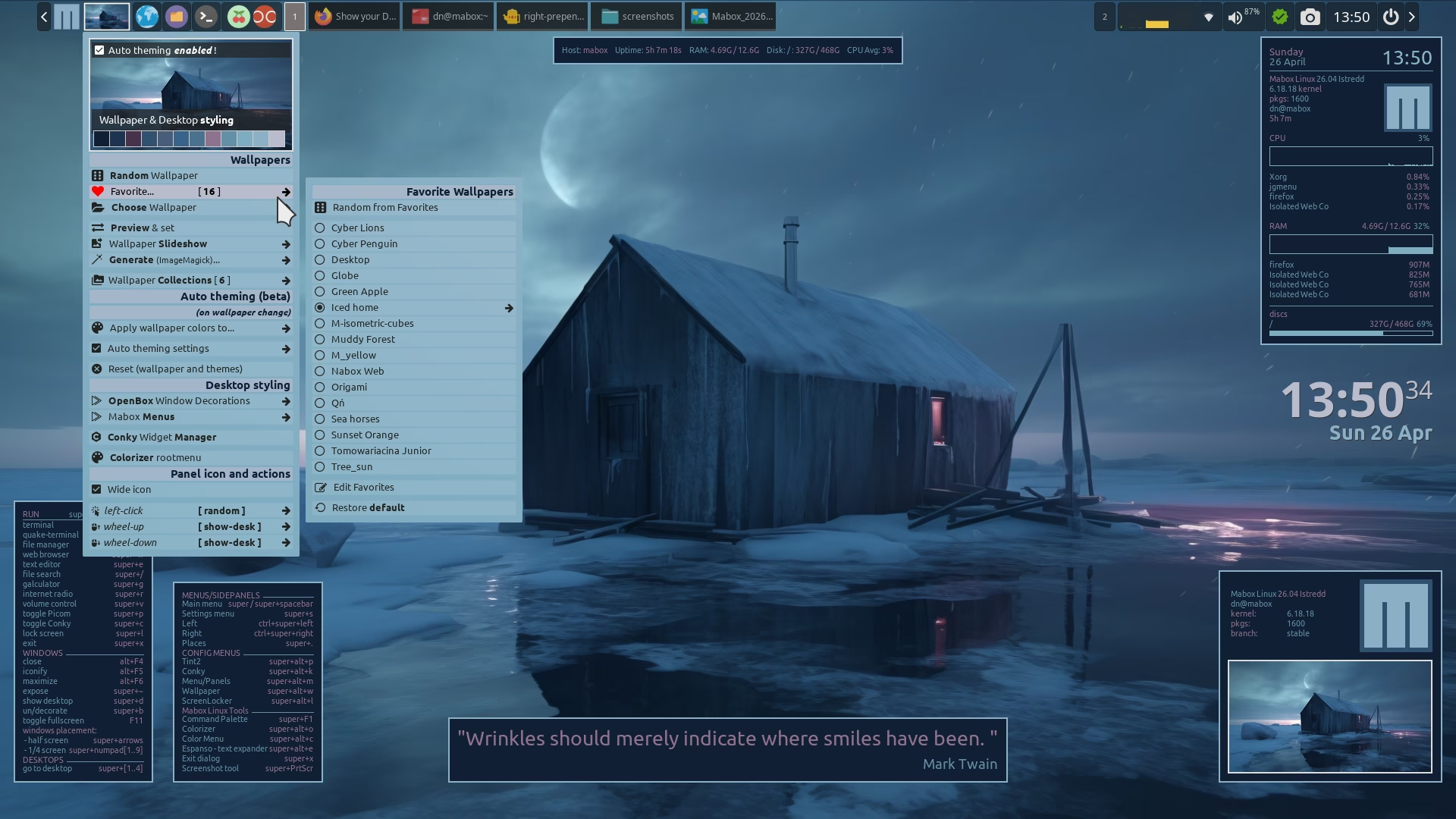
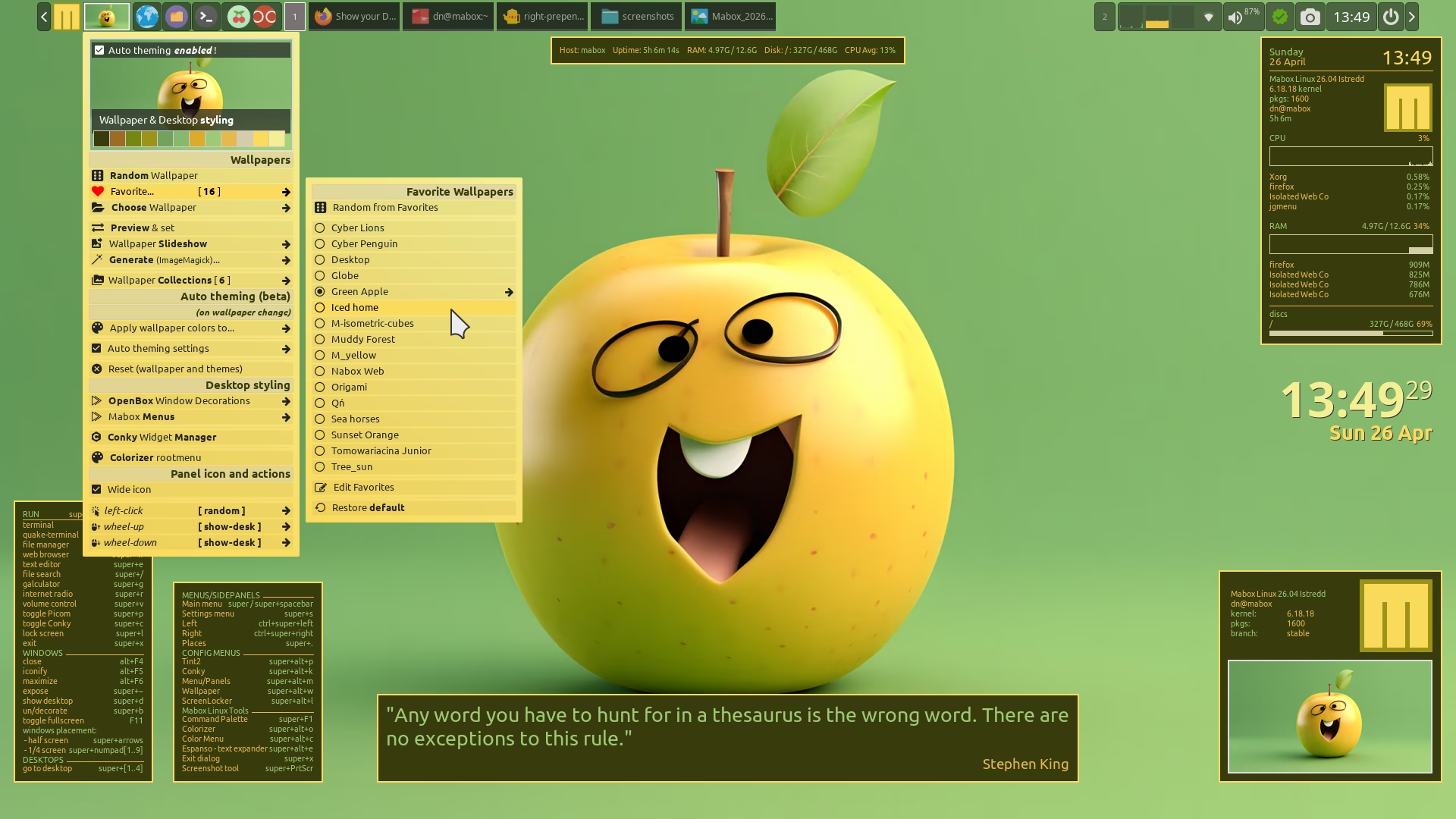
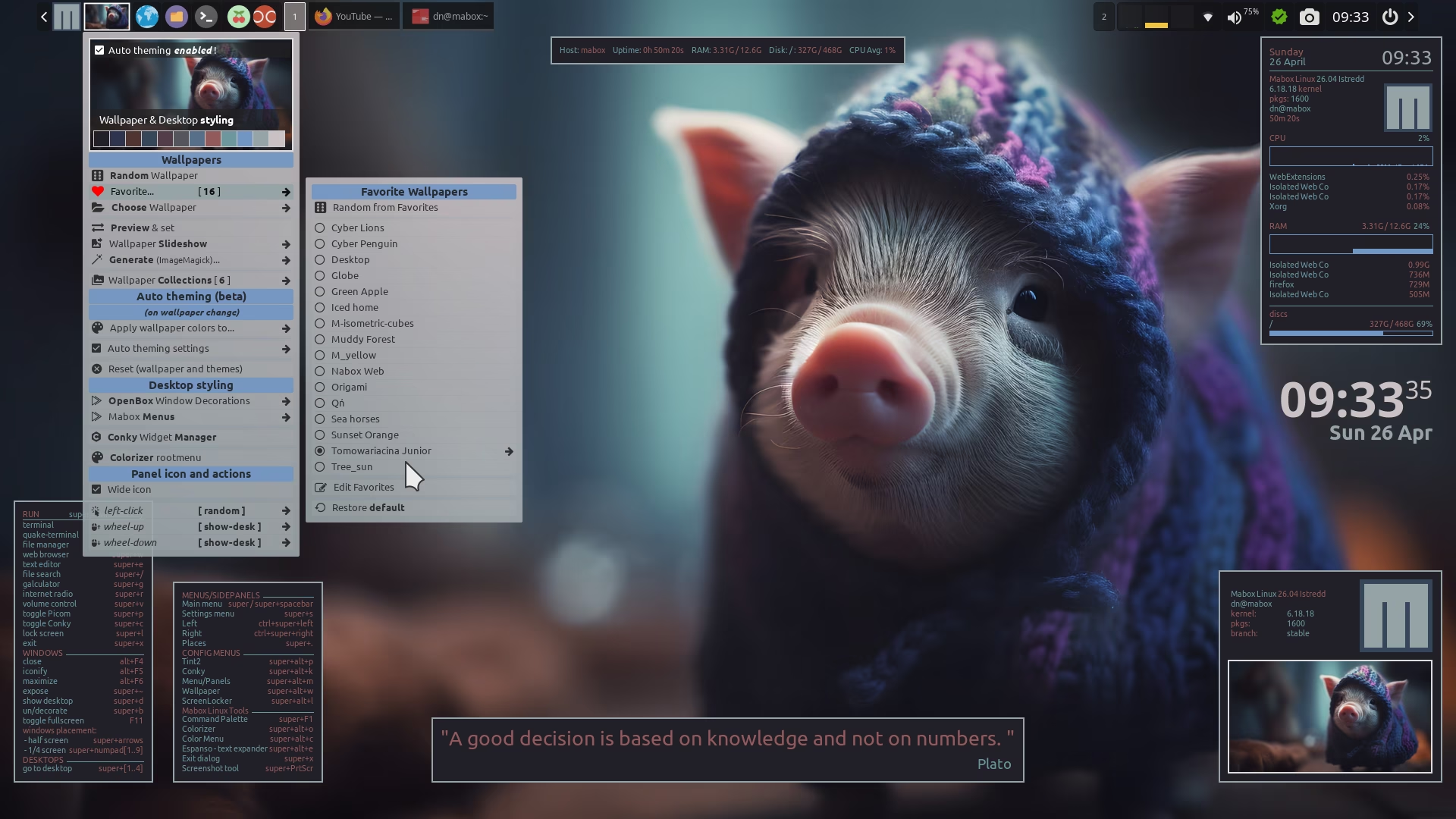
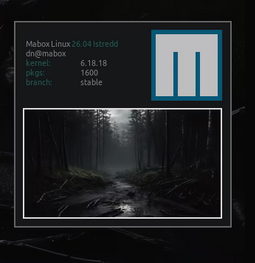
Yes, all the Conky configurations currently used to build new ISO images can be found in /usr/share/mabox/lang/en/.config/conky/. This particular one is called Mabox info.
Very nice!
3 posts were merged into an existing topic: Show your Desktop - May 2026