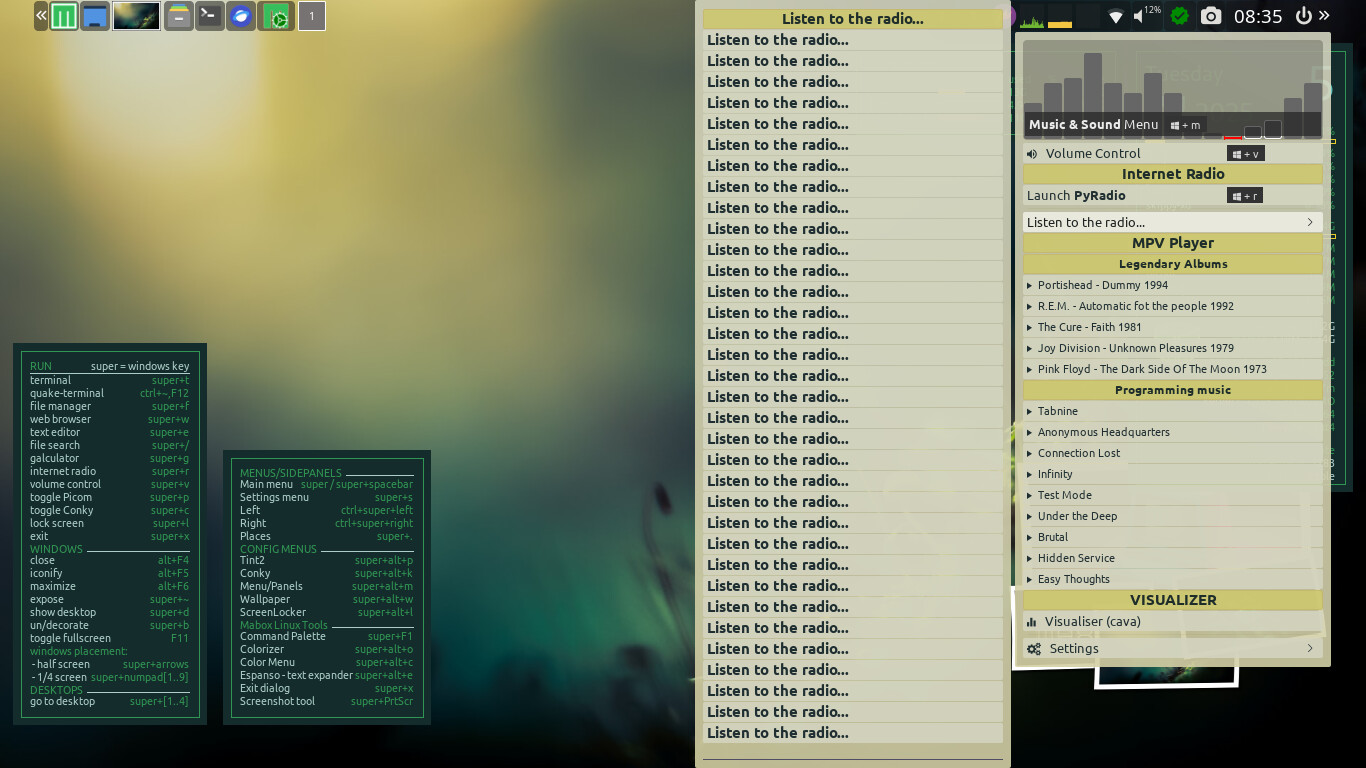
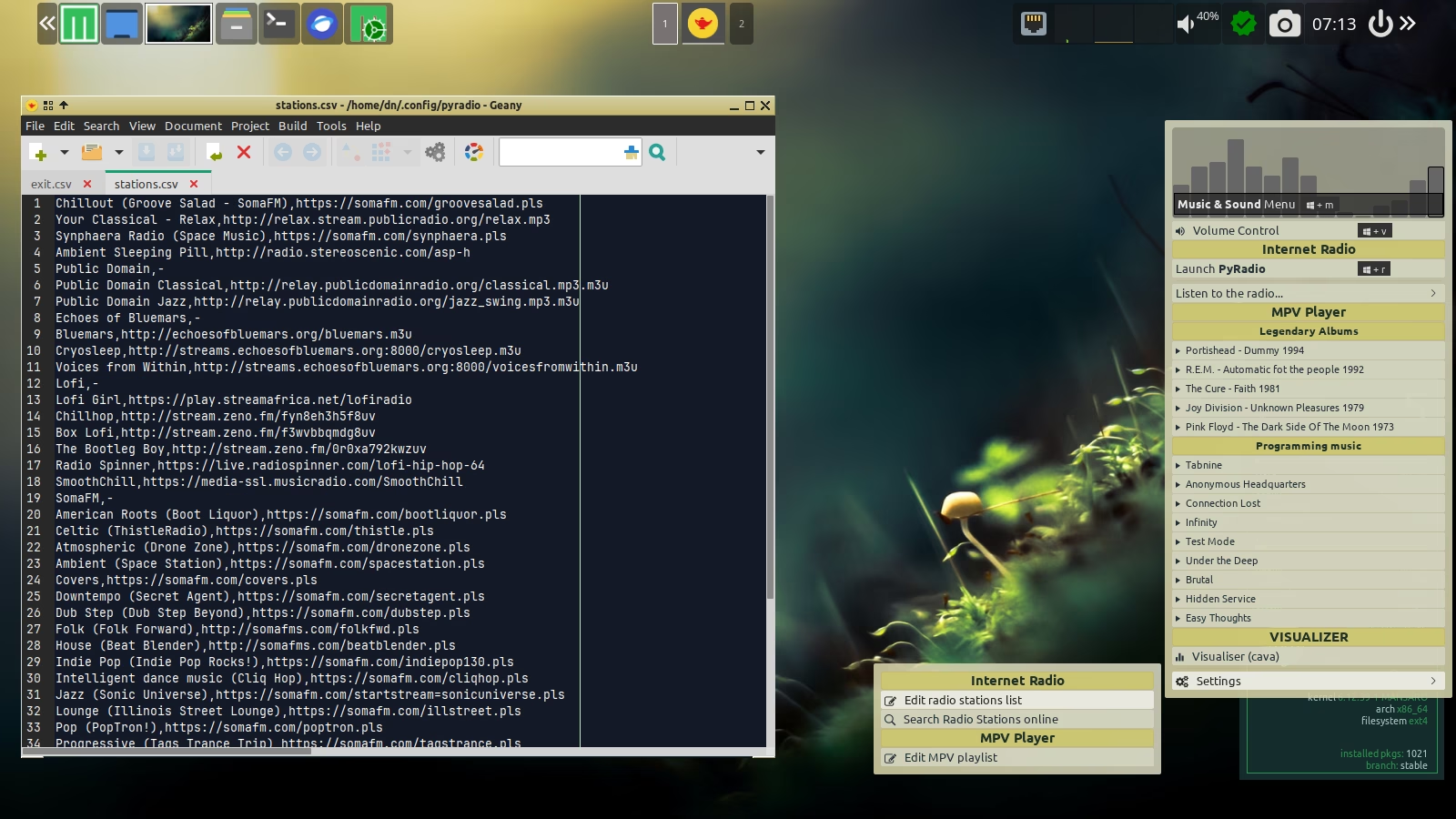
I really like the desktop concept. Then I got curios about the pop up menu of pyradio (upon right clicking the volume icon on tint).
Now I tried to add a url via the command line pyradio. I think it broke the pop up menu. So I removed the added line but the pop up menu was still the same (broken). I would like to restore it back to it’s default settings after fresh install. How can I do that? I attached a screencapture. I hope it is showing correctly in this post.
Hello. The update helped. I am actually enjoying the whole desktop environment and when it broke I felt that was a bummer of sorts. Now it’s up and running.
The list I didn’t post it here as I have edited the CSV file back to it’s original content. I believe there are no hidden nor strange characters that remain as the line that I added was entirely removed.
Thank you for the updates. Kudos to every dev and maintainer on the Mabox project.
I have inherited an old laptop and this distro has made this old laptop very responsive. Upon sitting idle, with no other apps running, it takes just under 5MB of RAM. Fantastic to say the least!