MPV Player List empty after editing MPV Playlist (for the first time)

Hello,

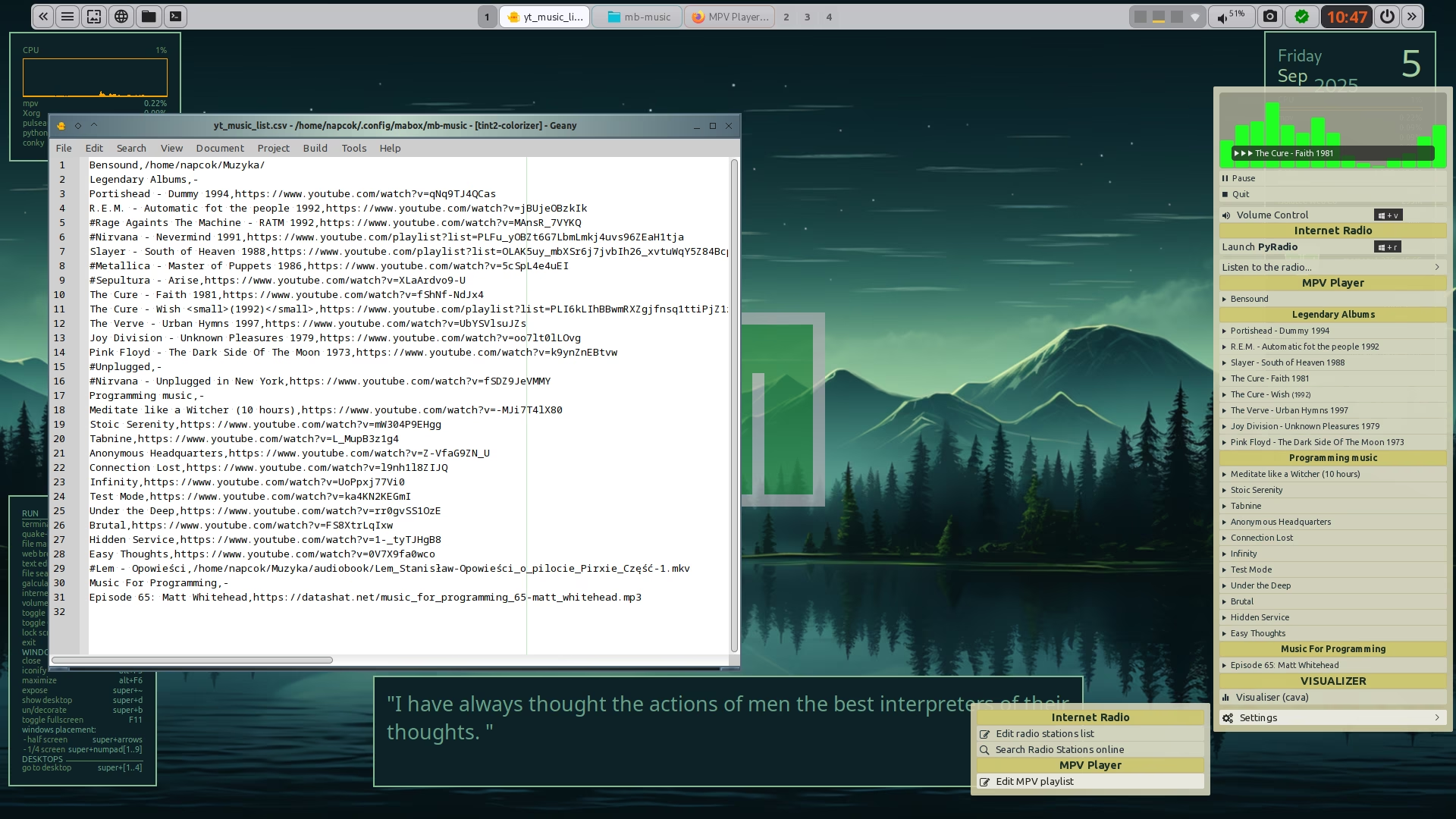
Super + M > Settings > Edit MPV Playlist

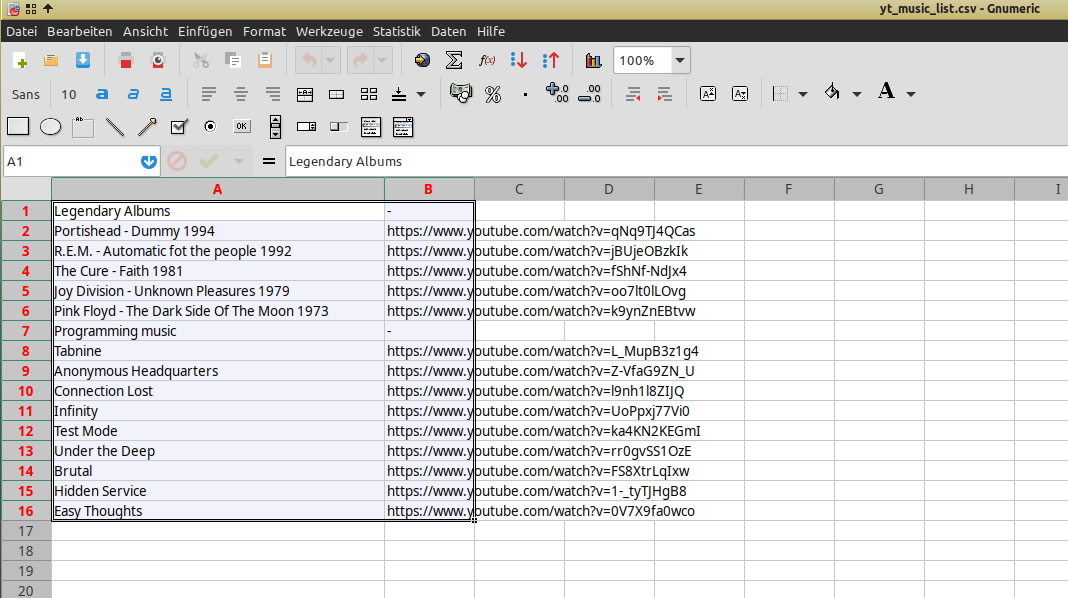
yt_music_list.csv opens in Gnumeric. I added one new Line. Column A Artist - Album. Column B Youtube URL. Saved. Super + M > MPV Player is empty now. Nothing is displayed anymore.

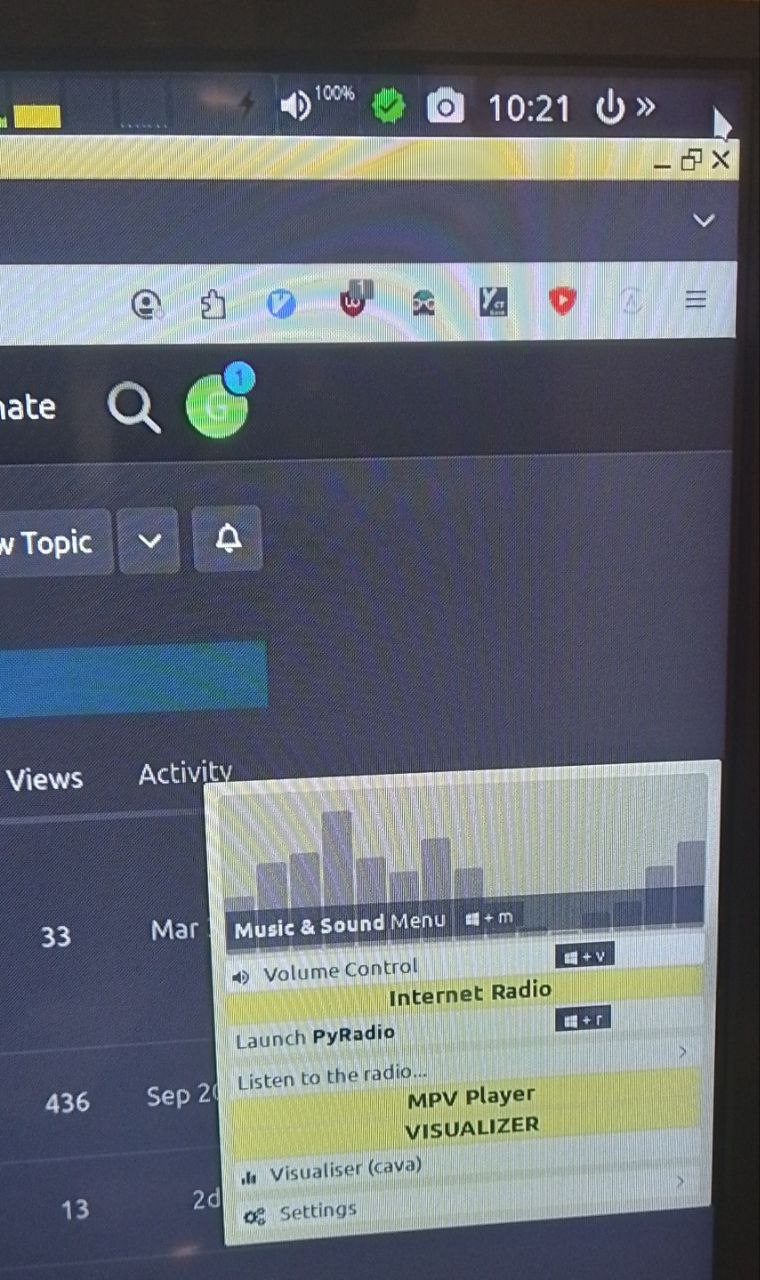
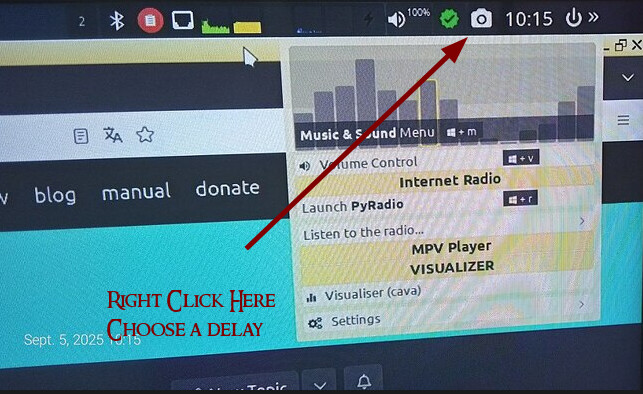
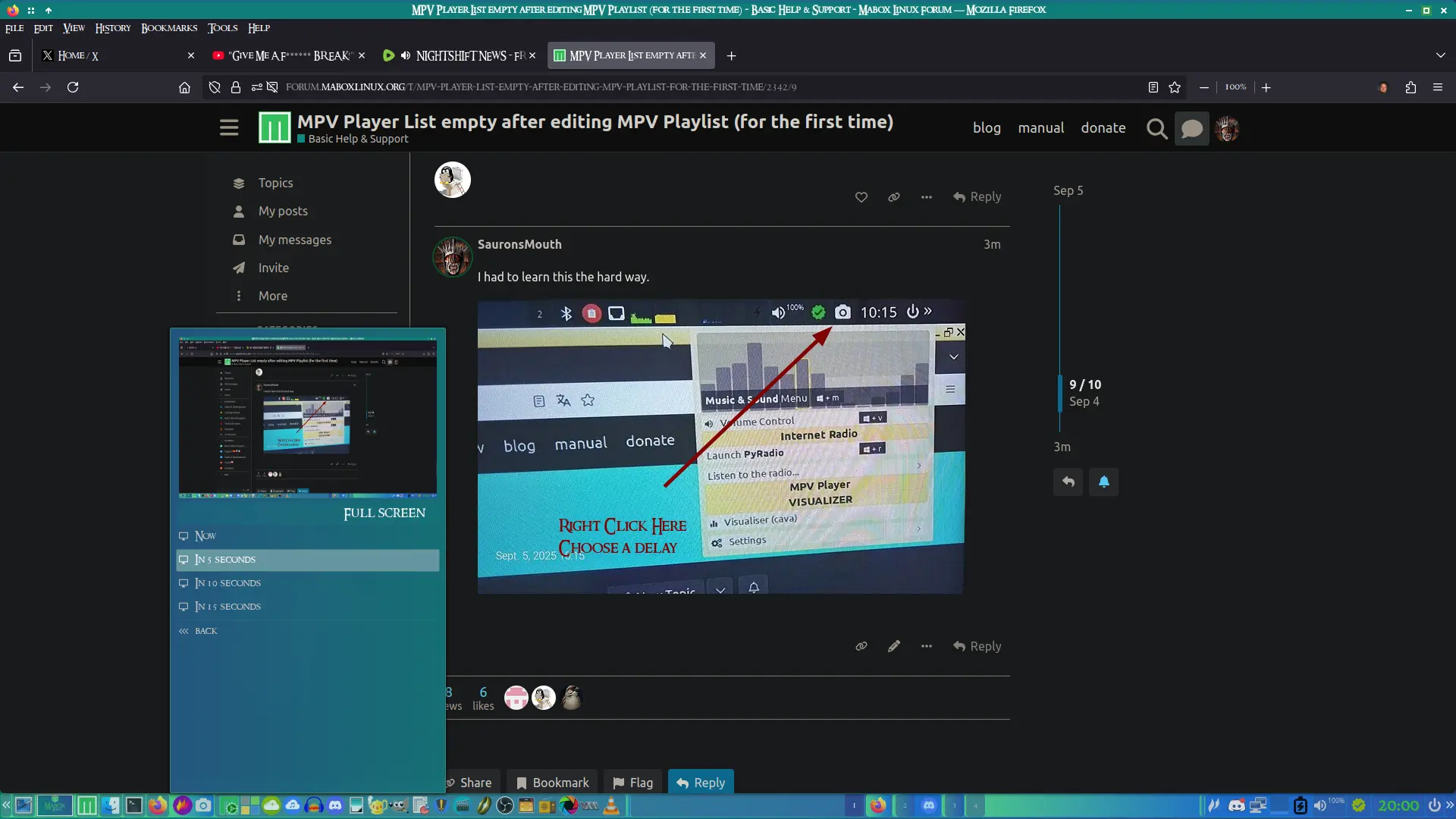
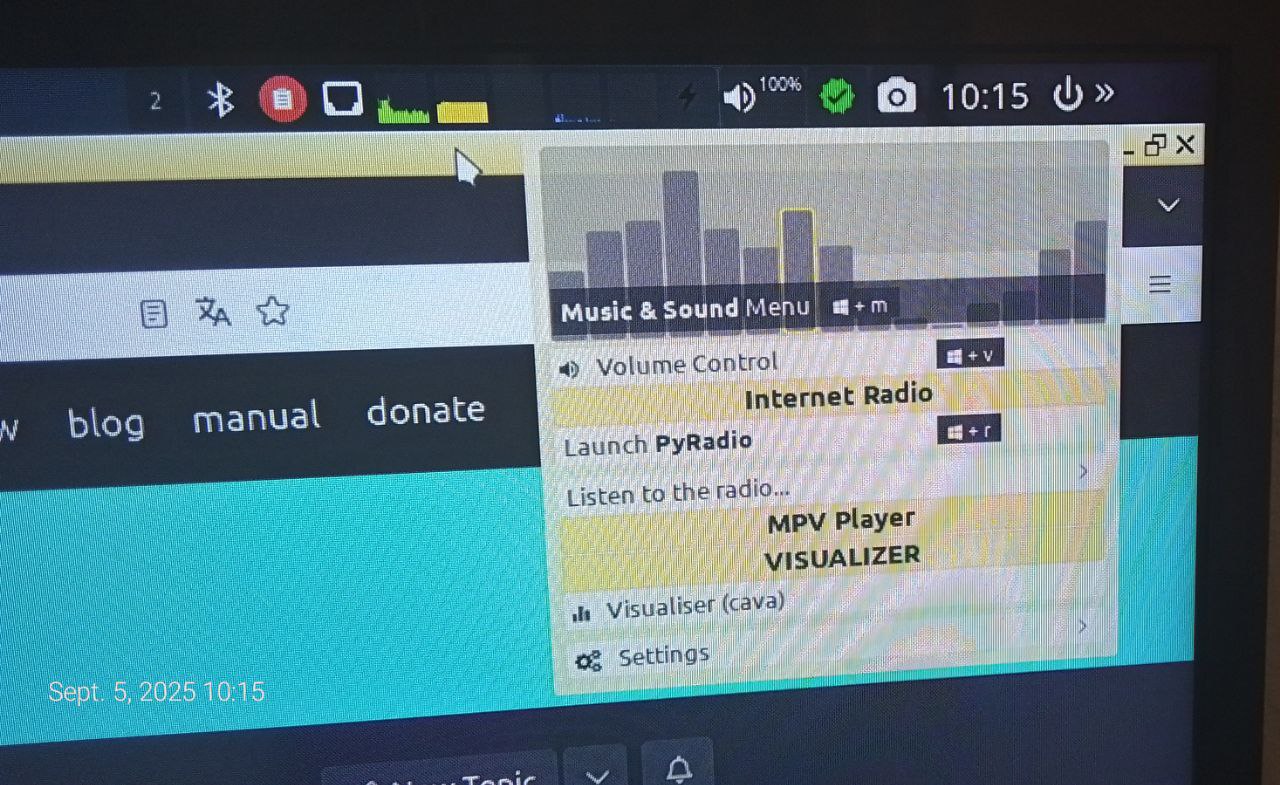
It is not possible to make a screenshot of the Music and Sound menu. Pressing Print Key or Flameshot icon when Music and Sound menu is open does nothing. So i need to fall back to Photos.

Restored the yt_music_list.csv to its original state. Problem persists.

Since then The tint2 taskbar has a gap on the top right corner. When I left click there the Music & Sound Menu opens with empty MPV Player as well.

Did Reload, restart Tint Panel, logout, login and restarted Mabox Linux. The problem persists. Do you have any suggestions what I could do to make the MPV Player list reappear?

Thanks in advance
grn

Nevermind the “gap”. I just realised that is default to access the Music & Sound menu via mouse. But as new Forum user I cant remove this part of the original post.

Solved. Gnumeric auto opens the csv (after it was installed) and changed the formatting. Edited with geany in the right comma separated format again and the list reappeared.

1 Like

Hello @grn and welcome to the forum :slight_smile:

It looks like Gnumeric writes csv files in his own binary format…

Just use the Geany editor to edit the playlist. From “Music menu” W-m → Settings → Edit MPV playlist

To reset the playlist to default, just remove file:

rm ~/.config/mabox/mb-music/yt_music_list.csv

It will be re-created with defaults when you start the Music menu.

Edit.
I see you managed to solve this while I was writing :+1:

1 Like

Thank you very much for your help. Thats a good tip that you just can remove the yt_music_list.csv.

I started mabox live from USB and there I saw that it uses geany by default to edit the csv file. Which brought me on the right track.

Thanks again for your quick reply!

1 Like

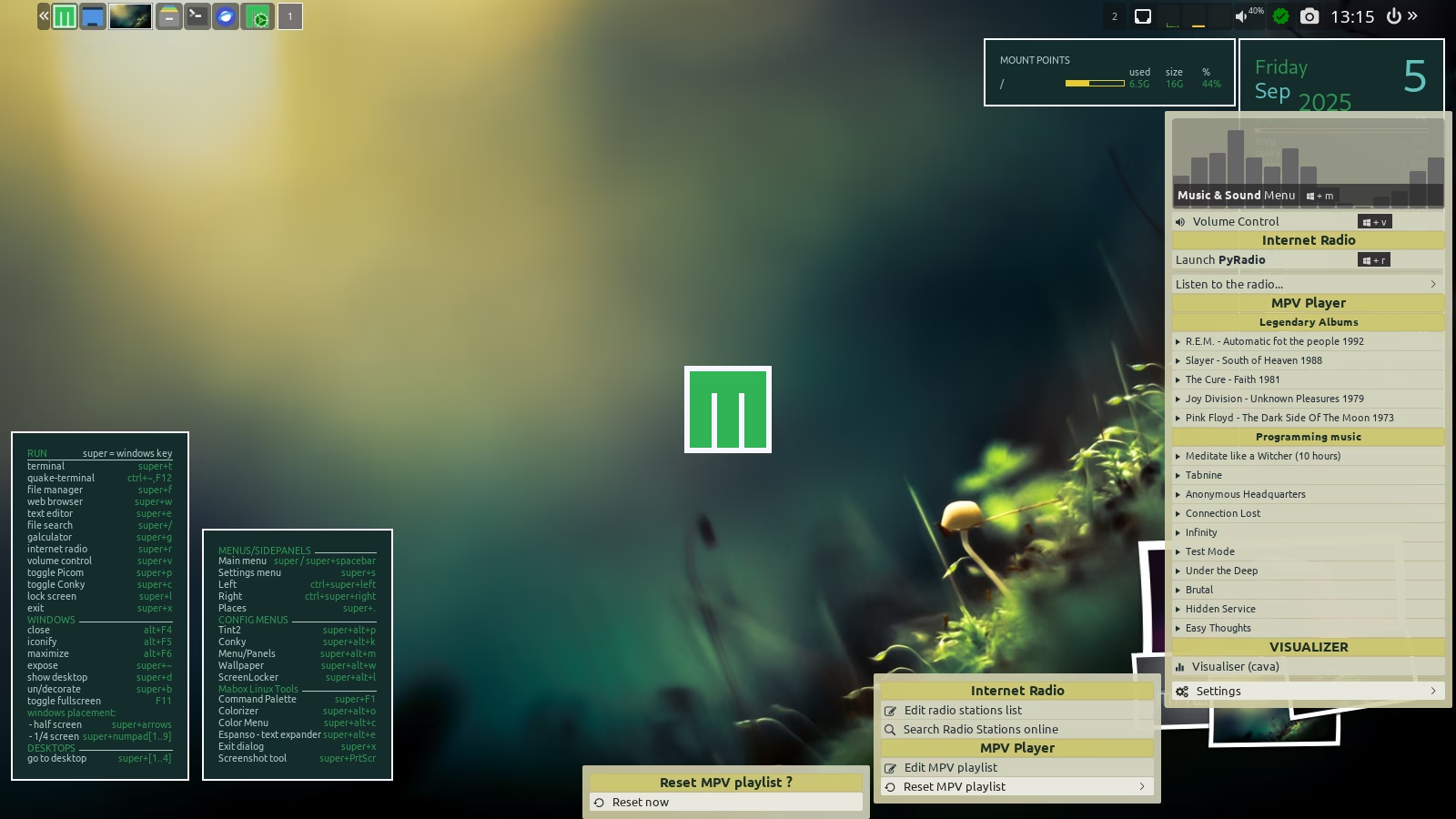
I think I will add “Reset MPV playlist to defaults” element to menu in the next update.
It might be handy also for me as I messed up with this file many times already :wink:
2 Likes

Welcome @grn to mabox world…

Maybe you found this already… :nerd_face:

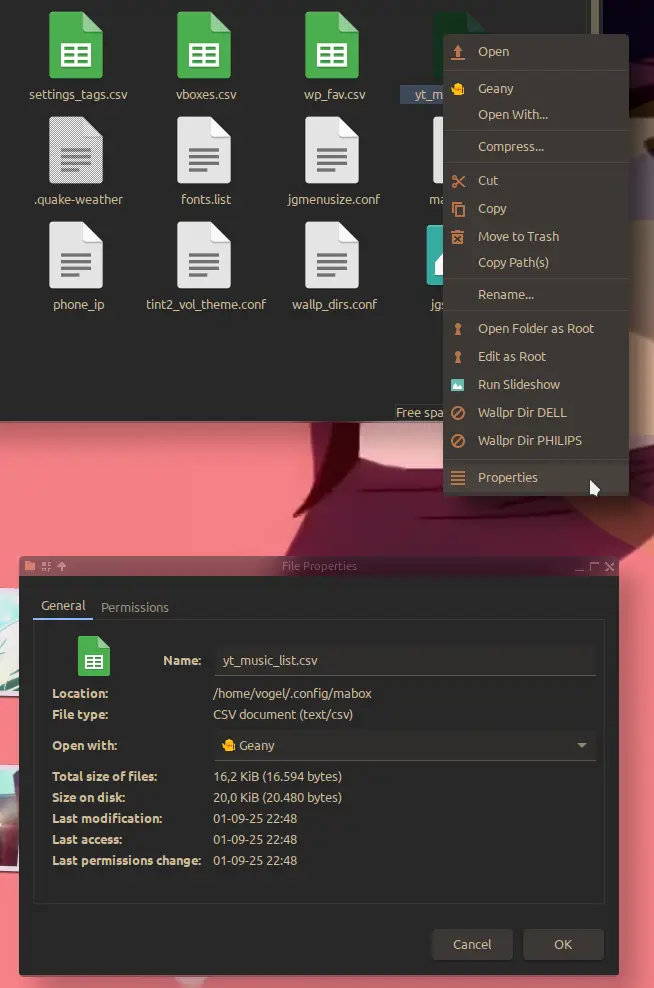
how to set preferable application to always open file with. (properties)

:bird:

1 Like

Ah right. Thanks for the tip. Now its set back to geany. :nerd_face:

:wink:

1 Like

I had to learn this the hard way.

1 Like