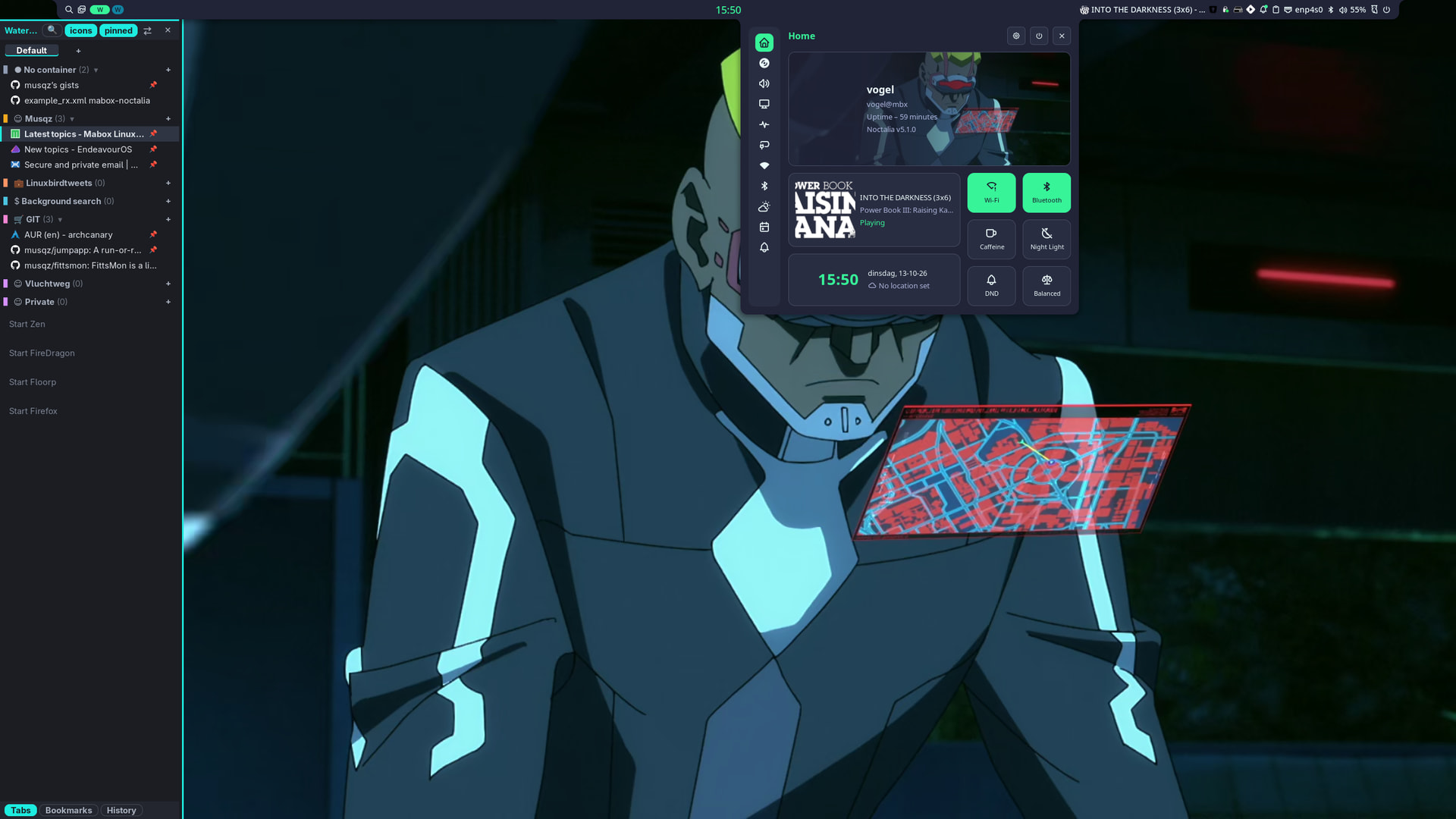
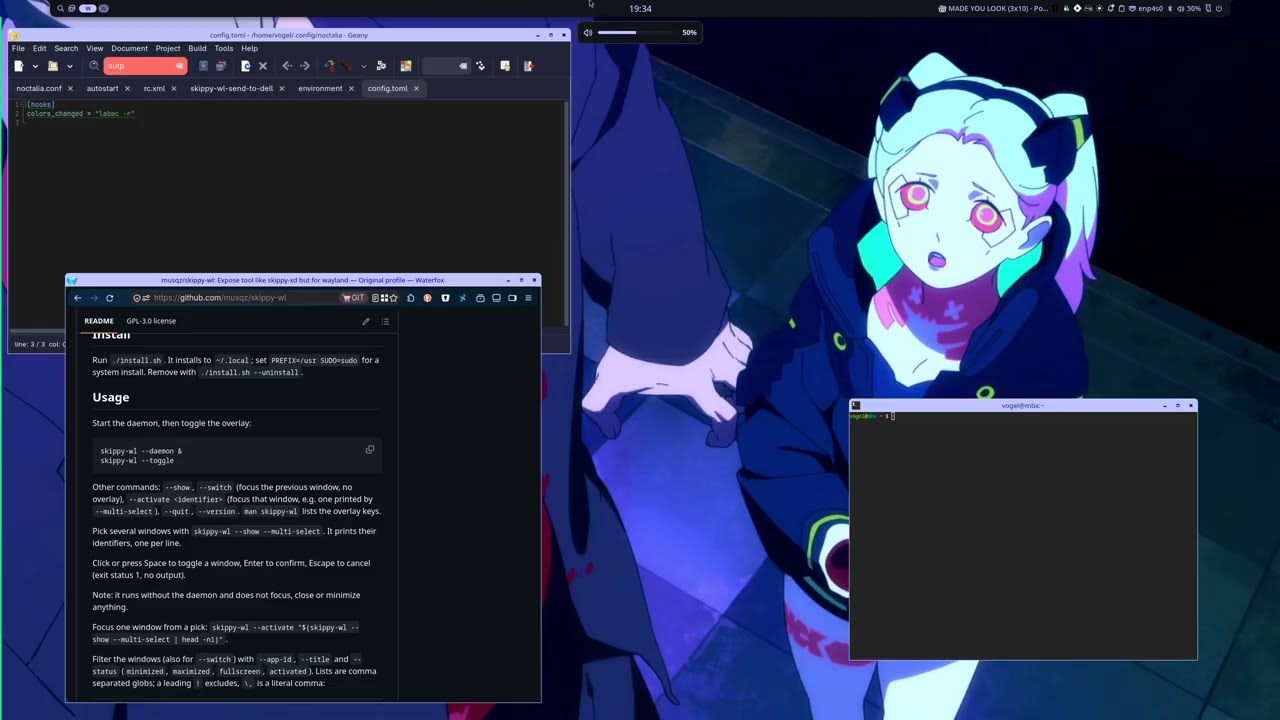
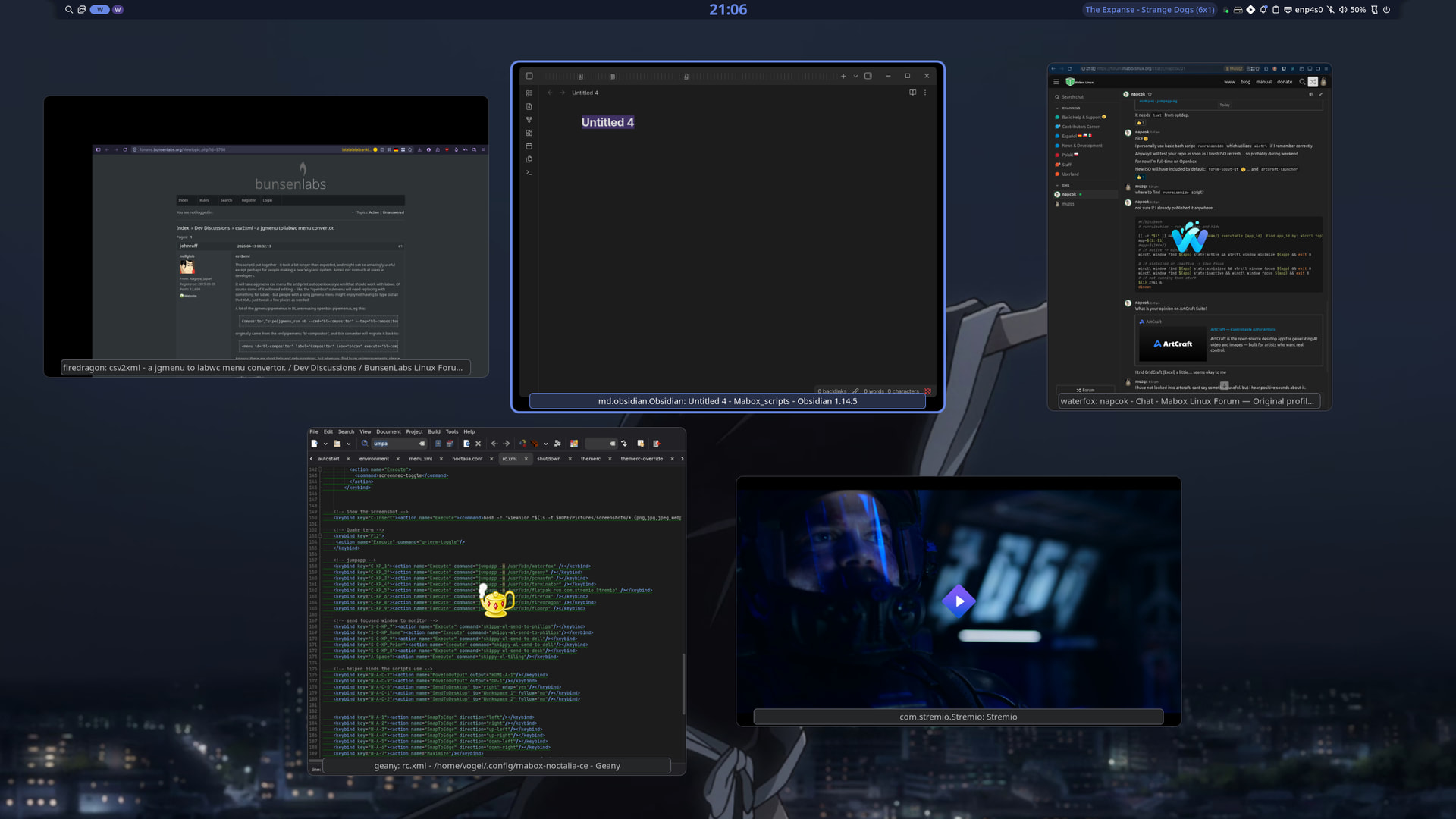
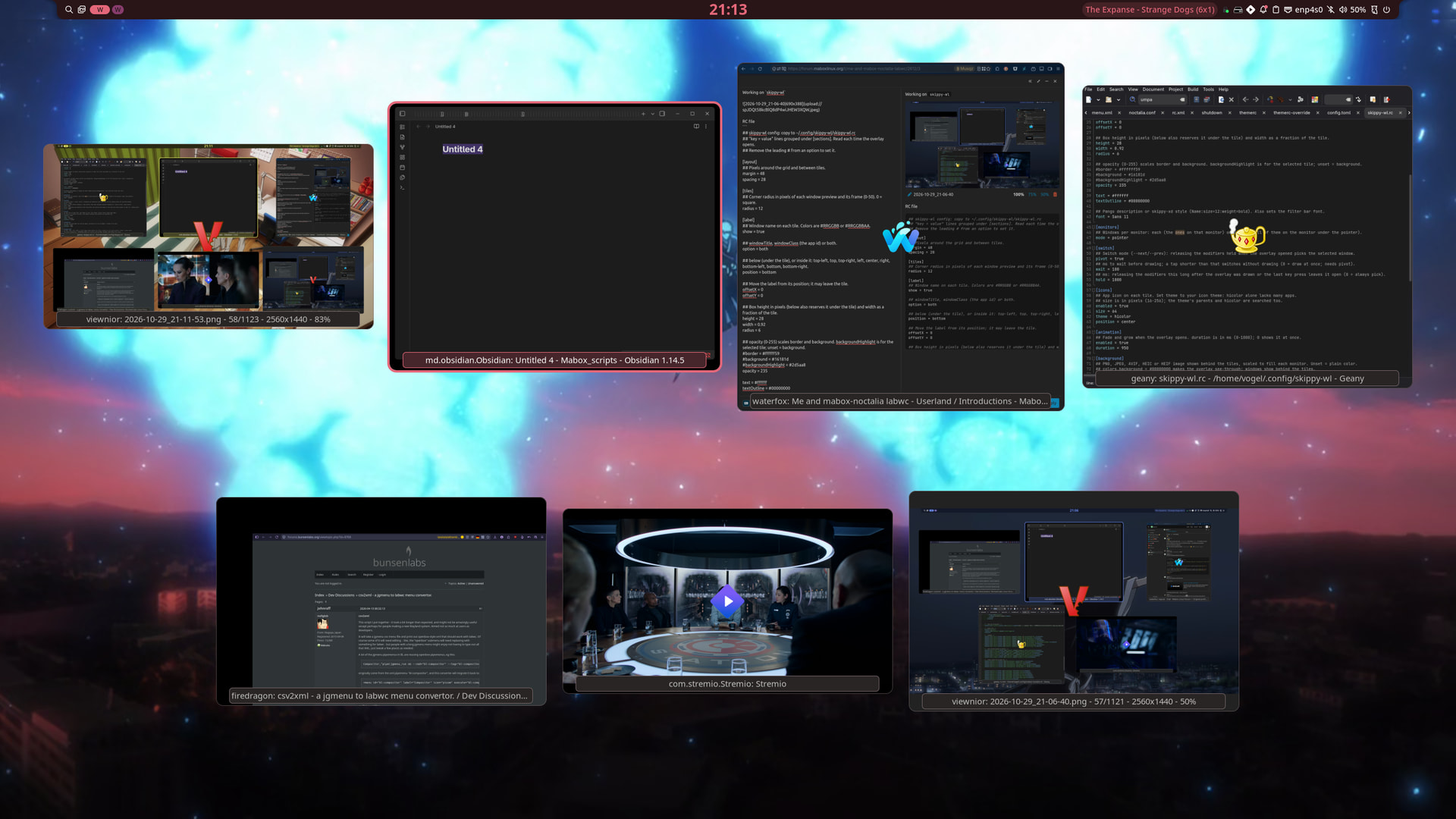
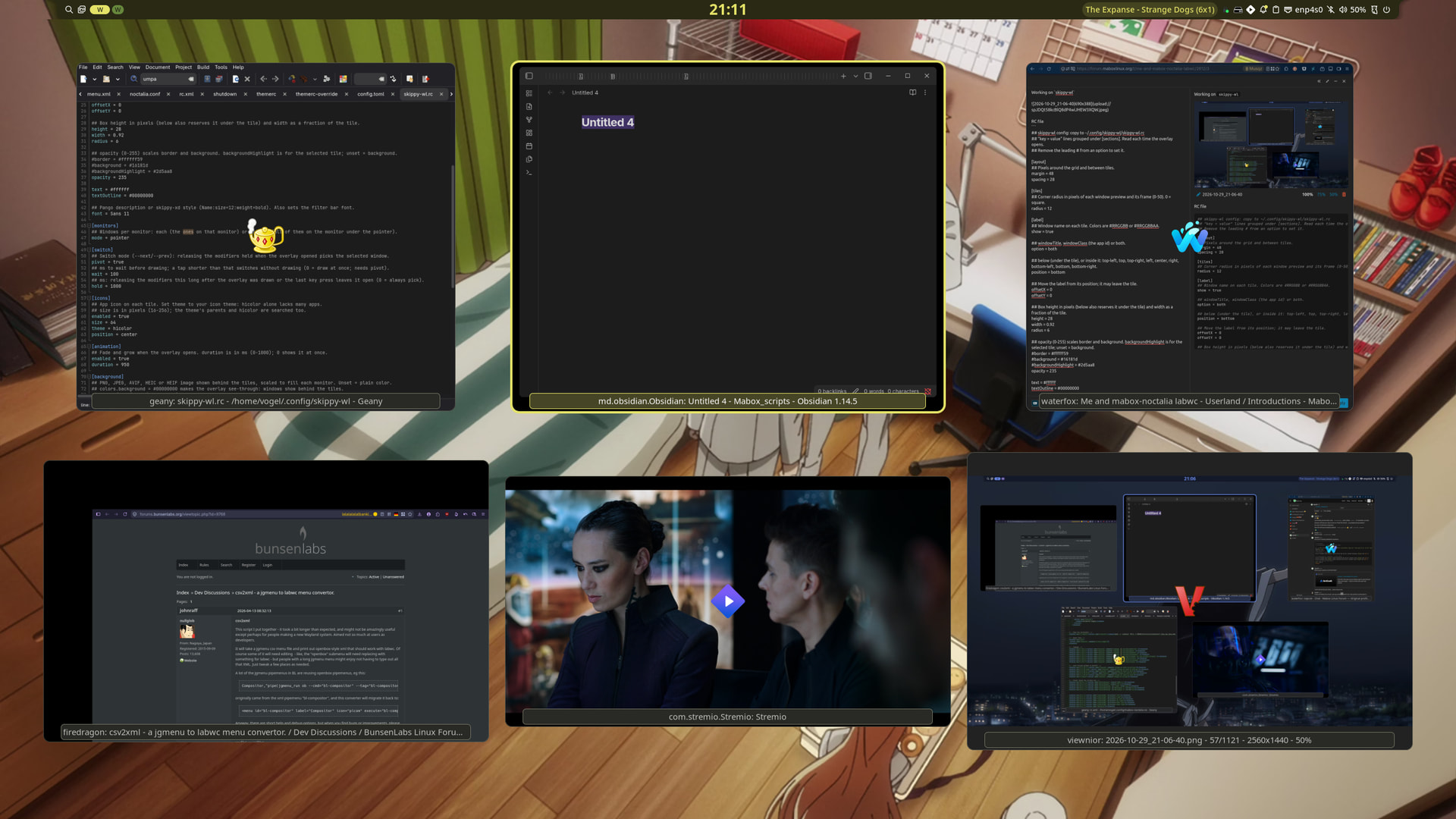
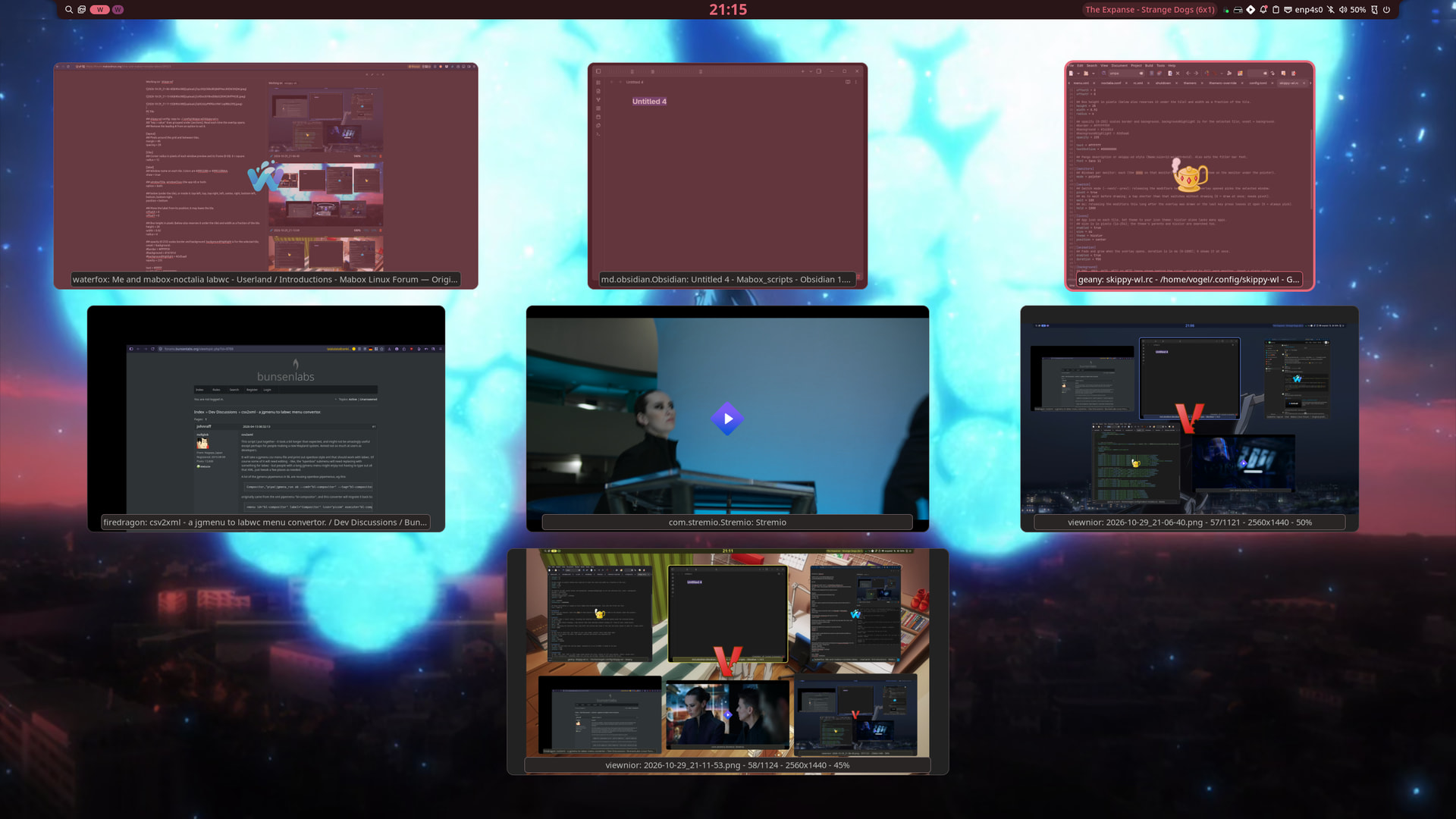
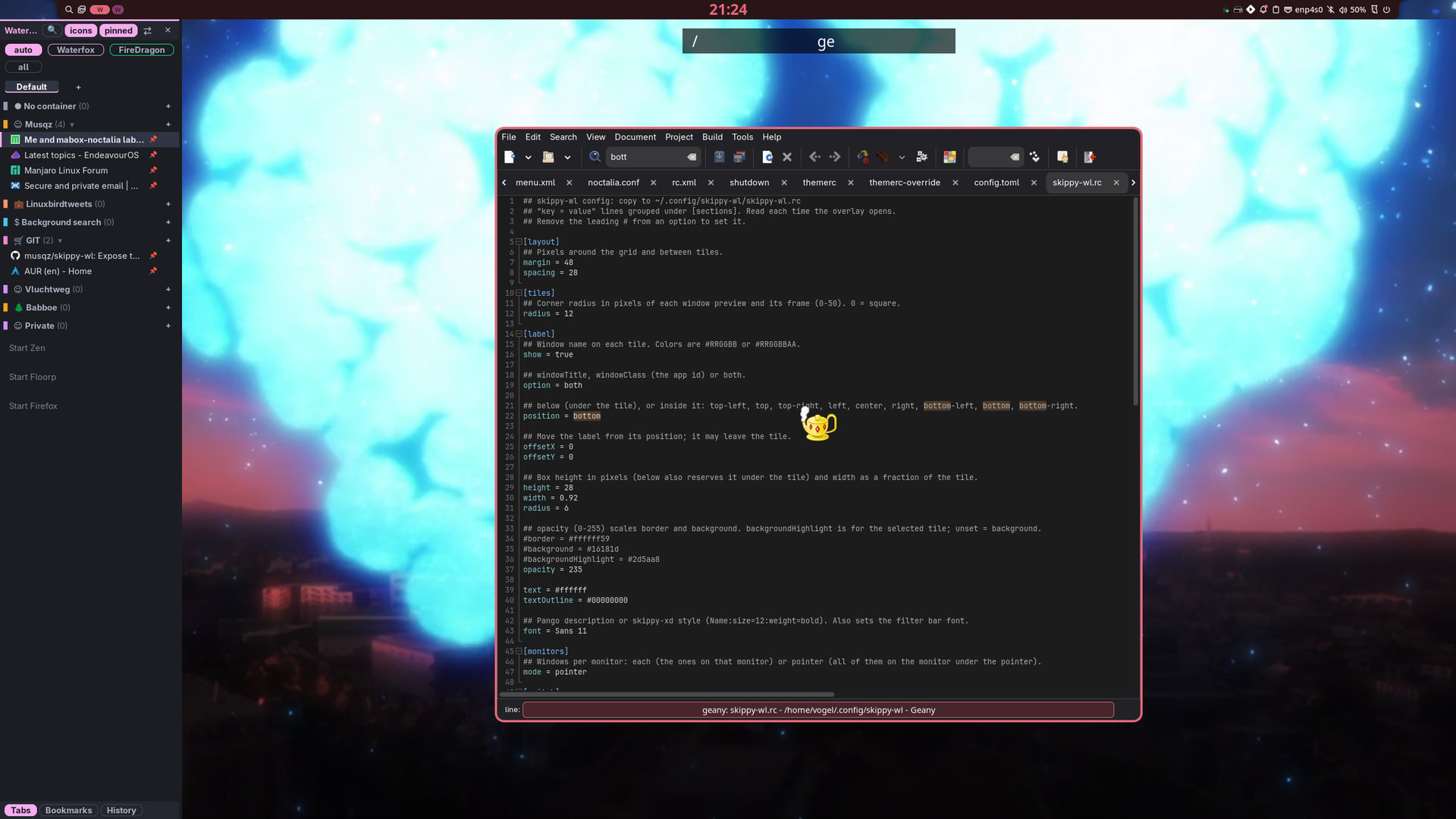
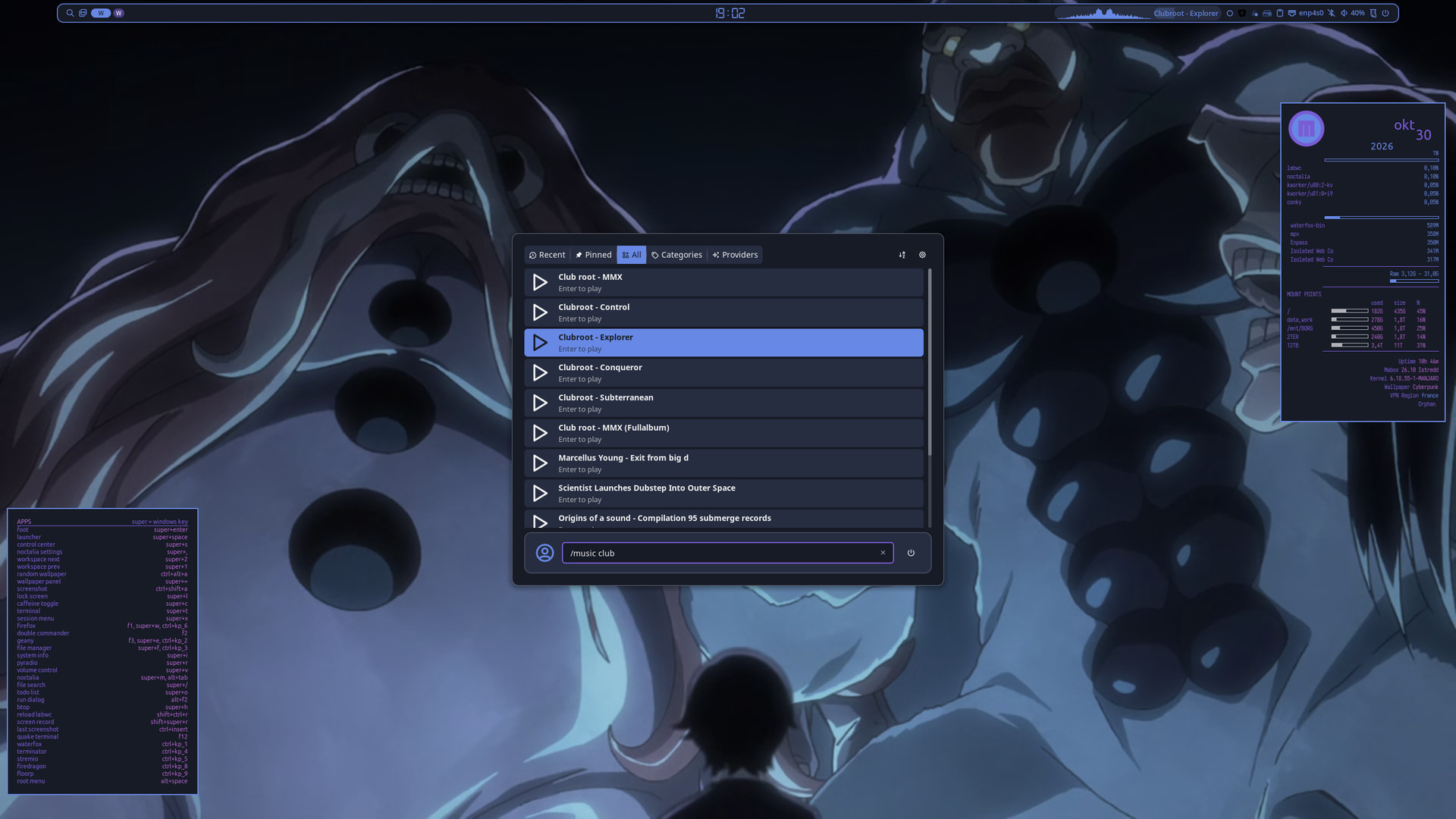
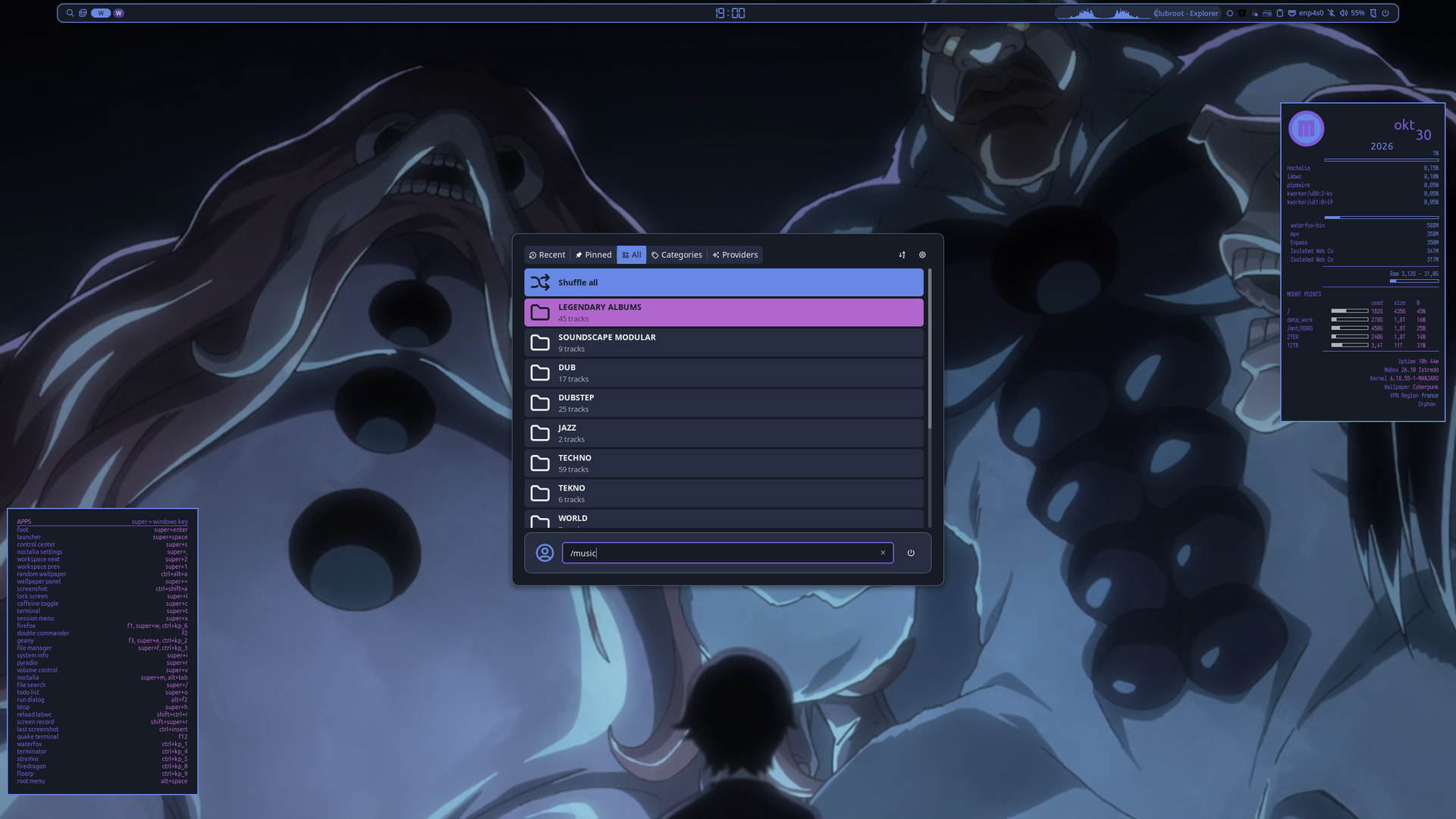
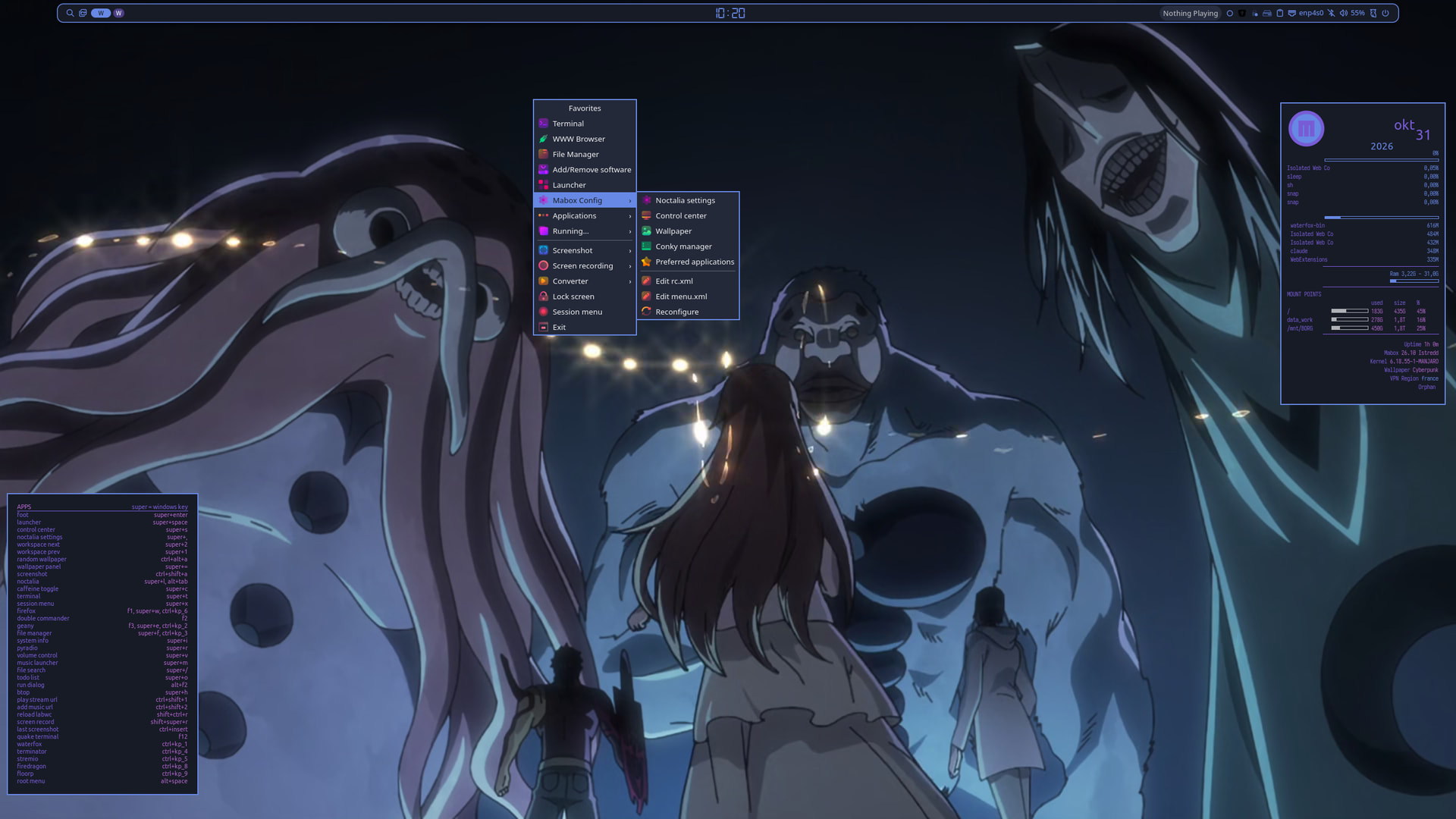
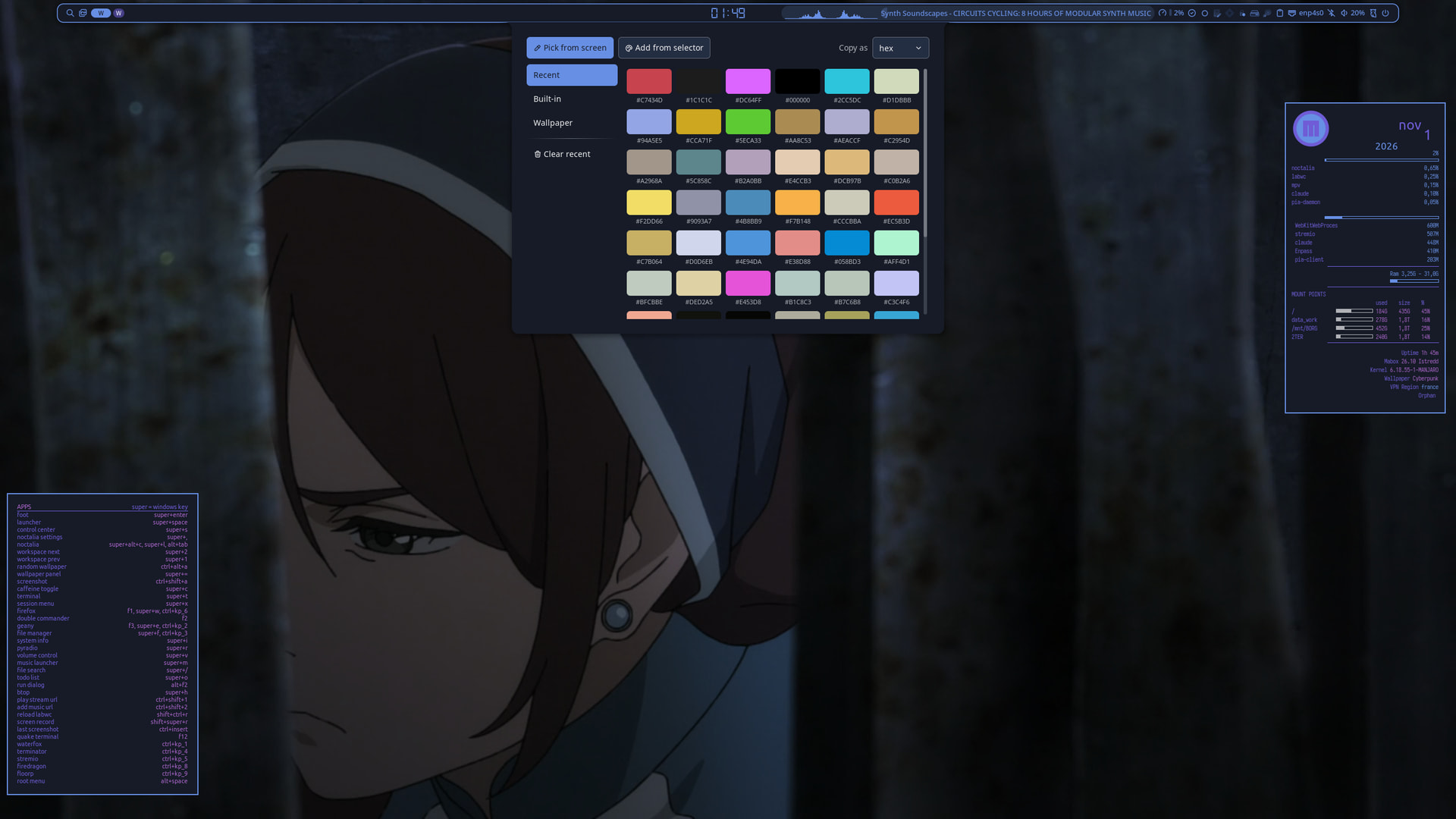
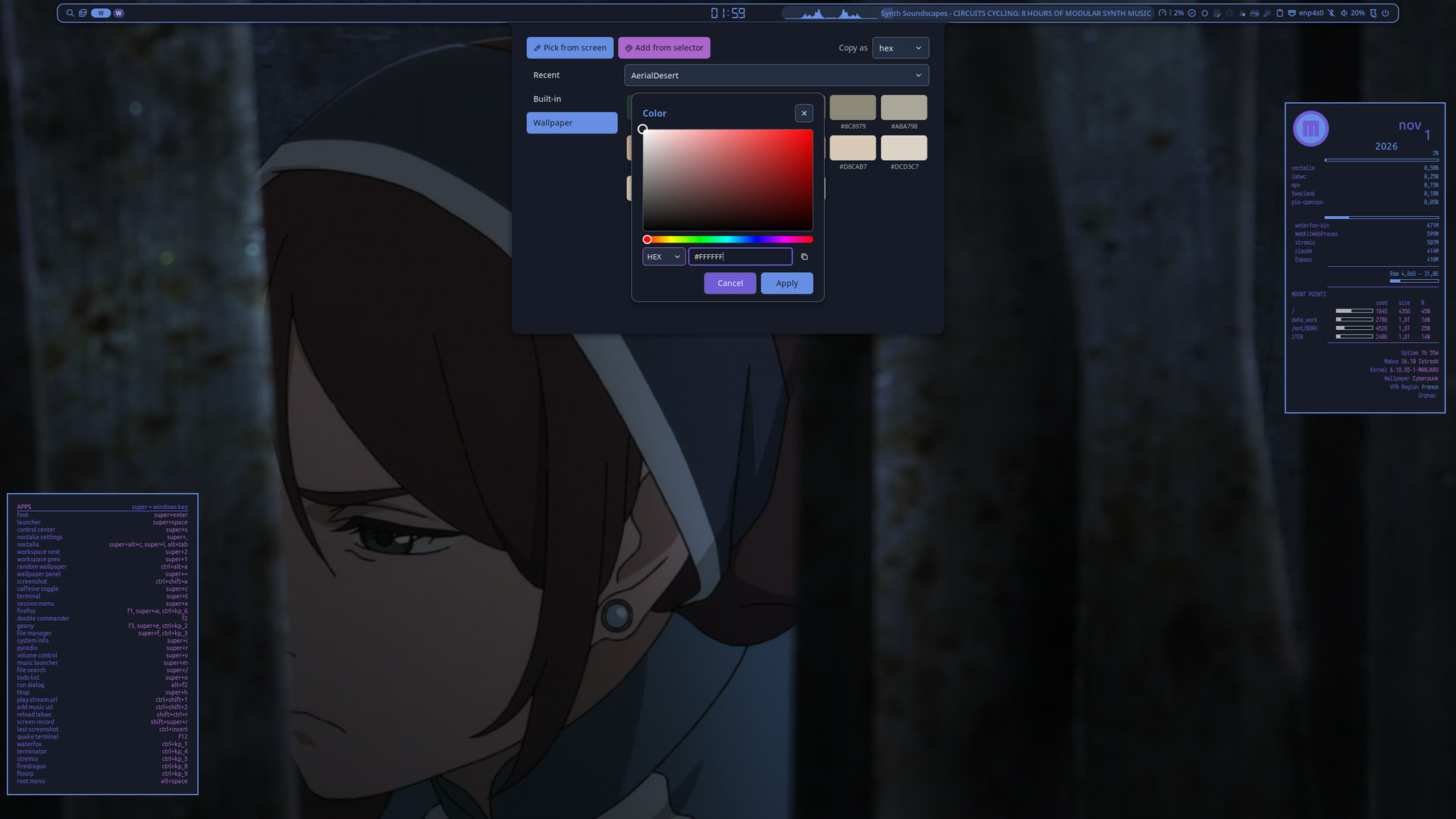
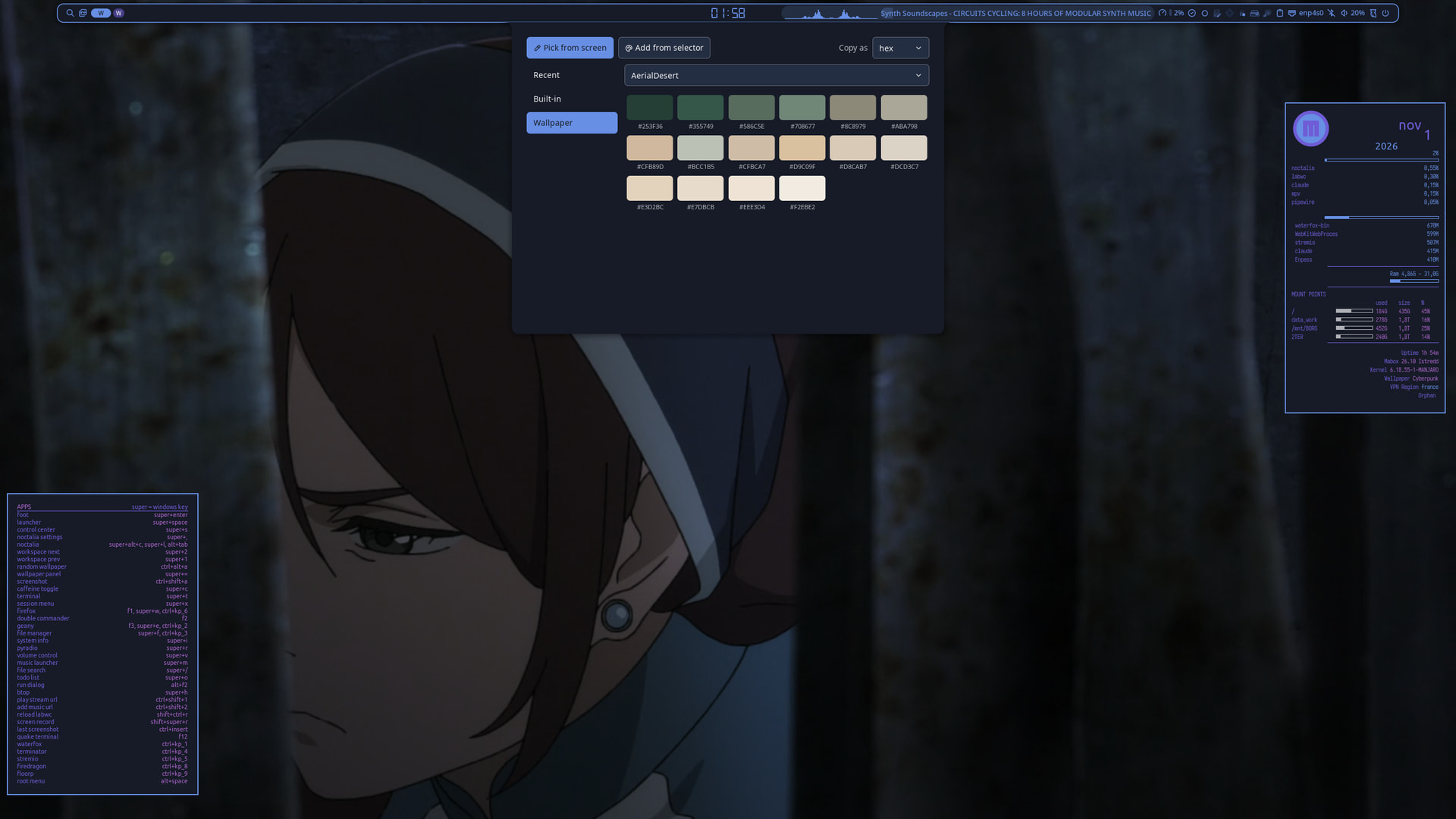
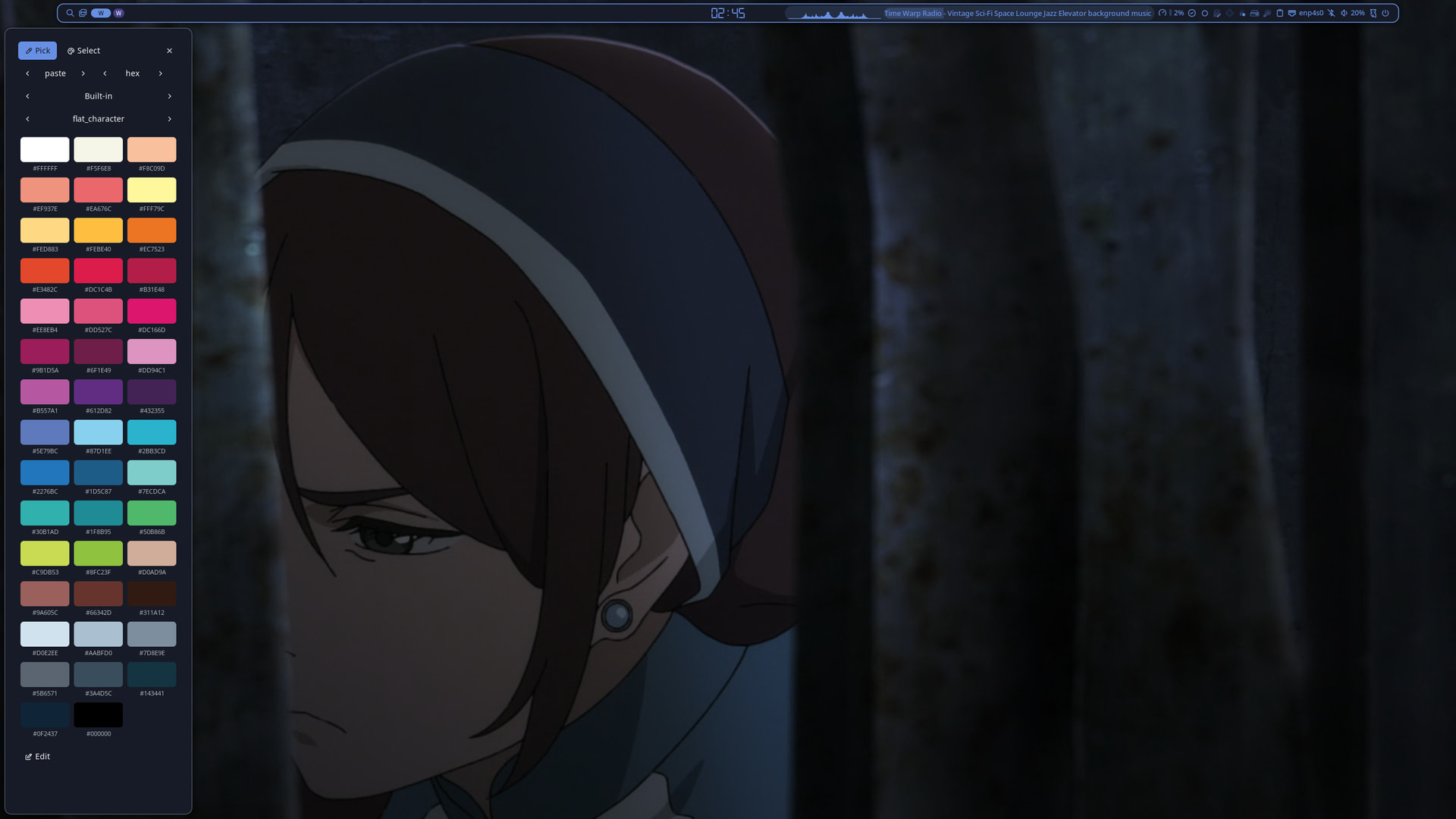
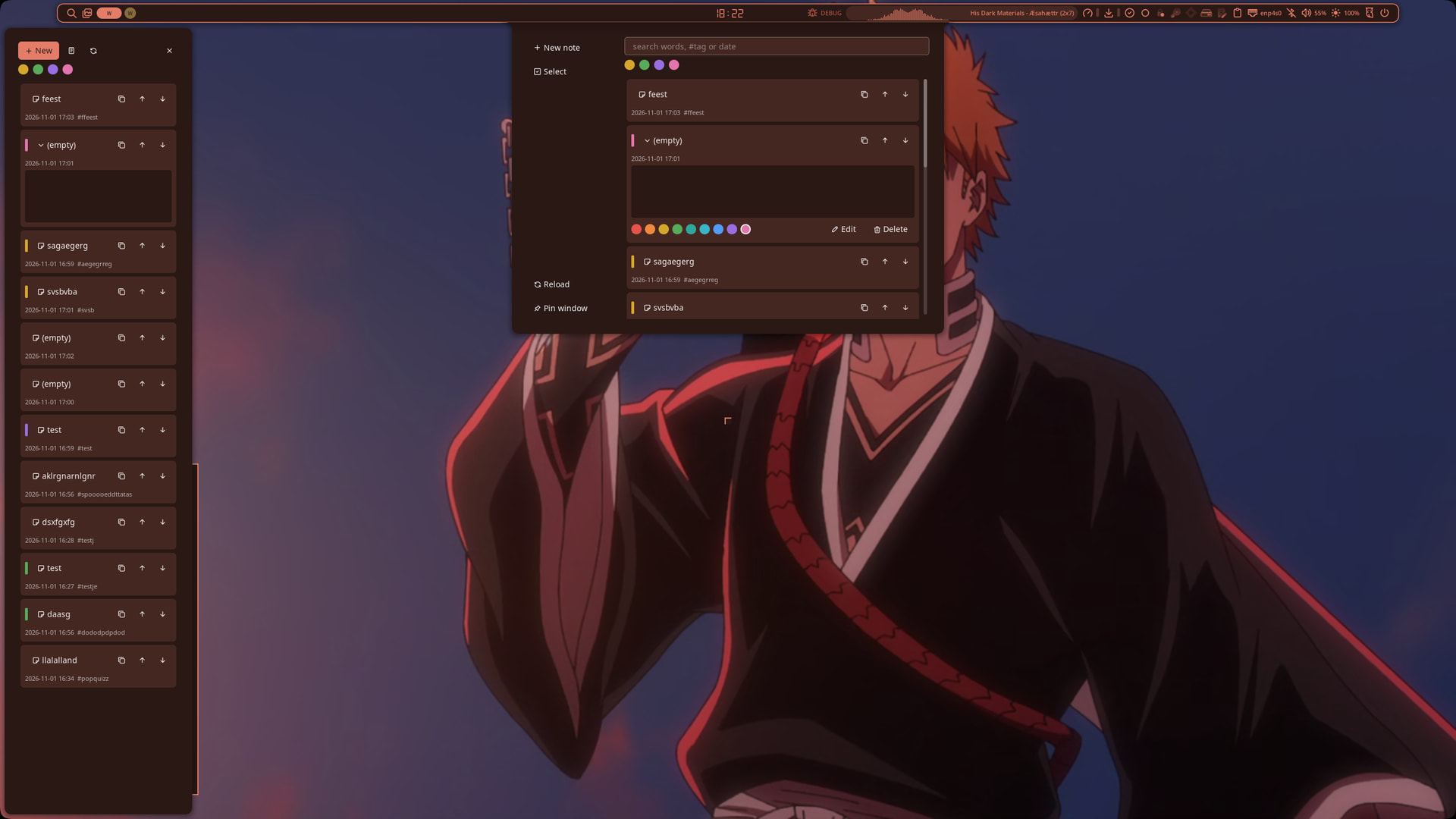
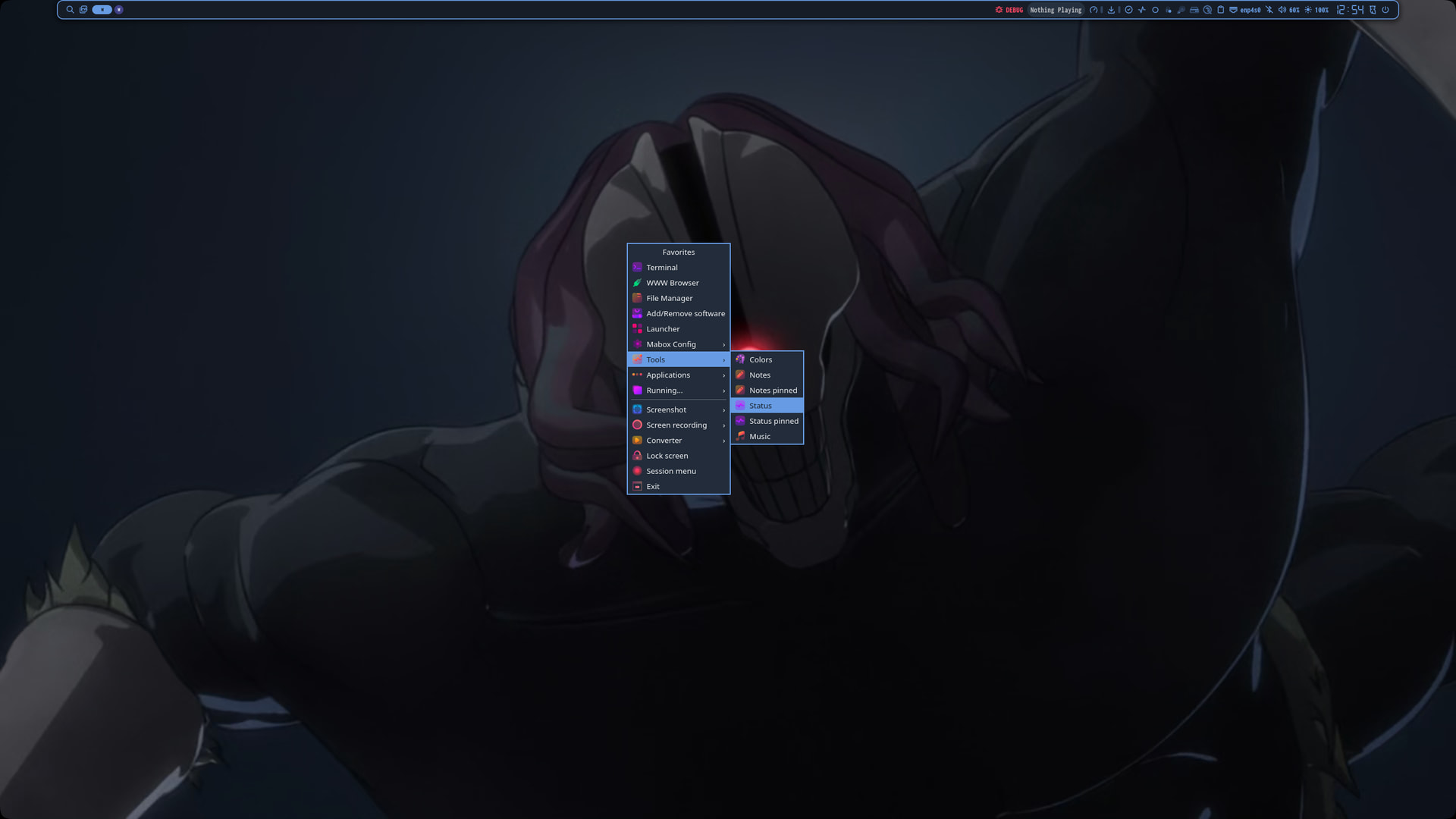
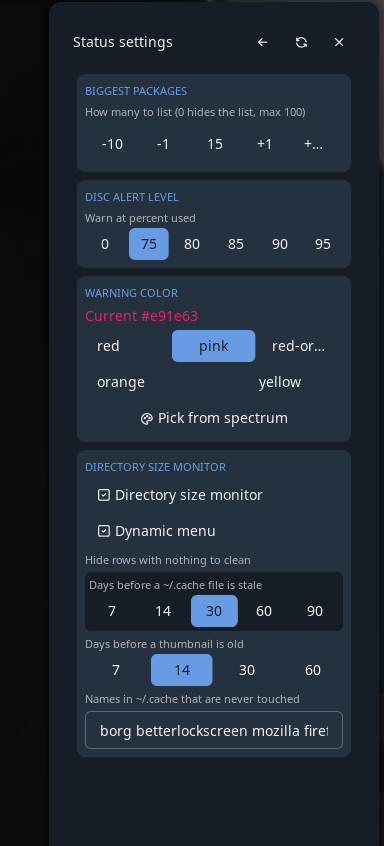
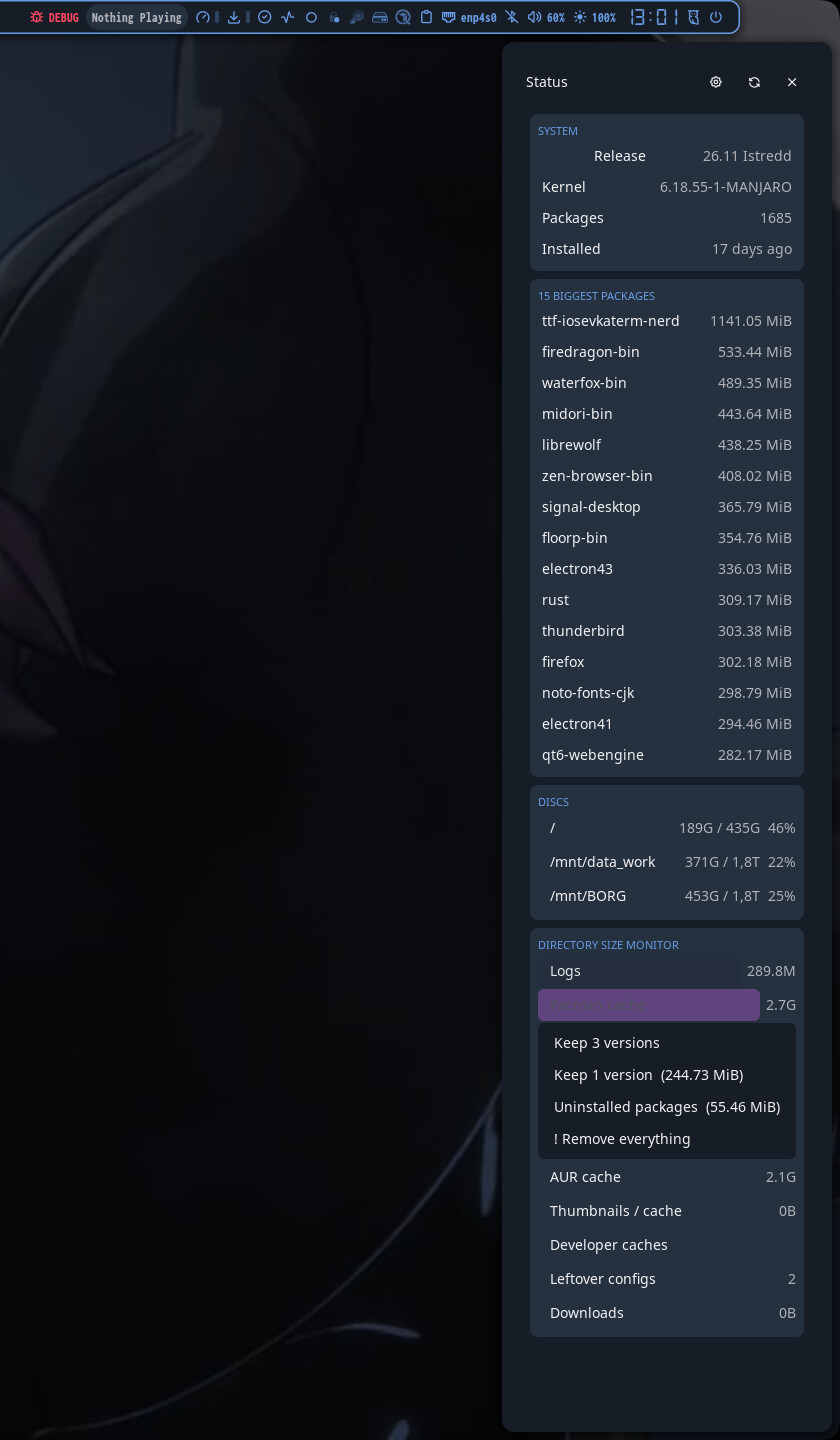
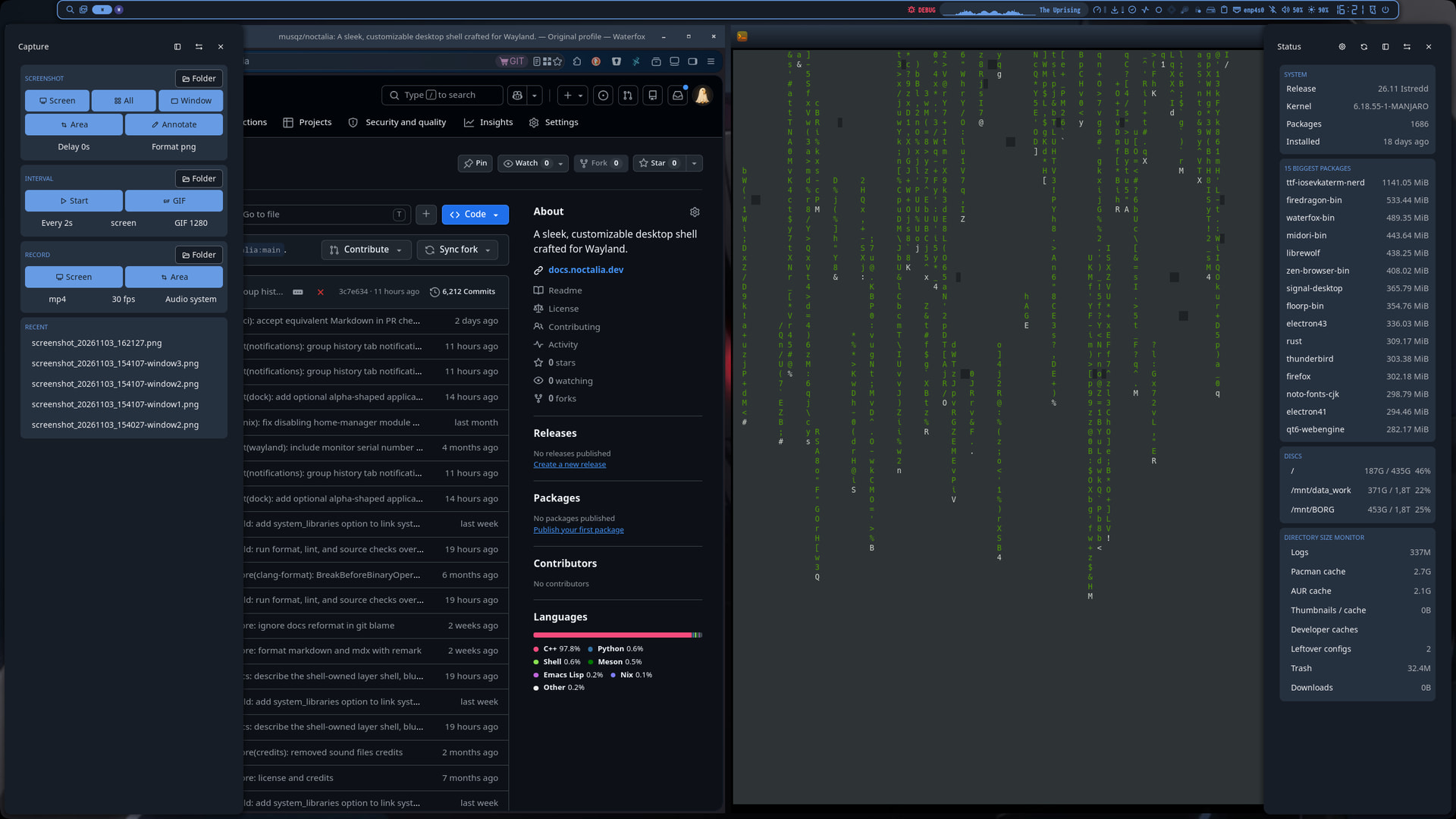
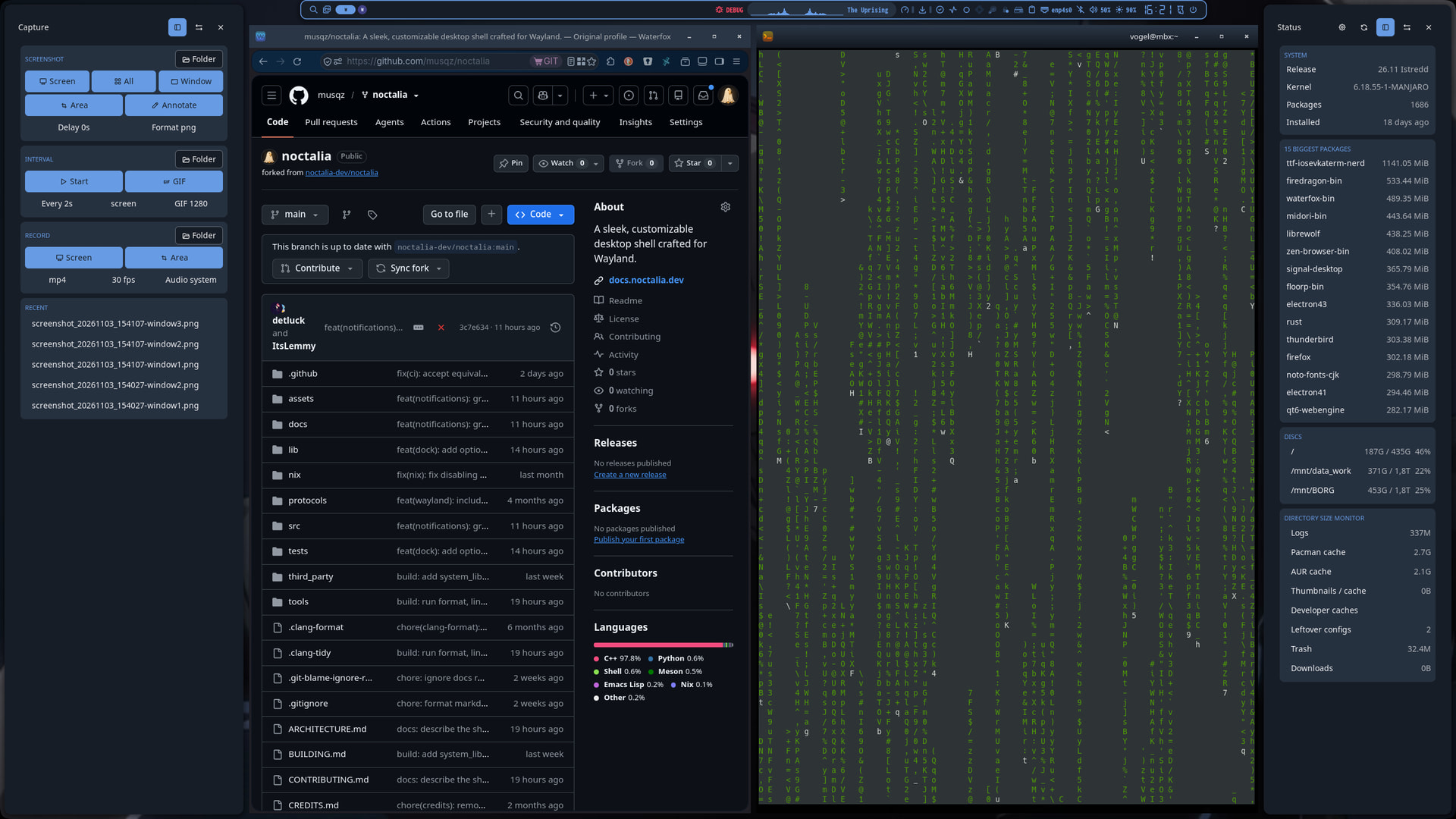
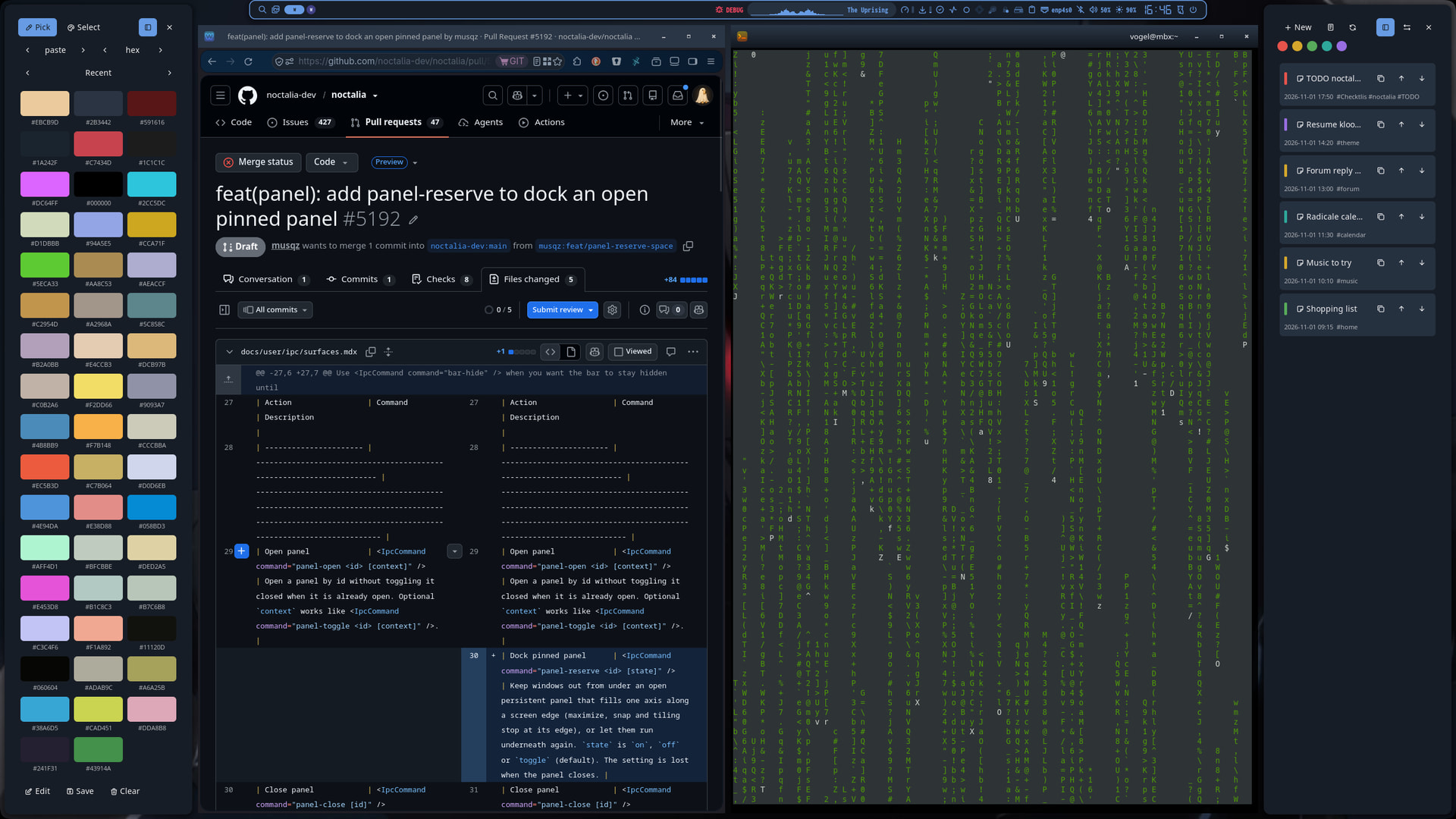
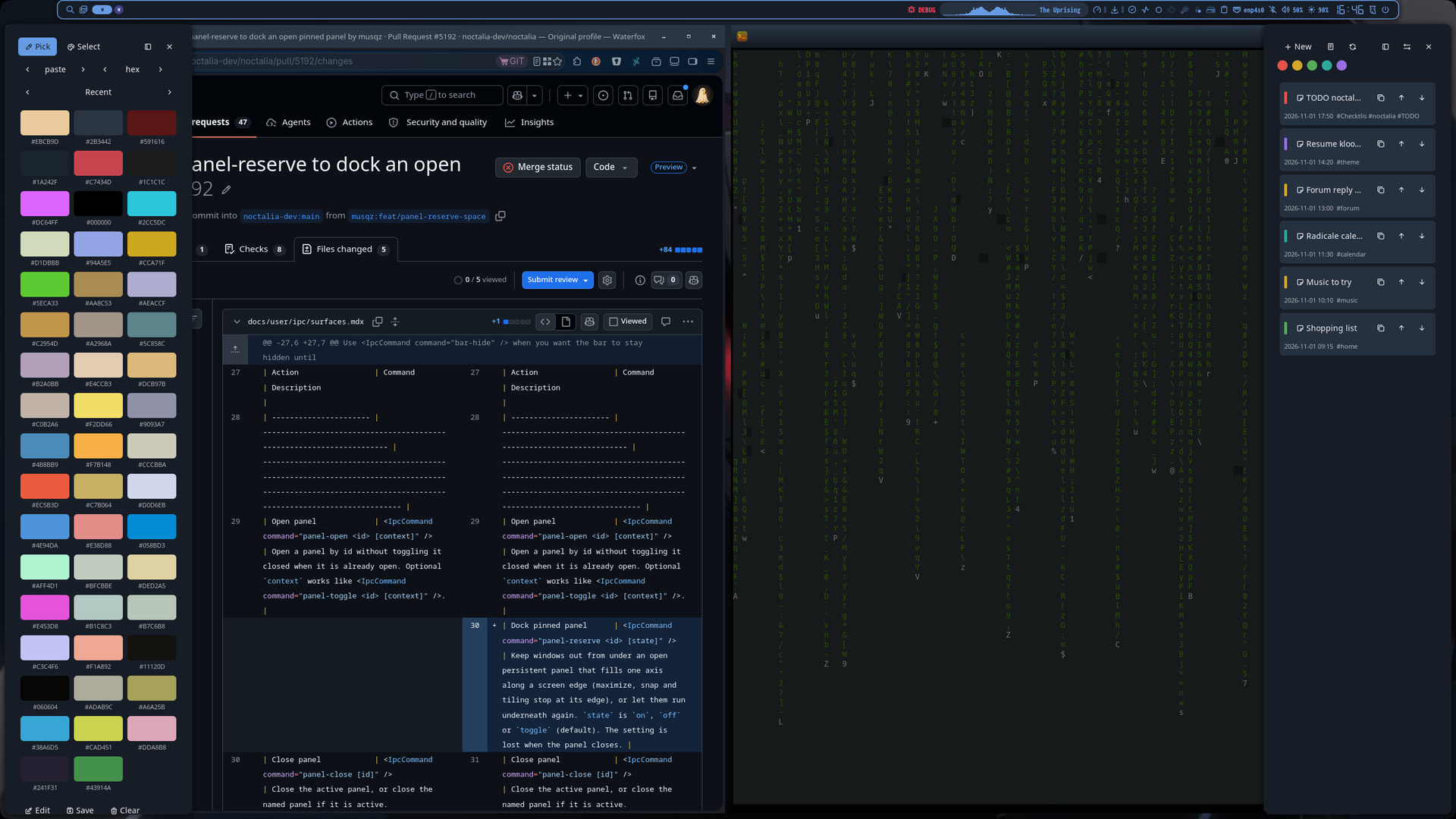
A couple of day’s ago I started to investigate noctalia (labwc)
This topic will be random and impulsive.
So far I have converted some tools I like to use also in noctalia
mb-kb-wl : Searches the mabox-noctalia/rc.xml
#!/usr/bin/env python3
# -*- coding: utf-8 -*-

# mb-kb-wl - labwc version of mb-kb.
#
# This script reads the labwc keybinds configuration file
# ("$HOME/.config/mabox-noctalia/rc.xml") and writes them to a text file
# ("$HOME/.config/mabox-noctalia/kbinds.txt"). The keybinds are printed to the
# terminal, or shown in a separate window with --gui.
#
# Based on mb-kb, which is based on a script by wlourf 07/03/2010
# http://u-scripts.blogspot.com/2010/03/how-to-display-openboxs-shortcuts.html
#
# Written by damo <damo@bunsenlabs.org> for BunsenLabs Linux, April 2015
# Ported to Manjaro by napcok <napcok@gmail.com> March 2016
# Fix (multi-action keybinds): prefer Execute over first action - musqz
# labwc fork: labwc rc.xml has no XML namespace, actions can carry attributes
# (command="..."), and keybinds can use the name.action / command.action
# shorthand. Keys that only exist in labwc's built-in <default /> set are not
# listed because they are not in rc.xml.

import sys
import os
import datetime

try:
    from lxml import etree
except ImportError:
    import xml.etree.ElementTree as etree

cfg_dir = os.path.join(os.environ["HOME"], ".config", "mabox-noctalia")
rc_fpath = os.path.join(cfg_dir, "rc.xml")
kb_fpath = os.path.join(cfg_dir, "kbinds.txt")
arrShortcut = []
gui = False

# When a keybind has several actions, show the first one found in this list.
PREFERRED = ("Execute", "ShowMenu", "MoveResizeTo", "SnapToEdge",
             "GrowToEdge", "SendToDesktop", "GoToDesktop")


class Act:
    """One action of a keybind, whether written as <action> or as shorthand."""

    def __init__(self, name, getter, label=None):
        self.name = name
        self._get = getter
        self.label = label

    def get(self, key):
        return self._get(key)


def clean(text):
    if text is None:
        return None
    text = " ".join(text.split())
    return text or None#!/usr/bin/env python3
# -*- coding: utf-8 -*-

# mb-kb-wl - labwc version of mb-kb.
#
# This script reads the labwc keybinds configuration file
# ("$HOME/.config/mabox-noctalia/rc.xml") and writes them to a text file
# ("$HOME/.config/mabox-noctalia/kbinds.txt"). The keybinds are printed to the
# terminal, or shown in a separate window with --gui.
#
# Based on mb-kb, which is based on a script by wlourf 07/03/2010
# http://u-scripts.blogspot.com/2010/03/how-to-display-openboxs-shortcuts.html
#
# Written by damo <damo@bunsenlabs.org> for BunsenLabs Linux, April 2015
# Ported to Manjaro by napcok <napcok@gmail.com> March 2016
# Fix (multi-action keybinds): prefer Execute over first action - musqz
# labwc fork: labwc rc.xml has no XML namespace, actions can carry attributes
# (command="..."), and keybinds can use the name.action / command.action
# shorthand. Keys that only exist in labwc's built-in <default /> set are not
# listed because they are not in rc.xml.

import sys
import os
import datetime

try:
    from lxml import etree
except ImportError:
    import xml.etree.ElementTree as etree

cfg_dir = os.path.join(os.environ["HOME"], ".config", "mabox-noctalia")
rc_fpath = os.path.join(cfg_dir, "rc.xml")
kb_fpath = os.path.join(cfg_dir, "kbinds.txt")
arrShortcut = []
gui = False

# When a keybind has several actions, show the first one found in this list.
PREFERRED = ("Execute", "ShowMenu", "MoveResizeTo", "SnapToEdge",
             "GrowToEdge", "SendToDesktop", "GoToDesktop")


class Act:
    """One action of a keybind, whether written as <action> or as shorthand."""

    def __init__(self, name, getter, label=None):
        self.name = name
        self._get = getter
        self.label = label

    def get(self, key):
        return self._get(key)


def clean(text):
    if text is None:
        return None
    text = " ".join(text.split())
    return text or None


def elem_value(el, key):
    """Value of key written as an attribute or as a child element."""
    value = clean(el.get(key))
    if value is not None:
        return value
    child = el.find(key)
    if child is not None:
        return clean(child.text)
    return None


def cmdargs():
    global rc_fpath, kb_fpath
    use_gui = False
    args = sys.argv[1:]
    while args:
        arg = args.pop(0)
        if arg == "--gui":
            use_gui = True
        elif arg == "--rc" and args:
            rc_fpath = os.path.expanduser(args.pop(0))
        elif arg == "--out" and args:
            kb_fpath = os.path.expanduser(args.pop(0))
        else:
            msg = "\n\n\tUSAGE: to display keybinds in a text window use 'mb-kb-wl --gui &>/dev/null'\n\n"
            msg += "\tRunning the script without args will send output to the terminal\n\n"
            msg += "\tOptional: --rc FILE  read another rc.xml\n"
            msg += "\t          --out FILE write the list to another text file\n\n"
            print(msg)
            sys.exit()
    return use_gui


def actions_of(keybind):
    acts = []
    for a in keybind.findall("action"):
        name = a.get("name")
        if not name:
            continue
        label = None
        if name == "Execute":
            child = a.find("name")
            if child is not None:
                label = clean(child.text)
        acts.append(Act(name, lambda key, el=a: elem_value(el, key), label))

    # Shorthand: <keybind key="F1" name.action="Execute" command.action="...">
    short = clean(keybind.get("name.action"))
    if short:
        acts.append(Act(short,
                        lambda key, kb=keybind: clean(kb.get(key + ".action"))))
    return acts


def pick(acts):
    for wanted in PREFERRED:
        for a in acts:
            if a.name == wanted:
                return a
    return acts[0]


def describe(a):
    if a.name == "Execute":
        return a.label or a.get("command") or a.get("execute") or "Execute"
    if a.name == "MoveResizeTo":
        parts = []
        for tag in ("x", "y", "width", "height"):
            value = a.get(tag)
            if value:
                parts.append(tag + ":" + value)
        return "MoveResizeTo " + " ".join(parts) if parts else "MoveResizeTo"
    if a.name == "ShowMenu":
        return a.get("menu") or "ShowMenu"
    extra = [a.get(t) for t in ("direction", "to") if a.get(t)]
    return " ".join([a.name] + extra)


def keyboard():
    tree = etree.parse(rc_fpath)
    root = tree.getroot()

    for kb in root.iter("keyboard"):
        for k in kb.findall("keybind"):
            key = k.get("key")
            if not key:
                continue

            acts = actions_of(k)
            if not acts:
                continue

            action = pick(acts)
            strType = "x " if action.name == "Execute" else "o "
            arrShortcut.append((strType, key, describe(action)))


def output_keybinds(arrShortcut, gui):
    for i in range(len(arrShortcut)):
        exe        = str(arrShortcut[i][0])
        keybinding = str(arrShortcut[i][1])
        execute    = str(arrShortcut[i][2])
        if gui:
            if len(execute) > 80:
                execute = execute[:75] + "....."
            line = "{:2}".format(i) + "\t" + "{:<16}".format(keybinding) \
                   + "\t" + execute
        else:
            line = exe + "{:<16}".format(keybinding) + "\t" + execute
        print(line)
        write_file(line)


def check_rcfile(fpath, mode):
    try:
        open(fpath, mode).close()
    except IOError:
        return False
    return True


def write_file(line):
    with open(kb_fpath, 'a') as f:
        f.write(line + "\n")


def check_txtfile(kb_fpath):
    try:
        open(kb_fpath, 'w').close()
    except IOError:
        return False
    return True


if __name__ == "__main__":
    gui = cmdargs()
    check_txtfile(kb_fpath)

    if gui:
        write_file(str(datetime.date.today()) + "\trc.xml KEYBINDS (labwc)")
        write_file("-------------------------------\n")

    if check_rcfile(rc_fpath, "r"):
        try:
            keyboard()
        except Exception as e:
            print("\nCan't parse rc.xml: " + str(e) + "\n\tCheck it with: xmllint --noout " + rc_fpath + "\n")
            sys.exit(1)
        output_keybinds(arrShortcut, gui)
    else:
        print("\nCan't open rc.xml for parsing\n\tCheck the filepath: " + rc_fpath + "\n")
        sys.exit(1)

    if gui:
        write_file("\n(labwc's built-in default keys are not listed here)")
        dlg  = "yad --text-info --title='Mabox labwc Keybinds' "
        dlg += "--window-icon=distributor-logo-mabox --image=/usr/share/icons/mabox_trans_64.png "
        dlg += "--text '\n<b>Key bindings</b> are configured in your <i>" + rc_fpath + "</i> file.  <a href=\"https://labwc.github.io/labwc-config.5.html\">docs</a>\n\t\t\t\t<b>S</b> - Shift key\n\t\t\t\t<b>C</b> - Control key\n\t\t\t\t<b>A</b> - Alt key\n\t\t\t\t<b>W</b> - Super key (usually bound to the Windows key)' "
        dlg += "--filename=" + kb_fpath + " "
        dlg += "--width=640 --height=560 --fontname=Monospace "
        dlg += "--button='Edit rc.xml:geany " + rc_fpath + "' --button='Reload labwc configuration:labwc -r' --button=Close"
        os.system(dlg)


def elem_value(el, key):
    """Value of key written as an attribute or as a child element."""
    value = clean(el.get(key))
    if value is not None:
        return value
    child = el.find(key)
    if child is not None:
        return clean(child.text)
    return None


def cmdargs():
    global rc_fpath, kb_fpath
    use_gui = False
    args = sys.argv[1:]
    while args:
        arg = args.pop(0)
        if arg == "--gui":
            use_gui = True
        elif arg == "--rc" and args:
            rc_fpath = os.path.expanduser(args.pop(0))
        elif arg == "--out" and args:
            kb_fpath = os.path.expanduser(args.pop(0))
        else:
            msg = "\n\n\tUSAGE: to display keybinds in a text window use 'mb-kb-wl --gui &>/dev/null'\n\n"
            msg += "\tRunning the script without args will send output to the terminal\n\n"
            msg += "\tOptional: --rc FILE  read another rc.xml\n"
            msg += "\t          --out FILE write the list to another text file\n\n"
            print(msg)
            sys.exit()
    return use_gui


def actions_of(keybind):
    acts = []
    for a in keybind.findall("action"):
        name = a.get("name")
        if not name:
            continue
        label = None
        if name == "Execute":
            child = a.find("name")
            if child is not None:
                label = clean(child.text)
        acts.append(Act(name, lambda key, el=a: elem_value(el, key), label))

    # Shorthand: <keybind key="F1" name.action="Execute" command.action="...">
    short = clean(keybind.get("name.action"))
    if short:
        acts.append(Act(short,
                        lambda key, kb=keybind: clean(kb.get(key + ".action"))))
    return acts


def pick(acts):
    for wanted in PREFERRED:
        for a in acts:
            if a.name == wanted:
                return a
    return acts[0]


def describe(a):
    if a.name == "Execute":
        return a.label or a.get("command") or a.get("execute") or "Execute"
    if a.name == "MoveResizeTo":
        parts = []
        for tag in ("x", "y", "width", "height"):
            value = a.get(tag)
            if value:
                parts.append(tag + ":" + value)
        return "MoveResizeTo " + " ".join(parts) if parts else "MoveResizeTo"
    if a.name == "ShowMenu":
        return a.get("menu") or "ShowMenu"
    extra = [a.get(t) for t in ("direction", "to") if a.get(t)]
    return " ".join([a.name] + extra)


def keyboard():
    tree = etree.parse(rc_fpath)
    root = tree.getroot()

    for kb in root.iter("keyboard"):
        for k in kb.findall("keybind"):
            key = k.get("key")
            if not key:
                continue

            acts = actions_of(k)
            if not acts:
                continue

            action = pick(acts)
            strType = "x " if action.name == "Execute" else "o "
            arrShortcut.append((strType, key, describe(action)))


def output_keybinds(arrShortcut, gui):
    for i in range(len(arrShortcut)):
        exe        = str(arrShortcut[i][0])
        keybinding = str(arrShortcut[i][1])
        execute    = str(arrShortcut[i][2])
        if gui:
            if len(execute) > 80:
                execute = execute[:75] + "....."
            line = "{:2}".format(i) + "\t" + "{:<16}".format(keybinding) \
                   + "\t" + execute
        else:
            line = exe + "{:<16}".format(keybinding) + "\t" + execute
        print(line)
        write_file(line)


def check_rcfile(fpath, mode):
    try:
        open(fpath, mode).close()
    except IOError:
        return False
    return True


def write_file(line):
    with open(kb_fpath, 'a') as f:
        f.write(line + "\n")


def check_txtfile(kb_fpath):
    try:
        open(kb_fpath, 'w').close()
    except IOError:
        return False
    return True


if __name__ == "__main__":
    gui = cmdargs()
    check_txtfile(kb_fpath)

    if gui:
        write_file(str(datetime.date.today()) + "\trc.xml KEYBINDS (labwc)")
        write_file("-------------------------------\n")

    if check_rcfile(rc_fpath, "r"):
        try:
            keyboard()
        except Exception as e:
            print("\nCan't parse rc.xml: " + str(e) + "\n\tCheck it with: xmllint --noout " + rc_fpath + "\n")
            sys.exit(1)
        output_keybinds(arrShortcut, gui)
    else:
        print("\nCan't open rc.xml for parsing\n\tCheck the filepath: " + rc_fpath + "\n")
        sys.exit(1)

    if gui:
        write_file("\n(labwc's built-in default keys are not listed here)")
        dlg  = "yad --text-info --title='Mabox labwc Keybinds' "
        dlg += "--window-icon=distributor-logo-mabox --image=/usr/share/icons/mabox_trans_64.png "
        dlg += "--text '\n<b>Key bindings</b> are configured in your <i>" + rc_fpath + "</i> file.  <a href=\"https://labwc.github.io/labwc-config.5.html\">docs</a>\n\t\t\t\t<b>S</b> - Shift key\n\t\t\t\t<b>C</b> - Control key\n\t\t\t\t<b>A</b> - Alt key\n\t\t\t\t<b>W</b> - Super key (usually bound to the Windows key)' "
        dlg += "--filename=" + kb_fpath + " "
        dlg += "--width=640 --height=560 --fontname=Monospace "
        dlg += "--button='Edit rc.xml:geany " + rc_fpath + "' --button='Reload labwc configuration:labwc -r' --button=Close"
        os.system(dlg)
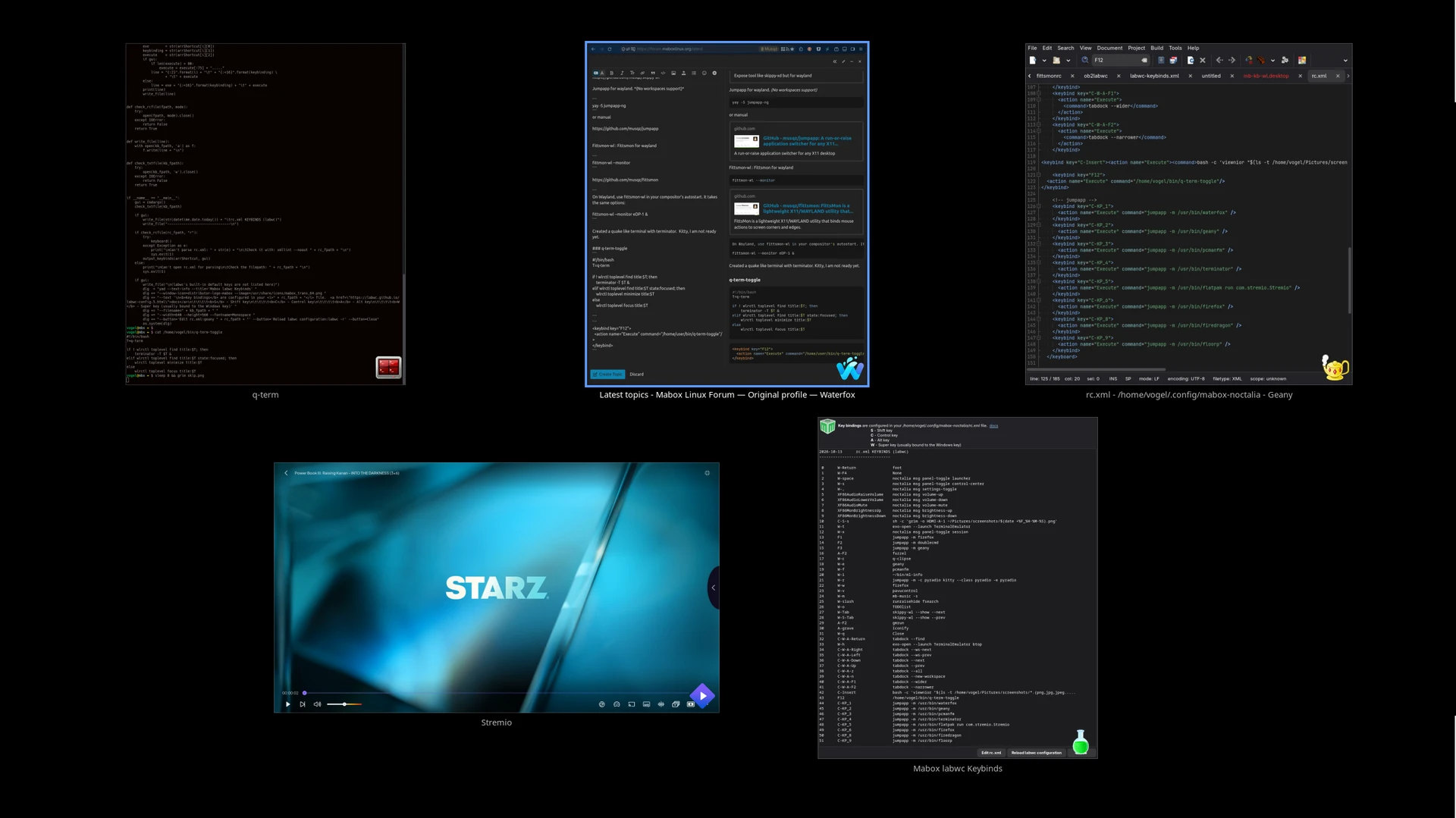
I also created a simplified wayland version of skippy-xd, skippy-wl.
Skippy-wl (No workspaces support)
skippy-wl --show
Jumpapp for x11/wayland. (No workspaces support)
yay -S jumpapp-ng
or manual
Fittsmon-wl : Fittsmon for wayland
On Wayland, use fittsmon-wl in your compositor's autostart. It takes the same options:

fittsmon-wl --monitor eDP-1 &
Created a quake like terminal with terminator. Kitty, I am not ready yet.
q-term-toggle
#!/bin/bash
T=q-term

if ! wlrctl toplevel find title:$T; then
    terminator -T $T &
elif wlrctl toplevel find title:$T state:focused; then
    wlrctl toplevel minimize title:$T
else
    wlrctl toplevel focus title:$T
<keybind key="F12">
  <action name="Execute" command="/home/user/bin/q-term-toggle"/>
</keybind>