Good morning, I can"t find how to change the colors in the context menu that appears when you click on the right mouse button
Could you specify which context menu you’re referring to? What program? What are you clicking on? A screenshot might also be helpful.
There are different context menus depending on the program.
main menu.
There are many options… probably to many 
Launch main menu (either left-click on panel Mabox icon, right click on desktop or key bind W)
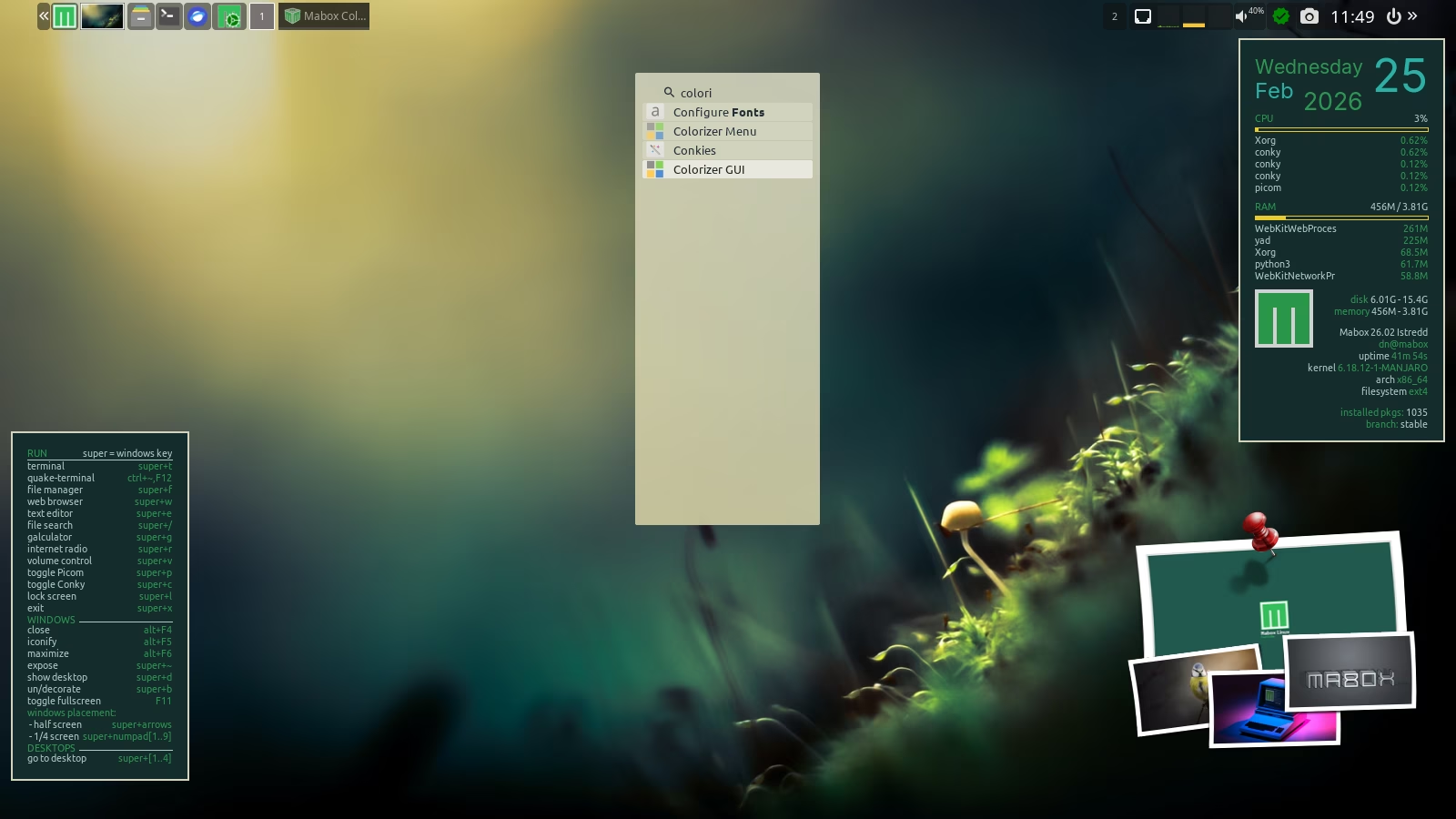
Then start to type colorizer - as menu is searchable, you will find at last two menu entries.
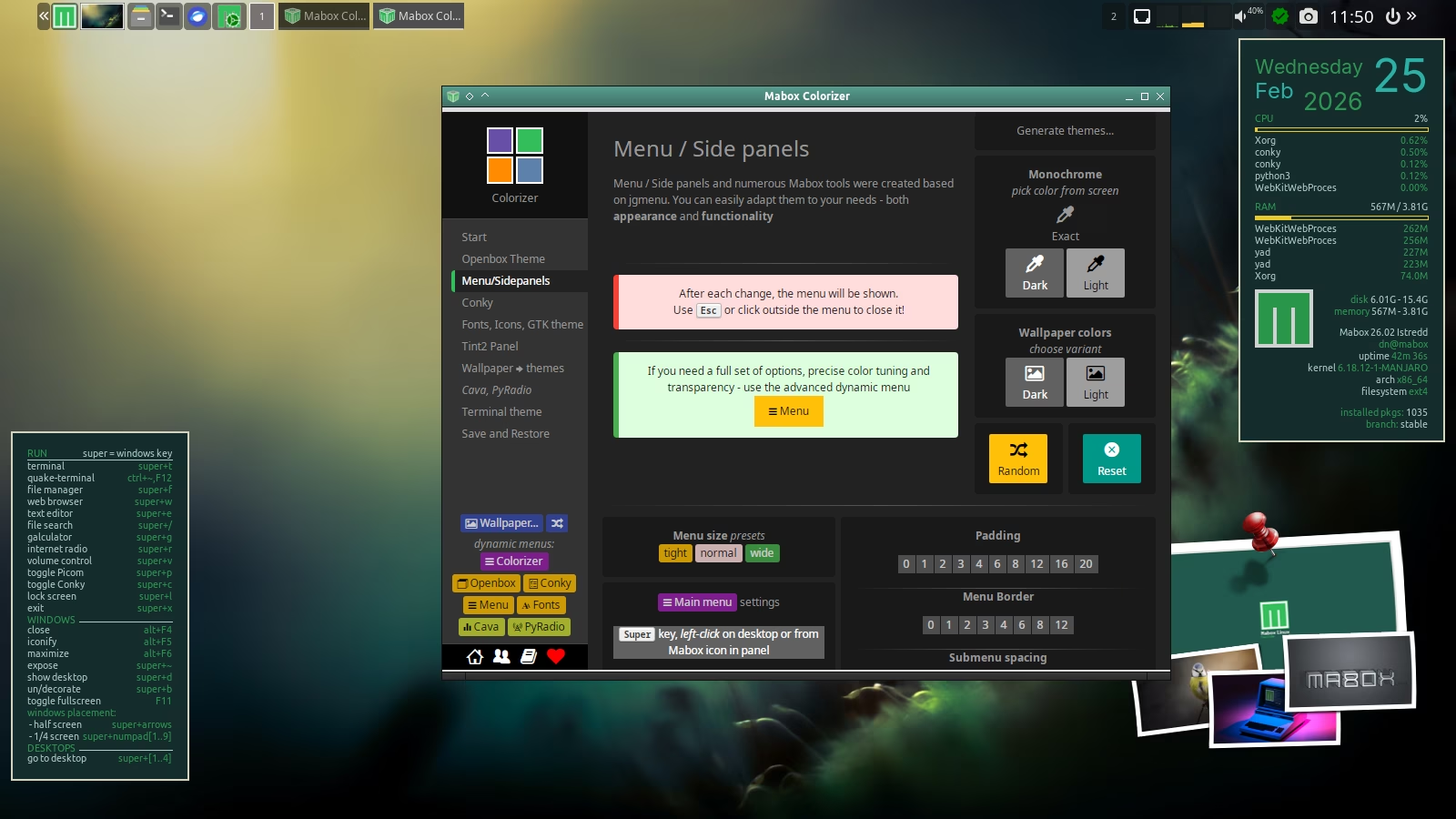
One should launch Colorizer Rootmenu, second should launch Colorizer GUI window
Colorizer Rootmenu is also available via W-A-o key bind. “Menu/Sidepanels” module might be what you looking for.
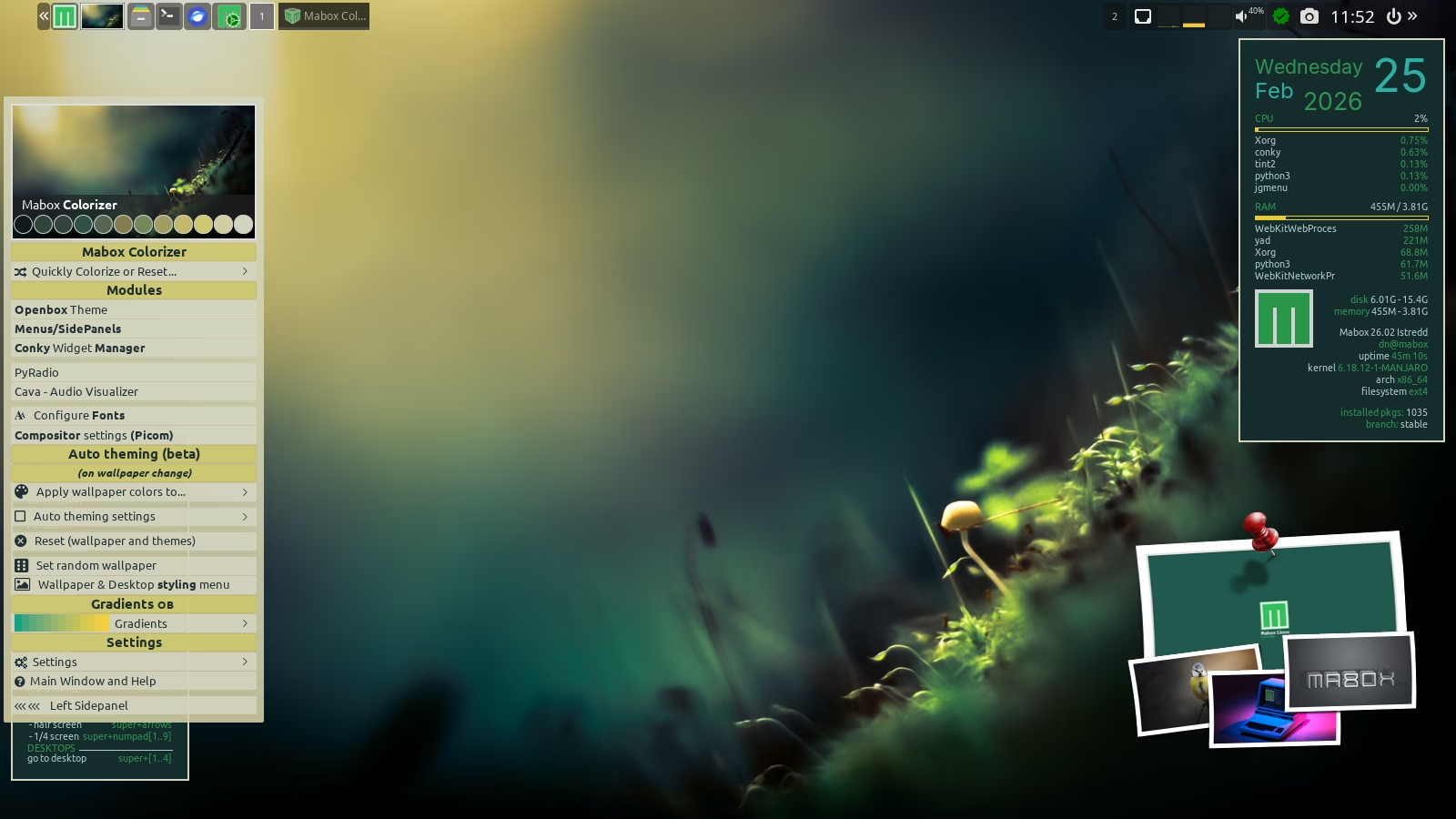
Another option…
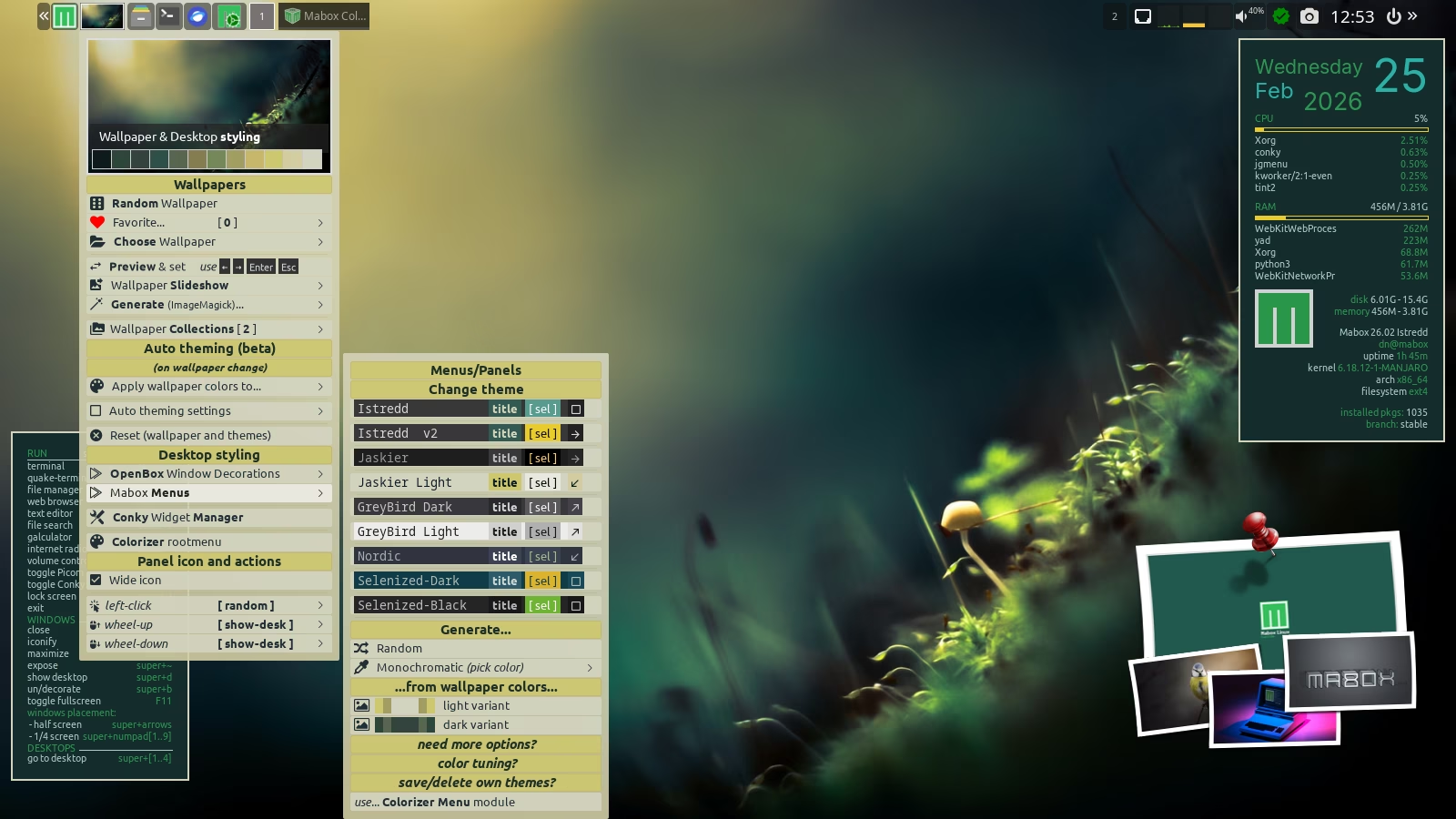
Right click on thumbnail in panel … look for Mabox Menus
There are several predifined menu schemes, random option and generators…
This “Wallpaper & Desktop styling” menu is also available via W-w
It worked as follows: Settings/Desktop/ Menu Side Panels/Menu/Items/ Colorizer Thank you very much for your help