LibreQuake in Mabox mini how-to

Update!
LibreQuake is already available in Mabox repo :slight_smile:

yay -S librequake

and here (for other Arch-based distributions)

LQ-logo

LibreQuake

LibreQuake is a free and open source Quake remake with art under the BSD license.

The LibreQuake project aims to create a complete, free content first-person shooter game, but LibreQuake by itself is just the raw material for a game. It must be paired with a compatible engine to be played.
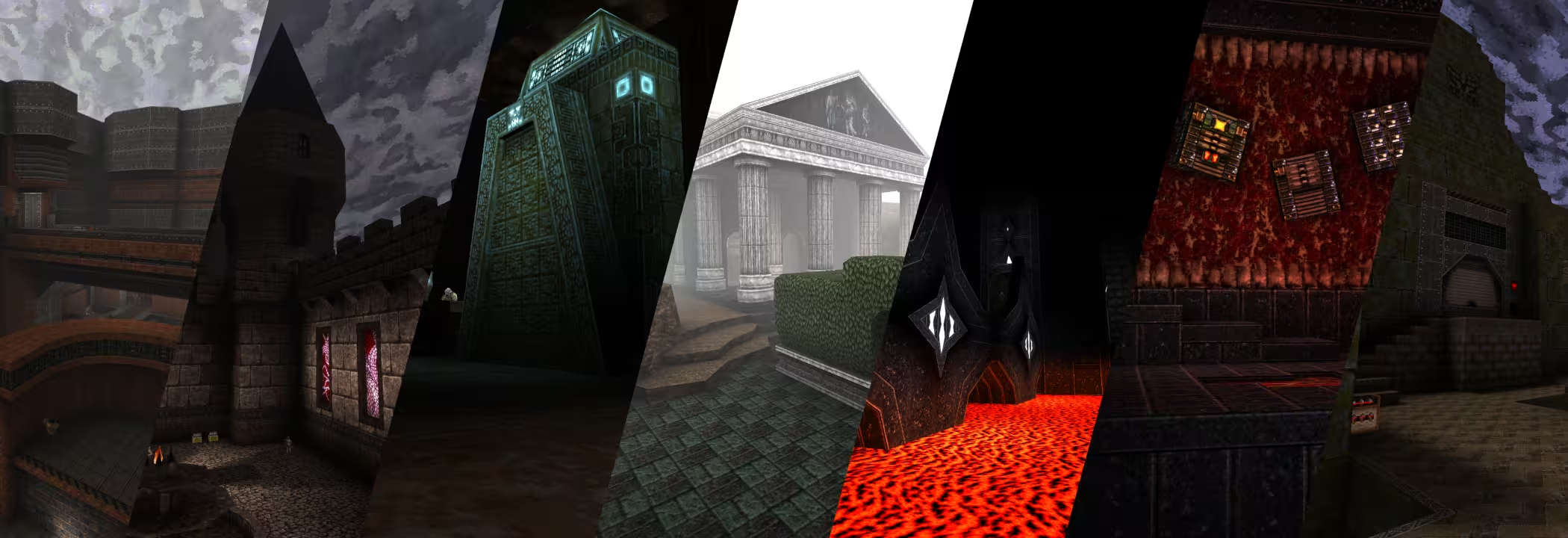

To play LibreQuake, we will need both: game data and modern Quake engine.

LibreQuake - game data

Create ~/.librequake directory

mkdir ~/.librequake

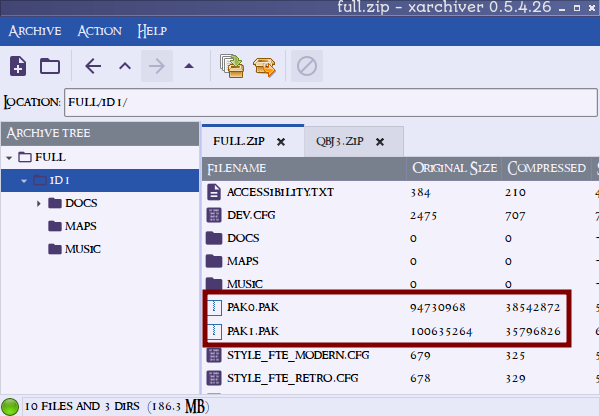
Get the latest full.zip file from Download/Releases page, unzip it and put id1 directory into ~/.librequake/


Modern Quake engine

There are several modern engines available - two of them are available from Mabox repo - Ironwail and Quakespasm.

Ironwail

Ironwail engine installation (recommended):

yay ironwail

Quakespasm

Alternatively, we can install Quakespasm engine:

yay quakespasm

Fix/create menu item (launcher)

Ironwail

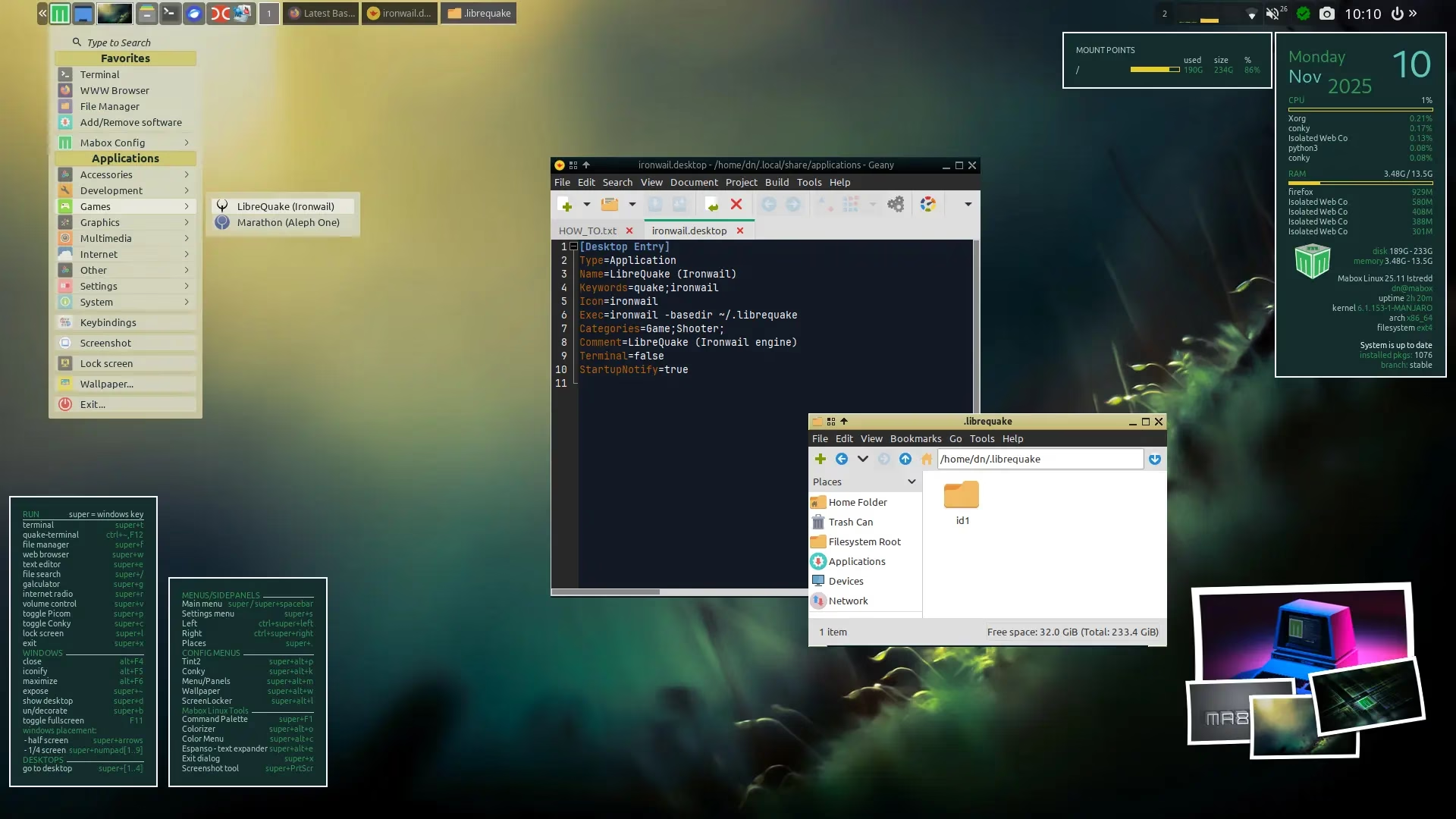
We will modify ironwail.desktop file provided by ironwail package.
Copy it to ~/.local/share/applications/

cp /usr/share/applications/ironwail.desktop ~/.local/share/applications/

And edit it like:

[Desktop Entry]
Type=Application
Name=LibreQuake (Ironwail)
Keywords=quake;ironwail
Icon=ironwail
Exec=ironwail -basedir ~/.librequake
Categories=Game;Shooter;
Comment=LibreQuake (Ironwail engine)
Terminal=false
StartupNotify=true

Exec= line is most important!


Quakespasm

For Quakespasm click here

We will modify quakespasm.desktop file provided by quakespasm package.
Copy it to ~/.local/share/applications/

cp /usr/share/applications/quakespasm.desktop ~/.local/share/applications/

And edit like that:

[Desktop Entry]
Type=Application
Name=LibreQuake (Quakespasm)
Icon=quakespasm
Exec=quakespasm -basedir ~/.librequake
Categories=Game;Shooter;
Comment=LibreQuake (quakespasm engine)
Terminal=false
StartupNotify=true

Thats it!
Now you can run LibreQuake from menu.

Enjoy! :smiley:

5 Likes

I have to remove it… it’s addictive and I have a thesis to write…

1 Like

Note about engines…
You don’t need to install the engines system wide (from the repositories).

You can also download the binaries and place them in the ~/.librequake directory. Then run from this directory:

dn@mabox ~/.librequake $ ./ironwail
#or
dn@mabox ~/.librequake $ ./quakespasm

This way, you can have a portable version – easy to carry, for example, on a USB stick.
You can download the binaries from:
Ironwail
QuakeSpasm

As a long standing FPS player, I love all the Quake series. :smiling_face_with_sunglasses:

The launcher, for some reason, doesn’t work but it launch fine directly from console.

Being playing one by one every mod and they are great, some are really challenging.

Cool!

Weird anomaly. The 1st time I executed the game and going through the first difficulty selection portal I had to do a hard reset on my computer. The next time it ran just fine. I have a feeling I’m going to waste way too much time in this. Curse you @napcok

1 Like

The start of 2026 brings some very exciting news for Quake fans…

Quake Brutalist Jam III

Quake Brutalist Jam III is a megalithic community project more than a year in the making. It features an entirely new arsenal, a set of new monsters, new powerups, and a complete visual overhaul of Quake’s existing roster. The community came out in force, producing an unprecedented 77 maps, pushing the limits of the Quake engine to bring the oppressive, gritty, and beautiful aesthetic of brutalism to life.

The goal for QBJ3 was to make something uniquely ambitious for the community to build with us. Beginning production in the winter of 2024, the team slow-cooked a total conversion mod in (semi) secret. In October 2025 the work-in-progress mod was unleashed upon the community, who spent the next six weeks exploring its tools, testing its limits, and ultimately creating the worlds for the mod to take place in.

How to play on Linux?

Latest Ironwail source port is highly recommended. Available from Mabox repo:

yay -S ironwail

Download QBJ3 Standalone from website
Bundled with LibreQuake, no Quake purchase needed.
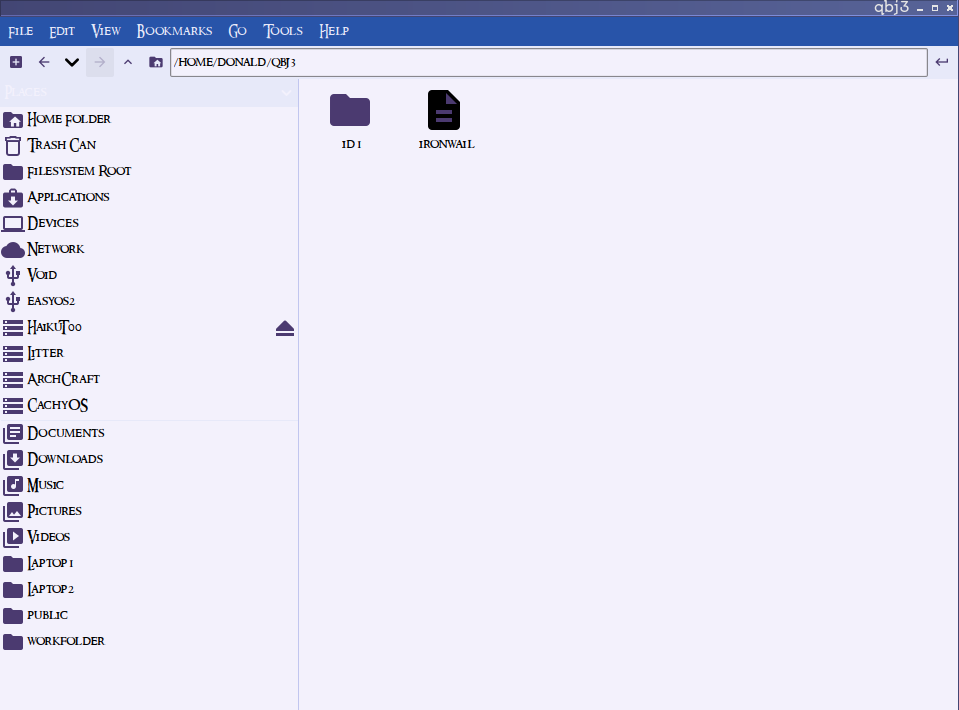
Unpack it somewhere, for example into ~/qbj3/
Copy ironwail there:

cp /usr/bin/ironwail ~/qbj3/

Start Ironwail from this directory:

cd ~/qbj3/
./ironwail

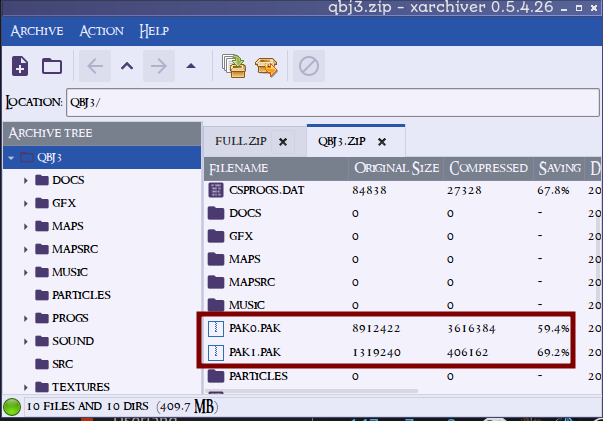
FYI: I had to copy the pak0.pak and pak1.pak files from my previously working Librequake folder for it to work. For some reason the ones in the archive are not the correct size.

They offer two download options:

  • QBJ3 Mod - to install as a mod if you have installed original Quake already.
  • and QBJ3 Standalone - ready to run, with LibreQuake bundled.

I refer to Standalone version.
(You still need to install/copy Ironwail engine as they provide Windows version only).

1 Like

That would explain me having to do extra work. Thanks

Ironwail source port/engine is at 0.8.1 version now :slight_smile: Available also in Mabox repo.

LibreQuake is now available as a package in the Mabox repo :smiley:

yay -S librequake

Equipped with two engines:

  • Ironwail (recommended)
  • QuakeSpasm - for older hardware, pre-2010

Ironwail allows you to easily install around 30 mods/total conversions directly from the game.

I also shared package here, for other Arch/Manjaro based distributions.

2 Likes

LibreQuake episode 1 playthrough…