Hello!
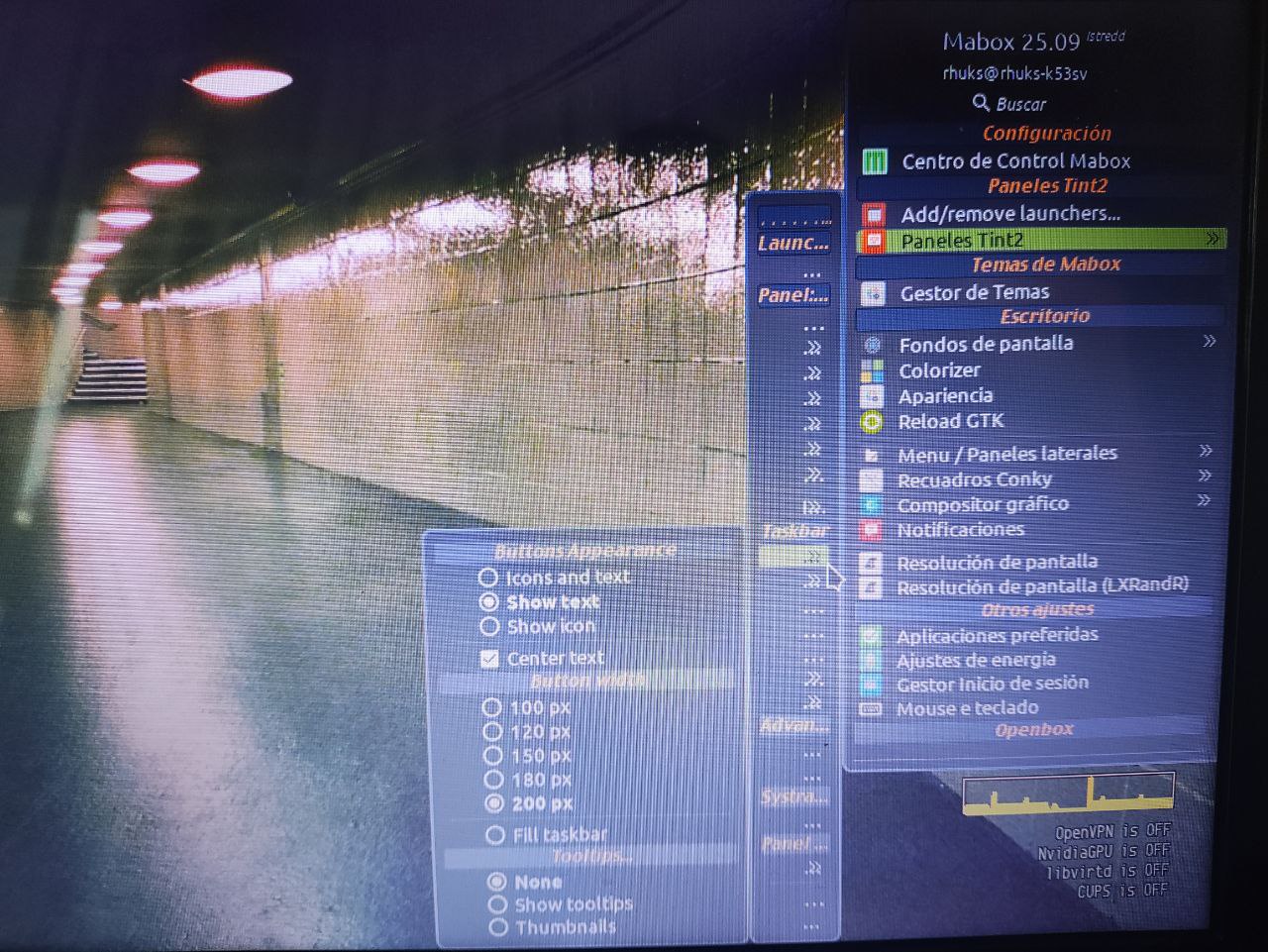
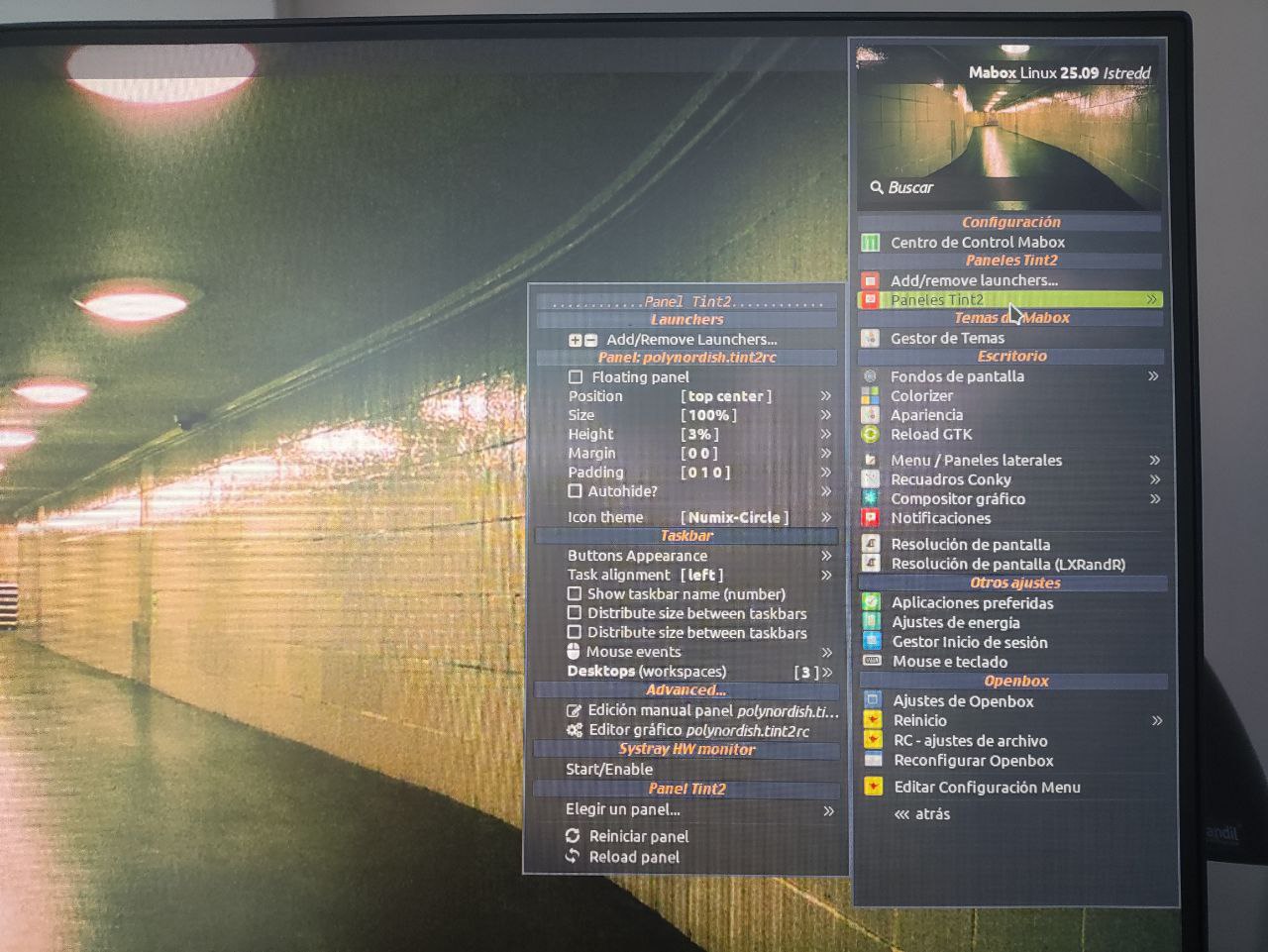
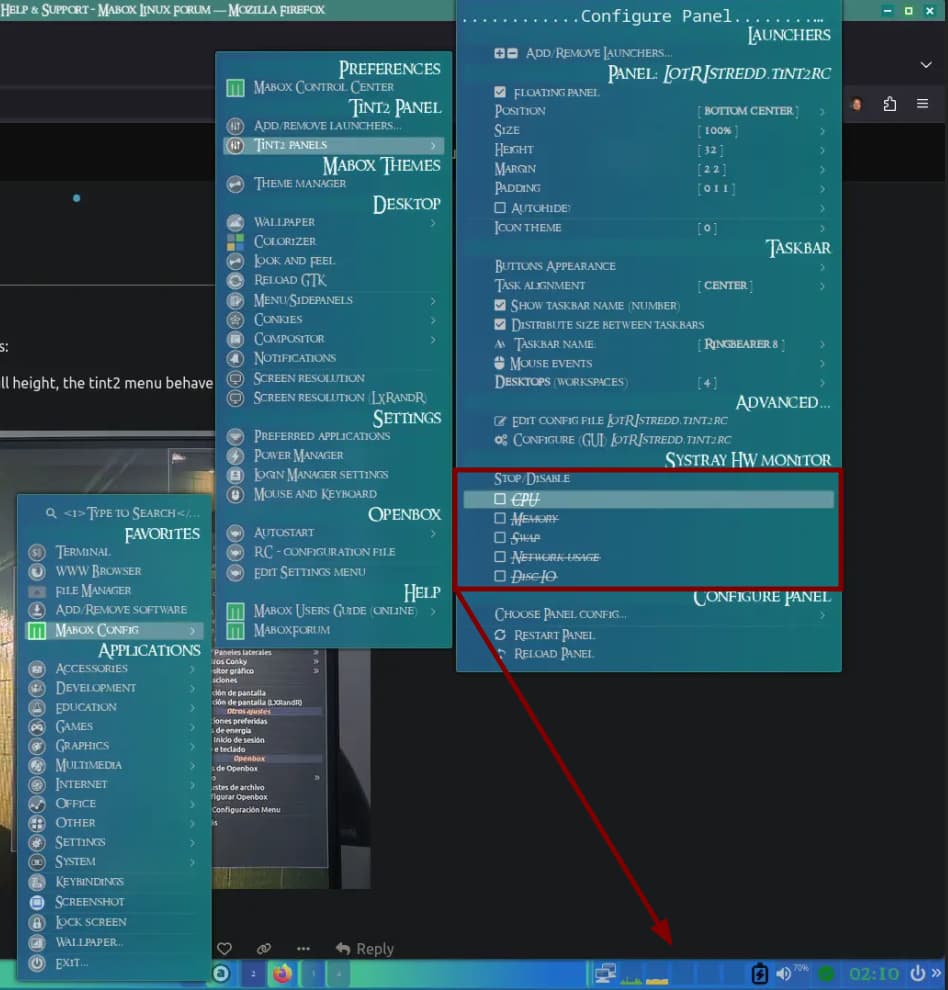
Jgmenu is working as intended, but the Panel configuration menu appears shrunken, as you can see in the image (from a phone  ). Other menu items expand as usual. Where can I look to correct this (just annoying, not a big) issue?
Hello!
Jgmenu is working as intended, but the Panel configuration menu appears shrunken, as you can see in the image (from a phone ). Other menu items expand as usual. Where can I look to correct this (just annoying, not a big) issue?
Hi @Rhuks
Looks bad… but I can’t reproduce this…
Take a look if it looks the same in “Right Sidepanel” → Tint2 panel settings.
What if you configure “Side panels” to have full height?
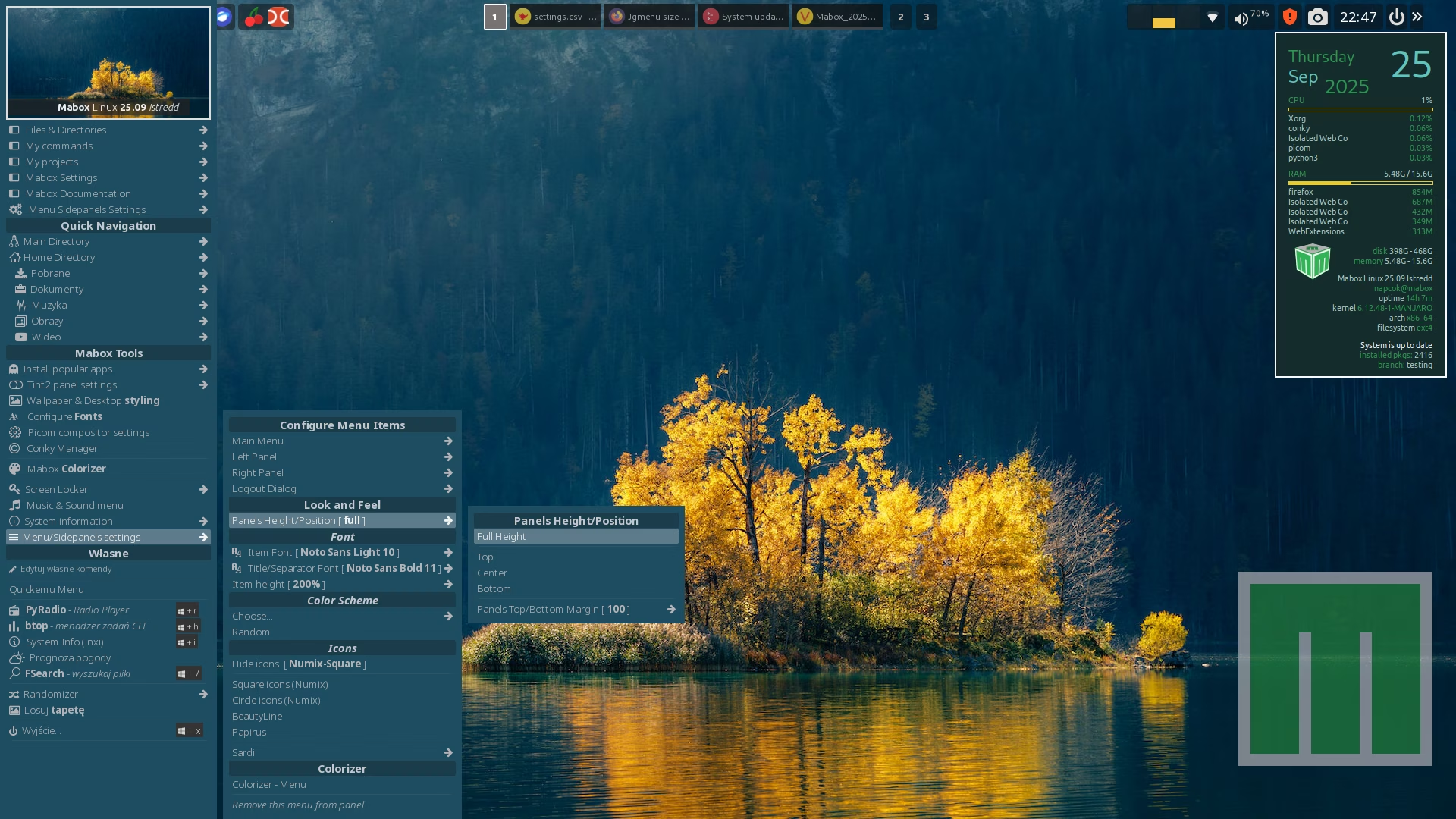
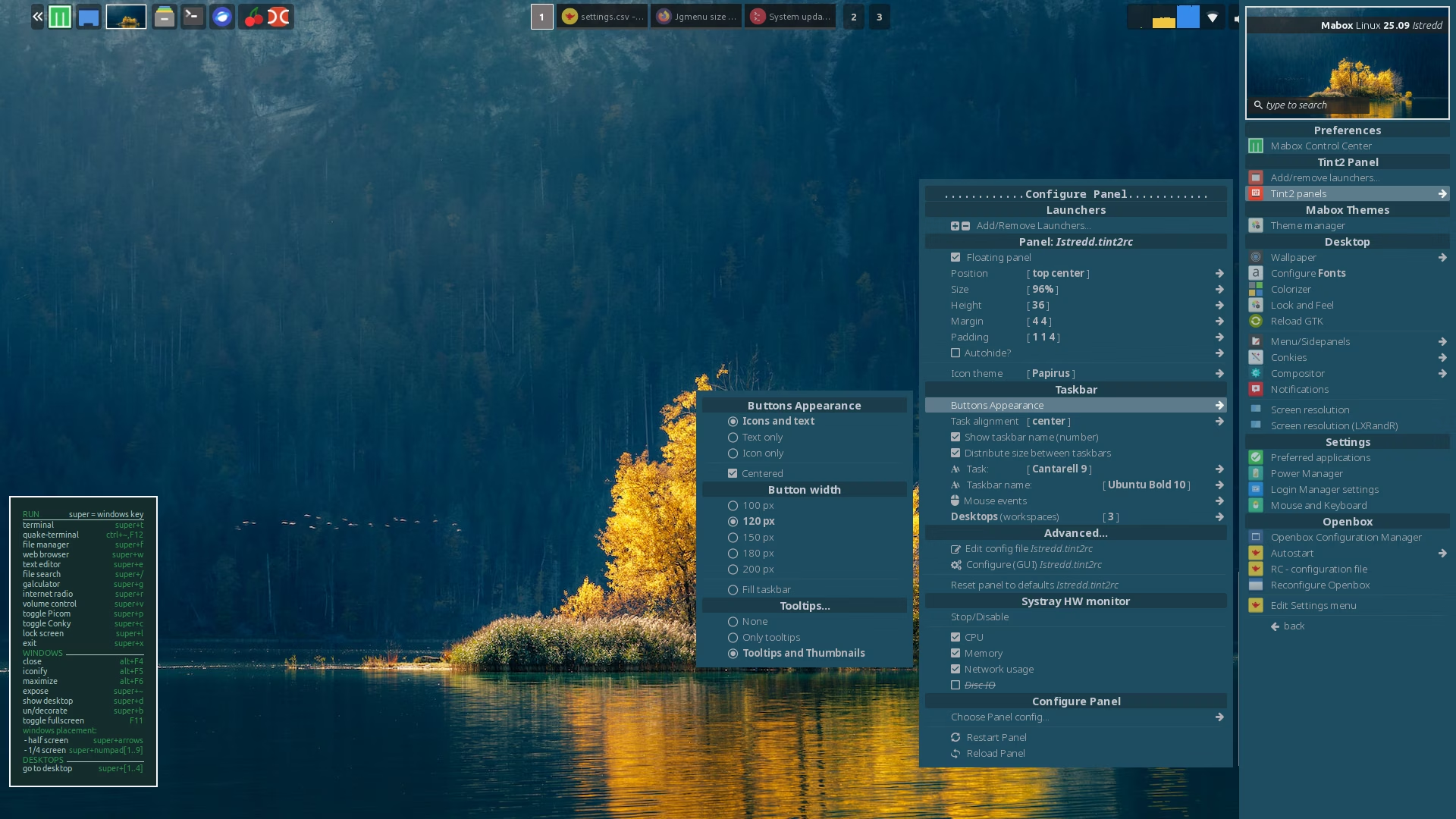
Following your advice, I’ve found this:
If “panel height/position” is set to full height, the tint2 menu behave normally. If it set top/center/bottom, the issue appears.
Thank you, I need to take a closer look at this.
While you’re at it, you might want to look into this. Disabling everything in the Systray HW monitor results in all of them becoming active in the bar.
You know what. Never mind I just realized that I can enable/disable the entire thing. DOH!
My bad.
That said, it only makes sense to automatically disable the monitor if the user unchecks all 5 boxes.
Thanks @SauronsMouth, I will look at this also 
A (-n unrelated) question: how do you take screenshots when jgmenu is open?
I was using Prnt Scr key for that, but when jgmenu is open, flameshot does not start.
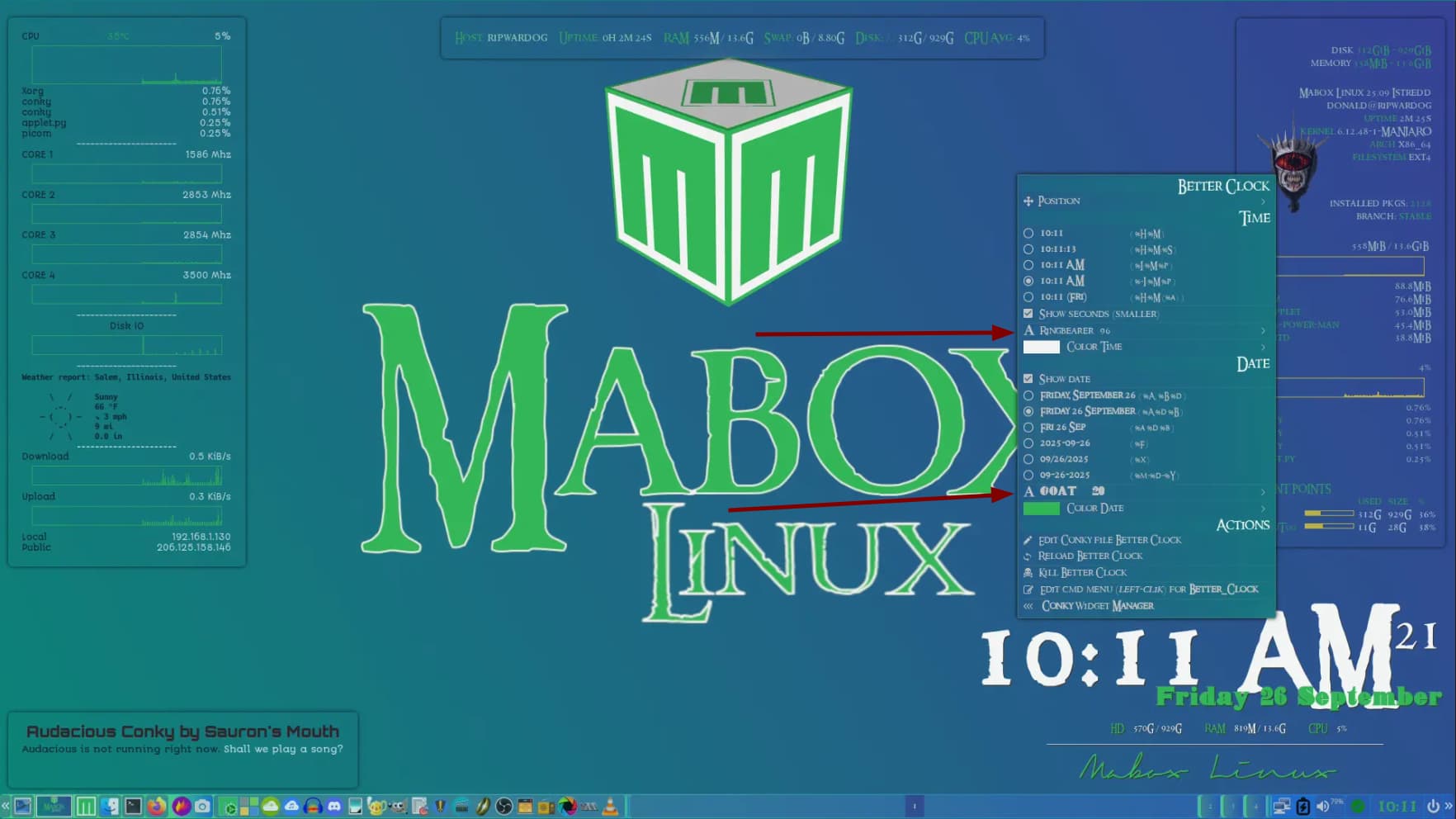
I too had that question. What you do is right click on the camera icon on the Tint2 bar, select a delay, 5 or 10 seconds, then right click, here let me show you an example and ask a question of @napcok at the same time.
@napcok , How can I incorporate more than one text option in my conky right click menus like you do in your ‘Better Clock’ conky?
BTW I used a combination of the built-in screen shotter and Flameshot to produce the image above.
@Rhuks , @SauronsMouth in the future please use separate new topics for such off-topic questions…
This will help keep the forum organized, as it’s often used as a knowledge base. It’s easier to find the information you need if topics are organized and titled appropriately.
Most often I use our built-in screenshot tool which has a delay option for screenshots.
Available by W-PrintScreen.
Also shutter is an excellent screenshot tool with great editing capabilities - available from official repo.
There’s no easy way at this point… Let me think a bit about how to implement this. Two fonts might be a useful feature.
Roger Wilco
Sorry. Understood.