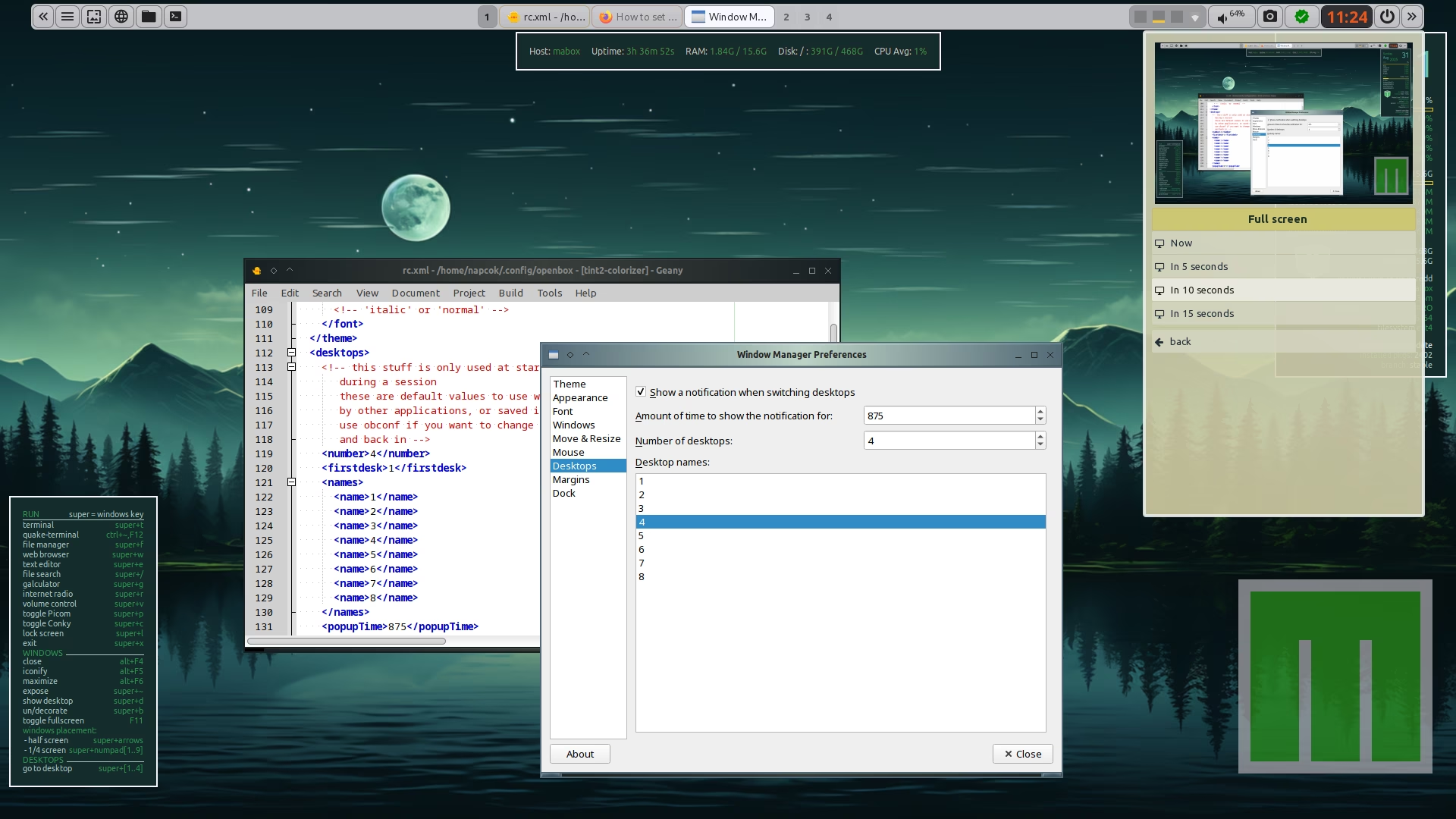
In the past there was openbox configure manager where we could set a name for each workspace. (WS)
Now Obconf is gone, i don’t know how to edit the Workspace name (unicode icon).
How to change/edit WS label.

Sorry my fault. Found it… 
Let me clarify this in case anyone is looking for this information.
In Openbox terminology, Workspaces are simply called Desktops.
They are defined in the ~/.config/openbox/rc.xml file.
You can also use the GUI - obconf-qt.
After making changes to rc.xml, you must reload OpenBox using the following command:
openbox --reconfigure
The obconf-qt GUI makes these changes automatically.
Thanks @napcok for adding the clarification.
I didn’t had obconf-qt installed. But an old menu entry was there. ‘openbox configuration’.
Yes, obconf is unmaintained and was removed from repos a few months ago.
You might like to remove it:
yay -R obconf
It doesn’t start anyway