Gsimplecal not working

gsimplecal does not work, the process runs but does not show the window. I replaced it with

yad --calendar --undecorated --fixed --close-on-unfocus --skip-taskbar --no-buttons --width=260 --height=220 --posx=$(( $(xdpyinfo | awk '/dimensions/{print $2}' | cut -d'x' -f1) - 270 )) --posy=$(( $(xdpyinfo | awk '/dimensions/{print $2}' | cut -d'x' -f2) - 250 ))

Is there a solution for gsimplecal?


gsimplecal no funciona, el proceso se ejecuta pero no muestra la ventana. Lo reemplacé por

 yad --calendar --undecorated --fixed  --close-on-unfocus  --skip-taskbar --no-buttons    --width=260 --height=220     --posx=$(( $(xdpyinfo | awk '/dimensions/{print $2}' | cut -d'x' -f1) - 270 ))     --posy=$(( $(xdpyinfo | awk '/dimensions/{print $2}' | cut -d'x' -f2) - 250 ))

¿Hay una solución para gsimplecal?

Gracias, thanks

gsimplecal works fine here.
If something does not work, always a good idea is to run it from terminal to see if there is some error. And paste this error in the forum post.

The terminal doesn’t give any message, it returns the prompt, but the process remains active. (ps -A |grep gsimplecal). I completely uninstalled it and reinstalled it… the same thing happened.

So I have no idea. Works fine for me.

1 Like

Works here as well with no issues.

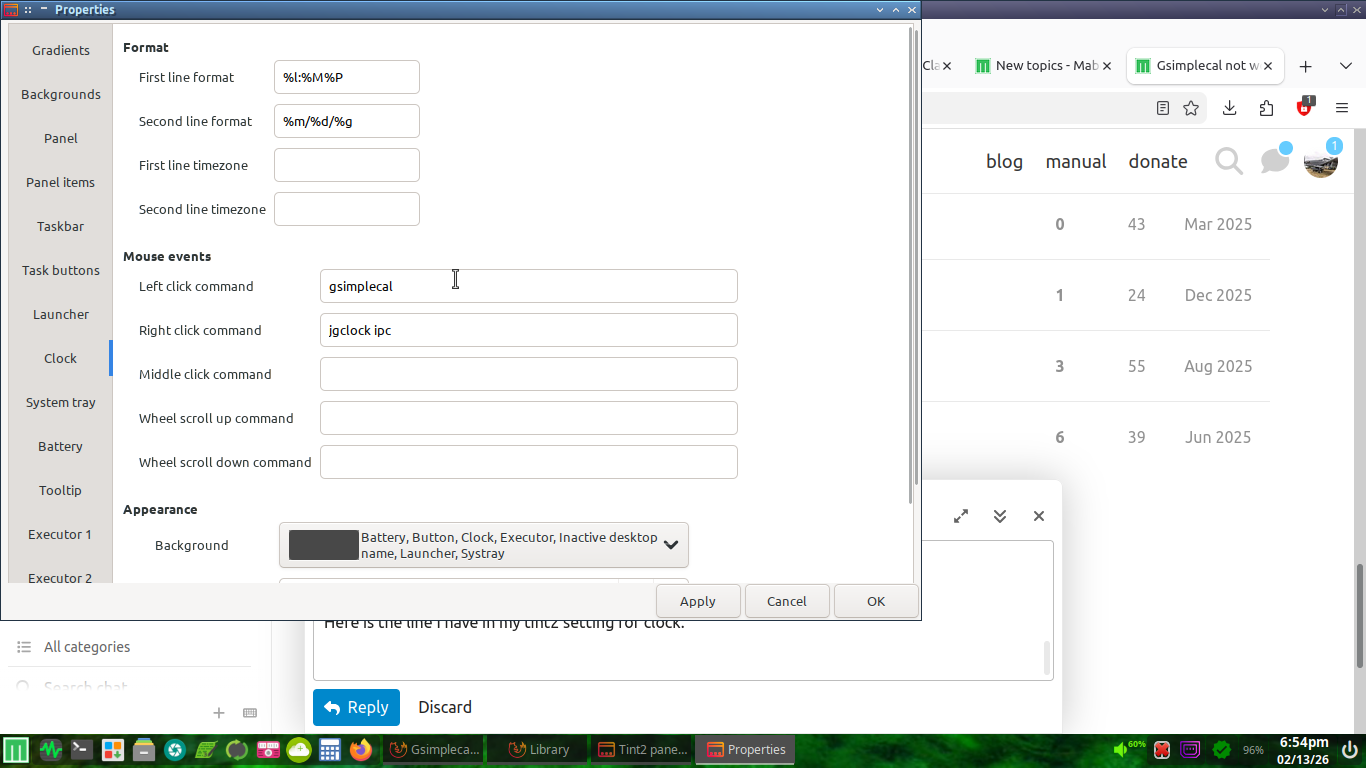
danielhb, is that line from your tint2 setting for clock?

Here is the line I have in my tint2 setting for clock.

1 Like

Yes, the line exist.
I tried many tests recommended by chatgpt and there was no case, he recommended installing snixembed, lxqt-policykit or libappindicator, would that help?
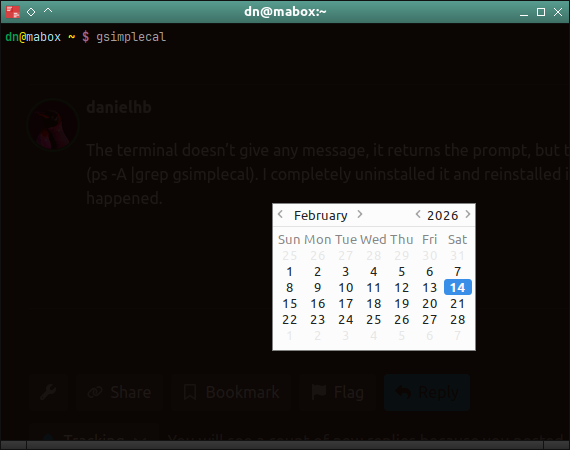
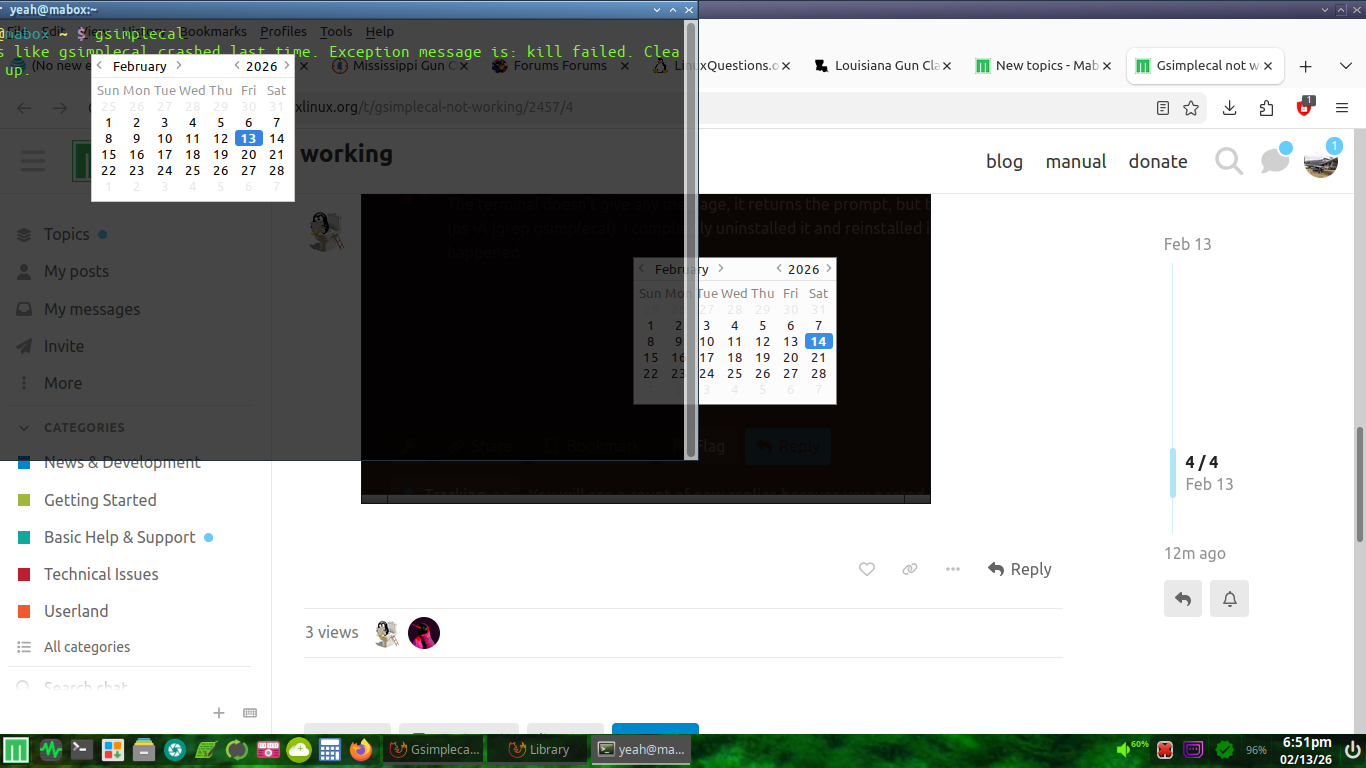
Certainly not, AI likes to generate random crap. Although it also depends on the precision of the question you asked him.

These programs have absolutely no connection with whether gsimplecal works or not when you click the clock in the panel

1 Like

@danielhb

Strange gsimplecal not working for you.

an alternative for the time being, you maybe already know.

yad --calendar 
1 Like