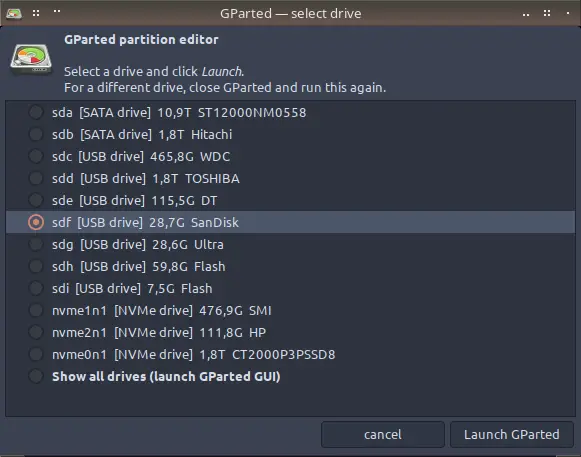
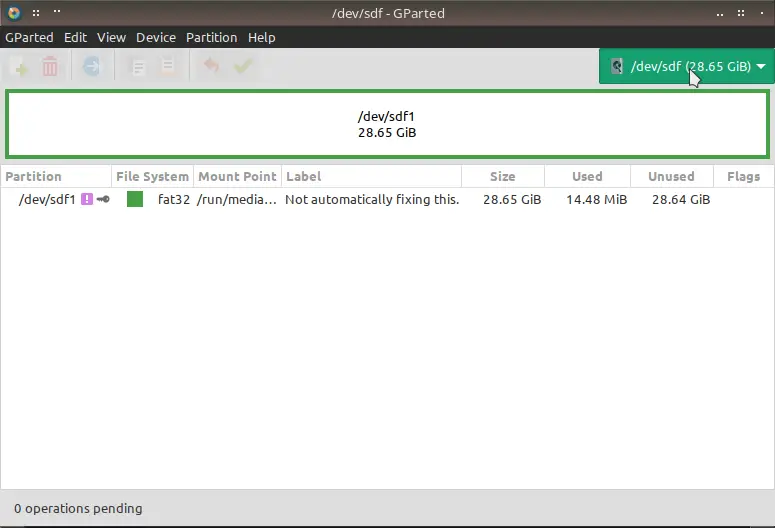
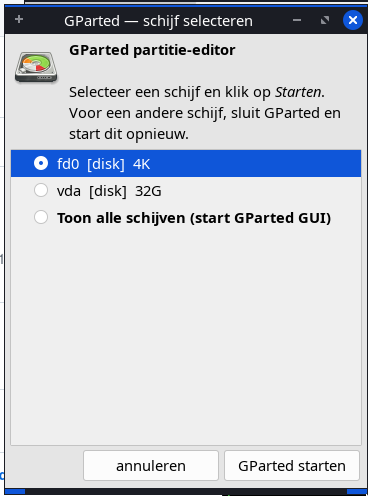
GParted launched directly will scan all connected drives at startup. On systems with multiple disks or USB devices this causes a slow and unnecessary probe. This wrapper lets you pick exactly the drive you want before GParted opens — making it faster to start and safer to use, since there is no risk of accidentally operating on the wrong device.
Just downloaded and thought I might bring to your attention the fact that you might want to edit the read.md file to point out the necessity to edit the gparted.desktop file to reflect the user’s HOME/bin folder, or you can just edit it on your end to…
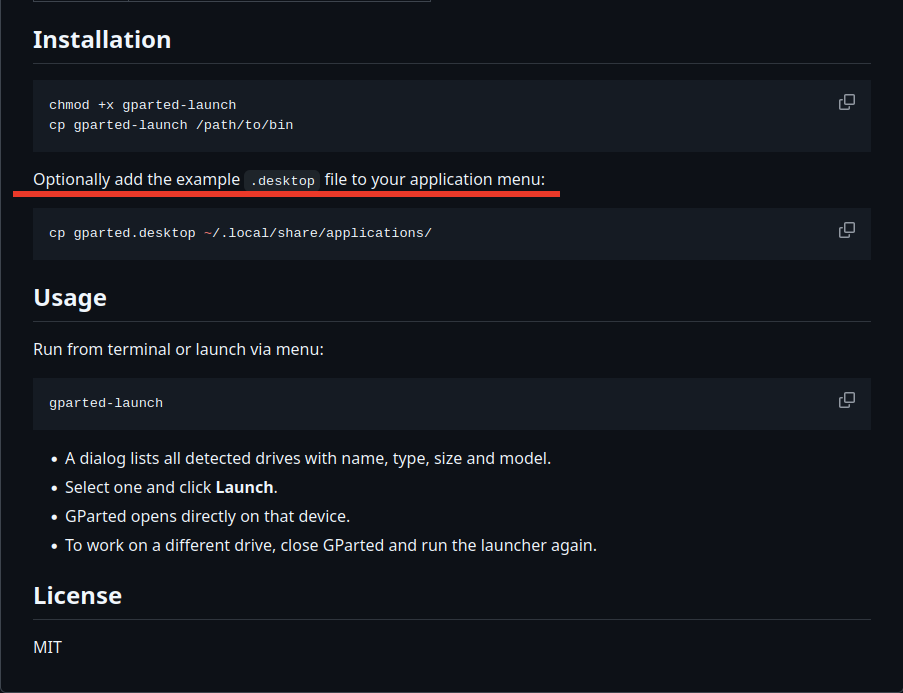
Thats a good point to mention to edit the .desktop to the right bin path.
This can be ~/bin for mabox or ~/.local/bin or /usr/local/bin etc. The point you make is make i clear to edit the file.
fix: extend PATH for sbin dirs so menu launch finds gparted (#7)
Debian/MX Linux installs gparted to /usr/sbin, but desktop-menu sessions often start with a minimal PATH lacking sbin dirs, causing a false “missing dependency” warning despite gparted being installed.