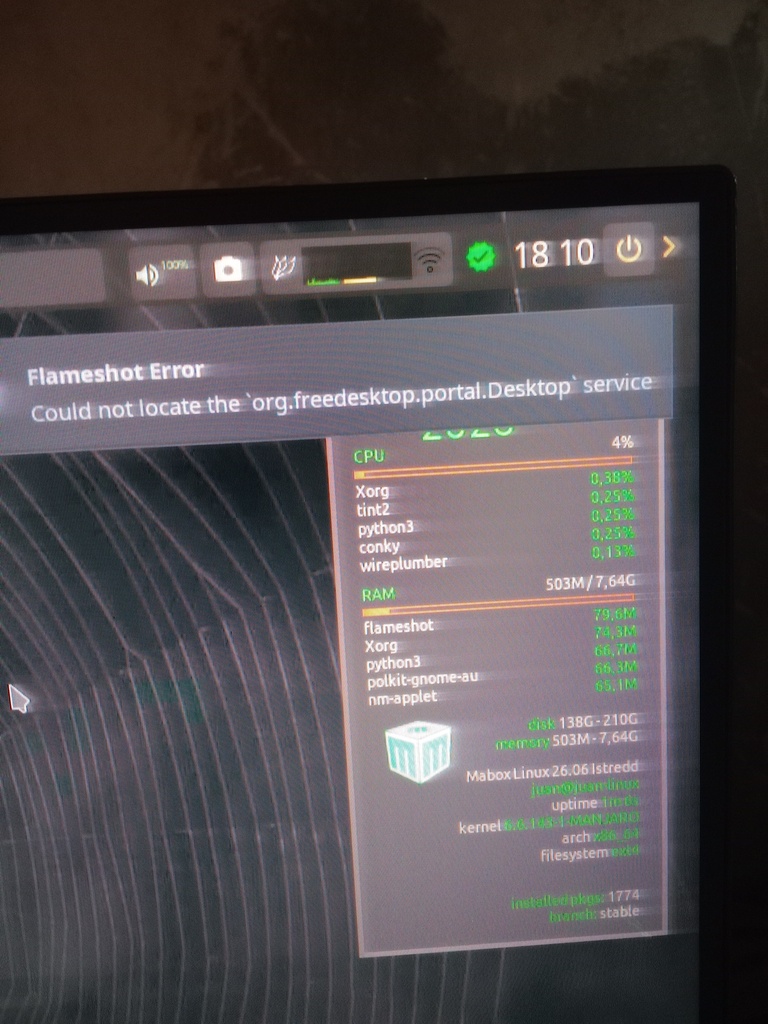
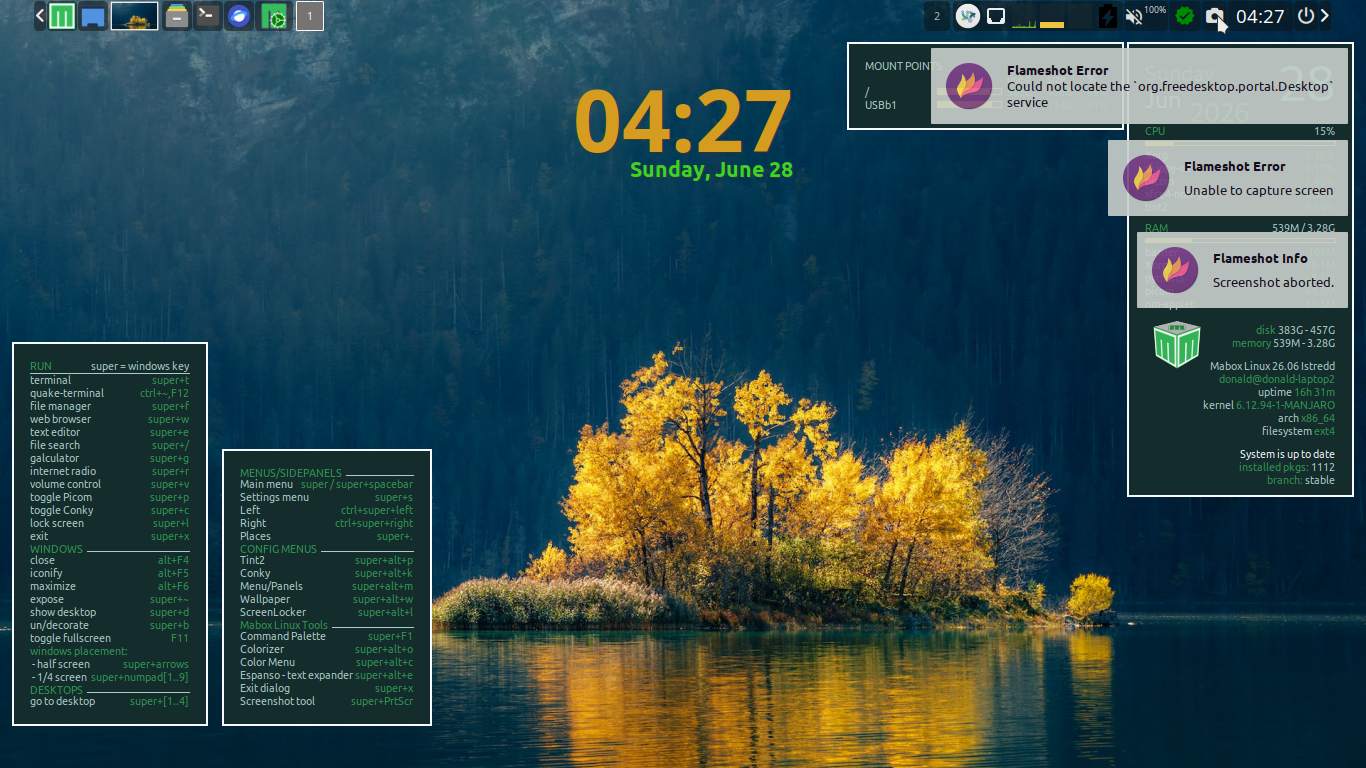
Good afternoon after updating Mabox Linux the flameshot button stopped working and the following notification appears What should I do?
Probably it is worth to look at Arch Linux - flameshot 14.0.0-1 (x86_64)
Looking at dependencies… there is xdg-desktop-portal listed as optional.
I’d start by trying to install it.
Are we doing ‘Wayland’ now?
xdg-desktop-portal (optional) - for wayland support, you will need the implementation for your wayland desktop environment
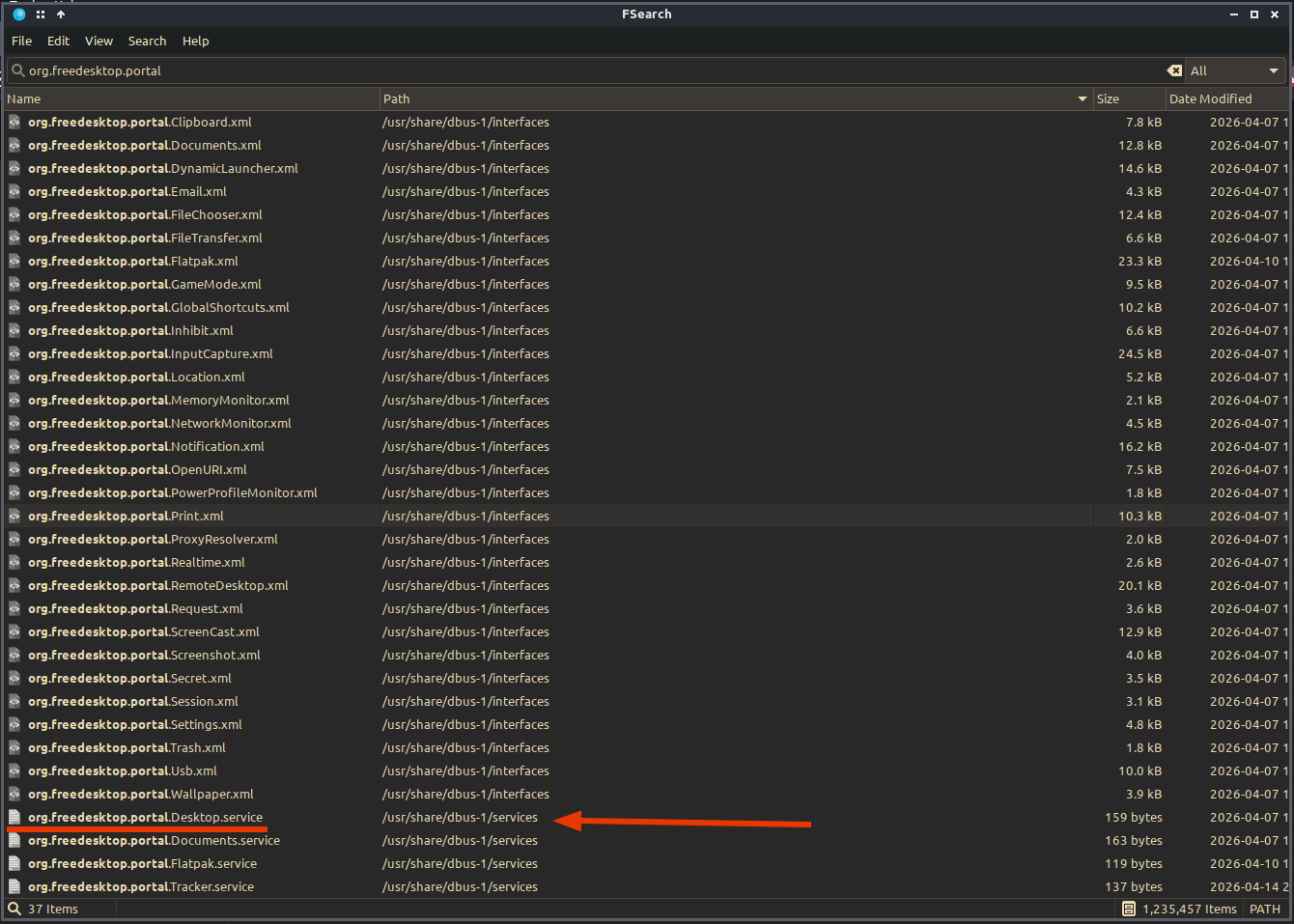
Further investigation reveals that the ‘org.freedesktop.portal.Desktop.service’ is in the correct location. Which leads me to believe that this is a bug in the updated flameshot installation.
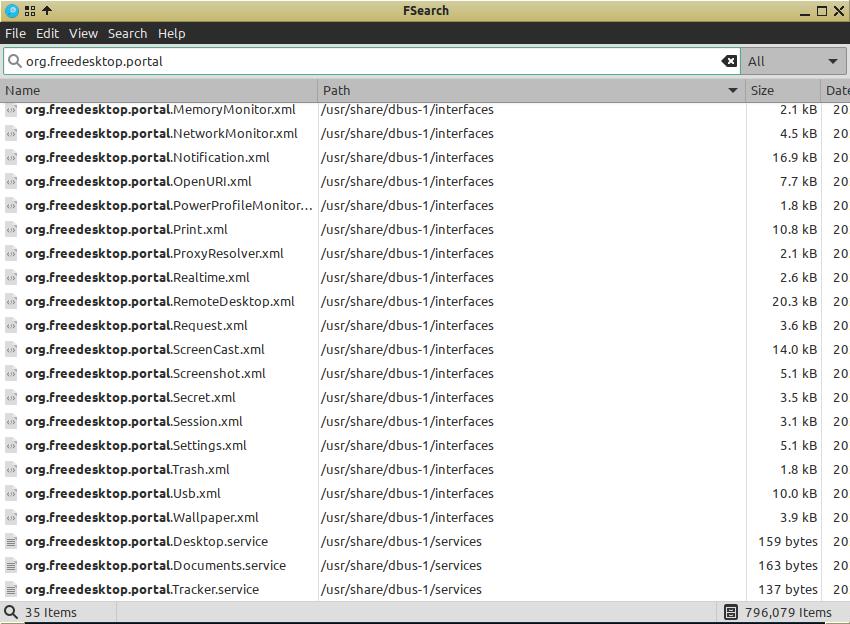
The reason I think this is because on my desktop computer (which hasn’t done the update) flameshot still works fine and shows the service in the same folder.
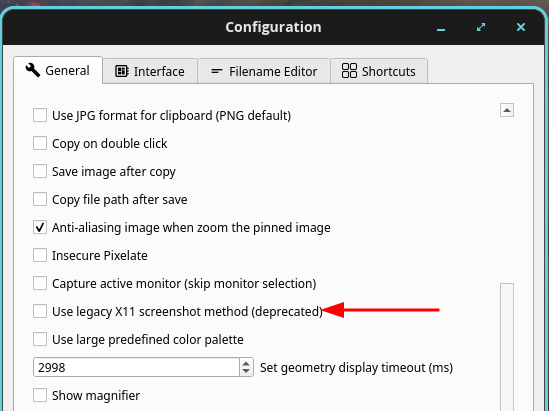
Upon further investigation, I changed a setting in flameshot, on my laptop, that allows it to work again.
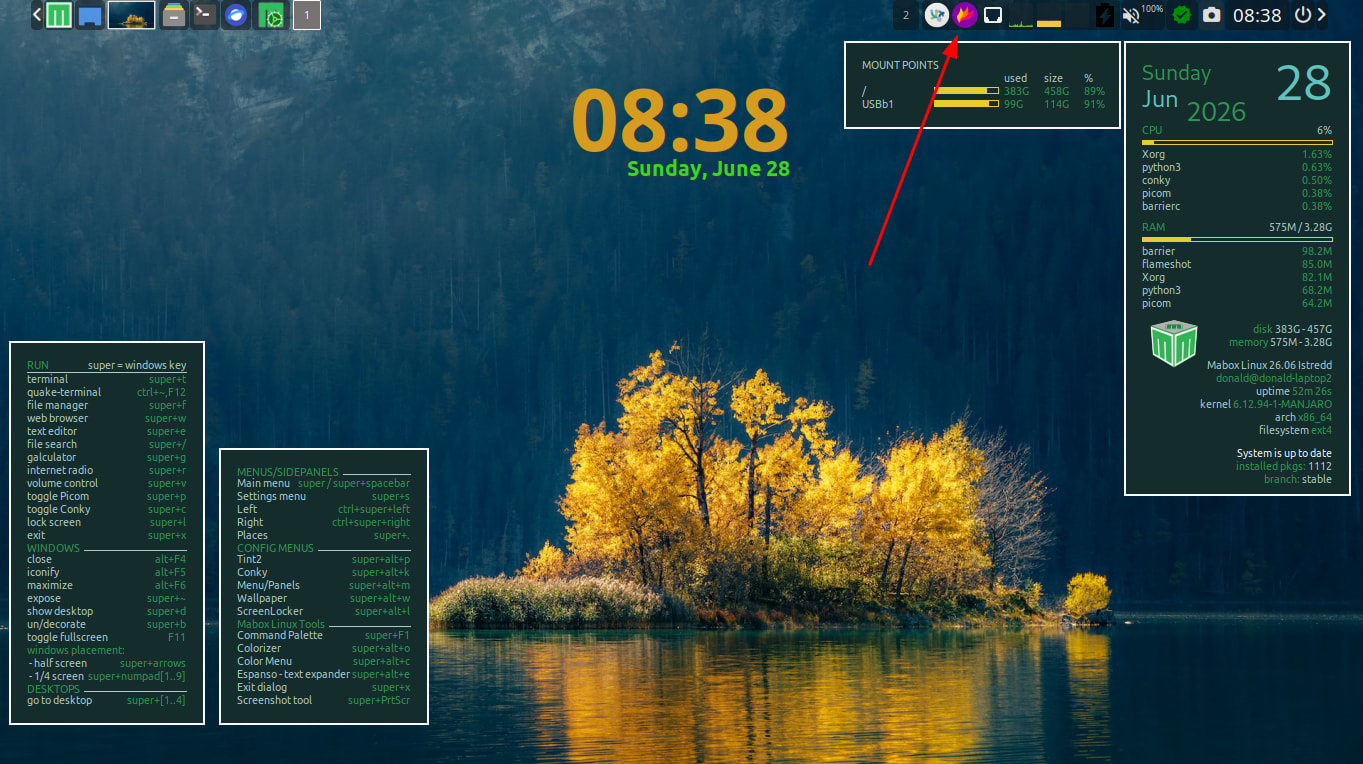
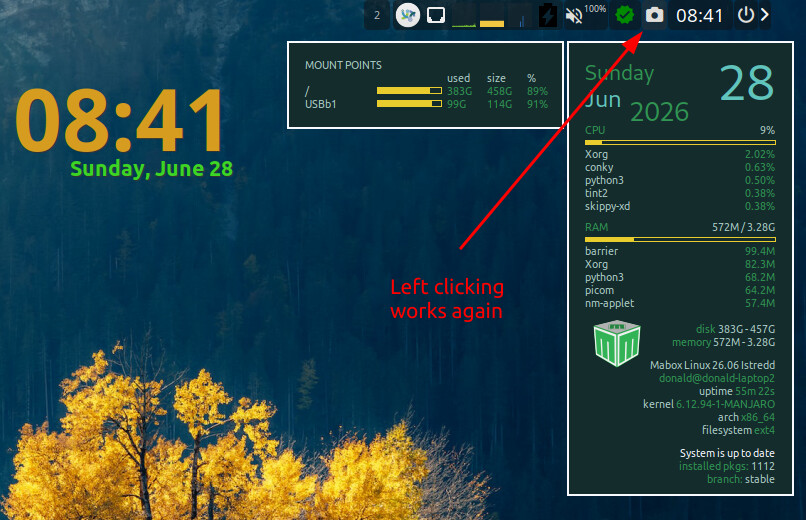
Pressing ‘print screen’ also works, again.
The setting to change.
Thank you, I had the same issue.
That X11 checkbox is in the lower half. In my dark theme the vertical scroll bar was barely visible. 
I also had to check the “Capture active monitor” option. Before the update it worked fine without asking.
Good evening, I have read that several had the same problem and following your instructions Flameshot worked correctly again.
Thanks for your help