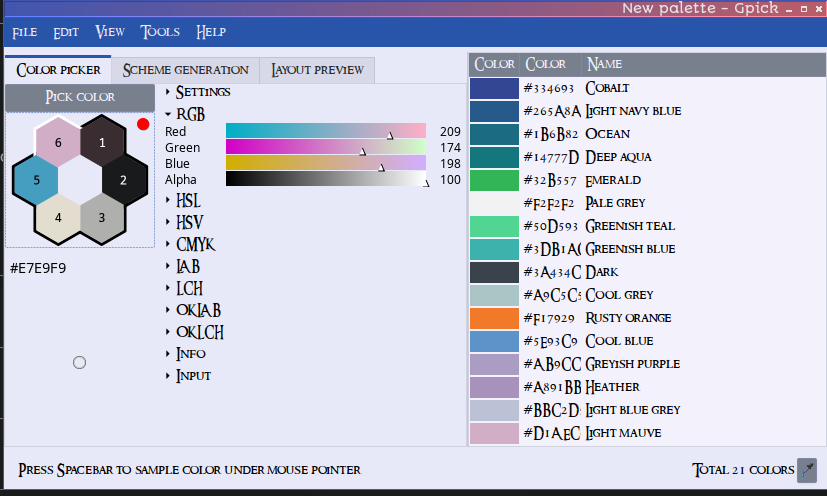
Gpick is broken, so many functions in Colorizer does not work at the moment 
Picking colors from screen not possible.
Gpick is broken, so many functions in Colorizer does not work at the moment
Picking colors from screen not possible.
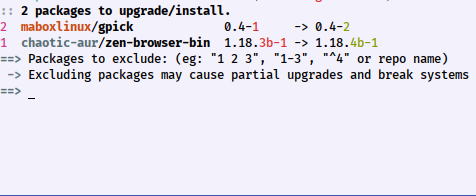
Yes, already fixed with gpick-0.4-2 pushed to Mabox’s repo.
colormenu color pick is working again. Thanks for the update 
I was wondering this morning.
@napcok For me when using colormenu gtk-color gui to choose color. I have to save the color first and then copy the code, after that it will be added to colormenu list.
I cannot just pick a color copy color code, close window. The color is not added to the menu.
Is this what you experience too.
Very strange, I checked 3 machines, it did not work before update
Yes, from color picker you have to save color with ctrl + s, otherwise it does not return any value (hexcode). I think it always worked like that.
I’m using mostly Pick color from screen option. This one was broken in the morning
Ah, I was using Ctrl-c on the code. 
Mee toooo 
indeed this was broken… needed the gtk-gui color picker this morning
ps i added mabox auto theming to volbar. It uses now the auto theming too. Testing it … when i think volbar is in its stable final stage, i will create a special topic…
Now i know the confusion with gcolor3 and having to use super + s with colorizer
I use gcolor3 with picom-simple.
snipped
update_picom_conf() {
     new_color="$1"    # The new color passed as an argument
     config_file="$2"  # The original configuration file (target of the symlink)

    if [ -n "$new_color" ]; then
        sed -i "s/^shadow-color = \".*\"/shadow-color = \"$new_color\"/" "$CONFFILE"
        echo "Updated shadow-color to $new_color in $CONFFILE"
    else
        echo "No color selected. Exiting..."
    fi
}

# Function to select a color using gcolor3
    symlink_file="$1"  # The symlink file

    # Get the target file of the symlink
    config_file=$(readlink -f "$symlink_file")

    # Ensure we have the target file
    if [ -n "$CONFFILE" ]; then
        color=$(gcolor3 2>/dev/null)  # Get the selected color
        if [ -n "$color" ]; then
            update_picom_conf "$color" "$CONFFILE"
        else
            echo "No color selected or gcolor3 was closed."
        fi
    else
    notify-send -T 500000 -i warning "$NOLINK" "$RELOAD"
        echo "The symlink doesn't point to a valid file."
    fi
When i open gcolor3 and just click a color and close the window, it changes the shadow for picom directly.
It is possible without super+s.
Thanks, I will update colormenu later tonight.
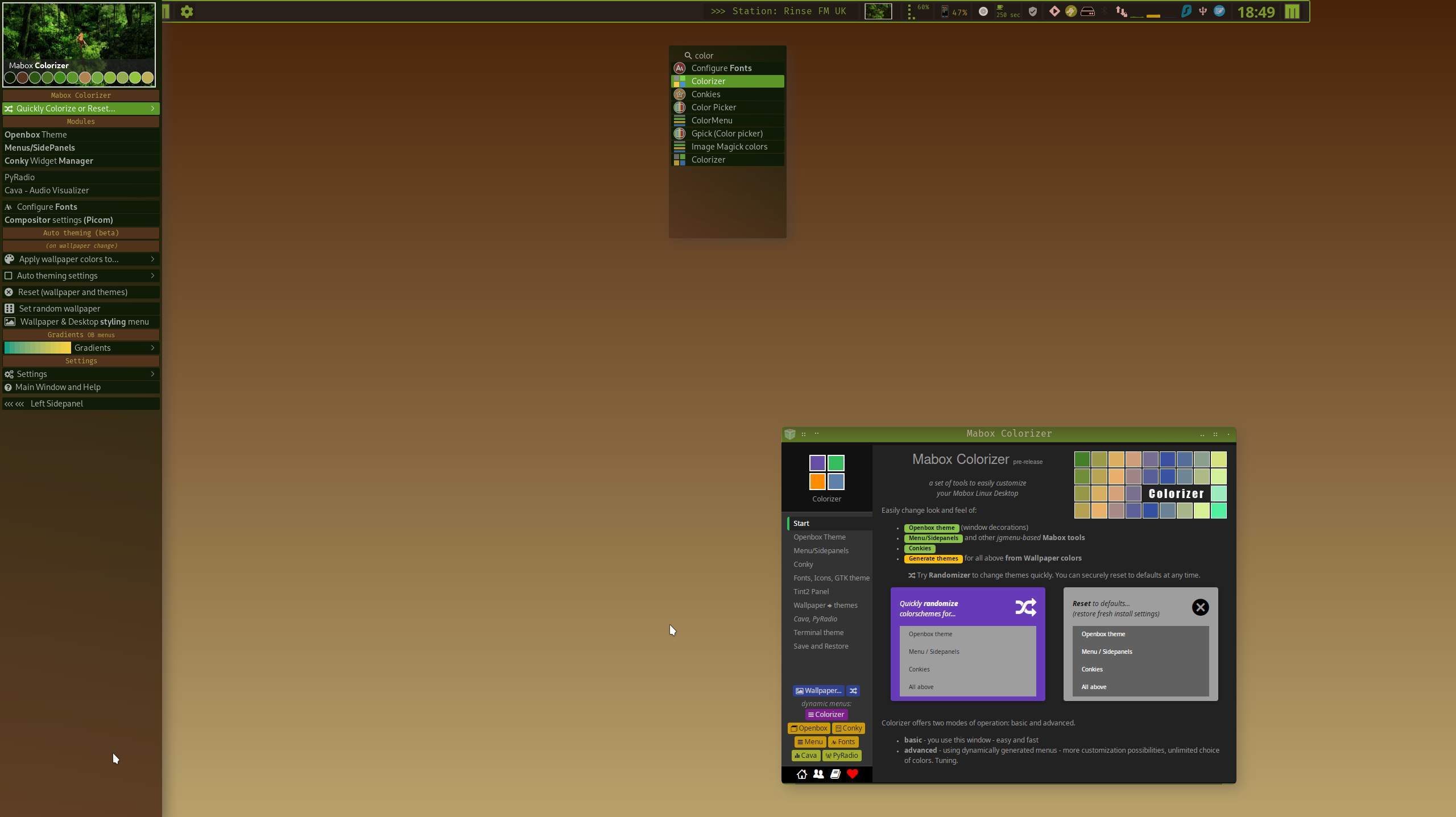
Feature request: Differentiate colorizer menu entries
The two colorizer options in the menu currently share the same name, which can be confusing when choosing between them.
Could one be renamed to distinguish them? For example:
I don’t use the menu colorizers frequently, so each time I need to pause and remember which is which. Clearer naming would help.
This one is interesting. Desktop files have diferrent names defined, but while searching search shows item from “Mabox config” menu part.
To fix, open ~/.config/mabox/settings.csv and replace label “Colorizer” with “Colorizer Menu” at line 11 (?)
I can’t fix that by package update.
Nice click and go…