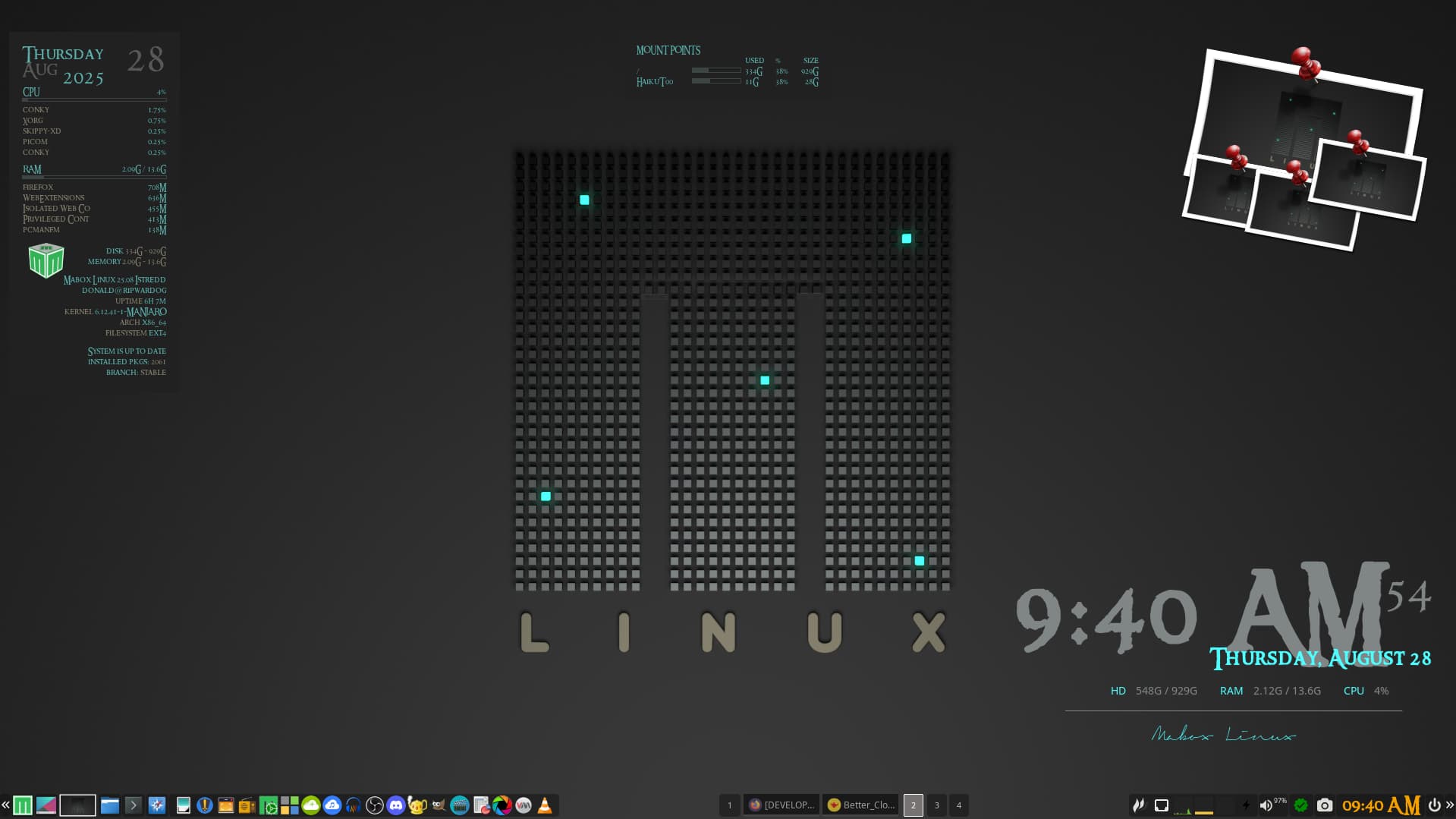
A topic about Conky polishing & Conky handling in Mabox rewrite
Conky widgets in Mabox are unique. They are equipped with special features not found in other distributions:
- Easy theming, auto-theming, on-screen placement
- Mouse click events
- Launching user-customized commands or menus
- Conky Widget Manager
I’m very proud of what I’ve already managed to create for Conky, but I also see some shortcomings - hence this thread 
[TODO] Polishing Conkys and Conky handling in Mabox improvements
Default Conky set
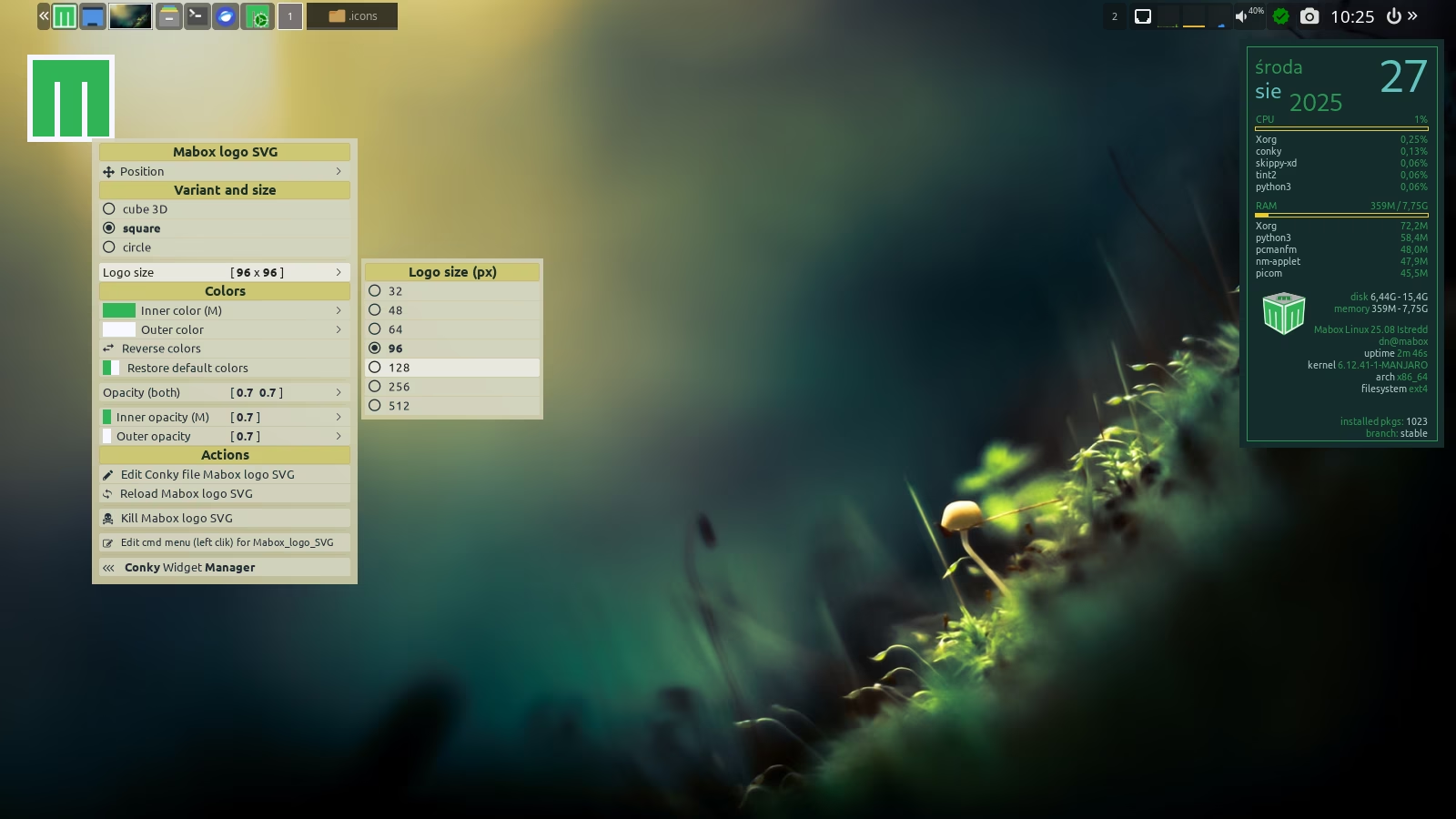
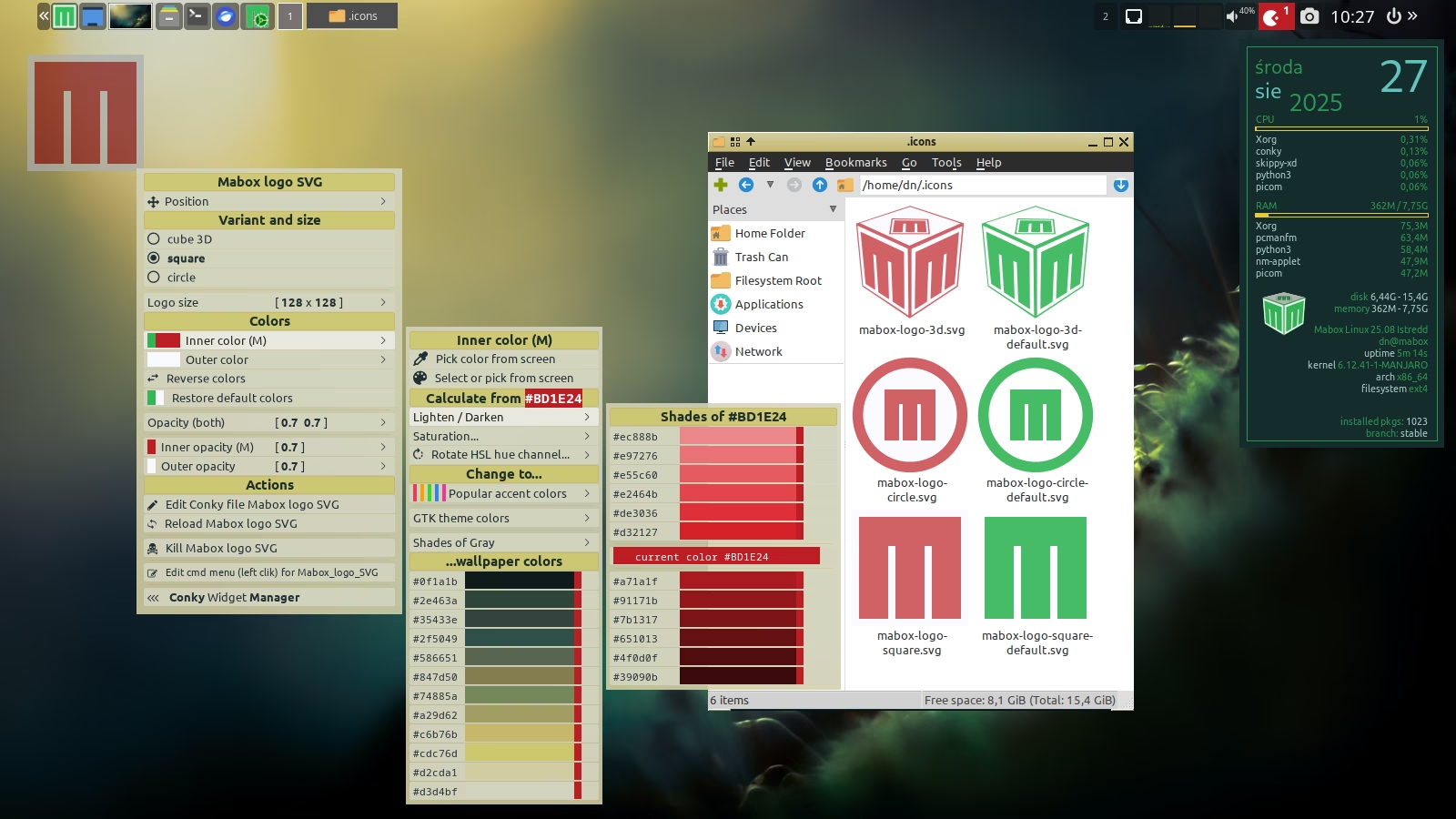
 Advanced SVG Mabox logo: 3 logo variants, easy to colorize
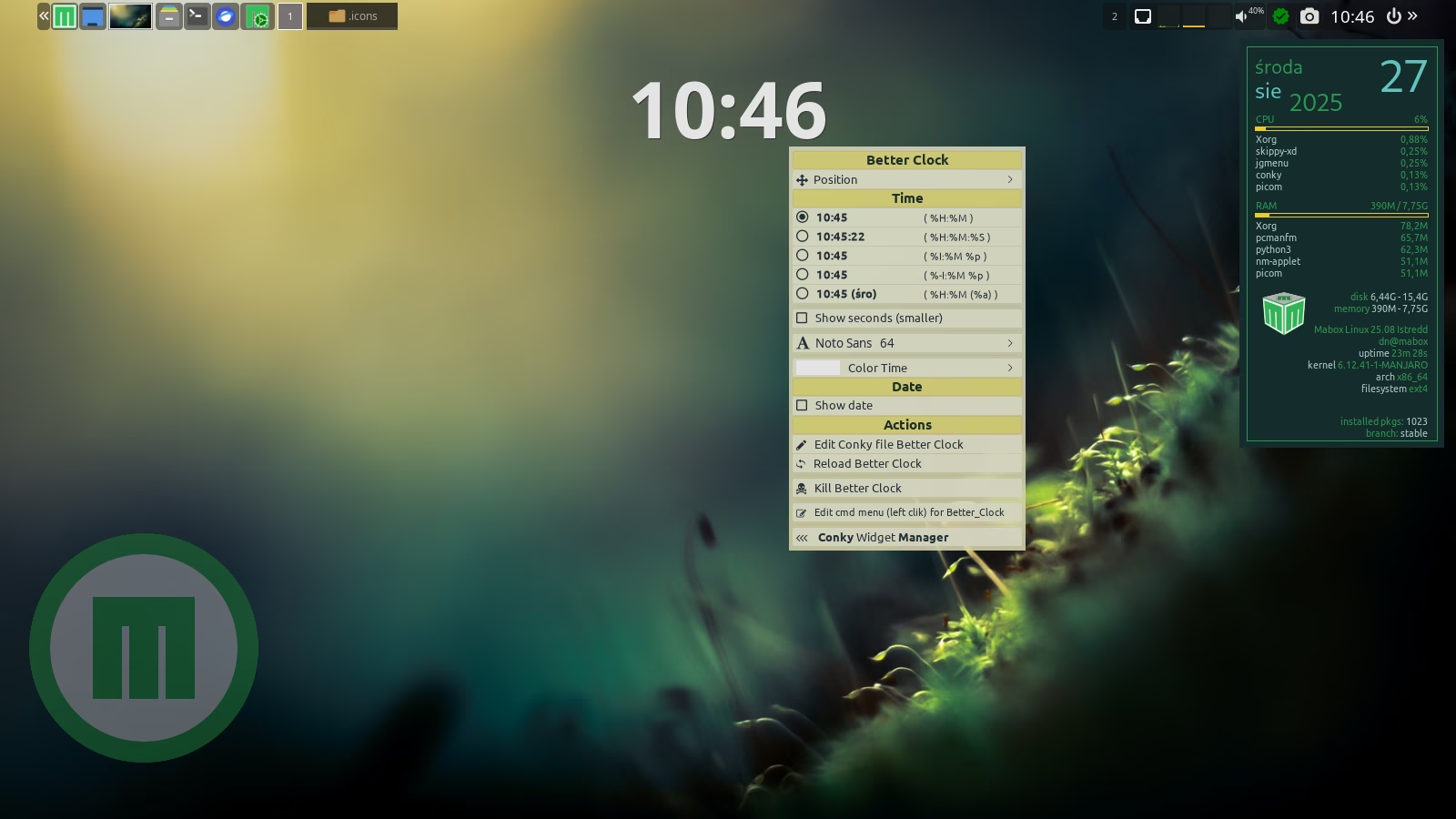
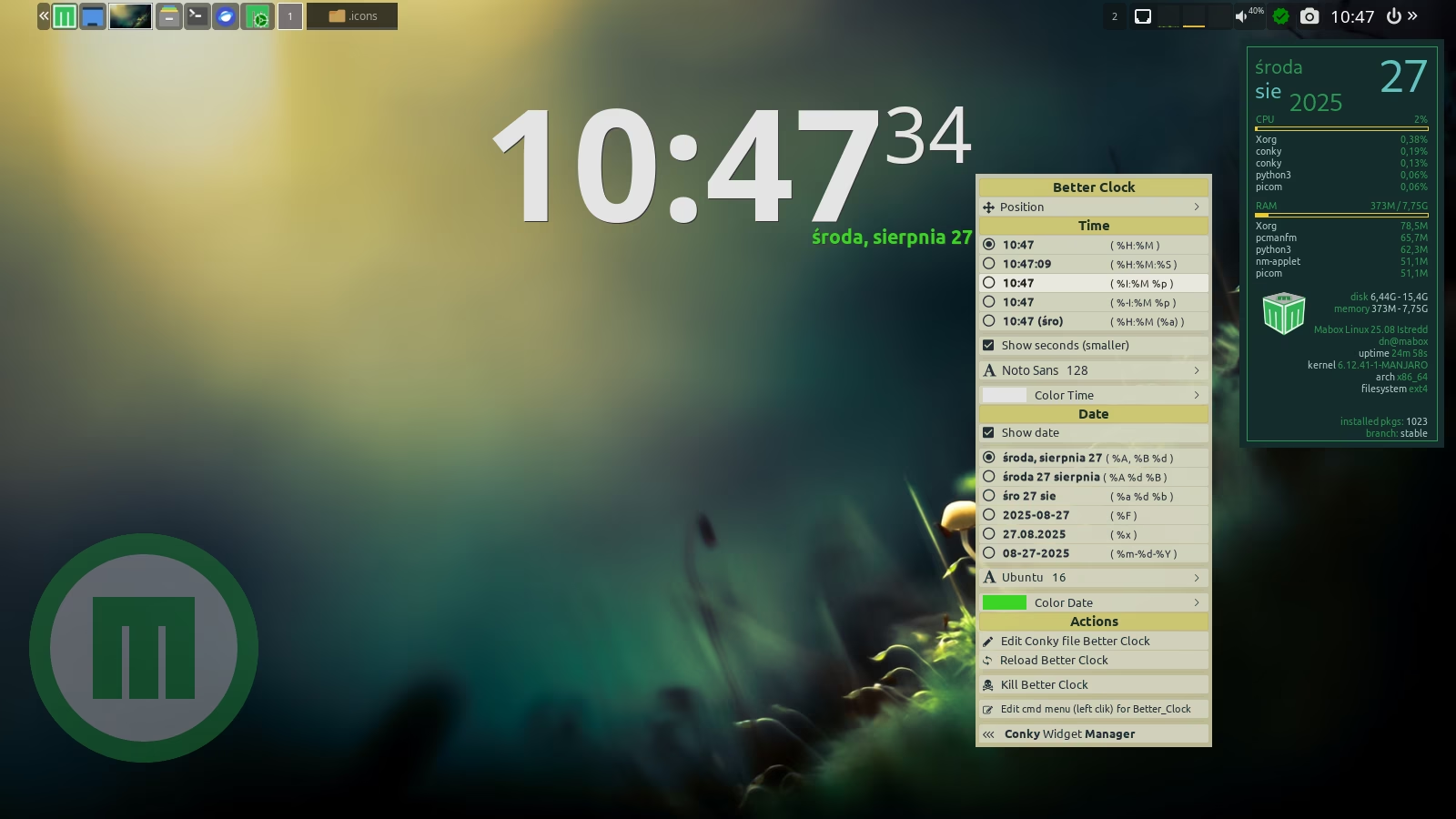
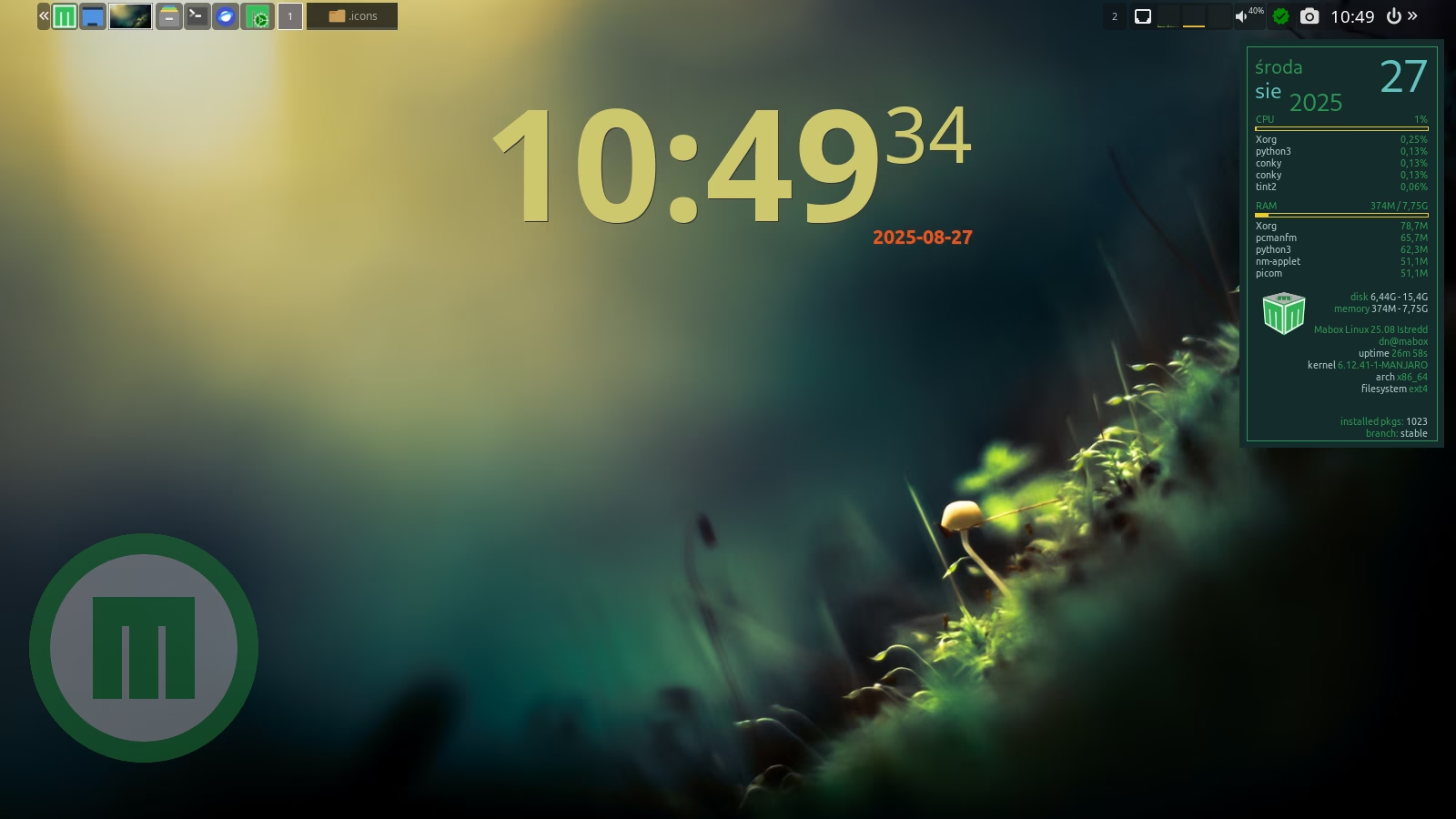
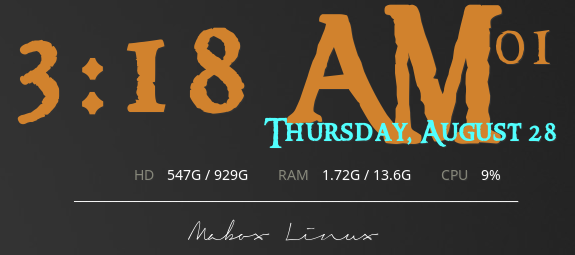
Better Clock (and Date)
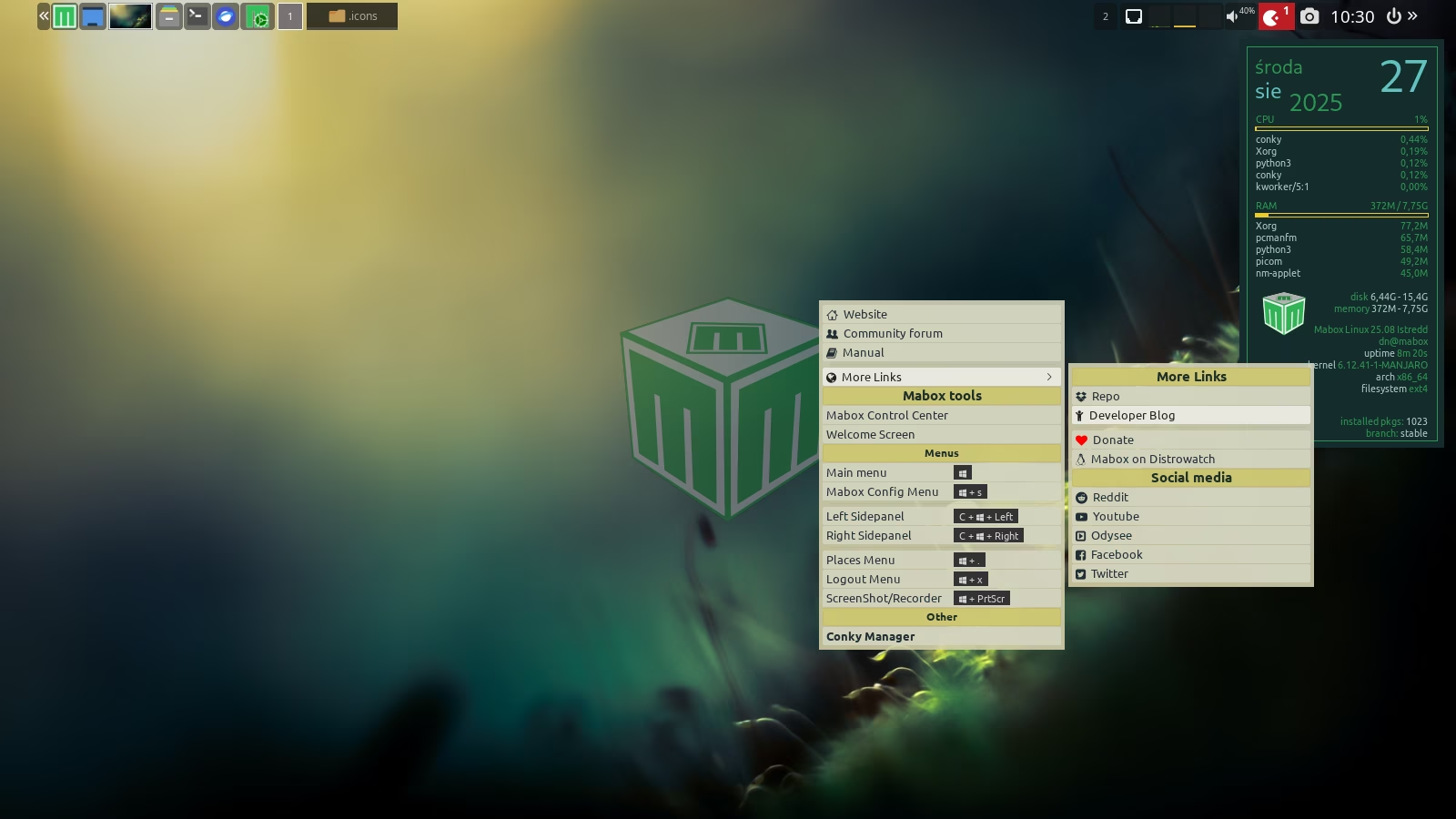
new “educational” conky: PCmanFM
todo.txt frontend - basic
review and update of default conky set
Border color different from the color of the small text - will break user’s saved themes
Conky handling
Border width
conky_toggle script W-c - ensure all conkies killed: (forced by pkill -9)
themes and themes handling rewrite
Conky Sessions (save/restore running conky list)
Other
Create new Conky from menu. 2 types: text, icon/launcher
Documentation
Keybinds and Mousebinds
| Keybind | Action |
|---|---|
W-c |
toggle Conky session (kill or start) |
Click on any conky actions:
| Mousebind | Action |
|---|---|
right-click |
Individual conky context menu |
left-click |
run command or menu - if configured for this conky |
W-left-click |
Conky Widget Manager |
W-right-click |
make moveable all. Hold alt and drag one by one into desired place. |
Get latest Conky configs
Note!
All Conky configs shipped by Mabox installation will be overwritten.
mb-reset conky