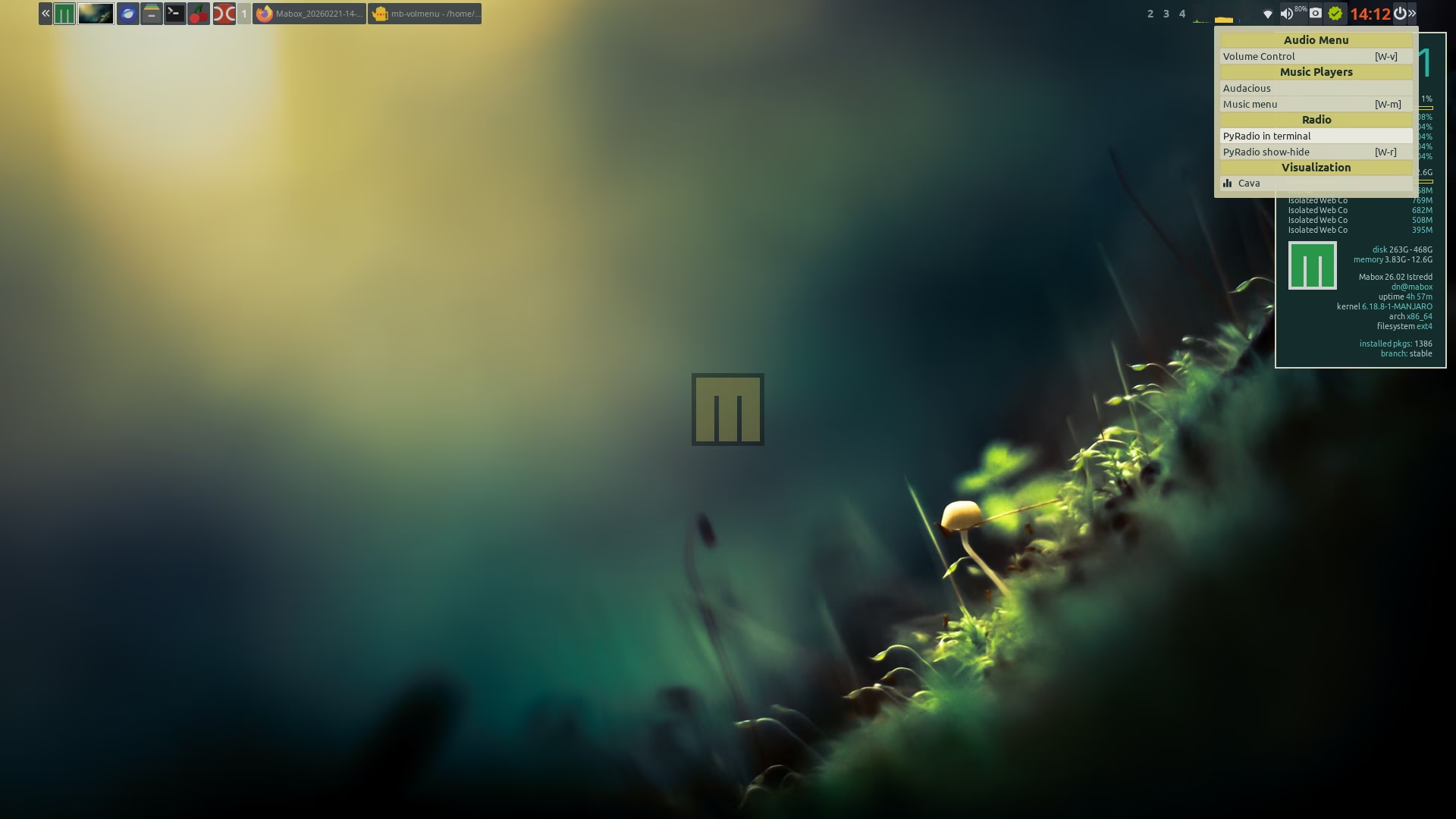
Audio menu is already in Mabox repo.
If you like to bind it to right-click on volume icon - edit your tint2 config.
Look for volumettf executor and change its execp_rclick_command to:
execp_rclick_command = mb-volmenu ipc
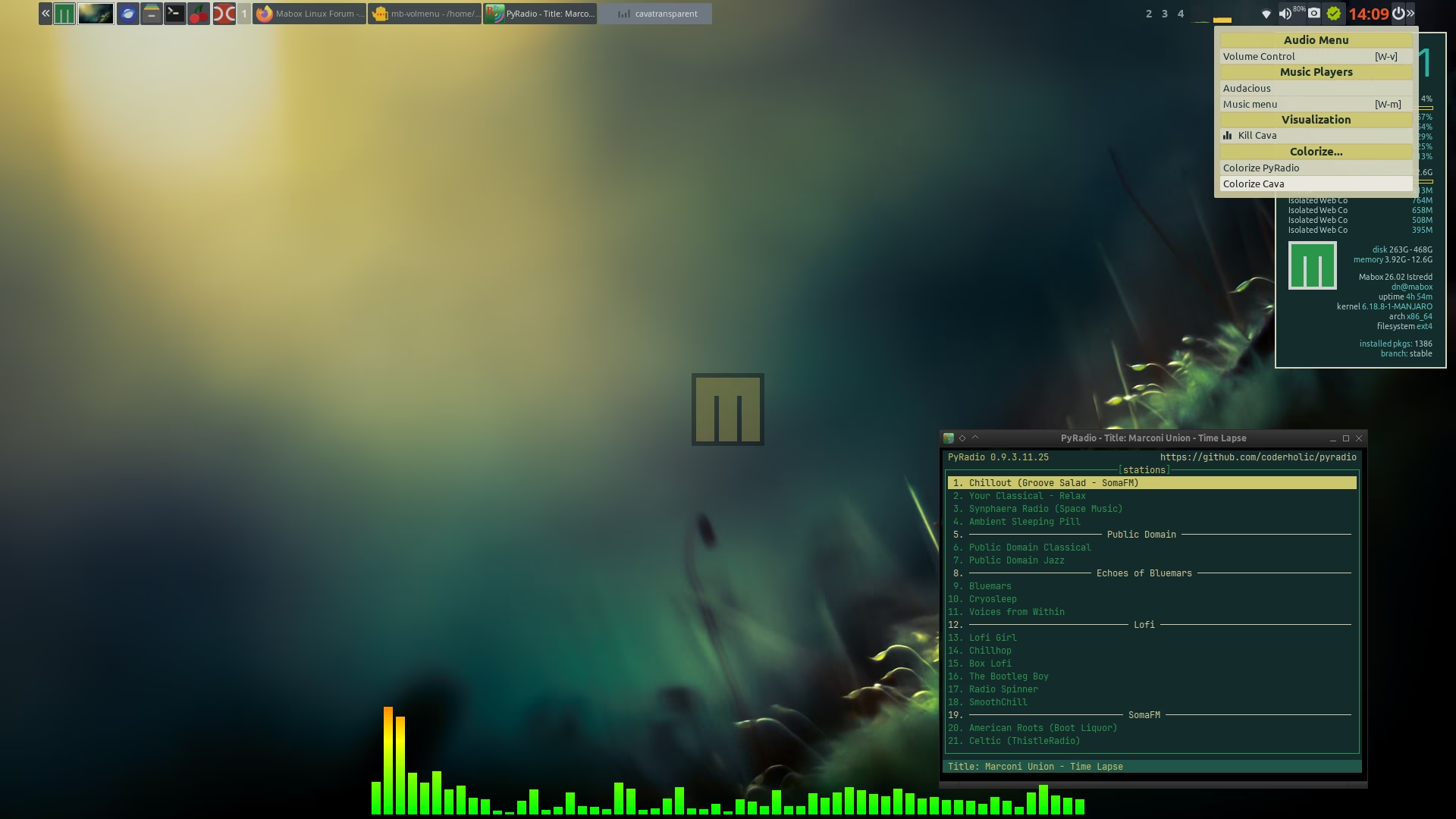
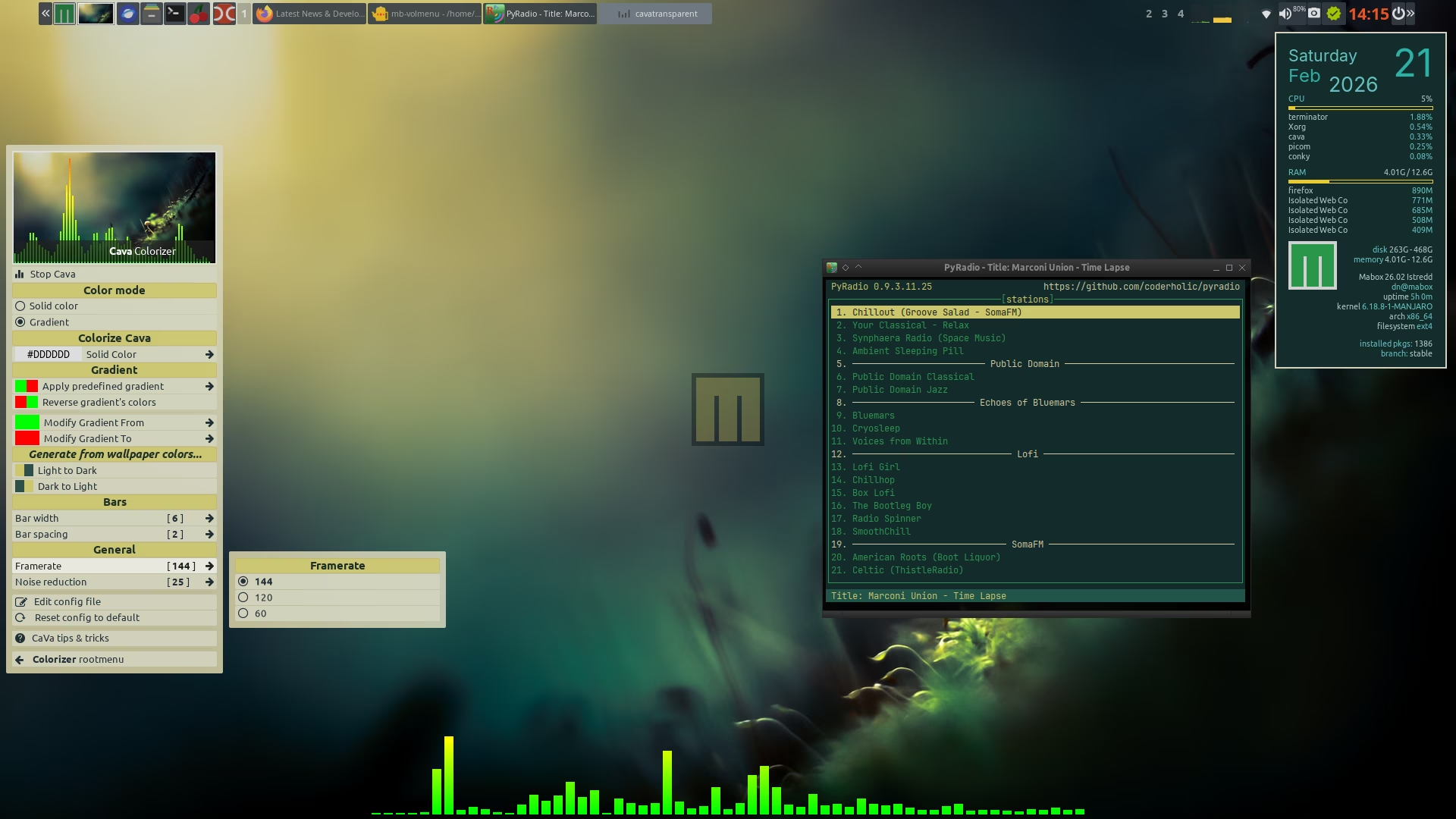
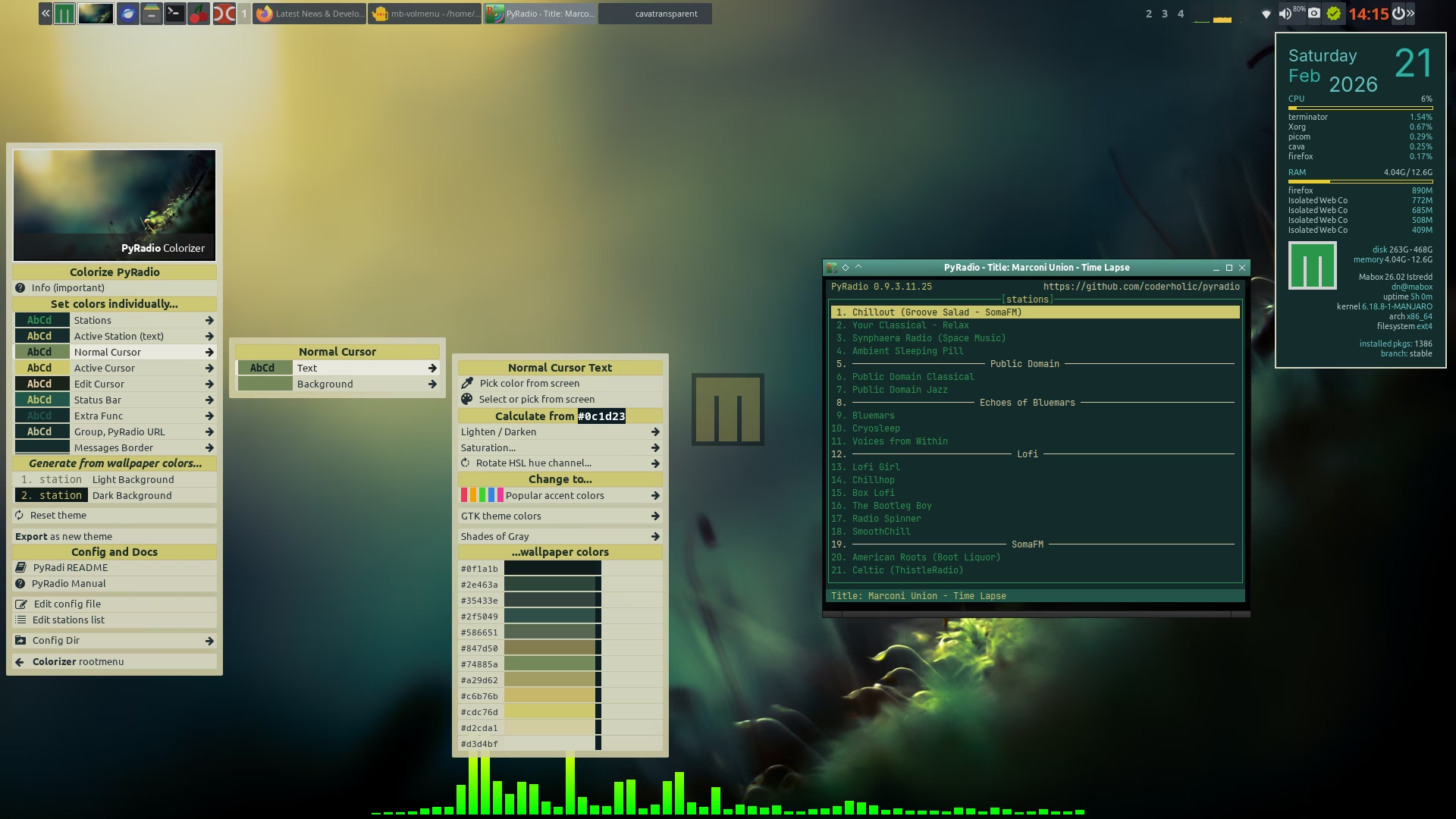
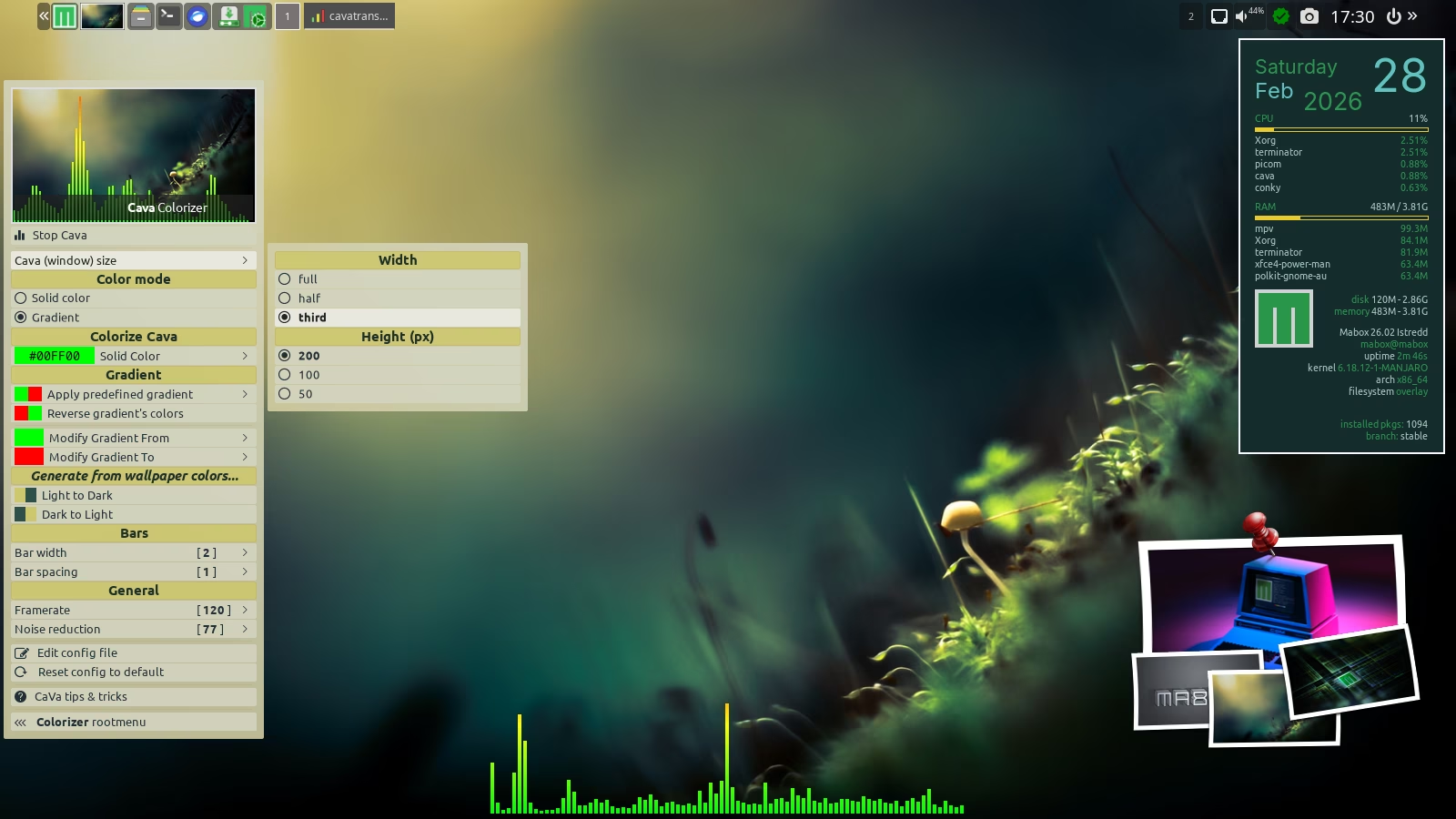
After that it is also worth to play with renewed Colorizer module for Cava
Click Reset config to default first, to use the new improved config for Cava.
Option to switch Cava window size added to Colorizer Cava module.
I will also try to add “Save custom position and size” option next…
Cava is placed in transparent terminal window without decoration. But still you can resize and move this window like any other: A - Left mouse click - drag - to move A - Right mouse click - drag - to resize