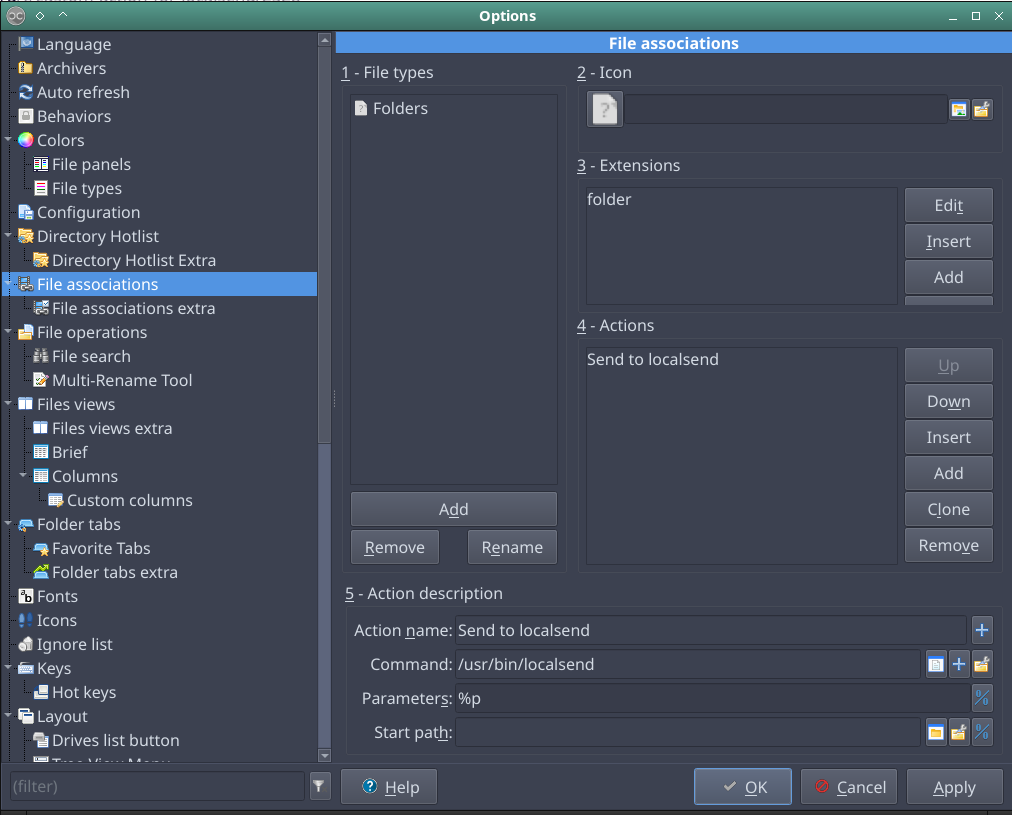
For those using this marvelous app, here is how you can create a Custom Action (Right-click) for PCManFM.
First, localsend doesn’t have any headless command-line interface and there is no sign it will be implemented any time soon. Luckily for us the binary is flexible enough and works quite good for our need.
-
Create a new, empty file and save it like, for example “Send-to-Localsend.txt”.
-
Open the file with your favorite text editor and copy/paste this entries:
[Desktop Entry] Type=Action Name=Send to Localsend Icon=localsend Profiles=profile-zero; [X-Action-Profile profile-zero] MimeTypes=inode/directory;application/octet-stream;text/plain Exec=/usr/bin/localsend %F Name=Default profile -
Save and close the file.
-
-
Copy this file into your
~/.local/share/file-manager/actionsfolder.- Open a terminal and make sure it has the right permissions issuing a:
chmod 644 Send-to-Localsend.txt
-
Rename the file from txt to desktop via command or directly in your file manager:
mv Send-to-Localsend.txt Send-to-Localsend.desktop- The file will magically change its name. This is normal.
-
All done. You can now right-click on files and folders while in
pcmanfmand see the new option.
Enjoy.