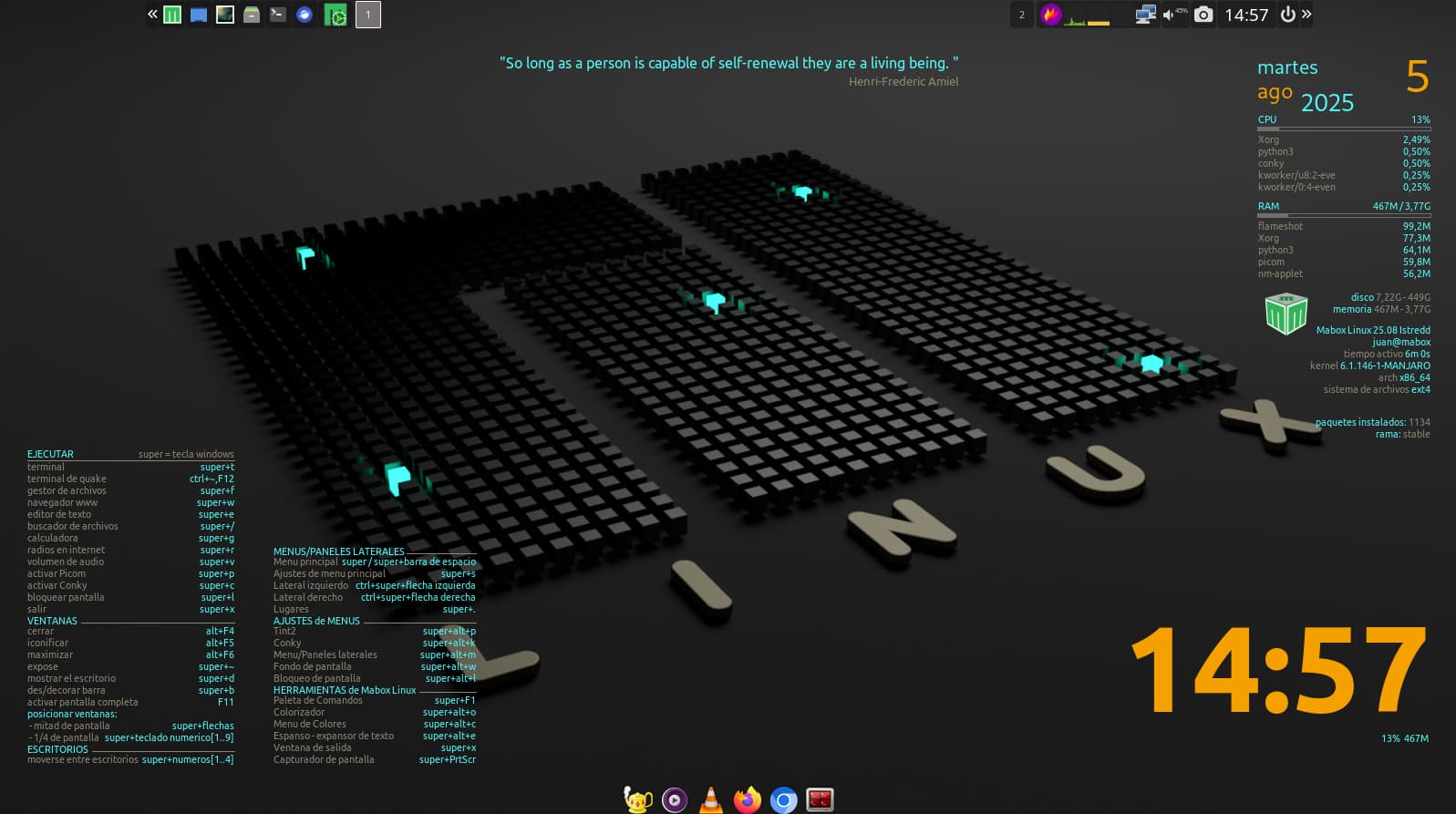
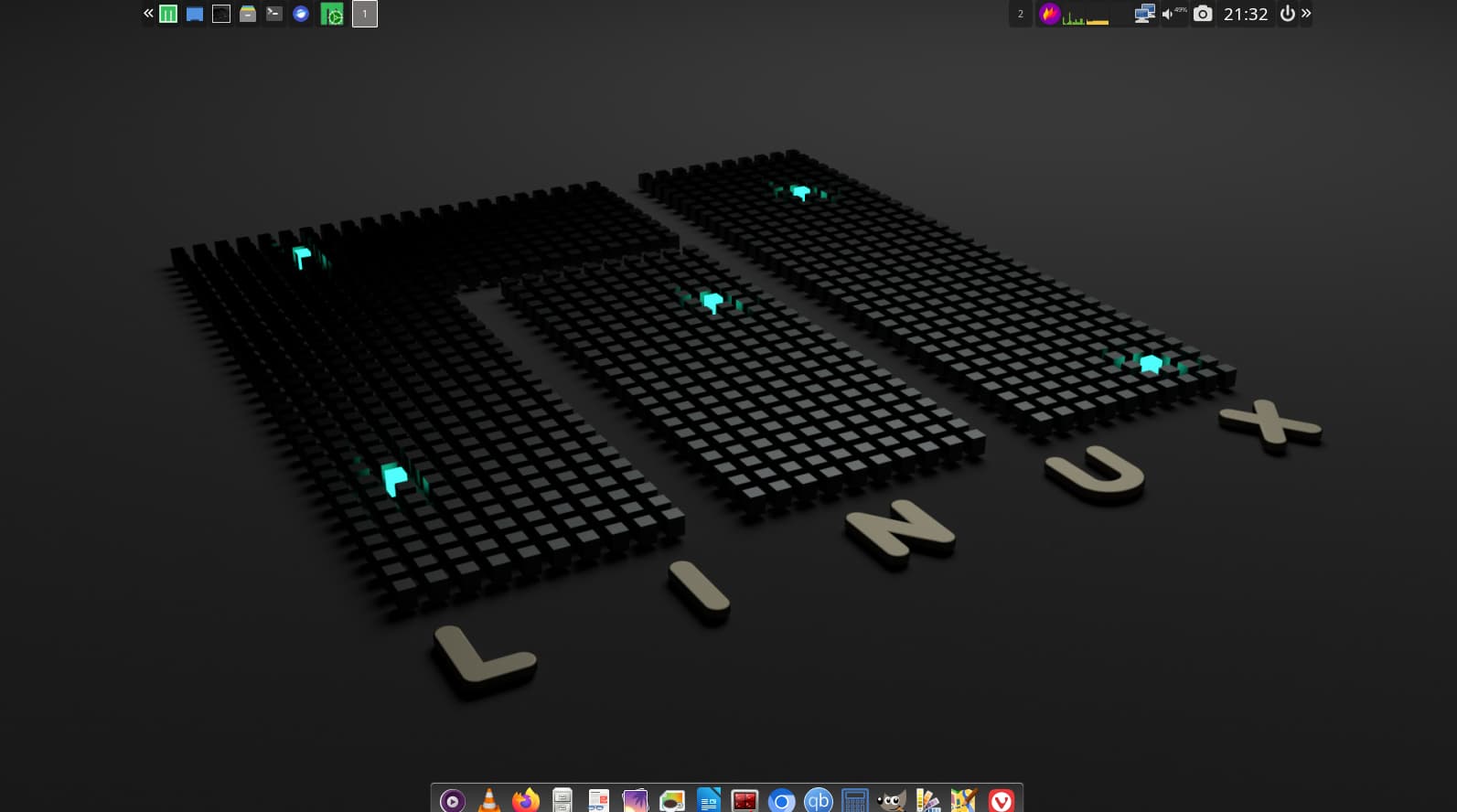
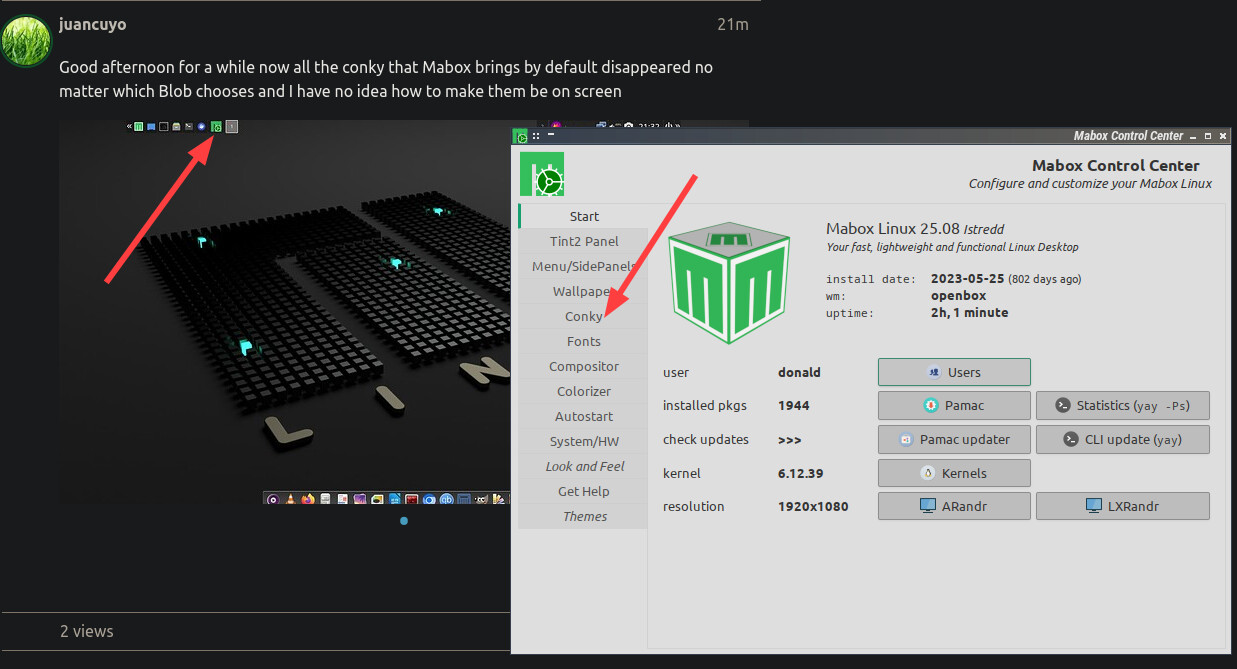
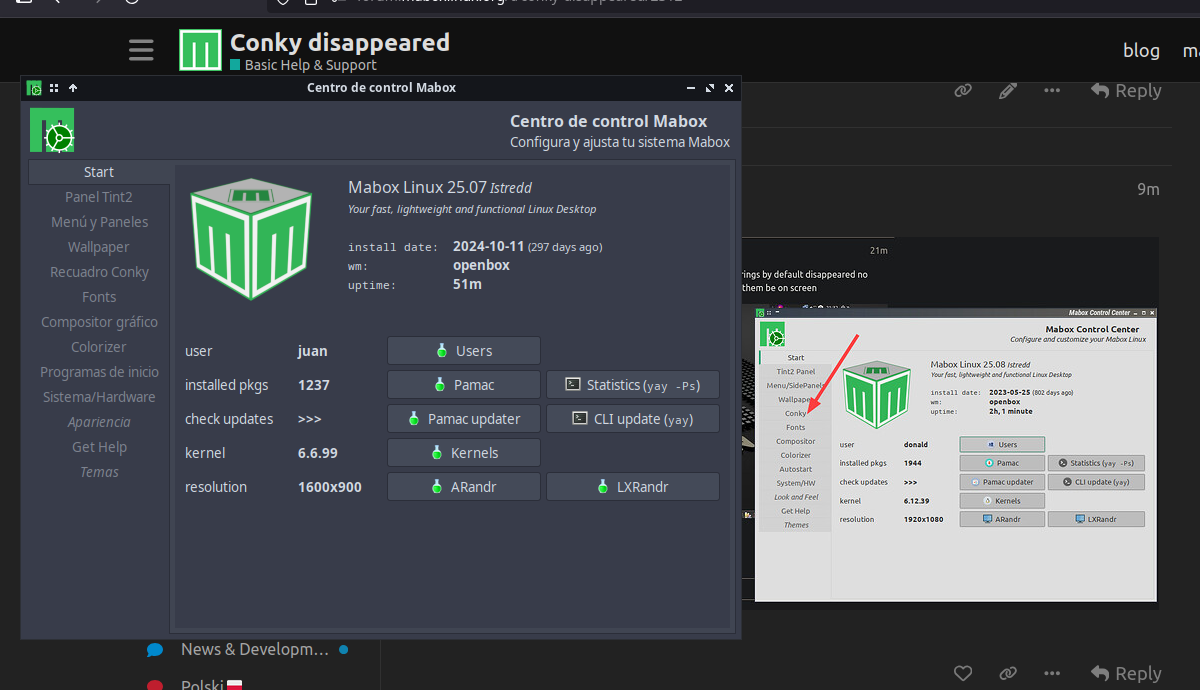
Good afternoon for a while now all the conky that Mabox brings by default disappeared no matter which Blob chooses and I have no idea how to make them be on screen
Hi @juancuyo,
Few things to try…
Try toggle Conky by keybind W-c ( super+c )
Look at conky session file:
cat ~/.config/conky/conky-sessionfile
If conky-sessionfile is empty you can restore distro default session by:
cat /etc/skel/.config/conky/conky-sessionfile > ~/.config/conky/conky-sessionfile
Then use W-c to start Conky session.
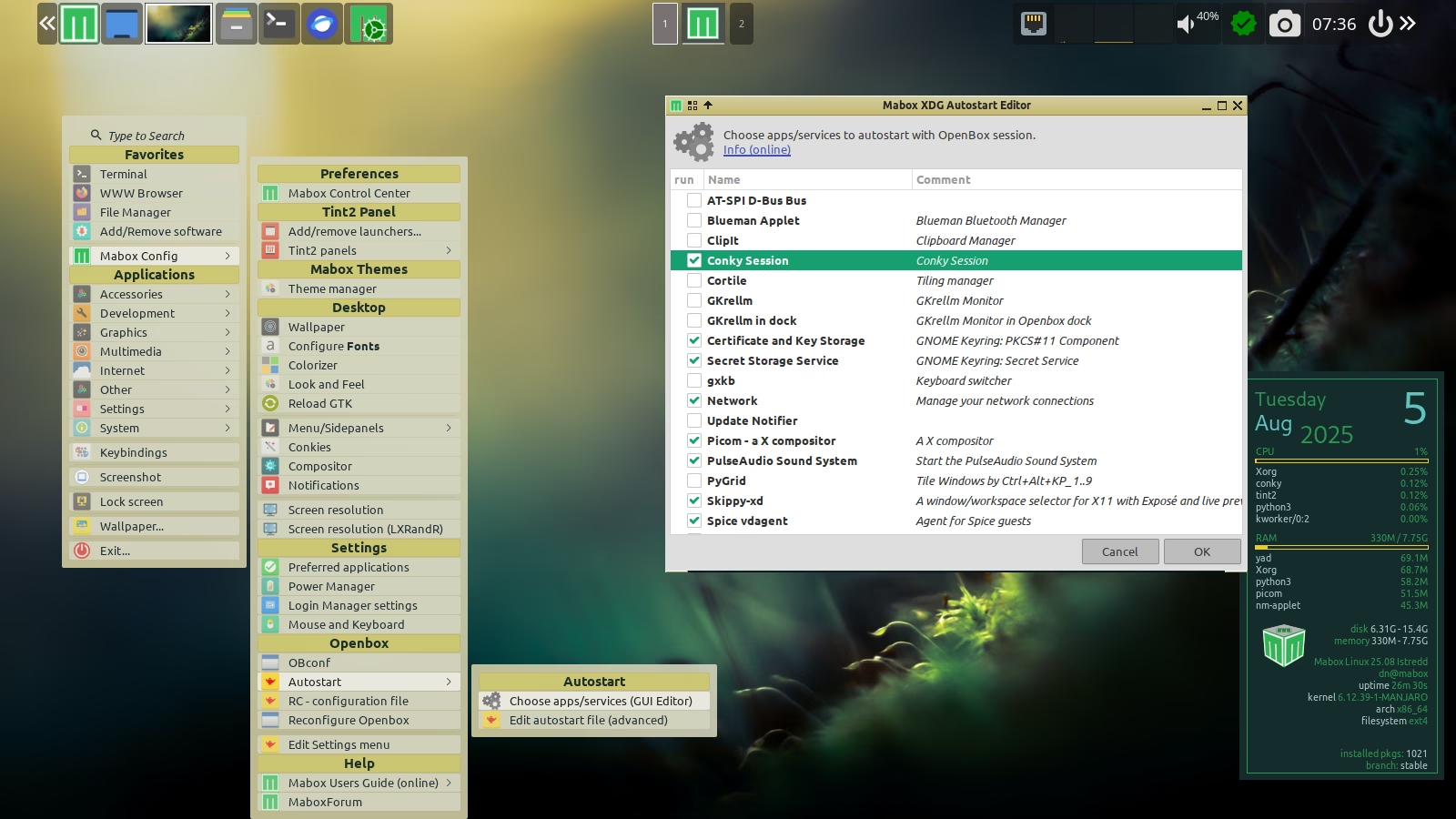
Ensure Conky session is enabled in Autostart…
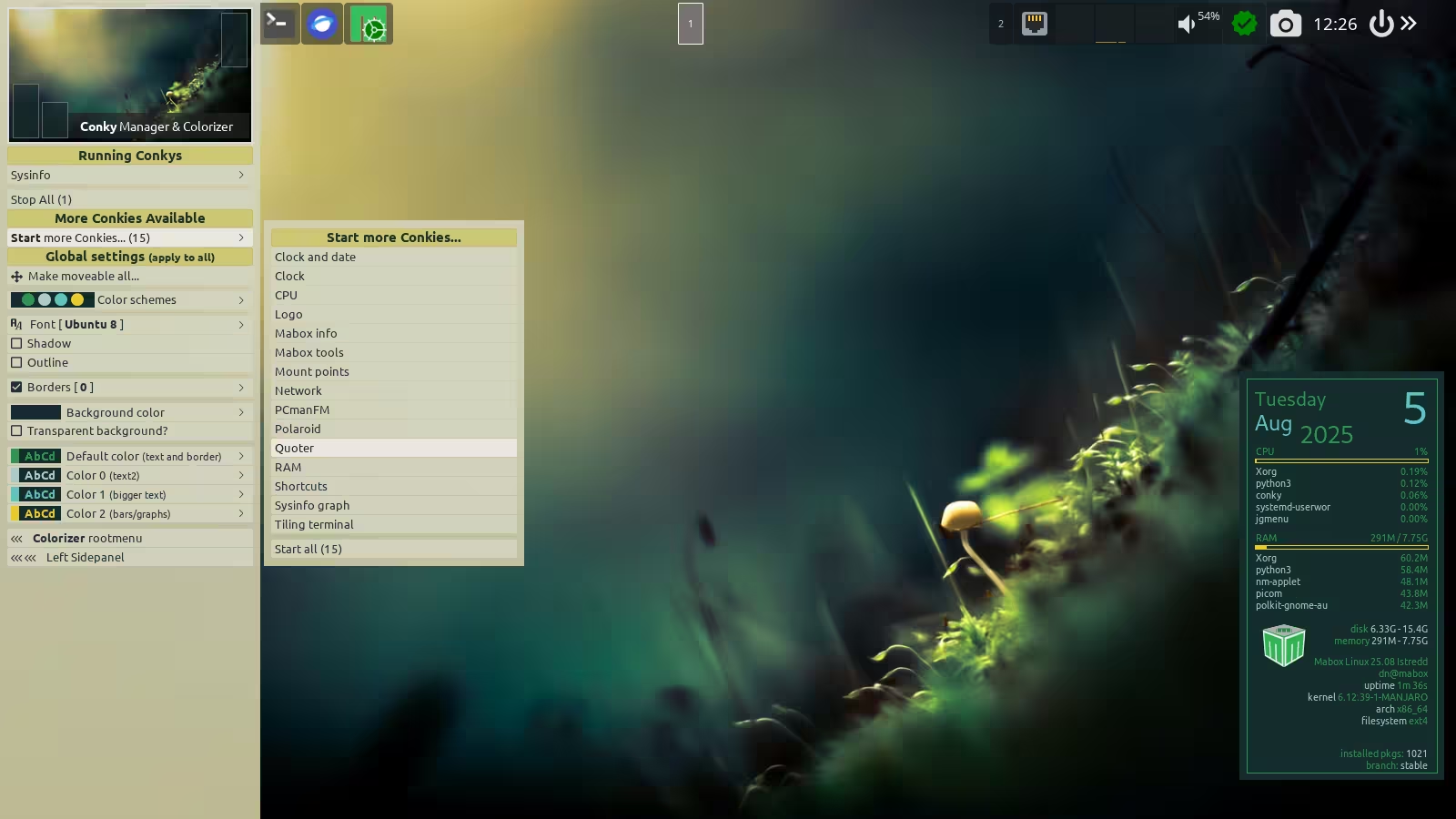
W-leftclick on desktop (left click on desktop while holding super key pressed) will run Conky Manager. You can start some Conkies from there.
Also check which conky version you have installed.
yay -S conky