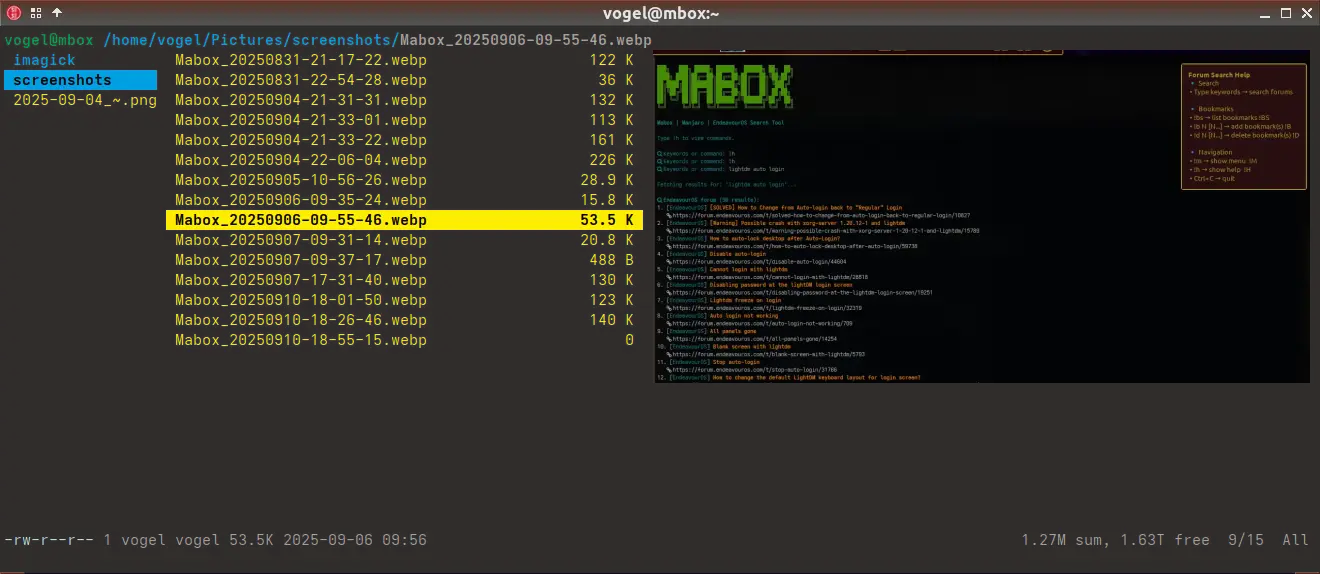
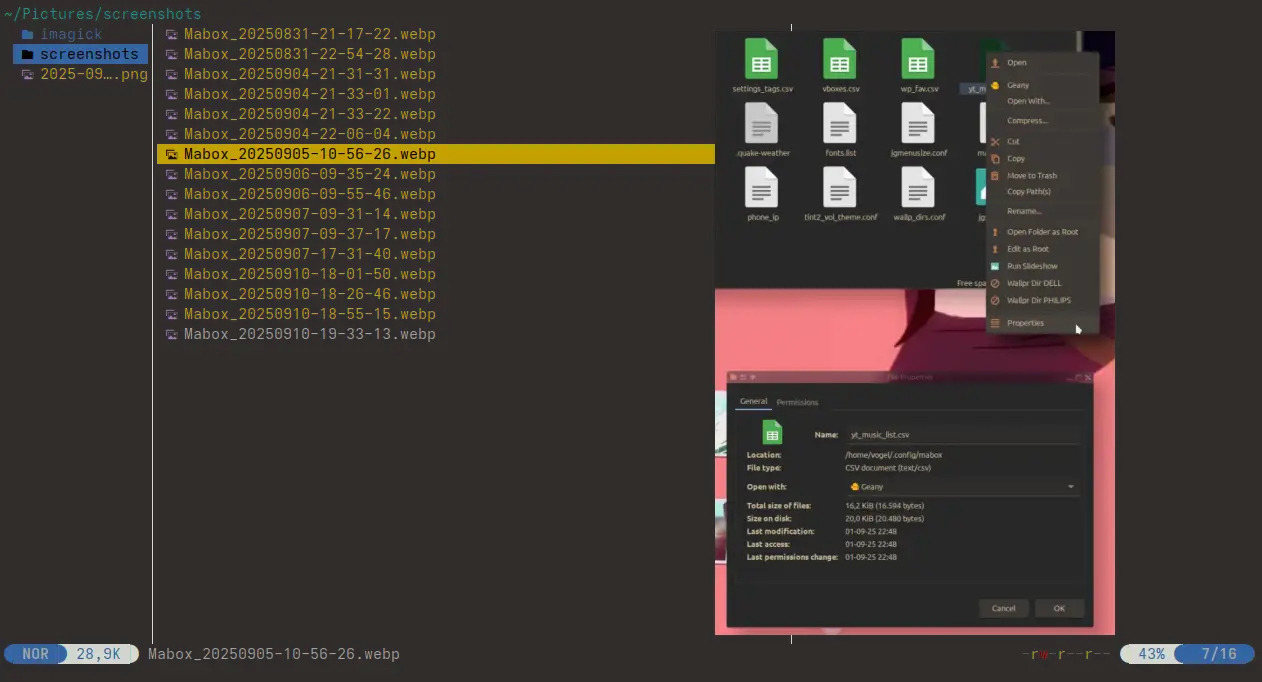
I wanted to install Yazi (terminal file manager) on Mabox Linux.
When I install it, pacman wants to remove ttf-nerd-fonts-symbols-2048-em and replace it with ttf-nerd-fonts-symbols (currently version 3.4.0-1).
If I refuse, Yazi won’t install.
If I accept, Yazi installs and works fine, but some Mabox panel icons become broken/missing, because they rely on glyphs from the 2048-em variant.
So it seems Mabox depends on ttf-nerd-fonts-symbols-2048-em, while newer packages (like Yazi) depend on the consolidated ttf-nerd-fonts-symbols.
My question:
What is the recommended solution for Mabox users?
Should Mabox switch to using glyphs available in the new ttf-nerd-fonts-symbols package?
Or should Mabox ship/maintain the 2048-em variant alongside the new one?
Or is there another workaround?
I’d like to have both Yazi working and Mabox’s panel icons rendering correctly.
The Yazi package has been added to the Mabox repo so you can use both Mabox menus and Yazi with good-looking fonts (glyphicons) at the same time.
So, yes, Yazi from the Mabox repo is recommended.
Yazi should be installed from the Mabox repo by default.
dn@mabox ~ $ yay yazi
4 aur/yazi-git 25.5.31.r36.g8ef28ec-2 (+12 0.78)
    Blazing fast terminal file manager written in Rust, based on async I/O
3 aur/yazi-nightly-bin 25.4.8.20250411.bef4810-1 (+5 0.00)
    💥 Blazing fast terminal file manager written in Rust, based on async I/O.
2 extra/yazi 26.1.22-1 (7.1 MiB 23.2 MiB) (Installed)
    Blazing fast terminal file manager written in Rust, based on async I/O
1 maboxlinux/yazi 25.5.31-3 (5.6 MiB 19.4 MiB) (Installed: 26.1.22-1)
    Blazing fast terminal file manager written in Rust, based on async I/O
==> Packages to install (eg: 1 2 3, 1-3 or ^4)
By the way, I’ve uploaded the latest version to the Mabox repo – 26.1.22.