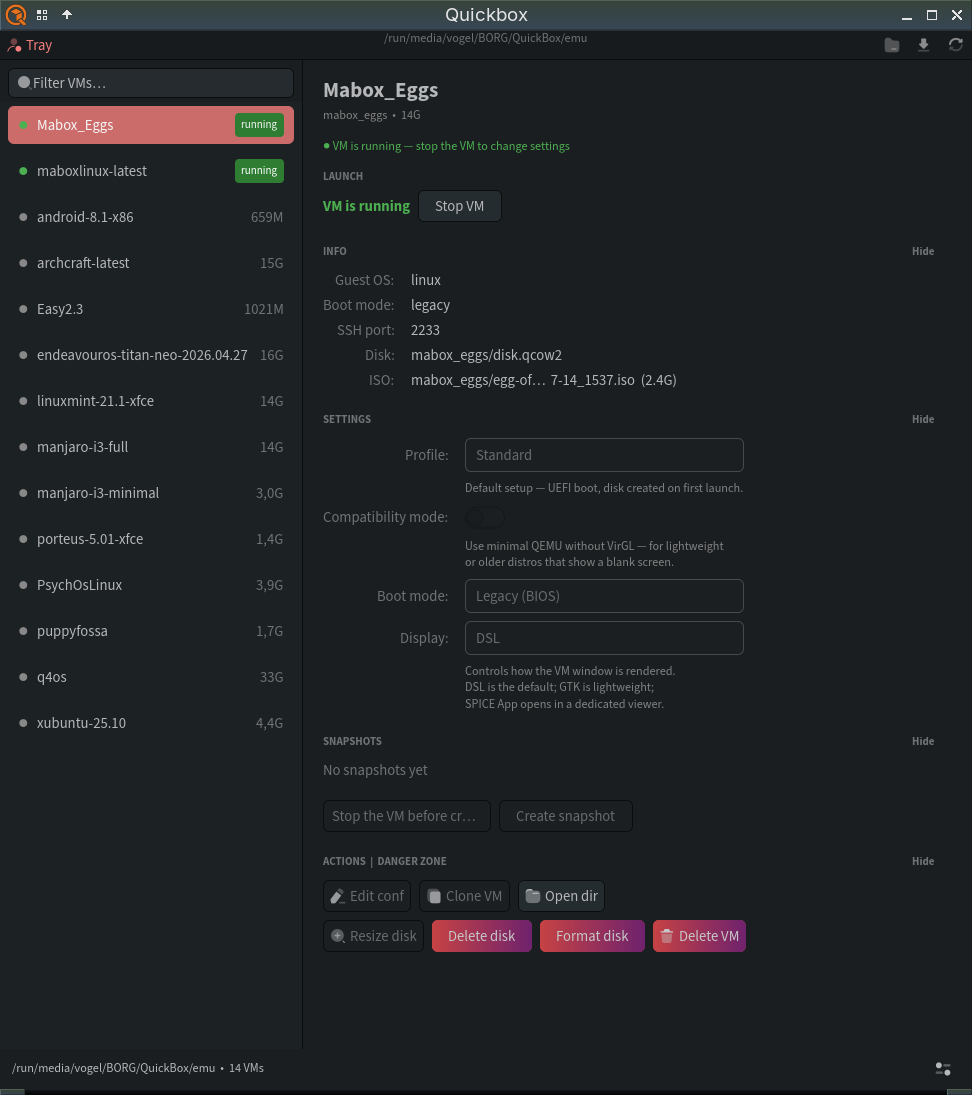
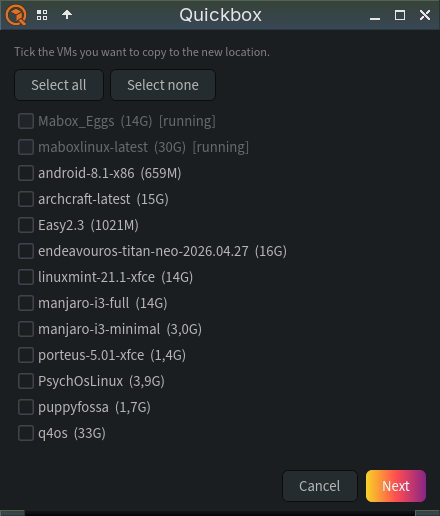
I recently pushed Quickbox to the AUR. It’s a GUI I built after being inspired by @napcok’s quickemu jgmenu version a while back. I’ve been running and testing it for a while, and it’s now ready for the public.
There are two versions — a Qt6 build and a GTK4 build.
yay quickbox
GTK4
Qt6
Disclaimer: developed with care and the assistance of Claude Code.
Quickbox is a lightweight GTK4/QT6 Python GUI frontend for quickemu — the shell-script tool that builds and runs QEMU VMs from a simple config file (OS presets, disk images, virtio drivers, etc.).
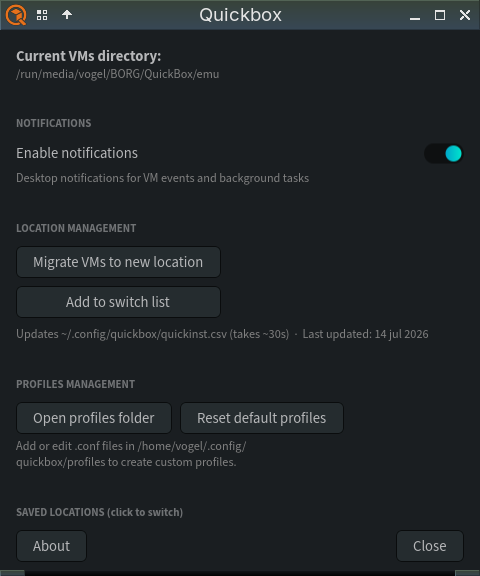
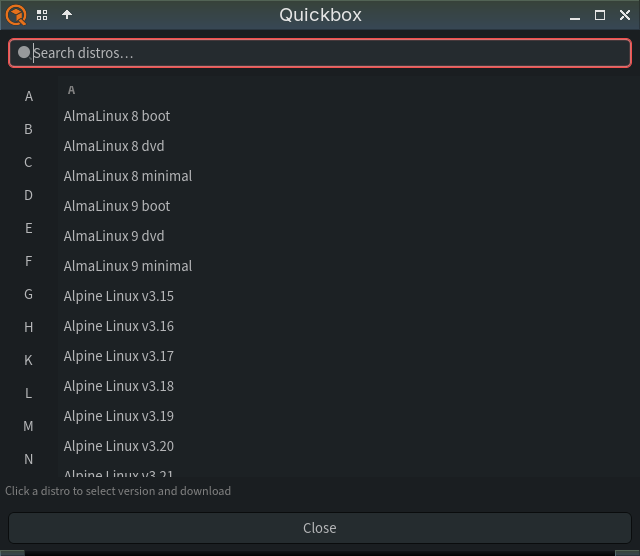
It’s a single-file tool to wrap quickemu with a graphical VM list, download progress, snapshot management, and launch/clone/migrate controls.
Virt-manager is a Red Hat’s general-purpose libvirt GUI. Key differences:
quickbox (GTK4/QT6)
virt-manager
Backend
quickemu (raw QEMU commands via shell scripts)
libvirt daemon (XML-defined domains)
Scope
Minimal, focused on quickemu’s opinionated VM configs
Full-featured: networking, storage pools, snapshots, remote hosts, cloud-init, etc.
Config
Plain .conf files per VM, disk as <name>/disk.qcow2
Virt-manager is the heavier, libvirt-based standard tool most distros ship; quickbox is a much lighter, quickemu-only frontend aimed at people who just want “download an OS, click run” without dealing with libvirt/XML config.
 … This is the gtk6 version