The tint2 panel crashes when using certain applications, such as Remote Desktop Manager or Steam client.
More information is needed…
For now, I’m working on a workaround.
The tint2 panel crashes when using certain applications, such as Remote Desktop Manager or Steam client.
More information is needed…
For now, I’m working on a workaround.
Great.
In my case the tint2 bar has been the same -and no crashes- for years. I do use RDP (xfreerdp3) but from console only. Crashes are random and scarce but only a couple of months ago. 
I will try to write a toggle, as we already have for Conky W-c and for Picom W-p.
It won’t fix tint2 bug, but at last make life a little bit easier 
Script like this may work…
#!/bin/bash

# tint2_toggle

if pgrep -afu $USER "tint2 -c " 2>/dev/null; then
    killall -u $USER tint2
else
    mb-tint2-session
fi
I will test it and probably publish with mabox-tools update later today.
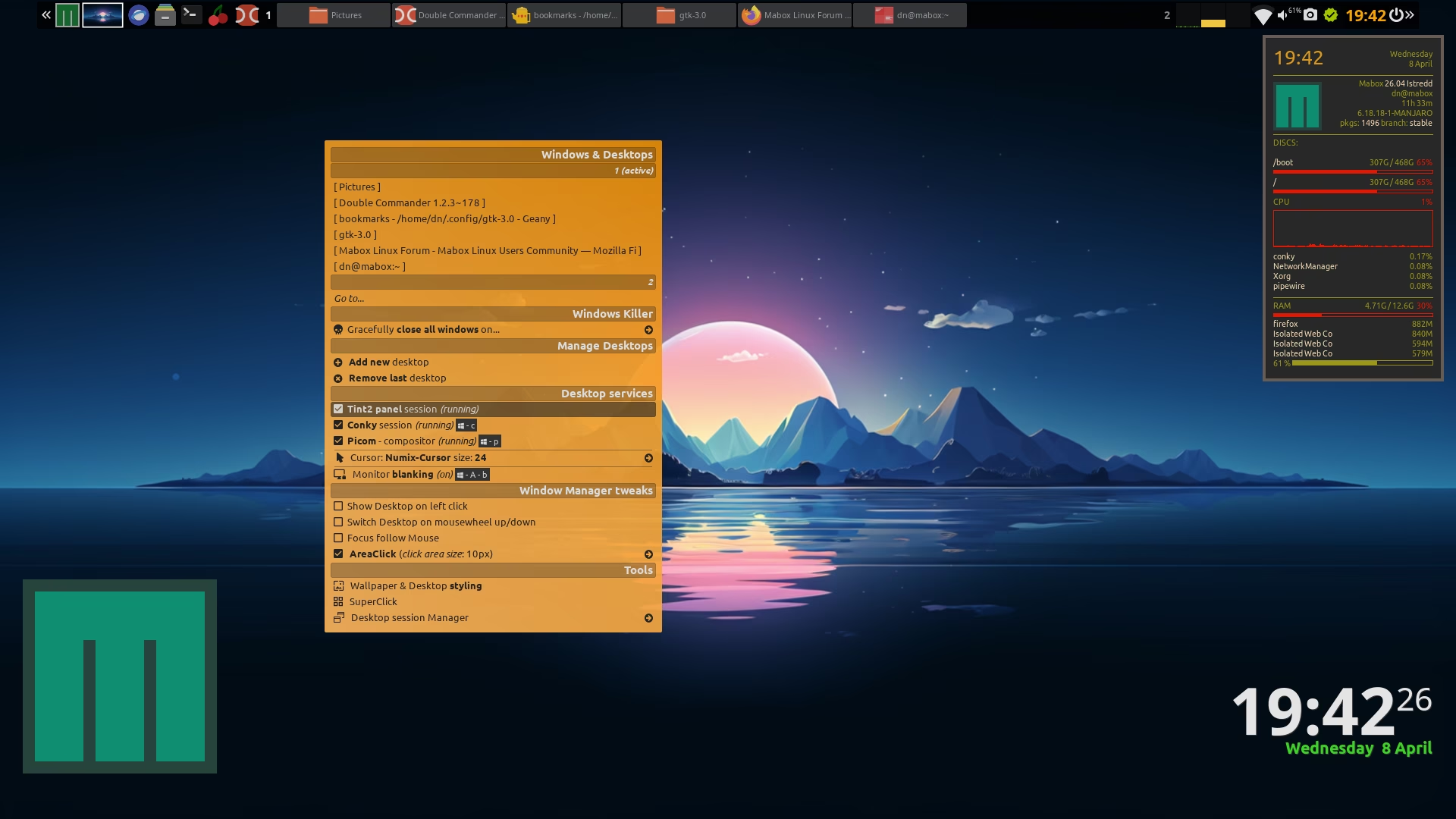
Tint2 can be enabled or disabled from the Windows & Desktops menu, which you open with W-A-d or by clicking on the desktop while holding the Super key.
Hi @napcok and users facing the tint2 issue
I debugged the tint2 systray SEGFAULT issue that users reported. The crash occurred when:
The root cause was in src/systray/systraybar.c:
Two critical bugs:
Missing pointer validation in on_change_systray()
traywin pointer was dereferenced without NULL checksXGetGeometry failure handling
The fix:
traywinwin == None)What’s now fixed:
This is a fork for community testing:
# First uninstall tint2
sudo pacman -R tint2

# clone git + install package
git clone https://gitlab.com/muzlabz/tint2.git
cd tint2
sudo makepkg -si

# Check package info
yay -Qi tint2

# Check install path
which tint2

# To be sure: Reboot system.
reboot system
Very interesting… but:
15:13 $ sudo makepkg -i
==> ERROR: Running makepkg as root is not allowed as it can cause permanent,
catastrophic damage to your system.
✔ ~/tint2 [master|✚ 3…63]
Running without sudo results in CMake errors.
Edit:
Looks like your Gitlab repo is missing whole src directory.
Current PKGBUILD and patches used by Arch Linux.
@muzqs I will try later to cherrypick your patches from Gitlab and build it
Hi @muzqs,
I built tint2 with your patch for the file systraybar.c
It is available here → our repo testing
From my quick tests…
Lutris with systray icon enabled… no crash
Steam … still sometimes crash 
I have only one monitor so not tested other things…
systray.patch
--- tint2-master/src/systray/systraybar.c	2022-01-31 19:01:29.000000000 +0100
+++ Downloads/systraybar.c	2026-04-09 15:40:25.968415056 +0200
@@ -276,6 +276,12 @@
     if (systray.icons_per_column == 0 || systray.icons_per_row == 0)
         return;

+    // SAFETY CHECK: Validate icon_size
+    if (systray.icon_size <= 0) {
+        fprintf(stderr, "tint2: WARNING - Invalid icon_size: %d, using default 24\n", systray.icon_size);
+        systray.icon_size = 24;
+    }
+
     // systray.area.posx/posy are computed by rendering engine.
     // Based on this we calculate the positions of the tray icons.
     Panel *panel = systray.area.panel;
@@ -297,8 +303,21 @@
     for (i = 1, l = systray.list_icons; l; i++, l = l->next) {
         traywin = (TrayWindow *)l->data;

+        // SAFETY: Validate traywin pointer FIRST, before using it
+        if (!traywin) {
+            fprintf(stderr, "tint2: ERROR - NULL traywin in systray list\n");
+            continue;
+        }
+
+        // SAFETY: Validate window handle
+        if (traywin->win == None) {
+            fprintf(stderr, "tint2: ERROR - Invalid window handle in traywin\n");
+            continue;
+        }
+
         traywin->y = posy;
         traywin->x = posx;
+
         if (systray_profile)
             fprintf(stderr,
                     "%s:%d win = %lu (%s), parent = %lu, x = %d, y = %d\n",
@@ -333,7 +352,9 @@
         unsigned int width, height, depth;
         Window root;
         if (!XGetGeometry(server.display, traywin->parent, &root, &xpos, &ypos, &width, &height, &border_width, &depth)) {
+            continue;
             fprintf(stderr, RED "tint2: Couldn't get geometry of window!" RESET "\n");
+            continue;
         }
         if (width != traywin->width || height != traywin->height || xpos != traywin->x || ypos != traywin->y) {
             if (systray_profile)
Workaround for Steam…
Simply do not allow Steam to place icon in system tray.
Edit your tint conf file:
systray_name_filter = steam
Hi,
I noticed in your systraybar.c diff there’s a double continue; at the XGetGeometry check:
if (!XGetGeometry(...)) {
+    continue;        // ← inserted
     fprintf(stderr, ...);
+    continue;        // ← inserted (this would be unreachable)
}
I think you meant just one continue; after fprintf:
if (!XGetGeometry(...)) {
    fprintf(stderr, RED "tint2: Couldn't get geometry of window!" RESET "\n");
    continue;  // Skip this icon and log
}
Also, I’m planning to test the combined fixes together:
Let me know if I got the continue logic right, or if you intended something different.
Hi,
Patch is produced from modified systraybar.c file taken from your Gitlab.
from fix/systray-segfault-validation branch, as master branch does not contain src directory at all.
I didn’t touch source code 
Patch made with diff:
diff -Naru orgin_file modified_file > file.patch
Lutris does not crash panel… so it is already good improvement.
Unfortunately Lutris crashed panel for me just now.
So workaround for Lutris is: to not enable system tray icon in Lutris (by default it is disabled).
For steam:
Do not allow Steam to place icon in system tray.
By directive in tint2 config file:
systray_name_filter = steam
Updated PKGBUILD for tint2
Added new PKBUILD (it uses branch systray-crash)
Fixes: SEGFAULT when RDM/Steam interact with systray on multi-monitor setups
Branch: fix/systray-crash
--- tint2-master/src/systray/systraybar.c	2022-01-31 19:01:29.000000000 +0100
+++ Downloads/systraybar.c	2026-04-09 15:40:25.968415056 +0200
@@ -276,6 +276,12 @@
     if (systray.icons_per_column == 0 || systray.icons_per_row == 0)
         return;

+    // SAFETY CHECK: Validate icon_size
+    if (systray.icon_size <= 0) {
+        fprintf(stderr, "tint2: WARNING - Invalid icon_size: %d, using default 24\n", systray.icon_size);
+        systray.icon_size = 24;
+    }
+
     // systray.area.posx/posy are computed by rendering engine.
     // Based on this we calculate the positions of the tray icons.
     Panel *panel = systray.area.panel;
@@ -297,8 +303,21 @@
     for (i = 1, l = systray.list_icons; l; i++, l = l->next) {
         traywin = (TrayWindow *)l->data;

+        // SAFETY: Validate traywin pointer FIRST, before using it
+        if (!traywin) {
+            fprintf(stderr, "tint2: ERROR - NULL traywin in systray list\n");
+            continue;
+        }
+
+        // SAFETY: Validate window handle
+        if (traywin->win == None) {
+            fprintf(stderr, "tint2: ERROR - Invalid window handle in traywin\n");
+            continue;
+        }
+
         traywin->y = posy;
         traywin->x = posx;
+
         if (systray_profile)
             fprintf(stderr,
                     "%s:%d win = %lu (%s), parent = %lu, x = %d, y = %d\n",
@@ -333,9 +352,8 @@
         unsigned int width, height, depth;
         Window root;
         if (!XGetGeometry(server.display, traywin->parent, &root, &xpos, &ypos, &width, &height, &border_width, &depth)) {
-            continue;
             fprintf(stderr, RED "tint2: Couldn't get geometry of window!" RESET "\n");
-            continue;
+            continue;
         }
         if (width != traywin->width || height != traywin->height || xpos != traywin->x || ypos != traywin->y) {
             if (systray_profile)
Unfortunately, from my tests it seems that these fixes don’t actually solve anything…
I don’t have multi monitors, so I’m only testing with Lutris and Steam… it doesn’t happen every time, but once every 5–10 launches the panel still crashes.
Fortunately, the workarounds work perfectly.
Humm thanks for testing.
It is hard for me to test too as Iam not using any of the applications. I only tested with RDM dragging around RDM window to all virtdesks and displays. It did not crash with the new patch, but other things where happening, i just found out. So back to default tint2.

Hello! I experience that crash myself. the culprit was localsend (GitHub - localsend/localsend: An open-source cross-platform alternative to AirDrop · GitHub). Tint2 disappears just after start that programme, and only with it. Why? I don’t know. For now, just restart session and voilá… because the menu option to restart tint2 also disappears. It is the first crash I see in tint2 in ages… Mabox is Solid!
I checked LocalSend on my workstation and my old laptop (both running Mabox) and so far it works well — no tint2 panel crashes.
BTW, great program!
I’ve added it to the Mabox repo
Very nice indeed. I am used to magic-wormhole but this is much easier.