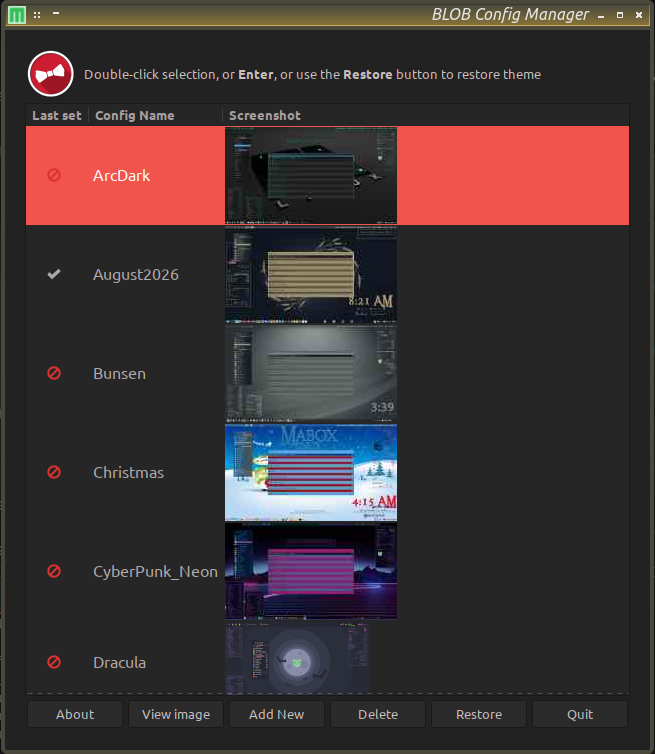
I wrote some logic that allows me to insert a debugging line in existing bash scripting. It’s pretty self explanatory. Using this bit of logic allowed me to trace @napcok’s original ‘mb-obthemes’ scripting logic. Figuring that out, I was able to add my own modifications that allow me to backup/restore my specific ‘polybar’ and ‘rofi’ configurations along with everything else.
#!/bin/bash
#

#### DEBUG LOGGING #####################################################
function debug() {
    [[ $DEBUG_ENABLED -eq 1 ]] || return 0
    printf '[%s] [DEBUG] %s\n' "$(date '+%Y-%m-%d %H:%M:%S')" "$*" | tee -a "$_curlog"
}

function log_header() {
    debug "=========== DEBUG LOG HEADER ==========="
    debug "User: $USER | Home: $HOME | LANG: $LANG"
    debug "Config path: $_curdir"
    debug "Log file: $_curdir/$_curlog"
    debug "========================================"
}
#### END DEBUG LOGGING #################################################

# Variables
_curdir=$PWD
_curlog="logfile.log"
DEBUG_ENABLED=1   # Set to 0 to disable logging

[ -f "$_curdir/$_curlog" ] && rm "$_curdir/$_curlog"
log_header
debug "Just insert a line like this any place in your script"
debug "to get an idea of what is going on in it."
debug "The logfile is regenerated fresh each time through."