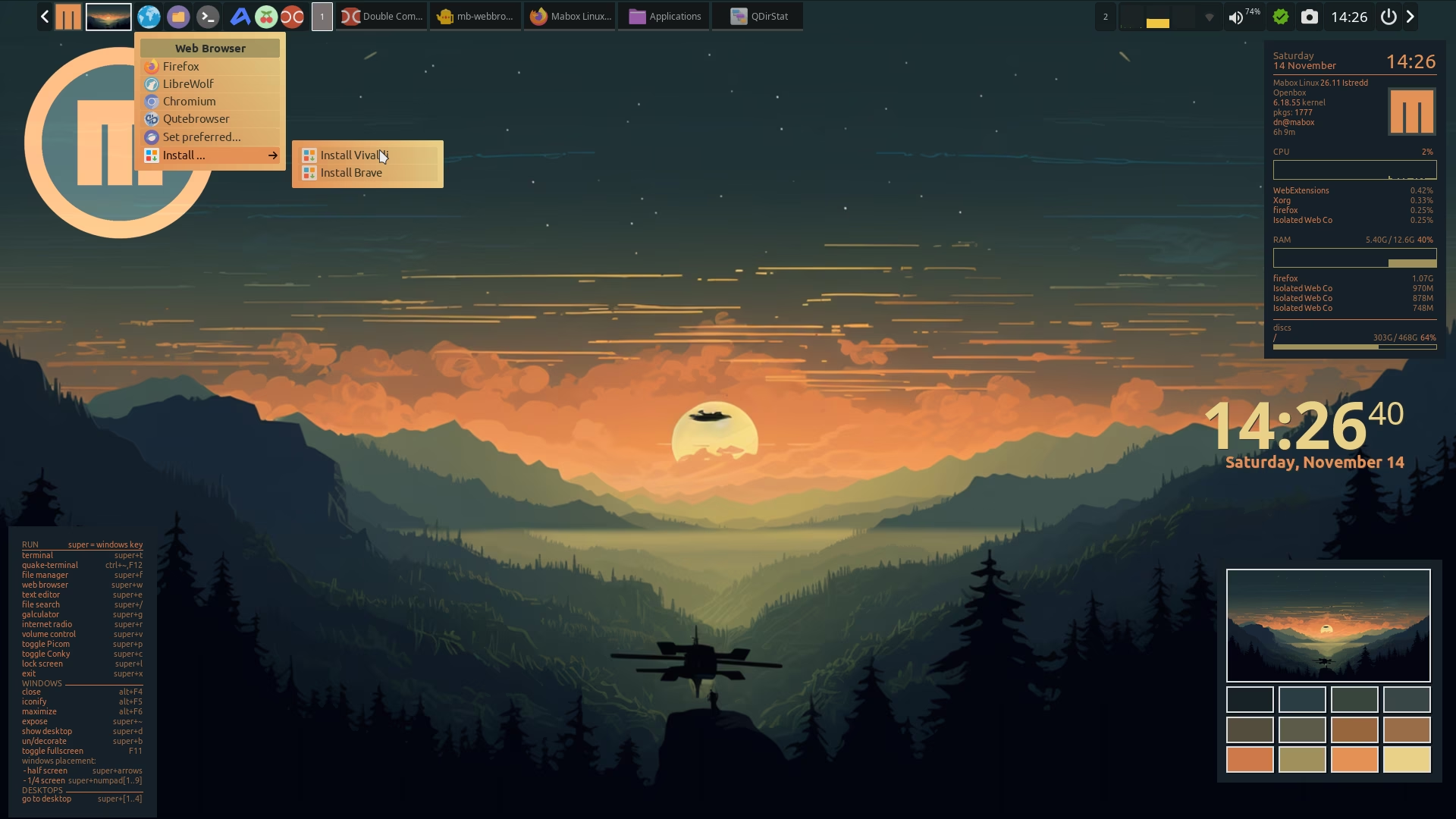
If you right-click in the Web Browser, you have a nice option to install several others.
I noted that it is not working anymore in two different Mabox computers (mine included). Checking the script there is an innocuous pamac-installer failing to install whatever package you pass it as parameter. There is a short window opening/closing very fast where you can’t see any error; with journalctl, also, couldn’t find any related error.
Regards.
napcok
November 4, 2026, 5:48pm
2
Hi,
ps aux | grep polkit-gnome-authentication
It is started by default from ~/.config/openbox/autostart script.
Yes, both are Ok:
 PID %CPU %MEM    VSZ   RSS TTY      STAT START   TIME COMMAND
1140  0.0  0.2 1241448 53804 ?       Sl   nov02   0:00 /usr/lib/polkit-gnome/polkit-gnome-authentication-agent-1
M0nst3r
November 10, 2026, 2:11am
4
@napcok , I think I found the issue.
First, pamac-installer fails (the window open and closes very fast) if:
The package is already installed
The package name is wrong (ie. misspelled) or doesn’t exist.
The package is contained in the AUR repo.
With this knowledge I got back to /usr/bin/mb-webbrowser and found that:
vivaldi : installs fine.palemoon : failed (because it belongs to AUR).brave : failed (misspelled; it should be brave-browser instead at line 48)
out2+=("$INST Brave,pamac-installer brave,package-manager-icon")
qutebrowser : installs fine.Any other package in the official repo: installs fine.
Hope it helps.
napcok
November 10, 2026, 7:55am
5
Thanks a lot @M0nst3r , I will update script soon
M0nst3r
November 12, 2026, 12:01am
6
Thank you.
With today’s update is working fine.
Regards.
napcok
November 14, 2026, 1:29pm
7
I added the option to quickly install LibreWolf to the right-click context menu of the Web Browser icon on the panel.