Hi @muzqs,
this sound quit interesting for me. I have never heard from this distribution and I will try this.
Thank you for this wonderful information.
Bernd…
Hi @muzqs,
this sound quit interesting for me. I have never heard from this distribution and I will try this.
Thank you for this wonderful information.
Bernd…
I tried on an external SSD and as opposed to other distros Makulu is feature-rich (bloated), slow
and not for unexperienced elderly people in my opinion.
I also tried LXDE with openbox under the hood but it is harder to customize than Manjaro MATE
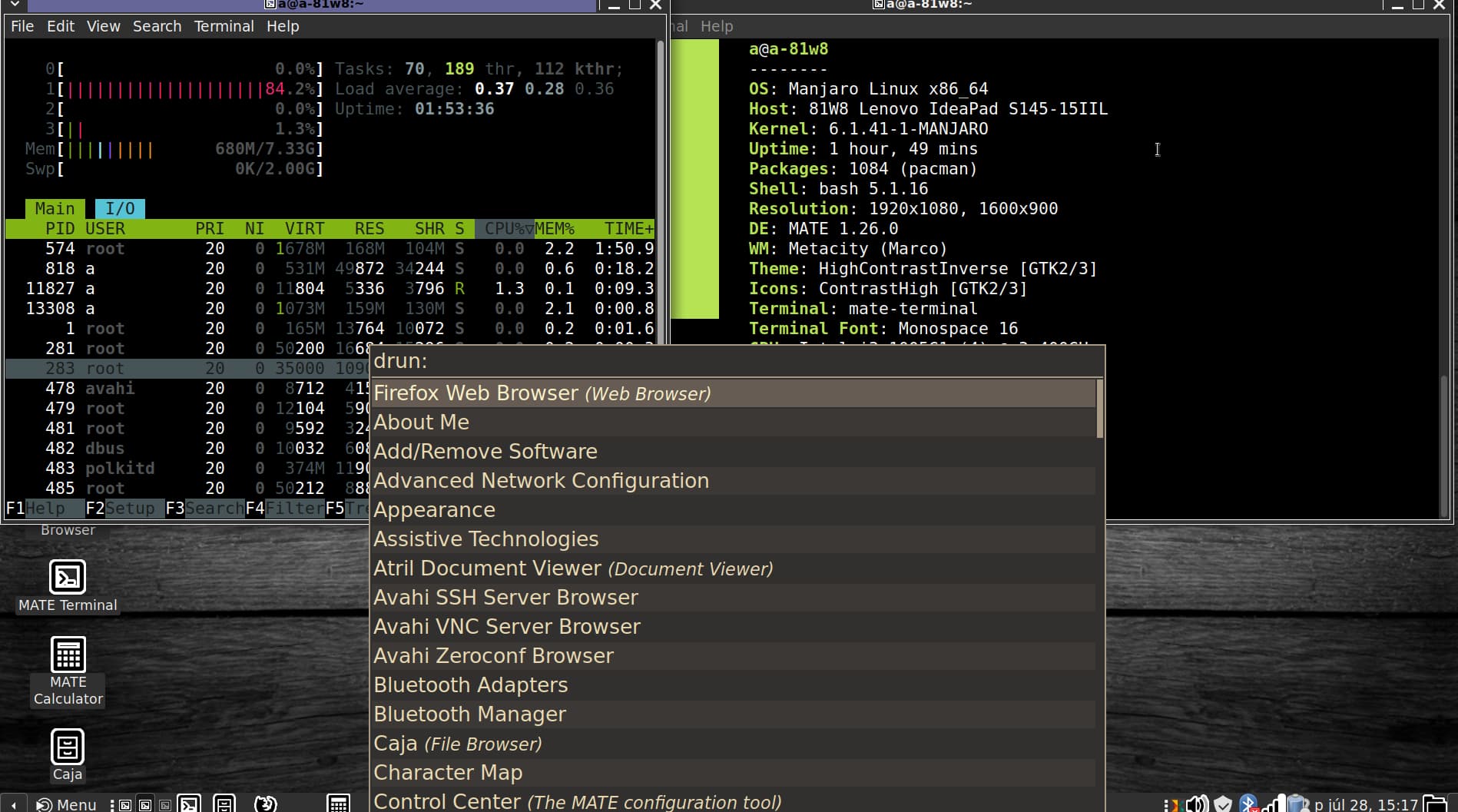
If you make a shortcut to
rofi -show drun -location 6 -font "Hack 20"
or sg similar, the most frequent applications can be easily selected without mouse-clicking.
I suppose the elderly user will not get lost and does not want to ruin the system with unknown programs.
magnus is also very usable and simple tool to magnify a part of the screen.
Maybe you are right that it is not for beginners. Find it hard to judge.
I ran it installed from a 3.0 samsung usb. The experience didn’t detract from other distros in my opinion.
After that I installed it on an old Akoya laptop ssd 2 core and it runs like a charm.
I do get a bit annoyed about the wobbly though.
There are definitely better distros , this one suddenly caught my eye now and got impressed.
More of an experiment perhaps than a serious choice.
I tried the Eye-Able extension and found it not useful for my needs. The extension interface it to expansive and it offers too much options for specific needs. Better solution is to have system wide solution for screen reading of you want it, for example. On top of it you are closed in by the firm that provides the extension (monthly fees). I don’t like that.
About what distro is best for elderly people, you have to specify a certain skill level for each new client. I find “intuitive” design in Android or Ios sometimes mind boggling. People who have been using an old Windows desktop may not even be happy when confronted with Windows 11. Skill levels are notraised by the new interdaces but lowered, see for exammple the new contextmenu win Windows exporer 11.
Working with old hardhware, I think openbox is hard to beat. With some tweaking it can be very user friendly. For instance a limited number of keyboard short cults for starting applications. And tint2 with the basic apps in the launcher section. And use big enough fonts.
The biggest problem with Arch Linux will be the updating process, but when using the Manjaro branch with its own upgating mecahnism, not much can go wong.
Hi, I like your venture to help older people, in a way I agree with Napcok that it is not for beginners although I am one. The good thing about Mabox is that if you are not going to touch the settings and you are going to use it as a common user, it is very good for that! If you need to update, Mabox lets you know when to do it and with the 2 options it gives you, it is easy to update, then send an email, listen to music, write a text in a word processor, in short, the usual tasks of any user are done in an efficient and simple way. If you would like to play with the settings, well, it’s a great exercise to keep the mind active and there is a lot of information plus the Forum plus the Telegram group. I also tried Antix, it’s lighter than Mabox and I agree that it’s not pleasant to use, I wouldn’t rule it out if the machine is very low on resources. So far, I think Mabox wins in all areas: It consumes few resources, it is pleasant to use, it solves updates very well, there is good help and you solved the issue of the size of the buttons, Napcok is now pushing it from the development and it is going very well, in short, congratulations for what you are doing.